
Delivery document: finished. Trailer walkaround: still pending. Parked time: twelve minutes. Dispatch callbacks waiting: three. The truck has stopped, but the next unsafe choice has not disappeared; it has only changed shape.
A smartwatch for truck drivers calling feature should be tested inside verified parked callback windows, not during motion, stopped traffic, shoulder uncertainty, or route restart pressure. The useful question is not whether the watch can show a caller. The useful question is whether the driver can return the right dispatch calls, capture the follow-up, and restart the route without carrying the call task back into motion.
For a hypothetical regional flatbed truck driver near Joplin, Missouri, the Parked Dispatch Callback Board turns one limited break window into a controlled communication plan. Dispatch markers enter the board, priority slots sort them, time fences keep the window from disappearing, follow-up notes preserve the action, and the Route Restart Checklist closes the board before the next driving block begins.
Open the Parked Window Before Opening the Call Queue
The board cannot begin with the caller. It begins with the parked window.
A valid callback window must be stationary, permitted, outside the driving task, outside stopped traffic, and separate from maneuvering, loading, unloading, securing cargo, or preparing to re-enter traffic. It must also leave enough time for the call, the follow-up note, and the route restart sequence.
Moving-State Answer breaks the board before the first callback. It happens when the driver treats dispatch urgency as permission to interact while moving, waiting in traffic, rolling through a yard, or handling a vehicle task that still demands full attention.
The parked board assumes the safer boundary has already been established. Drivers comparing the parent safety issue should confirm the call waits until a verified parked state. Article 267 begins after that condition exists.
Board note: Does stopped traffic count?
No. Stopped traffic is not a parked callback window. The board opens only when the driver has reached a verified safe parked period where communication is permitted and the driving task has fully paused.
Place Dispatch Markers Without Calling Back Yet
An incoming dispatch call is not the same as a callback decision. The driver first places each missed or deferred contact on the board.
Each Incoming Dispatch Marker records:
- When the call appeared
- Caller category, without naming a real dispatcher
- Likely route impact
- Likely follow-up need
- Whether the call can wait
- Whether a phone, dispatch system, or written record may be needed after parking
This pause matters because arrival order can mislead the driver. The first missed call may be a low-impact check-in. The second may affect the next route decision. The third may require a document note before the truck moves again.
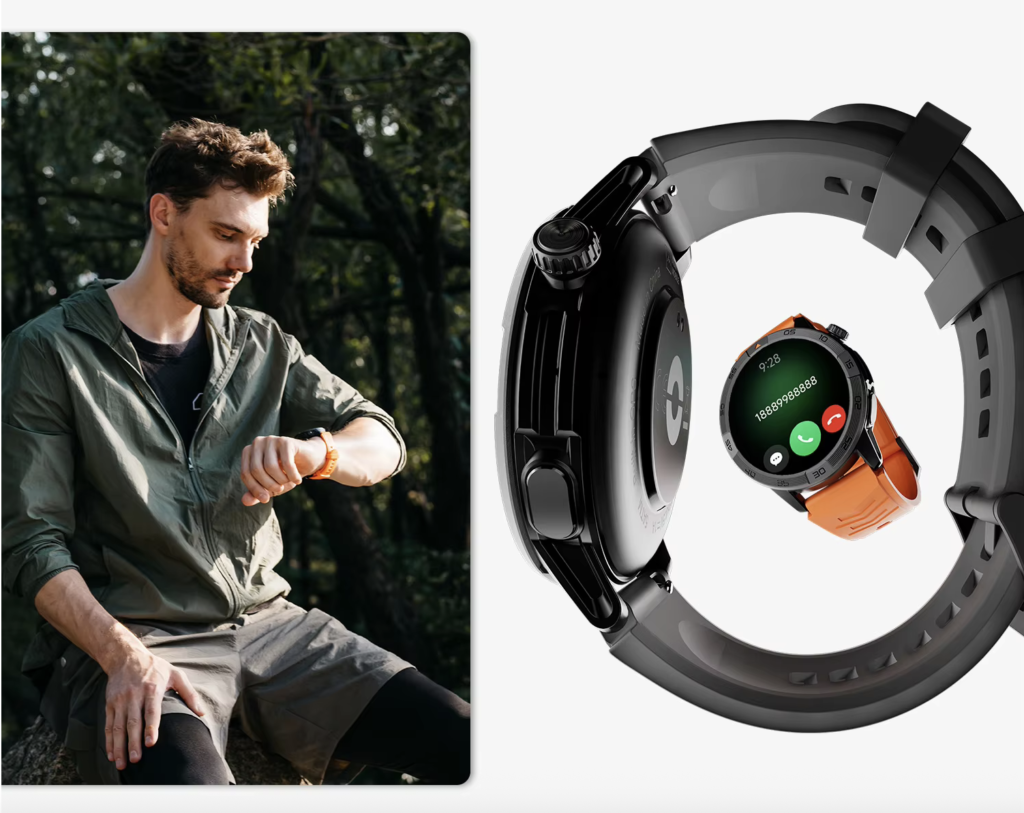
The watch helps only if it supports the board instead of pressuring the driver to respond immediately. A caller name, vibration, or notification remains a marker until the parked window can handle it safely.
Board note: Should dispatch calls wait until parking?
Yes. Dispatch calls should become callback items for verified parked periods. A short call does not belong in motion simply because the watch makes it easy to notice.
Sort the Three Joplin Callback Slots
Once the parked window opens, the board sorts the callbacks before any number is returned.
Three slots keep the driver from treating every dispatch item as equally urgent:
Slot A: Route-Impact Callback
This call may affect whether the driver should restart the route now, adjust the next stop, clarify timing, or hold before leaving. It receives the first active slot because it can change the next driving decision.
Slot B: Load-Follow-Up Callback
This call may require a note, document check, or approved system update after parking. It does not automatically outrank the route-impact call, but it needs space before the route restart sequence begins.
Slot C: Deferrable Callback
This call can move to a later parked window without affecting the immediate route restart. The board protects the driver from spending the limited window on the least important call first.
Dispatch Urgency Pressure appears when all callbacks feel immediate. The driver abandons the board, answers in the wrong state, or lets one call consume the whole parked period. Priority slots reduce that pressure by making the next action visible before the call begins.
Truck-specific communication can easily overlap with battery planning, but this article owns callback handling rather than runtime. Drivers comparing a different decision can separate parked callback handling from truck-driver battery planning.
Put a Time Fence Around Every Callback
A parked window can disappear one friendly dispatch conversation at a time.
The Call-Duration Limit gives each callback a boundary before dialing begins. The limit should leave room for the follow-up note, unresolved-call decision, personal break boundary when relevant, and the Route Restart Checklist.
The board does not need one universal minute rule. A quick confirmation may take less time than a callback that changes the next step. The key is to assign the limit before the conversation expands.
Rest-Window Erosion happens when callbacks consume so much parked time that the driver loses the restart sequence, skips the follow-up note, or carries unresolved dispatch pressure into the next driving block.
Use the limit to decide what belongs in this window:
- Call now and close the item
- Call now and create a follow-up note
- Move the item to the next parked window
- Use the phone or approved system after parking
- Defer because the window cannot protect the restart checklist
Board note: How long should a parked call last?
Long enough to complete the specific dispatch purpose, short enough to preserve the follow-up note and route restart. The board should not invent a universal call length.
Capture the Follow-Up Before the Next Call
Callback stacking creates a different risk. The first call ends, the second starts, and the action from the first call fades before the driver records it.
The Follow-Up Note Field captures only what must survive the call:
- Next action
- Responsible party
- Time or condition attached to the action
- Whether an approved record, phone entry, route note, or dispatch system update is required
- Whether another parked window is needed
The watch does not replace dispatch systems, route notes, delivery paperwork, bills of lading, employer systems, ELD records, phone records, logs, or legal documents. A wrist call may help start or return a conversation, but required records still belong in approved places.
Drivers working long days may feel pressure to compress every message into one break. That is a different problem from the calling feature itself. For broader communication load, readers can compare parked callbacks with long workday communication pressure.
Board note: Can a watch replace route notes?
No. A watch can support a short parked callback, but official notes, dispatch updates, records, route documents, and employer-required systems still control the real workflow.
Close the Callback Queue Before Restarting the Route
The board must close before the route restarts. A driver who finishes the final call but leaves a follow-up unresolved has not completed the parked callback window.
Close the queue by marking:
- Completed callbacks
- Deferred callbacks
- Phone-required items
- Approved-system follow-ups
- Unresolved dispatch questions
- Items moved to the next parked window
Route Restart Loss occurs when the driver finishes a dispatch call but resumes the route without restoring the next stop, paperwork, follow-up action, navigation context, device state, and full driving attention.
A callback is not complete just because the call disconnected. It is complete only when the driver preserves the follow-up and can restart without carrying a call task into motion.
Run the Route Restart Checklist After the Final Call
The Route Restart Checklist protects the next driving block from leftover communication work.
Before motion returns, the driver checks:
- All calls have ended
- The watch and phone are no longer being handled
- Follow-up notes are preserved in the appropriate place
- The next route step is restored
- Delivery documents are secured
- Required route, dispatch, or navigation information has been reviewed while parked
- Cab, load-related, or employer-required restart items have been handled according to procedure
- Unresolved calls have moved to a later parked window
- Full attention has returned to driving
This article does not provide legal, regulatory, hours-of-service, or compliance advice. It gives a decision structure for keeping callbacks out of motion and protecting the restart sequence.
| Restart field | Status |
|---|---|
| Callback queue closed | Yes or No |
| Follow-up captured | Yes or No |
| Next route step restored | Yes or No |
| Device interaction ended | Yes or No |
| Documentation secured | Yes or No |
| Unresolved dispatch item deferred | Yes or No |
| Ready to drive without call task | Yes or No |
Any “No” sends the driver back to the parked board. The next unresolved call waits for another verified parked window.
Stamp the Parked Dispatch Callback Board
The board receives one final stamp after the restart checklist is complete.
Parked Dispatch Fit
Use this stamp when callbacks occur only inside verified parked windows, priority order is clear, calls stay inside their time fences, follow-up notes are preserved, the restart checklist passes, and no phone retrieval is needed for the short callback workflow.
Callback Window Only
Choose this stamp when the watch helps inside parked periods but strict boundaries remain necessary. Some calls may need deferral, and any motion-state interaction remains rejected.
Phone Used After Parking
Apply this result when the watch helps identify or begin the callback need, but the driver still needs the phone, dispatch system, or approved written record after parking. The workflow may still be safe if phone use stays inside the parked window.
Calling Feature Rejected
Use this stamp when the feature encourages motion-state interaction, calls overrun the parked window, follow-up notes disappear, the restart checklist fails, or the driver cannot complete the workflow without unsafe interaction.
No dispatch urgency overrides the board. The feature earns value only when it keeps communication inside parked windows and closes before driving resumes.
A Dispatch Call Is Not Finished Until the Route Can Restart
Read the board from right to left. Did the Route Restart Checklist pass? Was the follow-up note preserved? Did each callback stay inside its time fence? Were the calls sorted by route impact instead of urgency pressure? Most importantly, did every dispatch callback occur inside a verified parked window?
The calling feature fits a truck route only when dispatch communication ends before motion returns and the route restart checklist is complete.
Before judging the watch, mark real parked windows, list dispatch callback types, assign priority slots, set call-duration limits, reserve follow-up-note space, and reject stopped-traffic interaction. Use the completed board to compare this watch with your parked dispatch board rather than judging the calling feature from a caller notification alone.