
Forty-five seconds on the recovery timer. Phone zipped in the locker. Chalk still on the fingers. Then the wrist vibrates.
That tiny pause is where smartwatch for gym calls without phone becomes a workout-flow decision, not a tap-anywhere promise. The call may matter, but the set, climb, machine, or movement path still owns the moment until the body stops and the break is clearly open.
At a climbing gym in Boulder, Colorado, a membership coordinator may squeeze in a short workout between desk coverage and member questions. The phone stays stored, the watch stays on the wrist, and the next decision is not “Can it answer?” It is “Does this exact recovery break deserve the call?”
The Set-Break Call Window protects that answer. Active movement stays call-free. A stationary recovery period gets declared. The caller is filtered. Locker distance gets tested. A call cap protects the break. A resume cue brings the user back to the workout before movement starts again.
Why U.S. Gym Calls Need Recovery Windows, Not Movement Promises
Many American gym users store phones in lockers, bags, cubbies, or shelves because they do not want a phone bouncing around during exercise. That choice can make a watch feel useful, especially when a call appears while the phone sits across the room.
The gym changes the calling question. A call during a commute, office walk, or delivery stop already has its own timing problem. Inside a workout, movement itself becomes the boundary. Lifting, climbing, rowing, cycling, running, jumping, or carrying weights leaves little room for caller attention.
Active-Movement Answer happens when the user responds because the watch is easier to reach than the phone. The wrist may be close, but the body may still be under load, on a wall, moving through equipment, or standing where other people need space.
That is why gym calling needs recovery windows. The watch can help the user notice a call, but the call belongs only after the movement block ends and a stable break begins.
This exercise-specific rule differs from broader hands-free routines. Readers comparing ordinary daily communication can separate gym recovery windows from everyday hands-free moments. Article 271 stays inside the workout timeline.
Build the Boulder Workout Timeline Before Checking the Caller
A good gym-call test begins before the first vibration. Draw the workout line first.
| Workout moment | Call status | Best action |
|---|---|---|
| Climbing, lifting, running, rowing, cycling, or moving | Closed | Defer |
| Standing in an equipment path | Closed | Move clear first |
| Stationary recovery | Possible | Apply the caller filter |
| Phone too far from locker | Failed | Retrieve later if needed |
| Timer almost finished | Failed | Defer |
| Resume cue preserved | Passed | Short priority call may fit |
The climbing-gym membership coordinator does not answer because the wrist vibrates. First comes the workout state. If the user is still under a wall, holding gear, adjusting equipment, supervising a climb, or blocking a path, the window remains closed.
The Set-Break Call Window opens only when the user is stationary, stable, clear of equipment, and able to return attention before the next set or climb begins. A break that looks free from the outside may still fail if the timer is nearly gone or the next movement cue is unclear.
Active-Movement No-Call Zone in American Gyms
The Active-Movement No-Call Zone covers every moment when the body is doing the workout rather than recovering from it.
That includes:
- Climbing or bouldering
- Belaying, spotting, or supervising movement
- Lifting weights
- Running on a treadmill
- Cycling, rowing, or using cardio machines
- Jumping, carrying weights, or moving through crowded areas
- Adjusting equipment before a set
- Standing under a climbing wall or near active equipment
A call is not hands-free when the conversation divides attention during active movement. The user may not be holding the phone, yet the call can still pull attention away from movement, equipment, gym traffic, or the next safety cue.
The same logic applies to quick replies. A short tap, voice answer, or caller glance still belongs outside active movement. Facility rules, staff instructions, coaching guidance, climbing systems, and personal judgment always come before the watch.
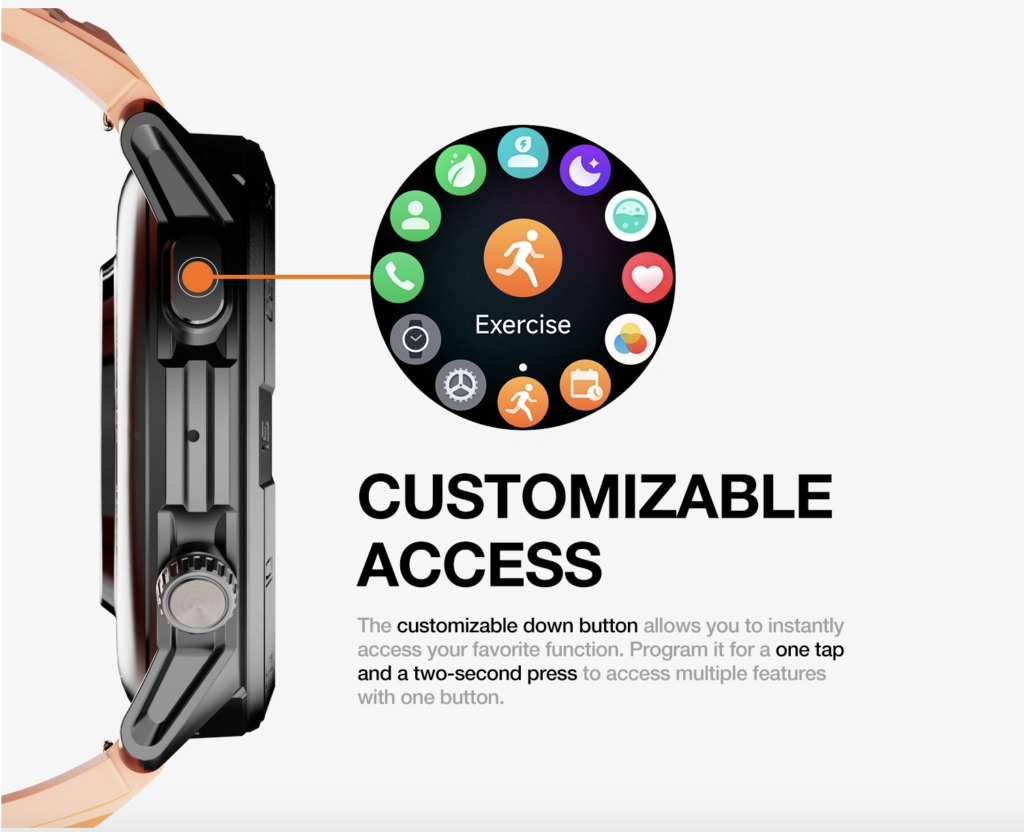
Workout note: Can a watch call happen during climbing?
No. Climbing, bouldering, belaying, spotting, standing under a wall, or moving through climbing areas stays inside the Active-Movement No-Call Zone.
Open the Set-Break Window Only After the Body Stops
A set break is not just a pause. It needs a declared start and a clean place to stand or sit.
The Set-Break Window Card should confirm:
- The recovery timer has started.
- The user is stationary.
- The user is clear of equipment and climbing traffic.
- No one else is blocked.
- The user is not belaying, spotting, loading plates, or preparing to move.
- Breathing and attention allow a normal brief call.
- Enough time remains for the call cap and resume cue.
Only then does the call become eligible. A pause while holding dumbbells, waiting beneath a wall, straddling a machine, or stepping through a crowded training area does not open the window.
Workout note: Can calls happen between sets?
Yes, but the words “between sets” need proof. The user must be stationary, clear of equipment, and inside a declared recovery window that leaves time to end the call before movement resumes.
Check Locker Distance Before Trusting Phone-Free Calling
“Without phone” sounds simple until the phone sits inside a locker row behind a wall, door, crowd, or equipment area.
Locker distance needs a test. The exact phone, watch, locker location, gym layout, settings, and obstacles can all affect whether a call reaches the wrist. The user should verify this during a low-pressure workout instead of assuming the connection will hold when a priority call arrives.
Locker-Range Assumption appears when the workout plan depends on an untested phone location. The watch may vibrate near one wall and fail near another. It may handle alerts but not calls. Missing that difference turns a workflow test into guesswork.
This article treats locker range as a gym-flow checkpoint, not a general Bluetooth diagnosis. Readers comparing a different phone-stowed calling problem can separate locker-based gym calls from a full phone-stowed call loop.
Workout note: Does the phone stay connected from a locker?
Not automatically. The only reliable answer comes from testing the exact phone, watch, locker distance, gym layout, obstacles, and settings.
Filter Priority Callers Before Spending a Recovery Break
Every vibration should not spend the break.
The Priority Caller Filter protects the short recovery period from becoming an open phone session. Caller ID may help, but it does not make a call worth answering by itself. The user still decides whether this caller deserves the current set break.
| Caller type | Break-window action |
|---|---|
| Urgent family contact | Consider only if the window is valid |
| Work or gym-related priority caller | Answer only when the break can hold it |
| Low-priority social call | Defer |
| Unknown caller | Usually defer unless the user has a clear reason |
| Long-conversation caller | Defer or retrieve the phone later |
The filter belongs before the call, not after the workout has already been interrupted. If a call needs the phone, a quieter place, a long discussion, or a written follow-up, it probably does not belong inside a 45-second recovery timer.
Call notice and safe handling are different decisions. A user trying to solve missed alerts can separate call notice from safe gym handling.
Cap the Call Before the Recovery Timer Disappears
The timer started for recovery, not conversation.
A short call may fit inside a set break when the user knows the caller, knows the reason, and can finish before movement resumes. A long call can cool the workout, block equipment, erase the next set plan, or create an awkward pause in a shared gym space.
Break Overrun happens when the call outgrows the break. The user meant to answer quickly, but the conversation runs past the timer. The next set gets delayed, the plan gets fuzzy, and the phone-free convenience becomes the workout’s main interruption.
The Call-Duration Cap prevents that drift. It can be a mental cap, a recovery timer, or a firm rule: if the call cannot fit the current break, it waits.
Workout note: Should long calls be accepted during a workout?
No. Long calls usually belong outside the workout flow, not inside a short recovery timer.
Preserve the Resume Cue Before Movement Starts Again
The call does not end the workflow. The resume cue does.
A Resume Cue tells the user what happens next before active movement returns. It may be the next set number, next climb attempt, next exercise, weight setting, rest-timer finish, water break, equipment reset, or clear return path.
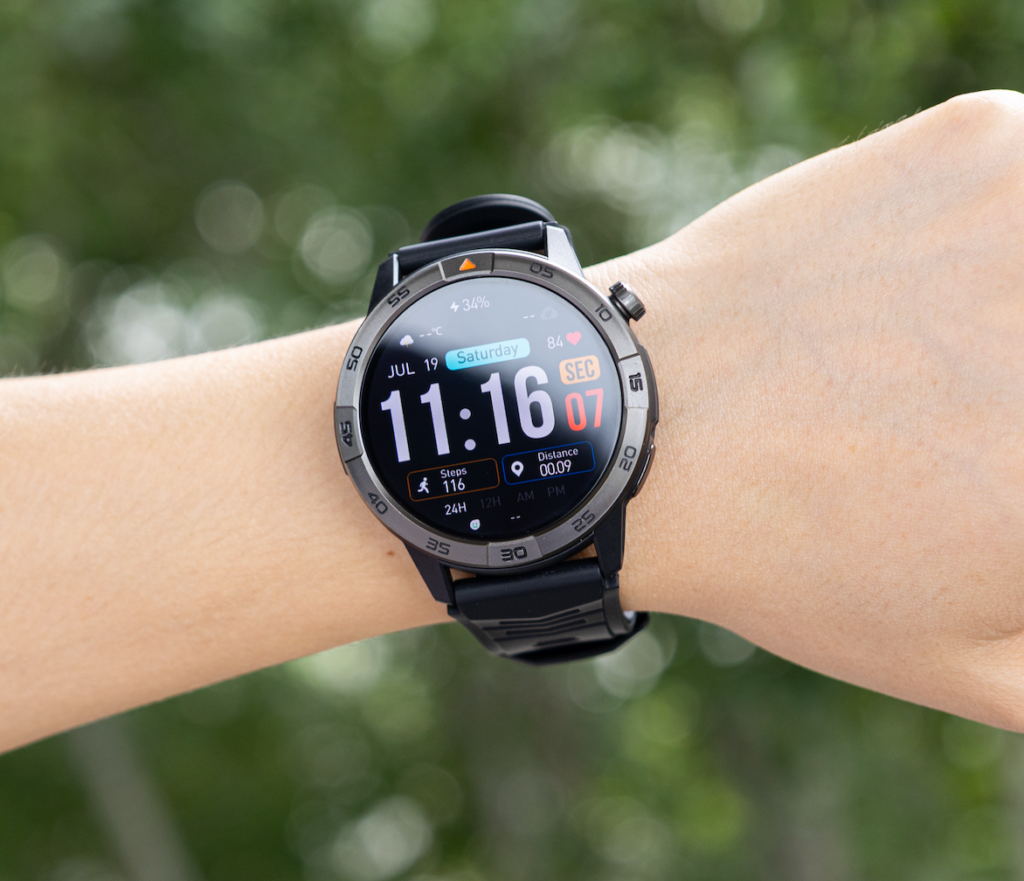
Resume-Cue Loss appears when the user ends the call but loses the next workout step. The call was short, yet the user returns to movement distracted, stands in the way, forgets the plan, or starts too quickly without full attention.
Set-break calling works only when the user can close the call, regain the cue, and return to exercise deliberately. The watch helps most when it leaves the workout cleaner than it found it.
Commuters use stationary gates for walking and transit states. Gym users use recovery windows inside a workout. Readers comparing those two timing models can compare gym breaks with commute stationary gates.
Workout-Flow Results for U.S. Gym Calling
The finished workout flow earns one of four results.
Break-Window Fit
Use this result when active movement stays call-free, the phone storage distance works during testing, the caller filter selects only priority calls, the call duration stays inside the break, and the resume cue survives.
One Phone Retrieval Needed
Choose this result when the watch alerts the user, the call matters, but locker range or call control fails. Retrieving the phone after movement ends may protect the workout better than forcing a wrist call.
Workout Flow Disrupted
Use this result when calls overrun recovery, the user loses the resume cue, equipment timing breaks, or calls become the main interruption of the workout.
Unsafe Call Timing
Apply this result when calls happen during movement, spill into climbing, lifting, machines, or crowded paths, or happen because the watch feels convenient instead of because the set-break window is valid.
Set-Break Notes: Questions Gym Users Ask Before Answering
Can calls happen between sets?
Only after the user is stationary, clear of equipment, and inside a declared recovery window. The timer must leave enough room for a brief call and a clean return to movement.
Does the phone stay connected from a locker?
Not automatically. Test the exact phone, watch, locker distance, obstacles, gym layout, and settings before relying on locker-based calls.
Should long calls be accepted during a workout?
No. Long calls usually belong outside the workout flow. A set break is too short for conversations that need time, privacy, phone access, or follow-up.
Can a watch call during climbing?
No. Climbing, bouldering, belaying, spotting, standing under a wall, or moving through climbing areas remains call-free.
Is a smartwatch call better than carrying the phone?
It can reduce phone handling only when calls stay inside valid recovery windows and the phone storage distance works. Otherwise, the call waits or the phone gets retrieved after movement ends.
The Gym Call Belongs Between Sets, Not Inside the Set
Read the workout line before trusting the call. Has active movement fully stopped? Is the user stationary and clear of equipment? Does the locker connection work? Is the caller worth this break? Can the call stay inside the cap? Will the resume cue survive?
The watch earns gym-call convenience only when the call fits the break, the phone stays stored, and the next movement starts with full attention restored.
Do not start with the call button. Start with the timer. Mark the active set, the stationary recovery, the locker-distance check, the priority caller, the call cap, and the resume cue; then compare this watch with your set-break call window before letting any wrist vibration interrupt the workout.