
One cue sheet. Eighteen wrist vibrations. Only a few of them could change what happened onstage.
For an illustrative live-theater stage manager in Richmond, Virginia, that rehearsal block exposes a contradiction. The phone stays out of sight, yet its demands keep arriving through a smaller screen. A smartwatch for people who hate phone interruptions can fail its purpose when every app, group chat, retail update, and reaction is mirrored onto the wrist.
The useful question is not how many notifications a watch can display. It is which alerts deserve admission. An Interruption Admission Filter places every alert outside the wrist boundary, admits only information that can change the next safe action, preserves narrow priority exceptions, and leaves the rest on the phone for a planned check.
Moving the Phone Away Does Not Create a Quiet Wrist
Phone avoidance, hands-free access, and interruption control are different outcomes. A watch may reduce the number of times someone reaches into a pocket while increasing the number of moments when attention is pulled away from work.
That distinction matters during a rehearsal. A vibration can interrupt cue preparation even when the wearer never opens the alert. Repeated low-value signals can also make an important alert harder to distinguish from ordinary noise.
This page therefore does not measure convenience by the number of phone reaches removed. Readers evaluating that neighboring benefit can separate hands-free access from a quieter attention load. Here, the watch succeeds only when it protects essential awareness without becoming a second interruption surface.
Exact control depends on the phone, operating system, watch, companion app, permissions, and active focus settings. The admission method comes before those controls: decide what deserves wrist access, and only then verify whether the intended device combination can enforce that boundary.
Put Every Alert Outside the Richmond Rehearsal Boundary
The common mistake is to begin with everything enabled and gradually mute whatever becomes annoying. That gives every app temporary access to the wearer’s attention and makes interruption the default.
The Interruption Admission Filter reverses the burden. Every notification begins outside the wrist boundary. An alert source must earn admission by showing what information it carries, how quickly that information loses value, and which action it can change.
Imagine the eighteen-alert queue waiting outside the rehearsal floor. It might contain:
- An assistant stage manager reporting that the Scene 6 transition must be held.
- A house manager noting an audience-access issue that needs a later decision.
- Cast-group acknowledgments and reaction messages.
- A retailer’s shipping update.
- A general news headline.
- Social-platform reactions.
- A personal group conversation with no time-sensitive request.
Those alerts should not be judged by app name alone. One messaging app may carry both the transition warning and casual replies. Admitting the entire app creates an oversized gate.
Each alert category needs a compact evidence label:
- Source: Who or what generated it?
- Information: What does it actually communicate?
- Time decay: What is lost if it waits until the next phone check?
- Action effect: Which next action could change?
- Safe response point: When can the wearer read or act without compromising the current task?
This is not a notification-settings tutorial. It is the reasoning that prevents a settings menu from becoming a random collection of toggles. Reducing phone checks is also a separate problem; another page can measure unnecessary phone openings as a distinct workflow cost.
The Admission Membrane Tests Whether the Next Action Changes
At the center of the three-lane gate is an admission membrane. It does not ask whether an alert is interesting, personally important, or convenient to see. It asks whether the alert deserves to interrupt this activity now.
Action change
An alert earns serious consideration when it alters the wearer’s next safe action. The Scene 6 transition message qualifies because the stage manager may need to hold a cue, confer with the assistant stage manager, or change the next rehearsal instruction.
By contrast, a shipping update may matter later without changing anything on the rehearsal floor. Importance alone is not admission. The message must affect what the wearer needs to do before the next planned phone check.
Time decay
Information has different useful lifespans. A transition warning may become useless after the cue passes. An audience-access note might remain useful until the next scheduled pause. A retail delivery notice can usually wait longer.
No universal minute threshold should be invented. The correct delay depends on the work, the sender, and the consequence of waiting. The practical question is simple: would the information lose decision value before the wearer can safely check the phone?
Source confidence
A communication app is only a container. Priority belongs to a defined source and situation.
The assistant stage manager, technical director, or house manager may have a legitimate reason to cross the rehearsal boundary. One designated family emergency contact may also require a narrow exception. The same privilege does not automatically extend to every participant, channel, or unknown sender using the same app.
Redundancy cost
An alert should remain outside when the phone can hold it without harming the current decision. Group-chat reactions, engagement prompts, duplicated calendar reminders, general headlines, and promotional notices often add awareness without adding a necessary action.
Blocking wrist delivery does not always mean deleting the phone notification. Depending on the device and operating system, the item may remain available for the next planned phone review. Buyers should verify that behavior rather than assume it.
Route Each Alert Through Admit, Glance, or Block
Admit: the next safe action changes
The Admit lane is narrow. An alert belongs here when a trusted source sends time-sensitive information that changes a concrete action before the next phone checkpoint.
“Hold the Scene 6 transition until the revised spike mark is confirmed.”
That message can affect the next cue. Wrist admission may therefore be justified, provided the stage manager can notice it without being encouraged to interact during an unsafe or attention-critical moment.
Admission does not create permission to read, tap, answer, or dismiss immediately. If the wearer is near moving scenery, handling equipment, working from a ladder, or executing a safety-critical cue, the alert waits until an appropriate stationary point.
Glance: awareness helps, but action can wait
The Glance lane is for information that improves situational awareness without requiring an immediate response. A house manager’s note about an audience-access issue might belong here when the stage manager should know about it before the next production discussion but does not need to change the current cue sequence.
This lane only works when it creates less interruption than Admit. If glance-only items use the same vibration, screen behavior, and urgency signal as action-changing alerts, they capture the same attention. In that configuration, Glance has become a second Admit lane and should be narrowed or closed.
Silent delivery can still interrupt when the display lights up repeatedly or the wearer develops a habit of checking every visible card. A glance alert must therefore earn its place through useful awareness, not merely through the absence of sound.
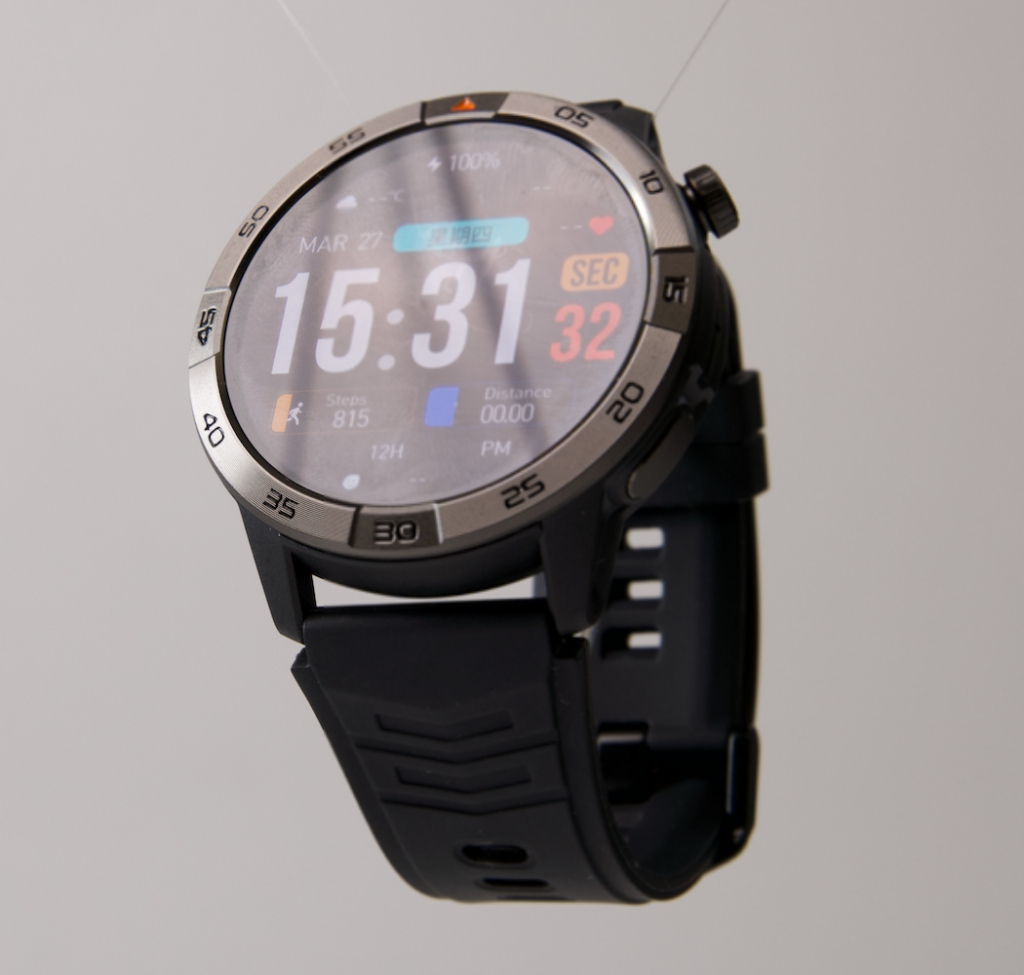
Block: no present action changes
The Block lane protects the rehearsal from information that can wait. Likely candidates include:
- Social reactions and engagement prompts.
- Retail promotions and routine shipping notices.
- General news alerts.
- Cast-group chatter without a direct request.
- Repeated acknowledgments after the necessary decision is already clear.
- Duplicate reminders already captured elsewhere.
- Personal conversations that do not require an immediate response.
“Block” describes the wrist boundary, not the value of the sender or the permanent fate of the message. The information may remain available on the phone, where it can be reviewed during a deliberate pause.
Notification count alone is a weak comparison unit. Five unnecessary vibrations can be more disruptive than a larger set of silent items waiting on the phone. The stronger measure is a net interruption balance: priority alerts admitted and low-value interruptions successfully excluded. Both sides must be visible; one should not hide failure in the other.
Give Priority Contacts a Tunnel, Not an Open Gate
A narrow exception tunnel protects important people and events without admitting an entire app. For the Richmond stage manager, possible exceptions might include the assistant stage manager, technical director, house manager, and one designated family emergency contact.
Each exception should answer five questions:
- Whose identity earns the exception?
- What type of situation justifies it?
- How quickly would the information lose value?
- Where is the next safe response point?
- Does the exception apply continuously or only during a defined rehearsal period?
Missed-call risk belongs inside this boundary decision. Blocking interruption overload by hiding every call is not a successful result. The wearer still needs to determine which callers require wrist notice, whether caller identification remains visible, how unknown numbers are treated, and whether the call can wait until the next safe pause.
That question should not be confused with troubleshooting a delivery failure. A related guide can diagnose why a required work call was missed. The present filter works one step earlier: it decides whether the caller should receive wrist access at all.
App-wide priority should be treated cautiously. When one critical contact and twenty low-value participants share the same messaging service, admitting the whole app weakens the boundary. Contact-level or event-level controls are preferable when the intended phone-watch combination genuinely supports them.
Use One Quiet Rehearsal as a Whole-Boundary Proof
A single normal rehearsal can test the completed perimeter without turning the article into a chronological diary. The goal is not to count what happened at the beginning, middle, and end. It is to inspect the entire boundary under realistic pressure.
Priority capture
Did every action-changing alert reach the wrist? Could the wearer identify the source? Was the information available before its value expired? Could any necessary response wait for a safe stationary point?
Interruption leakage
Which blocked categories still vibrated, lit the screen, or appeared through a duplicate service? Did casual group traffic enter through an exception intended for one person? Did calendar, email, and messaging apps repeat the same information?
False blocking
Did a necessary call or transition message remain outside? Was an exception too narrow, or did a connection, permission, focus mode, or companion-app setting interfere?
Attention pressure
Did the wearer feel pushed to inspect the watch while preparing a cue, moving near equipment, or supervising a physical transition? Were glance alerts distinguishable from urgent admissions?
The Richmond stage manager is an illustrative user, not a documented customer test. No result, interruption reduction, or product performance should be invented. The rehearsal simply provides a realistic environment for exposing admission leaks and false blocks.
Issue the Interruption Admission Verdict
Quiet Floor Preserved
Required, action-changing alerts reach the wrist. Low-value notifications remain outside. Priority calls are protected, and the watch does not pressure the wearer to interact during unsafe or attention-critical work.
Exception-Only Fit
The watch is useful only when a few named contacts or events receive access. Broad app mirroring stays disabled. That narrow result is acceptable when it protects the real communication need.
Admission Leak
Unnecessary alerts keep entering through oversized app permissions, duplicate services, or exceptions that cover too many senders. The boundary needs tightening before the watch can reduce interruption.
Wrist Mirror Failure
Avoiding missed essentials requires nearly every phone alert to be enabled on the watch. The device reproduces the phone’s interruption burden on a second screen and fails this specific purpose, even if its notification delivery works correctly.
Verify the Filter on the Exact Phone-and-Watch Combination
A buyer should confirm the boundary using the actual phone model, operating-system version, watch, and companion app intended for daily use. Notification behavior can vary across combinations and configurations.
Verify:
- Per-app notification control.
- Named-contact or caller exceptions.
- Focus or do-not-disturb behavior.
- Caller identification.
- Differences among vibration or urgency signals.
- Whether blocked wrist alerts remain available on the phone.
- Bluetooth, Wi-Fi, cellular, or app-permission dependencies.
- What happens when the watch disconnects and reconnects.
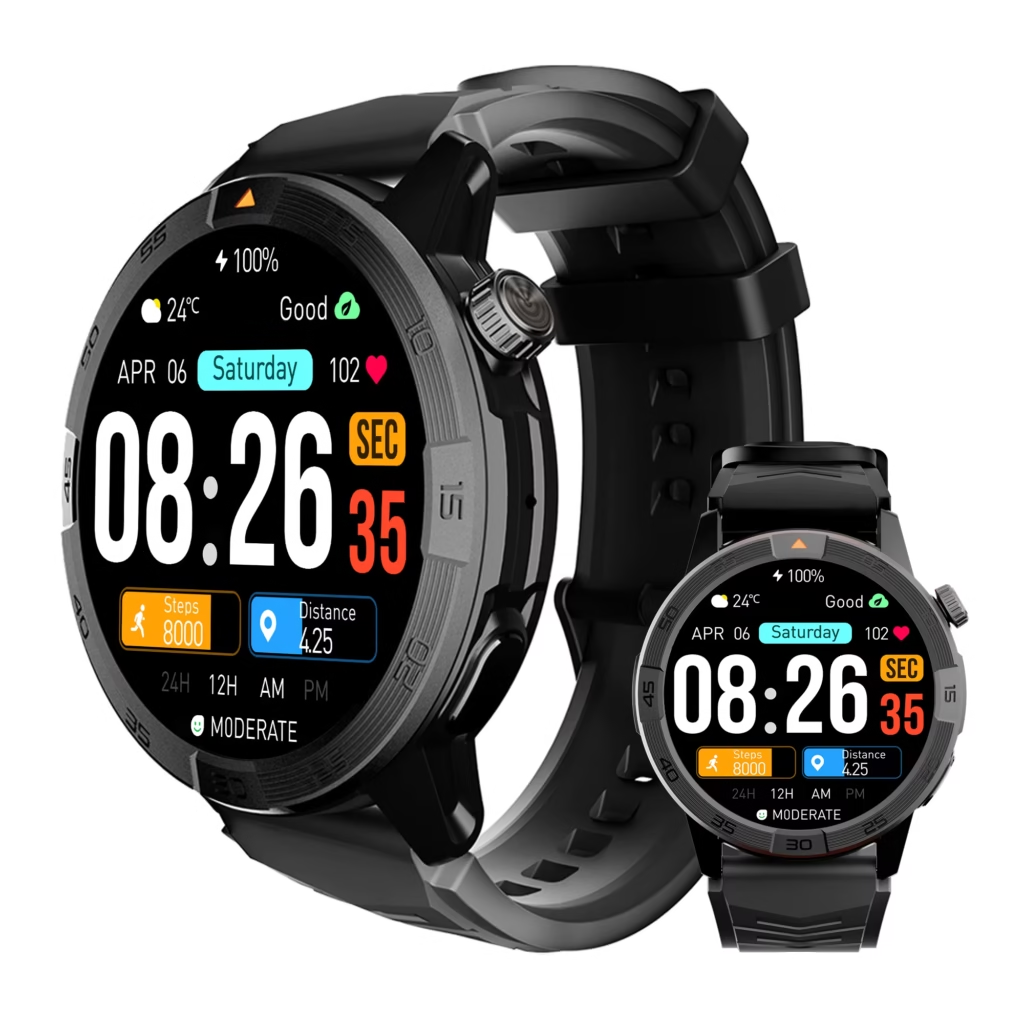
Do not assume that a product render or promotional claim proves this control. Manufacturer-stated capabilities should be checked against the intended configuration. U.S. buyers should also inspect the current seller’s compatibility, support, return, and warranty terms without relying on an unverified period or policy.
Frequently Asked Questions
Can a smartwatch reduce interruptions while phone notifications stay enabled?
Potentially, yes. Wrist admission and phone retention can be separate decisions. Some combinations allow an alert to remain on the phone without producing a watch notification. Exact behavior depends on the operating system, watch, app permissions, and active focus settings, so it must be verified on the intended setup.
Should every phone call be admitted to the wrist?
No. Call admission should depend on caller identity, time sensitivity, the consequence of waiting, and the next safe response point. A narrow list of priority callers may protect the real need better than allowing every call to interrupt the wearer.
Is the Glance lane just a silent version of allowing everything?
It should not be. A Glance alert still needs decision value. If it lights the screen repeatedly, uses the same vibration as an urgent alert, or encourages constant checking, it creates almost the same interruption as Admit. Low-value information should remain in Block.
What if the watch cannot create narrow contact exceptions?
The user may need to admit or block an entire app, rely on a broader phone focus mode, keep calls on the phone, or reject that watch for this specific purpose. The correct verdict depends on whether the remaining configuration protects essential alerts without reopening the full interruption stream.
How many notifications should be blocked?
There is no universal target. Block alerts that do not change the next safe action and do not lose meaningful value before the next planned phone check. The decision is based on attention cost and action relevance, not on reaching an arbitrary notification count.
Can the watch be used immediately when an important alert arrives?
Not always. An important alert may deserve admission while interaction still waits. During ladder use, equipment handling, movement near scenery, tool use, or a safety-critical cue, attention and grip remain with the task. Reading, tapping, calling, or replying moves to a safe stationary point.
Eighteen Alerts Do Not Need Eighteen Admissions
The stage manager does not need to become faster at dismissing the rehearsal’s eighteen alerts. Most of them should never cross the wrist boundary.
Admit information that changes the next safe action. Preserve narrow exceptions for priority people and events. Keep Glance meaningfully quieter than Admit. Leave promotional, social, repetitive, and non-urgent information on the phone until a planned check.
A smartwatch reduces interruption only when it controls access to attention. Moving every phone demand onto the wrist changes the screen, not the problem.
Replay the Alert Queue Before Buying
Reconstruct the eighteen-alert queue from one demanding work block. Mark the few alerts that changed the next safe action, identify the narrowest exceptions that protect them, and reject any setup that must mirror everything to avoid missing those essentials. Before deciding, inspect the wrist-admission controls against that exact boundary.