
The 2:00 p.m. lender call ends at 2:00 p.m. The next briefing has already begun. For a commercial real-estate closing coordinator in Scottsdale, Arizona, a smartwatch for professionals always busy becomes useful only if that shared boundary already shows the next place, person, or action.
There is no white space for opening the phone, searching a calendar note, or checking who owns the next conversation. The No-Buffer Schedule Handoff tests whether the watch makes the next commitment operationally clear at the exact seam between two appointments.
The watch does not need to display the entire day. It needs to surface the minimum Boundary Packet required for the next safe action without leaving the previous appointment on top or sending the user to a second screen.
Busy-Schedule Advice Often Invents White Space
Many busy-work routines assume a transition that the calendar never provided. One call ends, the user opens the phone, reviews the next event, searches for a room or link, and then moves into the following appointment. That sequence may sound efficient, but it depends on a hidden buffer.
A true zero-gap handoff removes that assumption. The coordinator cannot count on an extra minute for browsing. The location, participant, or first action must already be positioned where the two commitments touch.
This page does not rearrange appointments, compress a schedule, or recommend adding more preparation time. A broader article can compare a full busy schedule with one touching appointment seam. Here, the evidence is narrower: can one required detail cross from the calendar into view at the boundary?
That distinction matters because a watch may show that another meeting exists without making the transition usable. “Briefing at 2:00” confirms the time. It may still hide the room, the participant, the joining method, or the first document needed.
Place Two Scottsdale Commitments Against the Same Boundary
The No-Buffer Schedule Handoff uses only two adjacent appointments. Keeping the test small prevents the article from becoming a day-long schedule diary.
- Closing commitment: a lender coordination call ending at 2:00 p.m.
- Entering commitment: a briefing with a title-company representative beginning at 2:00 p.m.
Both examples are illustrative. They do not describe a customer, a documented transaction, or a universal commercial real-estate procedure.
Do not insert an artificial transition interval
The test should not quietly add five minutes, assume the next briefing starts late, or create a hallway pause that is absent from the calendar. Any such change removes the problem being evaluated.
The two blocks must remain in direct contact. If the watch works only after a phone review between them, it has recreated the missing buffer rather than solved the handoff.
Define success before looking at the watch
The coordinator should identify the smallest piece of information required to enter the next commitment. That field may be a place, a person, an action, or a specific combination.
Success is not “the watch showed a reminder.” The handoff succeeds only when the required field appears clearly enough to support the next safe action without an immediate phone search.
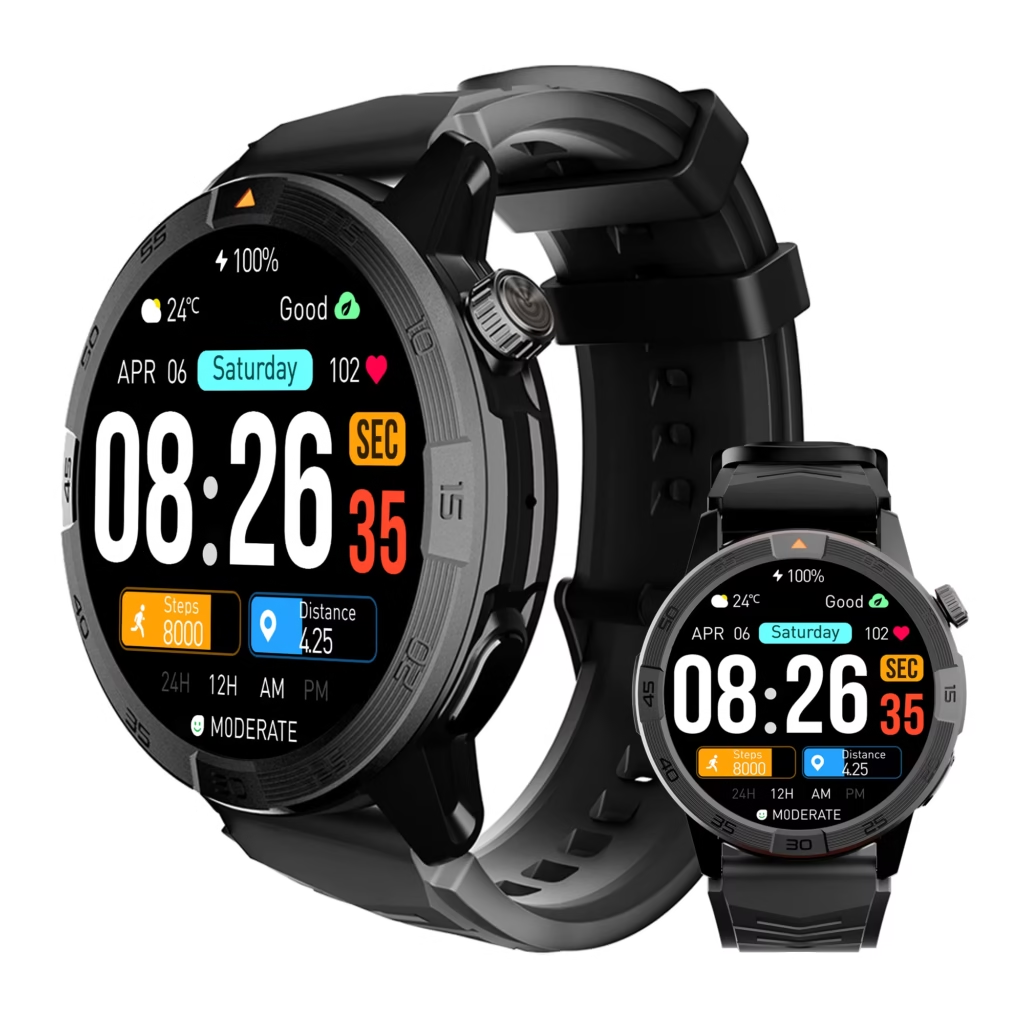
Build the Boundary Packet From Place, Person, and Action
The Boundary Packet is the minimum information that must cross the seam. It should be defined before the device is judged, because different appointments require different entry details.
Place identifies where the next commitment begins
A place field might contain a conference room, office suite, video meeting link, call destination, or another stationary work area. The watch does not need a full map when a short location label is sufficient.
The place field fails when the event title is visible but the room is hidden, the suite number is truncated, or the meeting link exists only inside a phone calendar. A stale location is also a failure because visible information is not useful when it points to the wrong destination.
Person identifies who owns the next interaction
The coordinator may need the participant’s name, company, role, or recognizable caller identity. “Closing update” may be too broad when several people are involved in different parts of the process.
Examples should remain generic. Real client names, property details, lender information, and confidential transaction data do not belong on the test board.
Action identifies the first required step
The first action could be to join a scheduled briefing, open the correct summary note, bring forward a checklist, or confirm which document set is under discussion. These are workflow illustrations, not instructions for conducting a real-estate closing.
An action field fails when the watch announces the appointment but leaves the user wondering what to do first. Awareness without an entry action can still create confusion at the seam.
Use the minimum-packet rule
Not every handoff needs all three fields. The coordinator may already know the room and need only the participant’s identity. Another briefing may require the joining link but not the person’s name. A third may be clear on place and person yet still need the first action.
The watch should therefore be judged by required-field completeness, not by how much calendar information it can display. Extra detail can clutter the narrow wrist surface without improving the transition.
Keep the Boundary Packet Visible Without Opening a Second Workspace
The wrist display should act as a Visibility Slot, not a new browsing surface. The user needs one bounded glance or suitable stationary interaction that reveals the required field. Opening a message thread, scrolling through several event notes, or launching a phone app turns the handoff into an information hunt.
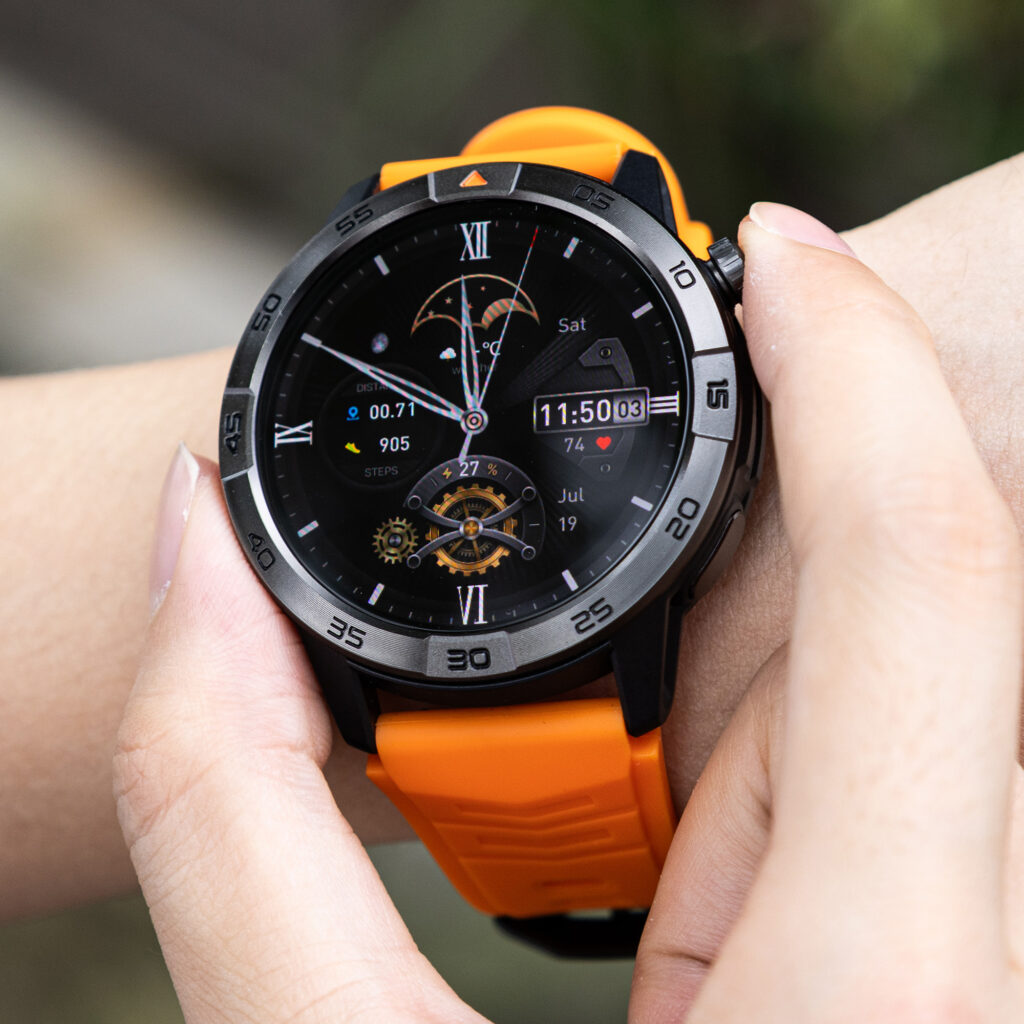
Depending on the exact setup, the packet may come from a calendar title, event location, meeting reminder, contact identity, or short event note. Only dependencies that affect this boundary matter:
- Whether the calendar stays synchronized.
- Whether the event location appears on the watch.
- Whether the participant or sender can be identified.
- Whether a meeting link or short note is visible.
- Whether the displayed information is current.
- Whether the meaningful field exists only in the phone app.
These are questions to verify, not promises about a particular watch. A product image or calendar icon does not prove that full event notes, live links, caller identity, or current locations will appear on every phone-and-watch combination.
A visible event can still be incomplete
A calendar card may show the correct time while hiding the room. A reminder may display the meeting title while leaving the participant unclear. A contact may be visible while the first action remains buried in the phone.
In each case, the appointment is present but the handoff is not complete. The Visibility Slot must carry the required Boundary Packet, not merely announce that another block has started.
The phone-opening gap is forbidden
If the coordinator must open the phone solely to find the location, person, joining method, or first action, the transition has failed this test. The phone may still be necessary for the meeting itself, but it should not be needed merely to discover how to enter it.
That difference keeps the comparison honest. The watch can provide useful awareness while still failing the no-buffer requirement.
Block Carryover From the Appointment That Just Ended
The previous commitment can occupy the wrist surface after its calendar block has ended. A call screen may remain active. A final message may cover the next reminder. The prior event card may stay in view while the new packet waits underneath.
This obstruction creates a Carryover Shadow: information from the closing appointment dominates the exact seam where the entering appointment needs visibility.
Look for surface competition
At the boundary, inspect whether the coordinator must clear or dismiss several items before the next packet appears. Potential obstructions include:
- The active or recently ended call interface.
- A final alert from the lender conversation.
- The previous event card remaining on top.
- Duplicate reminders occupying the display.
- An unresolved message badge that redirects attention backward.
The test does not measure how many seconds the carryover lasts. That would drift toward Task-Return Time. The question is simpler: did previous-block information prevent the required next field from becoming visible?
The next block should not require backlog clearing
A no-buffer transition is fragile when the wearer must dismiss yesterday’s alerts, close the old call screen, or sort through duplicate cards before seeing the next appointment. The watch may technically contain the correct information while placing it behind avoidable residue.
Handoff readiness means the entering commitment can claim the seam without a manual cleanup ritual.
Reject Five No-Buffer Handoff Fractures
Blank Seam
No useful information appears when the two appointments touch. The coordinator knows another commitment exists but cannot see the required place, person, or action.
A silent boundary is not automatically wrong in every routine, but it fails when the next commitment depends on a field the user cannot recall confidently.
Partial Packet
Some information appears, yet the essential field is missing. The watch may show the time without the room, the event title without the participant, or the participant without the required first action.
Partial visibility can be more misleading than no visibility because it creates the impression that the handoff is ready.
Phone-Only Detail Trap
The watch announces that the briefing is beginning but sends the coordinator to the phone for the meaningful information. The joining method, suite number, contact, or note is available only after the larger device is opened.
This failure recreates the white space the schedule lacks.
Carryover Shadow
The closing call, old event card, or final alert remains dominant at the seam. The next commitment exists in the calendar but is not operationally visible.
The failure belongs to surface priority rather than calendar absence. Both appointments may be correctly stored while the wrong one occupies the wrist.
Unsafe Boundary Prompt
The correct detail appears while the coordinator is driving, crossing traffic, carrying unstable materials, or moving through an unsafe space. A timely prompt is not usable when reading or tapping would compromise attention or control.
The correct response is safe deferral. The user should wait for a stationary point before reading, tapping, calling, or replying. Safety-related deferral should be recorded separately from a device failure when the information itself appeared correctly.
Read the Touching-Block Board as One Static Interface
Place both appointments on one board instead of narrating the afternoon minute by minute.
| Closing block | Shared boundary | Entering block |
|---|---|---|
| Lender coordination call Ends at 2:00 p.m. | No white space Boundary Packet required | Title-company briefing Begins at 2:00 p.m. |
At the seam, write down the predeclared packet:
- Place: the required room, suite, link, or call destination.
- Person: the next participant or recognizable contact.
- Action: the first step that opens the briefing correctly.
Only highlight the fields the handoff genuinely needs. Then record five pieces of evidence:
- Which field was required?
- Did it appear at the shared boundary?
- Was it complete and current enough to use?
- Did the phone remain closed while the field was identified?
- Could the information be used at a safe stationary point?
The Scottsdale coordinator remains an illustrative user. Do not report seconds saved, reduced lateness, higher productivity, faster meeting entry, improved transaction outcomes, or universal calendar reliability.
Issue the No-Buffer Schedule Handoff Verdict
Touching-Block Ready
The required place, person, or action appears at the seam. The information is complete and current, the phone does not need to be opened merely to identify the next step, and the user can act from a safe stationary point.
Partial Boundary Packet
The watch shows the upcoming appointment but omits one field required for entry. The coordinator knows something is next but lacks enough information to proceed confidently.
Phone Gap Returns
The meaningful location, participant, joining method, or first action can be found only by opening the phone. The watch restores the very buffer the schedule does not contain.
Boundary Lost
The next commitment is obscured, stale, ambiguous, or confused with the previous block. The calendar may be correct, yet the handoff cannot be completed from the available wrist information.
Price does not answer this boundary question by itself. Buyers comparing affordability can separate price-based professional buying from handoff readiness. A lower-cost or higher-cost watch still needs to surface the required packet.
Frequently Asked Questions
Does a calendar reminder automatically complete the handoff?
No. A reminder completes the handoff only when it contains the field required for the next safe action. A time-only alert may provide awareness while leaving the location, person, or joining method hidden.
Must the watch show Place, Person, and Action every time?
No. Define the minimum packet for that specific boundary. Some handoffs need one field; others require two or three. The watch should display what is necessary rather than everything available.
Is this the same as testing a full busy-work schedule?
No. A full schedule analysis examines many commitments and broader workload pressure. The No-Buffer Schedule Handoff isolates one seam where two appointments share the same timestamp.
What if the meeting link is available only on the phone?
Record Phone Gap Returns when the link is the required entry field. The watch may still announce the event, but it has not completed the no-buffer handoff.
Does an earlier reminder solve the problem?
Not necessarily. An earlier reminder may help preparation, but this article asks whether the required next-action detail remains visible at the actual boundary. Information seen earlier can be forgotten, changed, or covered by the closing appointment.
Should the watch be checked while walking or driving to the next appointment?
No. Reading, tapping, calling, or replying should wait for a safe stationary point. A prompt arriving at the correct time does not make unsafe interaction acceptable.
The Missing White Space Cannot Hold the Next Action
At 2:00 p.m., the lender call ends and the title-company briefing begins. The calendar contains no blank space where the coordinator can search for a room, participant, link, or first action.
A useful watch places the minimum Boundary Packet directly at that seam. It does not need to show the whole day. It needs to make the next commitment operationally clear without reopening the phone or hiding the information behind the previous appointment.
The handoff succeeds when the right detail appears where the white space does not.
Put Two Real Commitments Against the Same Seam
Select two genuine appointments that touch and define the minimum place, person, or action required at their shared boundary. Remove the assumed phone-checking gap, then reject any setup that shows only the event title, hides the necessary field, or leaves the previous appointment on top. Before deciding, inspect the boundary-detail controls against that exact seam.