
“Which five apps must do more than send a logo to your wrist?”
That question stopped a Buffalo arts-nonprofit program coordinator from opening another product ranking. Before an evening community-program rehearsal, she closed every comparison tab and drew five rows on a blank sheet: calendar, team messaging, task management, email, and event registration.
All three anonymous finalists could show alerts from those categories. That did not make any of them the best Android smart watch. One stopped before a required acknowledgment; another offered deep controls but lacked an event-registration route. The useful candidate had to cover every required row, including deliberate phone fallbacks.
The practical method is Essential App Action Coverage. Lock a fixed portfolio, assign each application a minimum wrist-action signature, test every required cell, confirm any return synchronization, and reject a candidate with one missing must-have action. The best Android smart watch is not the one with the longest app list. It is the one that completes the buyer’s exact portfolio.
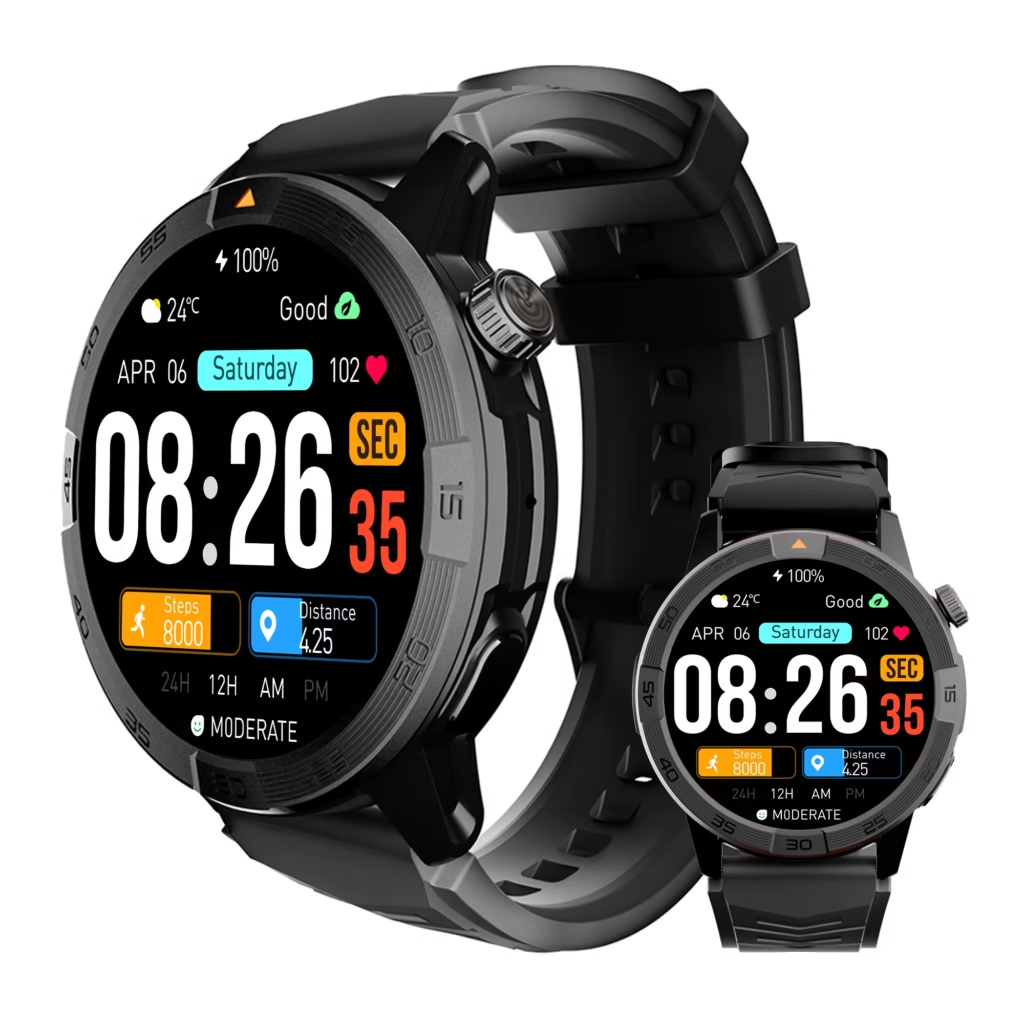
Build the Buffalo Five-App Portfolio
The coordinator chose only applications that could affect her routine during an event-preparation block. Optional entertainment, general wellness, and occasional travel tools stayed off the sheet. They might matter in another purchase, but they could not influence this verdict.
Her fixed portfolio contained:
- Calendar: Surface a generic time change clearly enough to read and dismiss.
- Team messaging: Show a short privacy-safe message and send one approved acknowledgment.
- Task management: Open a generic task, mark it complete, and return the updated state to the Android phone.
- Email: Signal that a message needs attention, allow dismissal, and direct detailed review to the phone.
- Event registration: Show a generic capacity warning and preserve a deliberate phone fallback for private records.
The portfolio stayed locked. Replacing a difficult application with an easier one would change the buyer problem instead of solving it.
A reader who has not yet decided what the wrist should own should first define the watch’s exact job. Article 358 begins after that role is clear.
Stop Counting Logos as Application Support
An application logo can establish awareness, but it cannot establish the next action. The coordinator therefore separated every result into observable cells rather than giving each application a single pass or fail.
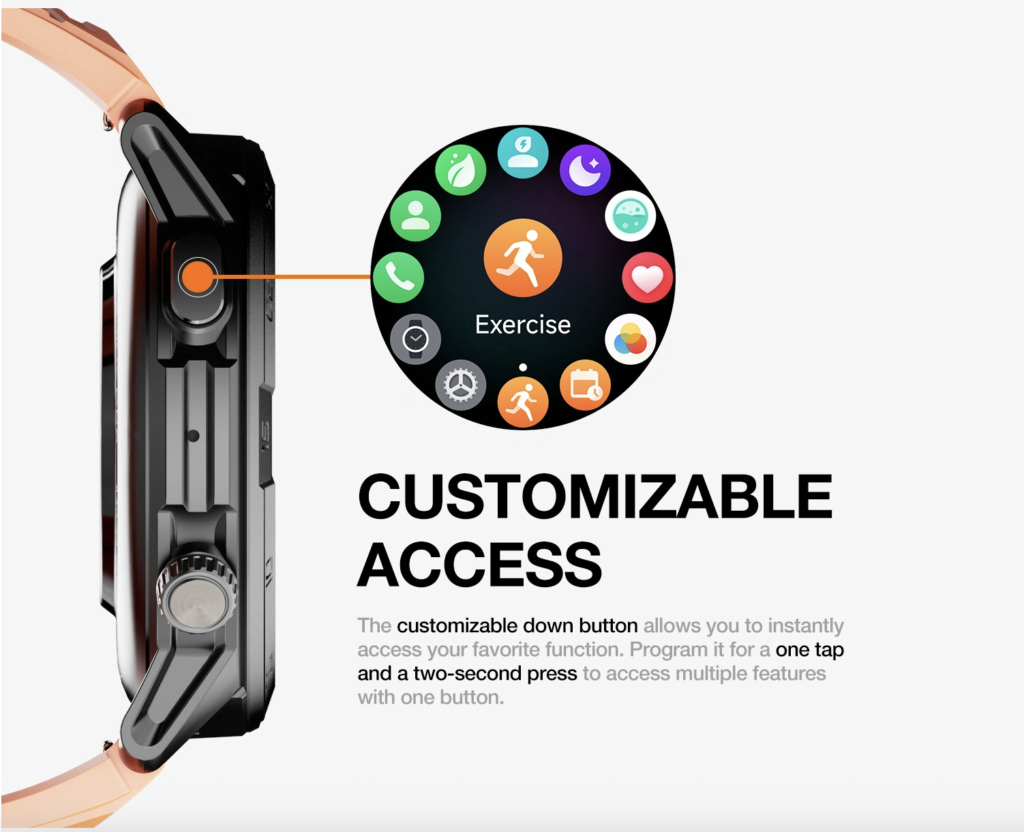
Her possible cells were Notify, Read, Dismiss, Acknowledge, Reply, Launch, Update, Synchronize, and Phone Fallback. An application received only the cells the routine required. Every other cell was marked Not Required, not treated as a missing feature.
This matters when choosing the best Android smart watch. A calendar may need only Notify, Read, and Dismiss, while a task may require a watch-side change to appear on the phone. One universal standard would overbuy one row or under-test another.
The coordinator also recorded the wrist surface behind each result: notification, installed watch application, another verified surface, or deliberate phone fallback.
Give Every App a Required Action Signature
An action signature is the smallest sequence that completes the application’s reserved job. The buyer writes it before candidates enter the matrix.
The Buffalo calendar signature was Notify → Read → Dismiss. Team messaging required Notify → Read → Acknowledge. Task management required Launch → View → Complete → Synchronize. Email required Notify → Dismiss → Phone Review. Event registration required Notify → Read Generic Status → Phone Review.
No average score was allowed. Optional actions in one row could not compensate for a missing must-have action elsewhere. The first Missing or Unverified required cell controlled that row.
This prevents Deepest-Action Bias. The best Android smart watch needs sufficient control in every essential application, not maximum control in each one.
Test the Calendar Row at the Buffalo Program Desk
While seated at the nonprofit’s administration desk, the coordinator sent a test update: “Program review moved to 6:15.” She checked three separate outcomes.
First, did the alert arrive? Second, was the changed time readable without opening private calendar details? Third, could she dismiss the alert cleanly?
The row passed only after all three actions were observed. An icon, vibration, or truncated line would not complete the signature. Editing, recurrence changes, invitations, and internal notes remained on the phone.
That limitation was not a failure. It kept detailed scheduling where more context and privacy were available. For this application, the best Android smart watch needed sufficient awareness, not complete calendar administration.
Verify Team Acknowledgment During the New York Workday
The team-message test used another generic phrase: “Room check complete?” The coordinator required the full short message and one preapproved acknowledgment: “Seen.”
A visible reply control did not receive credit on sight. She selected the approved response, then checked the intended conversation on the phone to confirm that the acknowledgment had arrived in the correct place.
Original composition, attachments, private history, and detailed discussion stayed on the phone. The watch needed to close one narrow loop without exposing sensitive information.
This row separated the finalists. The Mirror-Heavy Candidate displayed the message but stopped before the acknowledgment. It had broad awareness, yet its first missing action prevented full portfolio coverage.
Require Task Completion to Return to the Android Phone
Task management carried a different burden. The coordinator opened a generic item labeled “Program table reviewed,” marked it complete on the wrist, and then checked the Android phone.
The tap itself did not earn a Synchronize result. The completed state had to appear at the required destination. Until that happened, the cell remained Unverified.
This Return Receipt catches a common shortcut: the watch may show a changed state while the phone still shows an older record. The buyer only records whether the intended cross-device outcome completed.
The best Android smart watch for this portfolio must close that loop. A candidate that launches the task but cannot return completion to the phone has not finished the assigned work.
When an app-action problem appears to involve the wider relationship, the buyer can audit the complete phone-to-watch partnership separately.
Keep Buffalo Email and Registration Work on the Phone
Email and event registration were deliberately shallow rows. That was a privacy decision, not a concession to weak hardware.
For email, the watch needed to announce that attention was required, permit dismissal, and trigger phone review. Message content, attachments, replies, and forwarding remained off the wrist.
For event registration, the test alert read “Capacity review needed.” The coordinator could read that generic status and then move to the phone at the permitted administration table. Attendee names, contact information, payment details, ticket codes, and registration changes never appeared on the watch.
Both rows received Phone Fallback Seals because fallback was written into the requirement before testing. The row would fail only if the watch lacked enough context to trigger the correct phone action.
Controlled fallback helps identify the best Android smart watch without demanding unnecessary wrist depth from every workflow.
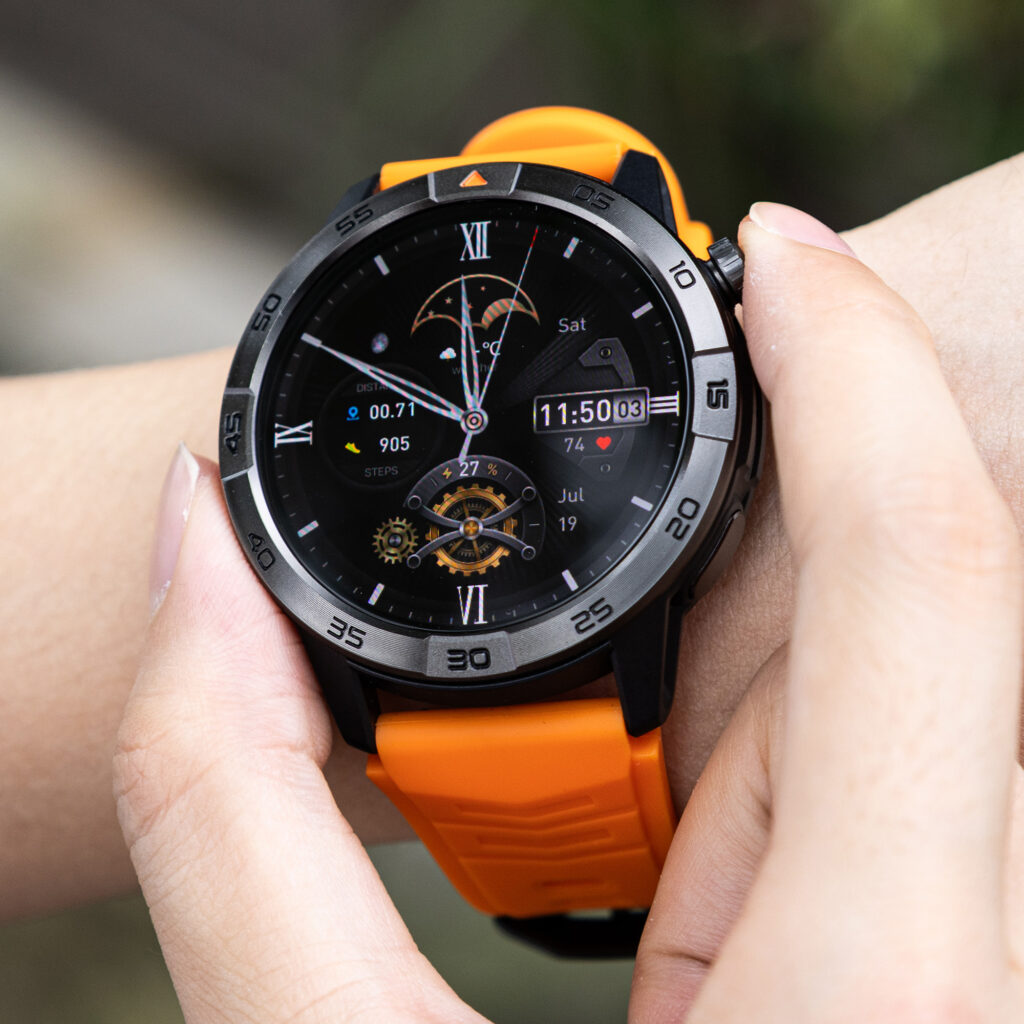
Compare Three Candidates Across the Buffalo Coverage Sheet
Once every action signature was locked, the coordinator compared three anonymous profiles.
Mirror-Heavy Candidate
This candidate displayed notifications from all five application categories. Calendar passed, and both phone-fallback rows provided enough generic context. Team messaging stopped at Read, however, and task completion lacked a verified return to the phone.
Verdict: Portfolio Rejected. Five visible categories did not equal five completed rows.
Action-Deep but Narrow Candidate
This candidate completed strong team-message and task actions. It offered additional controls the coordinator had not requested. Yet no current evidence established the event-registration route.
Verdict: Partial Action Fit. Extra depth could not fill the missing essential row.
Portfolio-Matched Candidate
This profile completed Calendar Notify, Read, and Dismiss; sent the approved team acknowledgment; returned task completion to the phone; and supplied enough information to trigger the two deliberate phone fallbacks.
Verdict: Controlled Fallback Fit. It covered every required cell without turning detailed nonprofit administration into wrist work.
The best Android smart watch was therefore the portfolio-matched profile, not the candidate with the most mirrored alerts or the deepest control in one application.
Require a Return Receipt Before Crediting Synchronization
Every required watch-side change needs a named destination. The buyer checks that destination before issuing a Sync Return Receipt.
Use three questions:
- Did the intended record appear at the destination?
- Did it show the correct updated state rather than a stale copy?
- Did the route avoid an unintended duplicate?
A delayed result may be acceptable only when the application signature permits deferred transfer. Otherwise, the cell remains Conditional, Missing, or Unverified according to the observed outcome.
Do not turn this into a repair tutorial. Article 358 records action coverage. If keeping that coverage requires repeated reopening, reconnection, or settings work, use the published one-week Android friction budget as the next test.
Correct Seven Essential-App Coverage Mistakes
Logo Equals Support
An icon or application name appears, so the buyer credits every desired action. Record only the actions that were actually completed.
Notification Equals Action
An alert arrives, and the row receives Read, Acknowledge, or Reply without evidence. Notification arrival earns only Notify.
One-App Halo
Excellent performance in a familiar application is transferred to the entire portfolio. Test every row independently.
Deepest-Action Bias
The candidate with the most advanced wrist control wins despite missing an essential application. Ignore unrequired depth and enforce the Portfolio Hard Stop.
Watch-App Availability Assumption
A phone application exists, so the buyer assumes an eligible watch route also exists. Verify the exact route instead of transferring availability between devices.
Sync Without Return Receipt
A watch-side tap looks successful, so synchronization receives credit. Check the intended destination and the resulting state.
Phone Fallback Misread
A planned move to the phone is treated as failure. A fallback passes when it protects privacy or context and still completes the prewritten signature.
Keep Buffalo Arts Work Safe and Private
All testing occurs while the coordinator is seated or safely stationary at an approved administration table. She does not use the watch while driving, crossing streets, carrying equipment, climbing stairs, assisting patrons, or handling an active event issue.
Generic phrases replace sensitive records. Patron names, donor information, artist agreements, volunteer contacts, payment records, ticket codes, credentials, schedules, and security procedures stay off the wrist.
A phone fallback is also appropriate when a task demands sustained attention. The best Android smart watch should reduce small, safe interruptions without encouraging detailed administration in the wrong place.
Questions U.S. Buyers Ask About Android Watch Apps
Does a phone app automatically prove a watch app is available?
No. Treat phone installation and the watch route as separate evidence questions.
Does receiving a notification prove the full message is readable?
No. Notify and Read are separate cells. Test whether the required content appears clearly enough to complete the row.
Is dismissal the same as acknowledgment?
No. Dismissal removes or clears an alert. Acknowledgment sends an intended response or state to the required destination.
Does a reply control prove that the response was sent?
No. Issue credit only after the intended response appears in the correct destination.
Should one missing application reject a strong candidate?
Yes, when that application is genuinely essential and its missing action has no approved fallback. Optional strengths elsewhere cannot replace it.
Can two applications require different action depths?
Yes. The method is designed around different signatures rather than one universal ladder.
How do I verify watch-side task synchronization?
Perform the action, open the required destination, and check for the correct updated state. Record stale, missing, delayed, or duplicate outcomes separately.
Is a phone fallback a failure?
Not when it was deliberately written into the portfolio to protect privacy, preserve context, or avoid unnecessary wrist complexity.
Issue the Essential App Action Verdict
The mechanism supports four verdicts:
- Full Portfolio Fit: Every required action completes on the wrist.
- Controlled Fallback Fit: Every row completes through verified wrist actions or preapproved phone fallback.
- Partial Action Fit: Useful actions pass, but at least one essential row remains incomplete.
- Portfolio Rejected: A must-have action is Missing or Unverified without an approved fallback.
The Buffalo coordinator’s result is Controlled Fallback Fit — Essential Portfolio Covered.
That verdict applies to one user, one Android phone environment, one fixed five-app portfolio, one connection state, and one evidence date. It does not predict future app availability or behavior.
The Best Android Smart Watch Covers Every Required Row
The five-row sheet answered the opening question. Calendar needed clear awareness, not editing. Team messaging needed one verified acknowledgment. Task management needed a return receipt. Email and event registration belonged on the phone after a privacy-safe wrist signal.
The Mirror-Heavy Candidate lost because notification breadth stopped before required actions. The Action-Deep but Narrow Candidate lost because depth could not cover an absent row. The Portfolio-Matched Candidate completed every assigned signature, including deliberate fallbacks.
The best Android smart watch is not the candidate that displays the most application logos. It is the one that completes every required app action and leaves detailed, sensitive, or context-heavy work on the phone.
To evaluate a possible option, place this candidate smartwatch into the same five-app action matrix and independently verify every required notification, reading, acknowledgment, launch, synchronization, and phone-fallback route before buying.