
The watch leaves a Newark apartment before sunrise. It crosses the station platform, rides the morning train, stays on through a full office day, waits through delayed evening service, and finishes with a walk home. Choosing a smartwatch for long commuting and work means judging that entire span as one connected window—not treating the commute and office shift as separate routines.
The morning journey starts consuming battery and attention before the first meeting. Office alerts decide what remains at clock-out. A delayed return stretches the original plan, while the final walk tests whether the watch is still useful when dependable charging is finally close.
Every part of the day hands something to the next: remaining battery, accumulated notifications, wrist comfort, and connection status.
That handoff is the commute-work bridge.
The Office Shift Is Only the Middle of the Device Window
Many buyers ask whether a smartwatch can last through an eight-hour workday. That calculation starts too late and ends too early.
For a suburban rail commuter, the actual device window looks like this:
Home departure → station → morning train → office → evening delay → final walk → home charger
No reset happens at the office door.
The watch arrives at work with less battery than it had at home. It may already have delivered train updates, calendar changes, family messages, and caller alerts. The strap has been sitting beneath a sleeve or coat cuff. Bluetooth may have disconnected and reconnected while the phone moved between a pocket, bag, desk, and meeting room.
By clock-out, the watch has completed only the middle portion of its job.
What an office-only test misses
Judging the watch only from arrival to departure ignores:
- Early alarms and departure reminders
- Station-platform screen checks
- Transit disruption alerts
- Calendar previews before work
- Calls or messages during the morning ride
- Battery consumed by the office day
- Evening train delays
- Family coordination during the return trip
- The final walk from the station
The better question is not, “Can it last through work?”
Ask:
Can it remain useful from the moment I leave home until I return to a dependable charger?
Morning Transit Creates the Starting Load
The Newark commuter leaves home with the watch fully charged or at least at a documented starting level. Before the office day begins, the watch may already be responsible for several jobs.
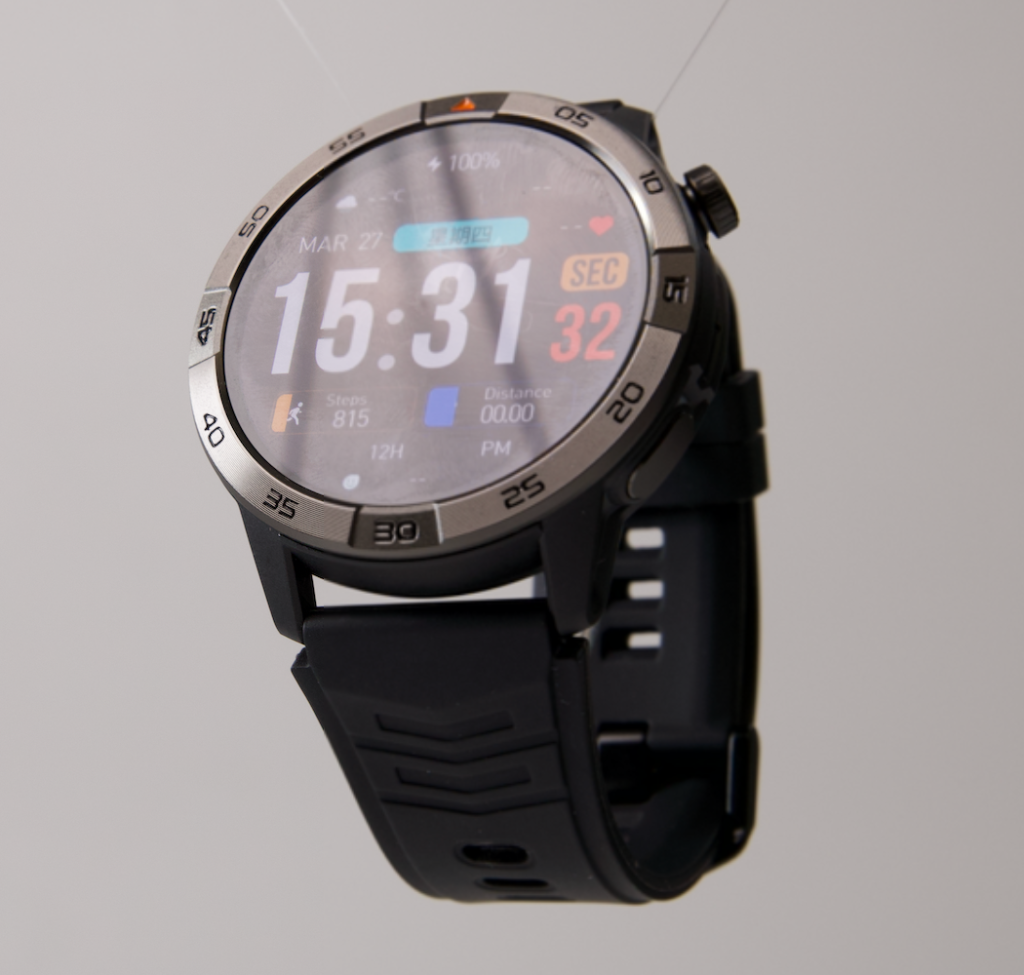
A useful morning role is narrow:
Provide departure and disruption awareness without turning the wrist into a second phone screen.
That could include:
- A departure reminder
- Time and battery status
- A train or platform alert
- A calendar change
- A priority family message
- Caller identification
- Quiet vibration for urgent contacts
The watch does not need every email, promotion, social update, and group-chat reply.
Open a narrow morning alert lane
Keep alerts that can change the commuter’s next action:
- Service disruptions
- Meeting changes
- Family messages
- Priority work contacts
- Account or security alerts
Silence notifications that can wait:
- Promotional messages
- Routine newsletters
- Social-media activity
- Nonurgent email
- Low-priority group chats
- Repeated app summaries
Filtering reduces distraction, but it also protects the battery that the office and evening commute still need.
Record the first handoff
At office arrival, check four things:
- Battery remaining
- Unnecessary alerts received
- Phone connection status
- Comfort beneath the sleeve or cuff
This is the condition the office inherits.
A watch that arrives with most of its charge intact, few pointless alerts, and no comfort problem has crossed the first section of the bridge successfully.
Office Work Changes the Watch’s Role
The same watch now becomes an office tool.
Transit alerts lose importance. Meeting reminders, priority contacts, timers, and discreet notifications become more relevant. The shift should happen through deliberate settings, not through an assumption that the watch automatically understands where the user is.
Replace transit noise with office relevance
During the office day, useful functions may include:
- Calendar and meeting reminders
- Priority contact alerts
- Caller identification
- Short message previews
- Timers
- Battery visibility before departure
- Quiet vibration instead of audible alerts
Reduce or remove:
- Morning transit alerts that no longer matter
- Every incoming email
- Repeated display waking
- Loud call audio
- Long wrist conversations in shared areas
- Low-value personal notifications
Office use draws from the same charge needed for the evening return. Commuters can examine how office notifications and work routines draw from the same battery reserve before deciding which alerts deserve all-day access.
Keep calls appropriate to the office
Caller identification may help the commuter decide whether a call needs attention. That does not make every workspace an appropriate place for a speaker conversation.
A brief response may fit a private area or approved break. Detailed, sensitive, or lengthy calls should move to the paired phone and an appropriate location.
Bluetooth calling also depends on a compatible phone remaining nearby and connected. The watch should not be presented as an independent replacement for the phone unless verified cellular service is available.
Comfort becomes part of endurance
Battery is not the only thing that must last.
A watch may feel fine during a one-hour train ride yet become irritating after ten or twelve hours. The commuter should notice:
- Strap pressure
- Heat under the band
- Moisture
- Friction beneath shirt or coat cuffs
- Crown or button contact
- Case weight
- The need to keep readjusting the fit
A device that spends the afternoon in a desk drawer has failed the bridge even if its battery remains high.
Clock-Out Is a Handoff Point, Not the Finish Line
At clock-out, the watch has not completed the day. It is entering the least predictable part.
Before leaving the office, record:
- Battery remaining
- Current train status
- Expected time until home
- Essential alerts still active
- Connection status
- Wrist comfort
- Weather conditions for the final walk
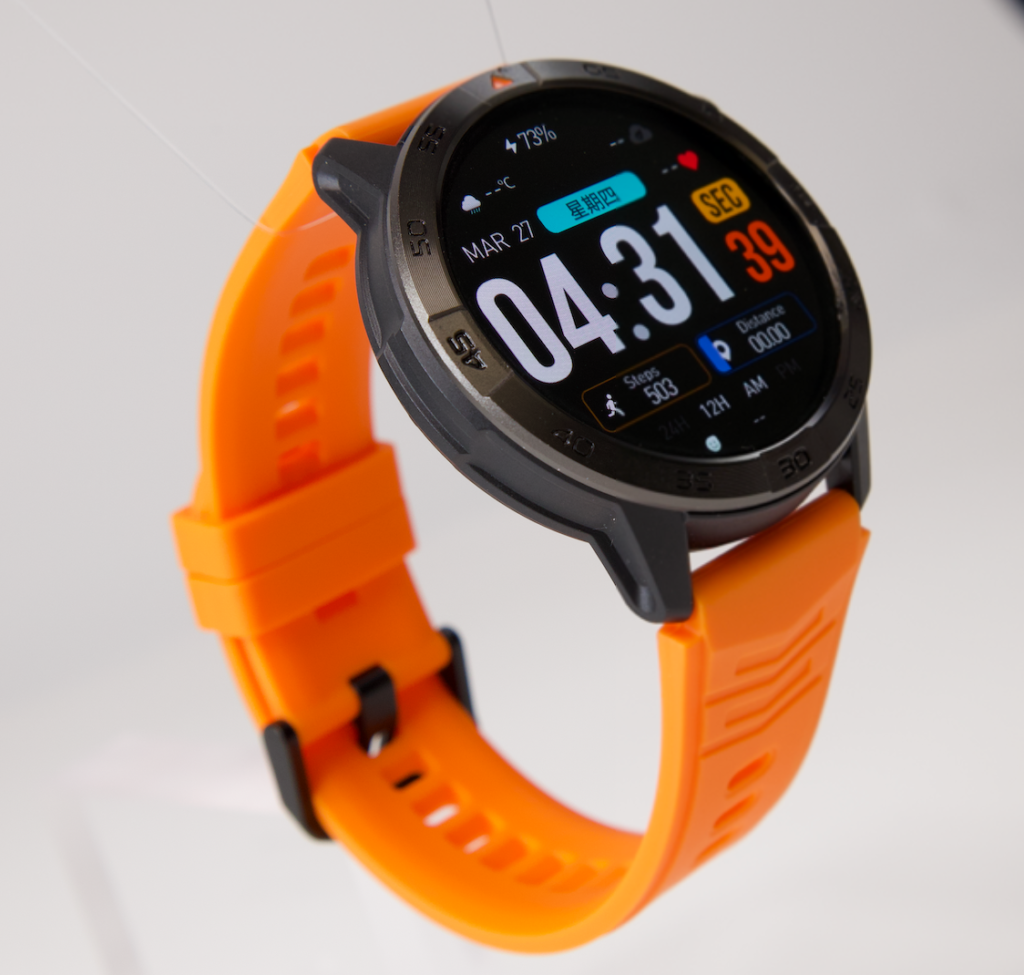
The commuter should not ask whether the remaining percentage looks high or low in isolation.
Ask what it must still cover.
That may include:
- The walk to the station
- Platform waiting
- The return train
- A service delay
- A family update
- The walk home
- Time until the charger is reached
Set a functional clock-out reserve
There is no universal percentage that every commuter should have at 5:00 p.m.
One person may live twenty minutes from the office. Another may have a ninety-minute rail journey, a transfer, and a walk from the final station. Weather, service reliability, alert volume, and phone connection can all change the requirement.
A better test is:
Does the battery remaining at clock-out cover the most difficult evening I reasonably expect?
That question ties the percentage to the real trip.
Evening Service Delays Stretch the Bridge
The evening train is delayed.
The original device window is now longer than planned. Extra time can bring:
- More service notifications
- Repeated screen checks
- Family coordination
- A later arrival
- Longer Bluetooth connection time
- More standing and walking
- Greater notification fatigue
The watch now needs reserve rather than just enough energy to leave the office.
Decide what must survive the delay
During an extended wait, the commuter may still need:
- Time
- Clear battery status
- Important transit alerts
- Caller identification
- Family messages
- Essential reminders
- Enough power for the last walk
Not every delay alert deserves equal attention.
Separate:
- A platform change that requires action
- A meaningful service update
- A repeated status message
- A work email that can wait
- A personal message requiring a reply
- A low-priority notification
Filtering matters more when the commuter is already tired and the trip is running late.
Keep train communication realistic
A watch may help identify a caller or support a brief exchange while the user is stationary and the setting permits it. Crowded cars, public audio, weak connectivity, and privacy concerns can make longer wrist conversations impractical.
Readers studying that narrower question can compare how wrist calling fits a commute without turning the whole day into a call test.
The commute-work bridge remains focused on continuity: what battery, attention, comfort, and connection remain after the delay.
The Final Walk Home Still Counts
The return train reaches the final station, but the device window is not closed.
The watch may now be:
- At its lowest battery level
- Worn after many continuous hours
- Needed for time or a reminder
- Used for a family update
- Exposed to rain, heat, or cold
- Connected to a phone stored in a pocket or bag
A buyer who stops the test at the train platform misses the last part of the day.
Define the final-walk minimum
At this stage, the watch should still provide:
- Readable time
- Visible battery status
- Priority notifications
- A usable paired-phone connection
- Comfortable fit
- Enough power to reach home
Safety comes first. The commuter should stop before reading detailed messages, avoid handling the watch while crossing streets, and remain aware on crowded sidewalks and station exits.
The bridge ends only when dependable charging becomes available.
What Each Segment Passes Forward
The watch does not start fresh when the setting changes. Each segment passes a remaining resource bundle to the next.
| Segment | Main role | Alerts that matter | What must carry forward |
|---|---|---|---|
| Morning transit | Departure and disruption awareness | Transit, calendar, family | Most battery and low distraction |
| Office day | Quiet scheduling and priority screening | Meetings and priority contacts | Comfort, connection, evening reserve |
| Evening delay | Service changes and coordination | Disruptions and urgent personal alerts | Enough power for extended travel |
| Final walk | Essential availability until home | Priority personal alerts | Power and comfort until charging |
This is not a feature scorecard. It is a handoff record.
Measure Four Types of Carryover
Battery carryover
Track battery at four checkpoints:
- Station arrival
- Office arrival
- Clock-out
- Home arrival
The numbers will vary by watch, settings, display behavior, alert volume, calls, tracking, and connection quality. Do not treat one user’s percentages as a guarantee for another.
The purpose is to see where the biggest drop occurs and whether the return trip retains enough reserve.
Alert carryover
Notifications create cumulative fatigue.
A noisy morning makes office alerts harder to tolerate. A notification-heavy afternoon makes meaningful evening updates easier to overlook.
Ask:
- Which morning alerts became irrelevant after arriving?
- Which work alerts should stop at clock-out?
- Which transit alerts should return for the evening?
- Which contacts deserve priority throughout the day?
The strongest setup changes with the setting while protecting a small group of truly important alerts.
Comfort carryover
A short fitting session cannot represent a full commuter day.
Test the band through:
- The train ride
- Several office hours
- Lunch or walking breaks
- Clock-out
- The delayed return
- Home arrival
Watch for pressure, heat, friction, moisture, and repeated adjustment.
Connection carryover
The paired phone may move through several environments:
- Home Wi-Fi
- Outdoor cellular service
- Train stations
- Rail cars
- Office Wi-Fi
- Meeting rooms
- Pockets, bags, and desks
- The return journey
Temporary separation or interference may affect notifications and calls. The buyer should test reconnection rather than assume uninterrupted behavior.
Build One Door-to-Door Buying Requirement
Before comparing watches, complete this sentence:
The watch must remain useful from ______ to ______, support ______ during transit, become quieter for ______ at work, retain enough battery for a ______ delay, and stay comfortable through the final walk home.
That statement turns a vague desire for an “all-day smartwatch” into a measurable requirement.
Compare watches against the full sentence
Relevant buying factors include:
- Realistic full-day battery behavior
- Clear battery percentage
- Notification controls
- Priority-contact filtering
- Discreet vibration
- Readable caller information
- Comfortable case and strap
- Simple controls
- Compatibility with the exact iPhone or Android phone
- Dependable home charging
- Replacement-charger availability
A strong watch in one segment may still fail the complete window.
Examples include:
- Useful transit alerts but weak evening battery
- Good office reminders but poor all-day comfort
- Long battery with confusing notification controls
- Clear display but excessive distraction
- Calling support with unreliable phone reconnection
The watch must complete the whole bridge.
Configure the Role Changes Without Making the Day Complicated
The commuter does not need a complex system. Three deliberate transitions are enough.
Before leaving home
- Confirm the battery
- Keep important transit alerts active
- Allow priority contacts
- Silence low-value apps
- Check the phone connection
At office arrival
- Reduce transit notifications
- Keep meetings and priority messages
- Avoid public speaker calls
- Check wrist comfort
- Preserve an evening battery reserve
At clock-out
- Restore important transit alerts
- Reduce work notifications
- Check battery against the return window
- Keep family contacts visible
- Plan for a realistic delay
These are user-created routines. Do not assume the watch performs them automatically.
The office-to-personal transition can also show how wrist alerts should change as the day moves between work and personal time.
Test the Full Newark Day During the Return Period
A short battery test cannot answer a full-window question.
Wear the watch through an ordinary Newark workday and record the real result.
Document the starting setup
Note:
- Starting battery
- Display behavior
- Enabled notifications
- Bluetooth connection
- Calling use
- Tracking settings
- Strap fit
Follow the actual routine
Use the watch normally through:
- Morning transit
- Office hours
- Evening travel
- Final walk
Do not create artificial heavy use simply to produce a dramatic result.
Add one controlled delay
Extend the evening beyond the normal arrival time.
This tests whether the watch has true carryover or only enough battery for the planned schedule.
Review the home-arrival condition
Check:
- Battery remaining
- Essential functions still available
- Alerts that were missed
- Alerts that should have been silenced
- Connection problems
- Comfort issues
- Whether office charging became necessary
Run this test early enough to remain inside the seller’s stated return period.
For a U.S. purchase, verify compatibility, current warranty terms, shipping costs, sales tax, customer-support access, and replacement-charger availability before keeping the device.
Questions Long-Distance Commuters Ask
How much battery does a smartwatch need for commuting and work?
It needs enough power for the full departure-to-home window, including morning use, office activity, the return trip, and a realistic evening delay. The correct requirement depends on the commuter’s schedule and settings.
Should commuters charge a smartwatch at the office?
Office charging can help, but the buying decision should not depend on it unless access is dependable, permitted, and practical. A watch intended for full-day continuity should be tested without assuming an office rescue charge.
Which alerts should remain active during a train commute?
Keep alerts that may change the next action, such as service disruptions, calendar changes, priority contacts, family messages, and important security notifications.
What battery level should remain at clock-out?
Enough to cover the return commute, a likely service delay, the final walk, and the essential functions needed until home charging. A universal percentage would not fit every route.
Does Bluetooth calling work throughout a train commute?
It requires a compatible paired phone nearby and connected. Train conditions, public audio, privacy, and changing connectivity may make some calls impractical.
How should notifications change after arriving at work?
Transit alerts can be reduced, while meeting reminders, calendar updates, and priority contacts remain active. Low-value notifications should stay limited.
How can commuters test all-day comfort?
Wear the watch from departure through home arrival. Record strap pressure, heat, moisture, sleeve friction, button contact, and how often the fit needs adjustment.
What makes a smartwatch useful during an evening delay?
Enough battery reserve, visible power status, good alert filtering, comfortable wear, and a dependable connection to the paired phone.
Finish the Same Device Window You Started
The watch left Newark before sunrise and crossed one uninterrupted span.
Morning transit determined what battery and attention entered the office. The office day shaped the reserve available at clock-out. The evening delay tested whether the watch could extend beyond the planned schedule. The final walk showed whether it remained useful until charging returned.
A smartwatch for long commuting and work should be judged by the complete door-to-door window because battery, alerts, comfort, and connectivity do not reset between the station, office, delayed train, and walk home.
Buy for the whole bridge, not its easiest segment.
On the next Newark workday, record four checkpoints: station arrival, office arrival, clock-out, and home arrival. Beside each one, note the remaining battery, the alerts that still matter, and what the next segment requires.
Use those four records to see whether the watch can finish your entire commute-work bridge. A watch that performs well at a desk but needs rescue before the delayed evening train has not completed the job you are buying it to do.