
Four minutes: the call. Twenty minutes: the correction. The buyer counted the easy part.
On the shop note, smartwatch for multitasking calls and work does not mean “keep moving.” It means proving that the work and the call both survived. A short conversation can still produce a wrong label, a missed instruction, a repeated detail, or a repair task that waits quietly until the call ends.
Now picture a costume shop production coordinator in Las Vegas, Nevada, sorting garment tags while a wrist call comes in. The task looks simple. The call sounds brief. Nobody drops the phone because the phone is not in hand. Yet the real result appears only after the tag, rack, note, and call details are checked.
The Dual-Task Interference Ledger measures two lanes at once. The Work Lane tracks accuracy, pauses, hand use, and hidden repair time. The Call Lane tracks comprehension, repeated instructions, recall, and follow-up details. Multitasking earns its name only when both lanes close cleanly.
Why Multitasking Calls in U.S. Workplaces Need an Interference Ledger
American workplaces often reward visible speed. A worker who keeps sorting, counting, checking, or organizing during a call may look efficient from across the room. That visible motion can hide the real cost.
A smartwatch can reduce phone handling, but it does not remove divided attention. The worker may still split listening, speaking, reading, sorting, measuring, and remembering across the same few minutes. If the task demands precision or the call carries instructions, both lanes need proof.
Hidden Recovery Time is the cost that appears after the call looks finished. It includes rechecking, refinding the right place, relabeling, rereading notes, restarting a count, or correcting a mistake created during the call-active period.
Before any work-call test, the task must be safe, permitted, and low risk. Sharp tools, machines, ladders, heat tools, chemicals, lifting, confidential details, customer interaction, and attention-critical work should not become multitasking experiments. Workers who need the broader safety boundary can confirm the task is safe to pause or continue before any work call.
Draw Two Lanes Before the Las Vegas Shop Call Starts
The ledger begins with two parallel lanes. One lane holds the work. The other holds the call. Interference marks appear between them.
| Ledger lane | Before call | During call | After call |
|---|---|---|---|
| Work Lane | Single-task baseline | Pauses, hand conflicts, possible drift | Accuracy check |
| Call Lane | Caller purpose | Instructions, repeats, comprehension | Recall check |
| Recovery Lane | No repair counted yet | Not visible yet | Hidden correction time |
For a costume shop production coordinator, a safe test might involve sorting non-sensitive garment tags, matching approved fabric labels, checking completed work-order fields, or counting simple supply items. The task must not involve cutting, machine stitching, steaming, ladder work, heavy racks, sharp tools, confidential fitting details, or anything that needs full attention.
The point is not to prove that every task can continue during a call. The point is to find which safe tasks keep their accuracy while the call remains understood.
Set the Single-Task Baseline Before Adding a Call
A baseline gives the Work Lane a fair starting point. Without it, the worker may rely on feeling: “I think I did fine.” That feeling does not show whether the call changed the result.
The Single-Task Baseline records how the task performs without a call. It may include how many labels were sorted, how many fields were checked, how often the worker paused, and whether any correction happened afterward.
In a Las Vegas costume shop, a baseline might look like this:
- Sort ten approved garment tags without a call.
- Match five fabric labels to a non-sensitive pull list.
- Check completed work-order fields for missing blanks.
- Count simple supply items already cleared for handling.
- Arrange approved swatches in a known order.
The baseline should stay boring. That is the point. If the task is not safe, permitted, repeatable, and low risk, it does not belong in the ledger.
Ledger note: Does simple work count as multitasking?
Yes. Simple work can still require counting, sorting, remembering, reading, or checking. If those steps can drift during a call, the task belongs in the ledger.
Run the Call-Active Work Period Without Softening the Task
The Call-Active Work Period uses the same kind of task as the baseline. Do not quietly make the task easier just because a call starts. That would make the test look better than the workday.
During the call, mark each interference point:
- Work pause
- Wrong item selected
- Step skipped
- Caller repeats an instruction
- Worker asks, “What was that?”
- Worker stops the task to understand the call
- Hand needed for material, tool, or note
- Follow-up detail forgotten
Task Accuracy Drift occurs when the worker keeps moving while the work quality slips. The coordinator may place a tag on the wrong rack, skip a work-order field, miscount a supply item, or leave a note unclear enough to require later checking.
The worker may not notice the drift during the call. That is why the ledger waits for proof. Visible multitasking does not equal successful multitasking.
Mark Unsafe Hand Occupancy Before It Becomes a Work Error
Hands-free calling does not mean attention-free work. A smartwatch call may keep the phone out of the hand while both hands remain committed to the task.
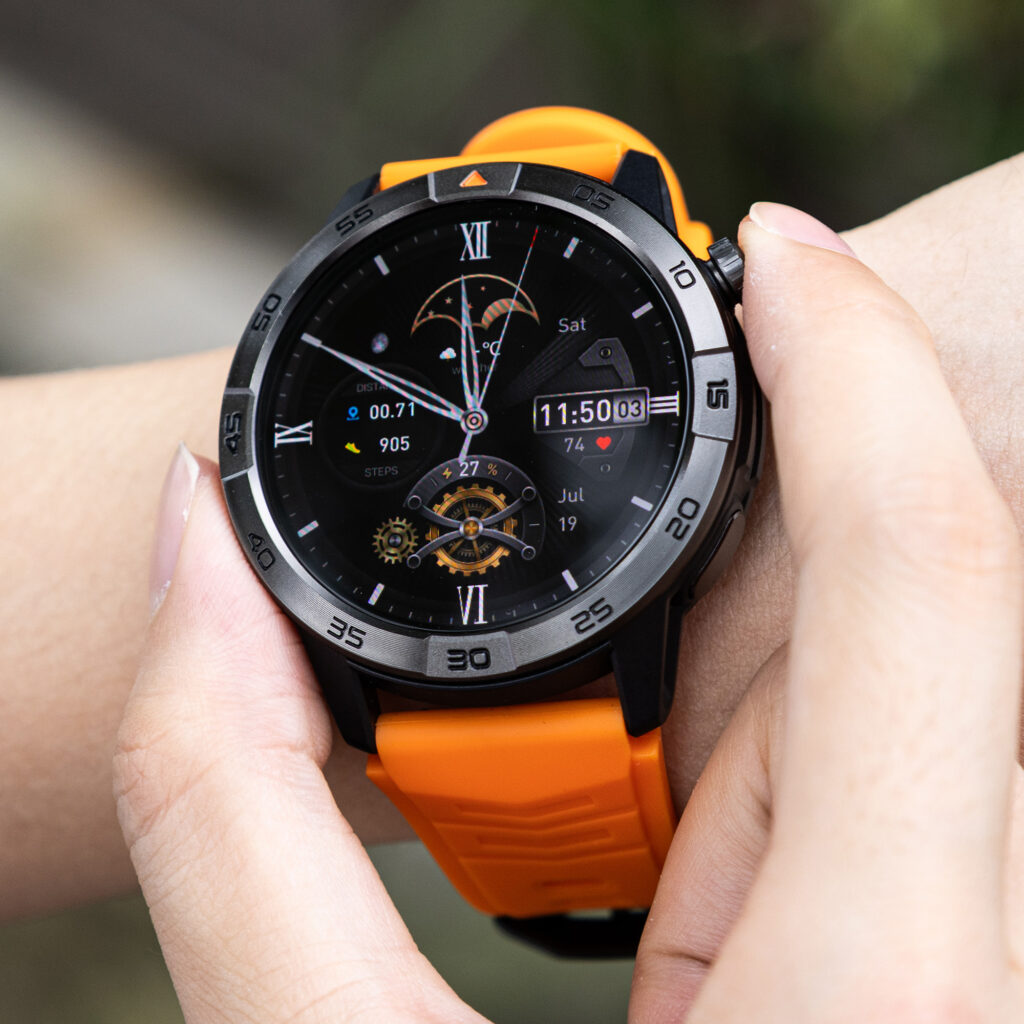
Unsafe Hand Occupancy appears when the worker tries to continue a call while holding sharp tools, carrying materials, operating equipment, lifting, reaching, using heat, or handling anything that requires undivided attention. The issue is not only whether the phone is absent. The issue is whether the work and call compete for the same body position, attention, or judgment.
Some tasks should move straight to a call-only window. A worker should not keep talking through cutting, stitching, climbing a ladder, moving a heavy rack, handling chemicals, or working through confidential details that need careful control.
This is different from broad hands-free convenience in daily life. To keep those ideas separate, readers can separate dual-task accuracy from general hands-free convenience.
Check Work Accuracy After the Call-Active Period
The Work Accuracy Check happens after the concurrent period, not during the worker’s best guess. It asks what actually survived.
Check the finished work against the baseline:
- Was the correct item selected?
- Did the count match?
- Did the label belong where it was placed?
- Did the note remain clear?
- Was a step skipped?
- Did the worker need to reread or redo anything?
- How many minutes went into checking or fixing?
The check matters because a task can look complete while still carrying a hidden error. A garment tag may sit on a rack. A fabric label may appear matched. A note may look finished. The ledger asks whether it is correct.
This is not the same as post-call reentry recovery. Article 262 measures what happens after work stops for a call and the worker returns later. Here, the error forms while work and call run at the same time. For that distinction, readers can separate concurrent interference from post-call task reentry.
Check Call Recall Before Calling the Work Efficient
The Call Lane needs its own proof. Multitasking fails if the work looks correct but the call disappears from memory.
Call Content Loss happens when the worker keeps working but misses the caller’s main point, asks for repeated details, forgets the follow-up, or cannot recall what action the caller requested. A short call can still fail if the listener does not keep the right information.
After the call-active period, check:
- Who called?
- What was the caller’s purpose?
- What action was requested?
- Was any timing mentioned?
- Did the worker ask for repeated details?
- Does the call need a written note or approved system update?
- Which details remain uncertain?
Guessing does not count as recall. A worker who says, “I think they wanted the second rack,” has not passed the Call Lane unless the detail can be confirmed.
Mobile business-call context belongs to a different workflow. Readers comparing that problem can separate call recall from mobile business-call context. The Dual-Task Interference Ledger cares about what the worker understood while work continued.
Count Hidden Recovery Time in the Nevada Shop Ledger
Hidden recovery time returns to the buyer mistake from the opening. Four call minutes may create twenty correction minutes.
Those correction minutes can include:
- Rechecking garment tags
- Refinding the correct rack
- Relabeling a supply bin
- Rereading a work order
- Redoing a count
- Verifying a measurement field
- Asking for repeated call details
- Repairing a note that became unclear during the call
If recovery takes longer than the call, the worker did not save time. The call simply moved the cost out of sight.
Hidden recovery also changes how the feature should be judged. A smartwatch may reduce phone handling and still fail the productivity test if the Work Lane needs repairs or the Call Lane needs clarification.
Build the Dual-Task Interference Receipt
The Interference Receipt turns the test into a decision.
| Measurement | Count or mark |
|---|---|
| Call duration | Minutes |
| Work pauses | Number |
| Work errors | Number |
| Repeated call details | Number |
| Unsafe hand occupancy | Yes or No |
| Call recall gaps | Number |
| Hidden recovery time | Minutes |
| Final result | Ledger verdict |
The call passes only when both lanes pass. The Work Lane needs no meaningful accuracy loss, unsafe hand use, or repair time. The Call Lane needs no key-detail loss or repeated instruction pattern. Recovery time should not erase the minutes supposedly saved.
A useful ledger may show that some tasks can continue while others should pause. That is a better result than a vague claim that multitasking either works or does not.
Interference-Ledger Results for American Work Calls
Compatible Dual Task
Use this result when the task is safe and permitted, baseline accuracy holds, call details are remembered, pauses stay minimal, no unsafe hand occupancy appears, and hidden recovery time stays near zero.
Pause-One-Task
Choose this result when either the work or the call needs focus. The worker can pause the Work Lane while talking or pause the Call Lane until the current step ends. Efficiency comes from choosing one lane, not pretending both can run.
Call-Only Window
Use this result when the call requires judgment, privacy, follow-up, careful listening, or detailed instructions. The task should stop completely, and the worker should handle the call separately.
Multitasking Rejected
Apply this result when errors, repeated details, unsafe hand occupancy, call content loss, or hidden recovery time appear often enough to erase the convenience claim.
Ledger Notes: Questions Workers Ask Before Multitasking
Which tasks can continue during a call?
Only safe, permitted, low-risk tasks that keep their accuracy and do not reduce call comprehension. If a task needs precision, tools, confidentiality, two hands, or full attention, it should not run beside a call.
Does simple work count as multitasking?
Yes. Simple work can still involve counting, sorting, labeling, remembering, reading, or checking. A simple task can drift when the call lane gets busy.
Should accuracy be measured afterward?
Yes. Work accuracy and call recall both need checks after the concurrent period. The worker’s feeling during the call does not prove both lanes passed.
Is this the same as interruption recovery?
No. This ledger measures interference while work and calling happen at the same time. Interruption recovery measures what happens after a task was stopped and later resumed.
Does hands-free calling remove multitasking risk?
No. Hands-free calling may reduce phone handling, but attention, accuracy, recall, hand occupancy, and hidden correction time still need measurement.
Multitasking Is Efficient Only After Both Lanes Pass
Read the ledger before trusting the short call. Was the task safe and permitted? Did the single-task baseline hold? Did the call-active period create pauses or errors? Did the worker remember the call details? Did unsafe hand occupancy appear? Did hidden recovery erase the time saved?
A work call is truly multitasked only when the work stays accurate, the call stays understood, and the hidden repair time does not appear after both lanes close.
Do not price the feature by the call minutes. Price it by the correction minutes. Build one Work Lane and one Call Lane, count the pauses, repeats, errors, and hidden recovery, then compare this watch with your dual-task ledger before calling simultaneous work and calling efficient.