
At hour eleven, the watch face shows 18% battery, four unread alerts, and a red pressure mark beneath the strap. Only one notification matters before the patient handoff.
An emergency veterinary technician in Fort Wayne, Indiana, expected the 12-hour shift to end on schedule. Instead, an emergency patient requires continued monitoring, the incoming technician is delayed, and clock-out moves another 90 minutes away.
A smartwatch for people working long hours should become quieter and more selective as the shift becomes harder. It should not demand the same attention at hour eleven that it demanded at hour two.
The watch is not a patient-monitoring device, a replacement for clinic systems, or the only place where an essential instruction should appear. Its role is narrower: preserve useful alerts, reduce unnecessary interruptions, remain comfortable enough to wear, and keep enough power for the final handoff and one important family update after work.
Take an Hour-Eleven Snapshot in a Fort Wayne Emergency Clinic
The final-two-hours protocol begins when the technician learns that the scheduled ending no longer applies.
There is no need to reconstruct the entire shift or calculate where every percentage point disappeared. The useful question is simpler:
What does the watch still need to do before the technician reaches dependable charging?
The remaining work may include:
- Continued observation under clinic procedure
- A delayed technician handoff
- One supervisor update
- A final documentation reminder
- A family message about the late arrival
- Travel home after clock-out
Everything else must justify the attention and battery it consumes.
Record what remains before the shift can end
The technician should identify the final work actions, not every task completed earlier.
For this Fort Wayne shift, the watch still needs to support:
- A handoff-time change
- One clinic-priority contact
- A quiet time check
- A final reminder
- One family-priority alert
- Enough power to remain available until the technician can charge it
That limited list becomes the late-shift operating requirement.
Notice what the watch no longer needs to surface
A notification can be useful in the morning and useless during an emergency handoff.
Late in the shift, the technician may no longer need:
- Promotional messages
- Social updates
- Low-priority group chats
- Duplicate calendar alerts
- Nonurgent app reminders
- Repeated wellness prompts
- Notifications unrelated to the handoff or trip home
Silencing those categories is not about making the watch less capable. It protects the functions that still matter.
Define success without a battery percentage
The protocol succeeds when the watch remains:
- Available through the final handoff
- Quiet enough not to fragment attention
- Comfortable enough for continued wear
- Capable of receiving one important family update
- Powered until dependable charging is available
Ending the shift at a specific percentage is not the goal.
How a Smartwatch for People Working Long Hours Should Behave at Hour Eleven
At this point, the watch should become a smaller tool.
It does not need to present the full day, every app, or every message. The final-two-hours setup should preserve only the functions that support the technician’s remaining responsibilities.
Keep the clinic-priority channel
The active work channel may include:
- The supervisor
- The incoming technician
- A genuinely urgent clinic contact
- One handoff reminder
- A required schedule change
Essential clinical information should still remain inside approved workplace systems. The smartwatch only helps the technician notice or time the next action.
Keep one family-priority channel
An extended shift also affects the person waiting outside work.
One family contact may need to send or receive:
- A pickup change
- A delayed arrival update
- A genuinely urgent home message
- A revised estimated departure time
Keeping one family route active protects after-work availability without reopening every personal notification category.
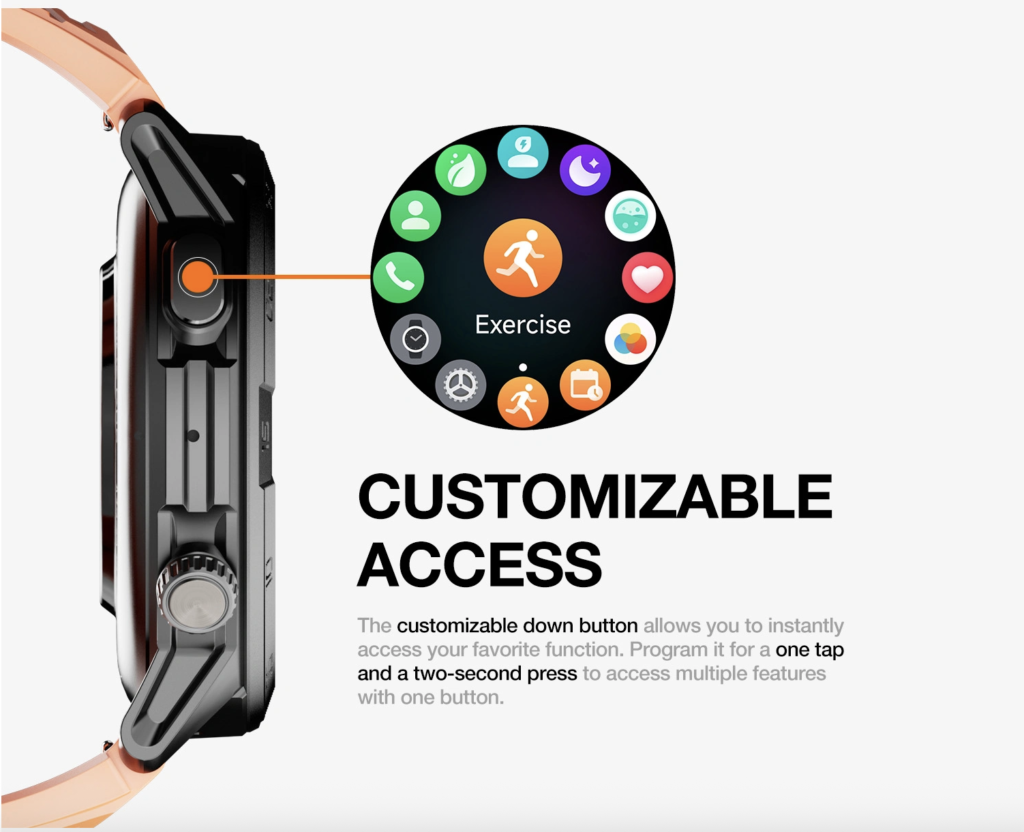
Keep only essential utilities
The late-shift function set may also include:
- Time checks
- Caller identification
- Battery status
- One clock-out reminder
- One alarm needed after the shift
Do not begin adding new apps, watch faces, widgets, or complicated focus settings during the extension. Late-shift configuration should simplify the device, not create another task.
Triage Alerts During the Final Two Hours
Every vibration spends a small amount of attention.
By hour eleven, even a brief glance can interrupt documentation, delay a handoff question, or force the technician to decide whether an alert matters. The solution is not to disable everything. It is to sort each category by the action it changes.
Keep now
An alert stays active when it changes an immediate late-shift action.
Examples include:
- The incoming technician has arrived
- The handoff time changed
- A supervisor needs a response
- A clinic-priority contact is calling
- A family member reports a genuinely urgent issue
These alerts deserve attention because they affect what happens before clock-out.
Hold until clock-out
Some information matters but does not require action during the extension.
Examples include:
- A routine email
- A family update without a deadline
- A schedule question for another day
- A longer message requiring concentration
- A nonurgent request from outside the clinic
The technician can review these after the handoff rather than repeatedly carrying them in mind.
Remove before the next long shift
A notification belongs in this category when it repeatedly consumes attention but never changes a late-shift decision.
Common examples may include:
- Promotional notifications
- Duplicate reminders
- Social activity
- Low-value app updates
- Alerts that always arrive when action is impossible
The decision should remain tied to the final-two-hours problem. A notification useful elsewhere may still be removed from this specific late-shift window.
Ask what action the alert changes
A strong test is:
What will the technician do differently before the handoff because this alert appeared?
When the answer is “nothing,” the alert should probably wait or disappear from future extended shifts.
Readers refining a demanding schedule can reduce nonessential wrist interruptions during a demanding schedule without turning the watch into a silent device.
Reset Wrist Comfort During an Indiana Extended Shift
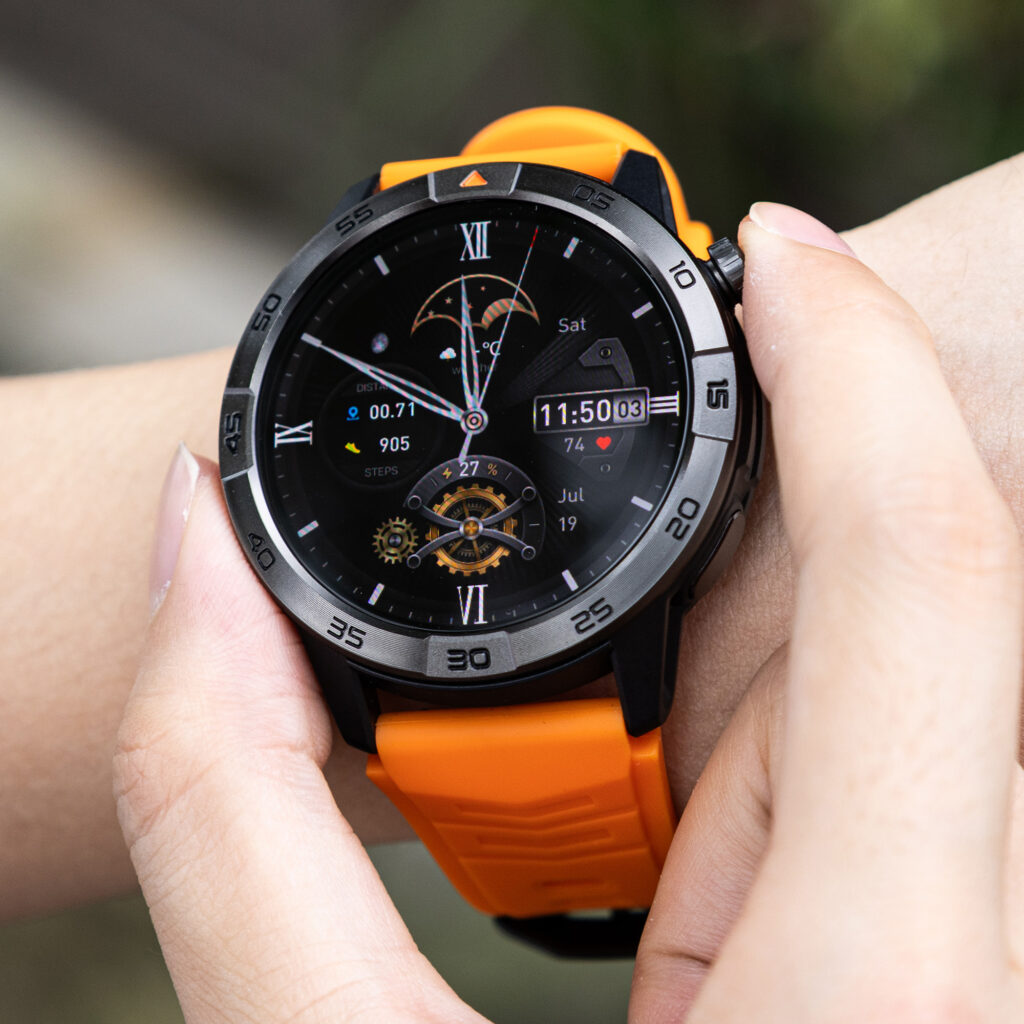
A watch that felt comfortable at the beginning of the day may feel increasingly noticeable after many hours of movement, glove use, handwashing, and repeated wrist checks.
This section concerns ordinary wear comfort, not diagnosis or medical treatment.
Check strap pressure
The technician can assess whether the band feels:
- Too tight
- Too loose
- Unevenly positioned
- Pressed against one point
- More noticeable during glove use
- Uncomfortable after repeated handwashing
A secure watch does not need to feel constricting.
Address moisture and ordinary irritation
Where clinic policy and manufacturer guidance allow, the technician may:
- Dry the wrist
- Dry the band
- Reposition the watch slightly
- Check that the strap is secure
- Remove trapped moisture
- Confirm that the case is not sliding during movement
Cleaning and repositioning should follow workplace hygiene rules.
Reduce unnecessary wrist lifting
Repeatedly raising the wrist can become irritating late in the shift.
A better alert setup reduces the need to inspect:
- Every vibration
- Duplicate reminders
- Nonpriority messages
- Decorative screen information
- Alerts already visible in another approved system
The watch should attract attention only when a late-shift action may change.
Know the limit of comfort advice
Persistent pain, swelling, numbness, rash, or another concerning symptom should not be interpreted through a general smartwatch article.
The appropriate response is to stop relying on generic comfort adjustments and follow suitable workplace or professional guidance.
Move Longer Conversations Off the Wrist
The watch can help the technician make a short communication decision. It should not become the default place for a detailed conversation during the final handoff period.
Keep wrist exchanges brief
Suitable late-shift examples include:
- “I am staying late.”
- “The handoff is delayed.”
- “I will call after clock-out.”
- “Is this urgent?”
- “Please send the address.”
Each exchange closes quickly and gives the caller a clear next step.
Transfer when detail begins
Move the conversation to the phone or an appropriate private location when it requires:
- Several instructions
- Note-taking
- Detailed patient information
- A private family discussion
- A long explanation
- Repeated clarification
The transfer protects attention and battery at the same time.
Protect privacy around the wrist speaker
A wrist speaker may be inappropriate around clients, coworkers, or public clinic areas.
The technician should follow clinic privacy rules and use approved communication systems for sensitive information. The smartwatch should not become a shortcut around those requirements.
Give the caller a clear handoff
A concise transfer sentence works better than continuing an unfocused wrist conversation:
“I cannot discuss this properly right now. I will call after the shift.”
Workers evaluating brief connected calls can see how short wrist calls can fit an extended work period.
Protect Battery Through the Final Fort Wayne Handoff
The remaining battery should be judged by the unfinished operating window.
A universal rule such as “never go below 20%” does not account for display activity, call use, alert volume, battery condition, or the uncertain clock-out time.
List the required battery window
The watch still needs to cover:
- The remaining handoff
- One realistic delay
- A clinic-priority alert
- One family-priority message
- The final clock-out reminder
- Travel to dependable charging
The useful question is not “Is 18% good?”
It is:
Is 18% enough for the functions that still matter?
Reduce low-value demand first
When reserve becomes uncertain, possible reductions include:
- Low-priority notifications
- Excessive screen wake-ups
- Decorative display activity
- Unneeded connected audio
- Nonessential background functions
The technician should not disable the clinic channel, family channel, or final reminder merely to preserve a better-looking number.
Move lengthy calls away from the watch
Longer wrist calls may use additional power while also consuming attention.
Transferring them protects both forms of reserve:
- Watch energy
- Human concentration
That makes the call-transfer rule part of the battery strategy without turning the article into a calling guide.
Use observed performance instead of a fixed threshold
The technician should consider:
- How the watch usually behaves late in a shift
- Expected notification volume
- Likely call use
- Screen brightness and wake frequency
- The possible 90-minute extension
- Travel time after clock-out
- The next dependable charger
A related battery comparison can help users compare battery demand when calling remains active throughout a long day.
Preserve One Family Channel After Clock-Out
Long work hours do not end the moment the clinic handoff is complete.
The technician still needs to transition from workplace responsibility to home responsibility.
Define the message that must remain possible
The final family channel may need to carry:
- “I am leaving now.”
- “The shift ran late.”
- “My arrival time changed.”
- “Please adjust the pickup.”
- One urgent update from home
The channel should be simple and reliable.
Do not reopen every personal alert
Keeping one family route active does not require turning every personal app back on.
A narrow priority channel protects availability without bringing social alerts, shopping updates, and low-value messages into the final handoff.
Protect the transition out of work
The after-work message should help close the extended shift.
It should not automatically begin another long conversation before the technician has left the clinic or reached an appropriate place to talk.
Readers balancing extended work and home availability can protect after-work communication without carrying every work alert home.
Review the Extension After the Shift
Alert cleanup should not become another task performed while exhausted.
The technician can review the final two hours later, after the watch has been charged and the worker has had time to recover.
Record what actually happened
Useful questions include:
- Which alerts changed an action?
- Which messages could have waited?
- Which vibrations were ignored?
- Which conversation became too long?
- Did wrist comfort decline?
- Did the watch cover the full required window?
- Was the family-priority channel still available?
- Did the final reminder arrive at the right time?
The review should focus on evidence, not a general feeling that the shift was tiring.
Remove only one low-value category
Choose one notification type that repeatedly consumed attention without helping the handoff.
Removing a single category creates a measurable change for the next extended shift.
Examples might include:
- Duplicate calendar alerts
- Promotional messages
- A low-priority group notification
- A wellness prompt that always appears at an unusable time
Keep the review tied to the final two hours
Do not redesign the full watch setup after one difficult shift.
The next test asks whether the extension becomes:
- Quieter
- More comfortable
- Less attention-intensive
- Better protected through clock-out
- More dependable for the trip home
Preserve alerts that proved useful
An alert that changed an important action has earned its place.
The purpose is not to minimize the notification count. It is to preserve a clear relationship between an alert and a useful response.
Questions U.S. Veterinary Technicians Ask About Long-Shift Smartwatch Use
Which alerts should remain active during the final hours of a long shift?
Keep alerts that affect the handoff, clinic operations, a supervisor request, or one urgent family matter. Delay or remove categories that do not change a late-shift action.
Can repeated smartwatch vibrations increase distraction late in a shift?
Repeated alerts can fragment attention, particularly when they do not require action. Reducing low-value categories makes the remaining alerts easier to interpret.
When should a wrist conversation move to the phone?
Transfer it when the discussion requires privacy, several instructions, detailed information, note-taking, or a longer explanation.
What ordinary comfort issues may appear after wearing a watch for 12 hours?
Users may notice strap pressure, trapped moisture, case movement, or irritation from frequent wrist checks. Any adjustment should follow workplace and manufacturer guidance.
How should battery reserve be judged when clock-out is uncertain?
Compare the remaining charge with the unfinished handoff, likely extension, priority alerts, family communication, travel time, and next dependable charging opportunity.
Which communication channel should remain available after work?
Preserve one family-priority route for a delayed arrival, pickup change, or genuinely urgent home message.
Set the Final-Two-Hours Loadout
Final two hours: clinic handoff alerts active, low-priority apps silent, long conversations moved off the wrist, strap readjusted, and enough power protected for one family update after clock-out.
That is the complete late-shift loadout.
A smartwatch for people working long hours should protect the wearer’s remaining attention as carefully as it protects its remaining battery.
Before the next extended shift, remove one alert category that never changes a late-shift action. Then identify the clinic contact, family contact, reminder, and communication function that must remain available through the final handoff. Review the smartwatch’s late-shift alert and battery controls to determine whether they support that quieter final-two-hours routine.