
At 4:48 p.m., an Omaha payroll-implementation specialist receives a client email that changes the evening. A data issue has surfaced during a payroll launch. The planned end of the workday is gone, and the next three hours now belong to validation, updates, and a client problem that cannot wait.
The smartwatch is still running the normal workday setup. Routine work alerts keep arriving. Family availability has not changed. Battery use still reflects the original end time. New low-priority requests can still interrupt the one issue that matters.
A smartwatch for people who work overtime needs a different response at that moment. Overtime is not simply more of the same workday. It is a temporary role change with new priorities, a new end point, and a smaller amount of information that deserves attention.
The answer is an overtime trigger: one deliberate change that narrows work alerts, updates family availability, protects the remaining reserve, blocks unrelated work, and creates a clear exit point.
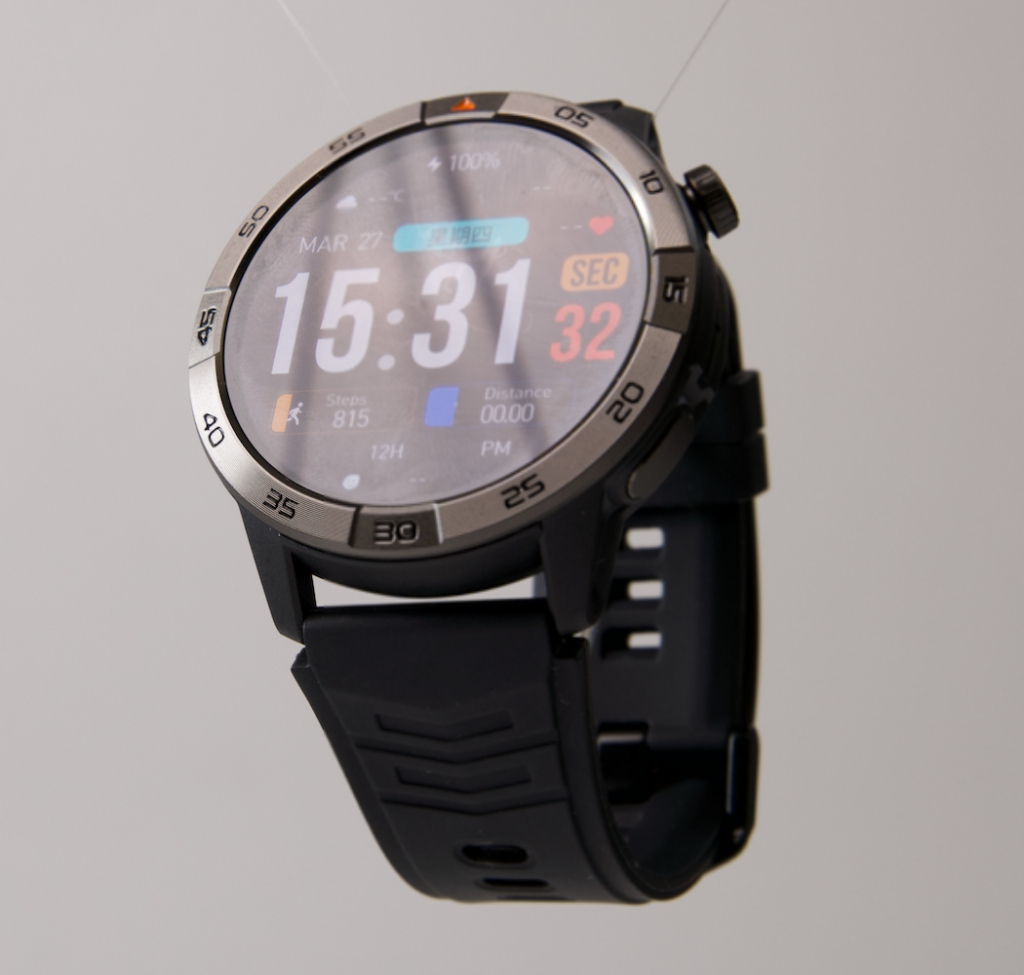
Why a Smartwatch for People Who Work Overtime Needs an Overtime Trigger
An overtime trigger is the point at which the planned end of the day is no longer realistic.
For the payroll specialist, it may be the client email at 4:48 p.m. It could also be a confirmed data issue, a supervisor request for continued coverage, or a payroll-launch task that cannot be handed off before the normal end time.
The trigger should not activate for a quick final email or five-minute wrap-up. It should activate when the worker has enough information to say: “My normal evening plan has changed, and I need a focused overtime setup.”
That distinction matters because the normal profile was built for a different situation. It may allow too many ordinary notifications, leave family contacts without a clear path, and consume battery on information that no longer deserves wrist access.
Once overtime is confirmed, the watch should help the worker protect the overtime task rather than continue delivering the whole day’s noise.
Contract the Alert Profile Before More Work Arrives
The first overtime action is not adding more alerts. It is removing the ones that do not belong in the next few hours.
Think of this as profile contraction. The workday has become smaller in purpose, even though it has become longer in time.
Keep Only Alerts Connected to the Active Issue
During a payroll-launch overtime window, only a narrow group of signals may deserve attention:
- A direct update tied to the active client-data issue
- A supervisor escalation related to the launch
- A reminder for the next agreed status check
- One essential personal contact route
- Time awareness needed to manage the extended evening
The watch should not display payroll data, client records, employee pay information, or other sensitive details. It can support awareness that an approved work system needs attention. The actual payroll work belongs on secure workplace tools.
Silence Alerts That Create New Work
The following usually belong outside the overtime window:
- Social notifications
- Promotions
- Duplicate email alerts
- General group-chat activity
- Routine calendar reminders
- Low-priority internal messages
- Work requests unrelated to the live payroll issue
Use one simple filter: Does this alert affect the active problem, family availability, or the planned overtime exit?
If the answer is no, it can wait.
Reduce incoming noise when a work schedule changes without warning instead of allowing a temporary overtime period to become an open channel for every request.
Make the Family Handoff Before the Evening Disappears
Unexpected overtime changes more than work. It may affect dinner, errands, pickup plans, household responsibilities, or the basic expectation that the worker will be available after a certain time.
That is why family communication should be part of the trigger, not an afterthought.
The goal is not constant checking. One clear update is more useful than repeated uncertain messages.
A simple handoff might say:
“A client-data issue came up during the launch. I need to stay on it tonight. I’ll check in again after the 7:30 review.”
That message does three jobs. It explains the change, gives a realistic next point of contact, and prevents family members from having to guess whether the worker is still at the desk or simply not responding.
Keep one priority contact path available after the update. Everything else can stay quiet unless it becomes genuinely urgent.
Keep essential communication visible during a crowded workday without turning family availability into another stream of interruptions.
Recalculate the Reserve for the New End Time
Battery matters during overtime because the original end time is no longer the correct measurement point.
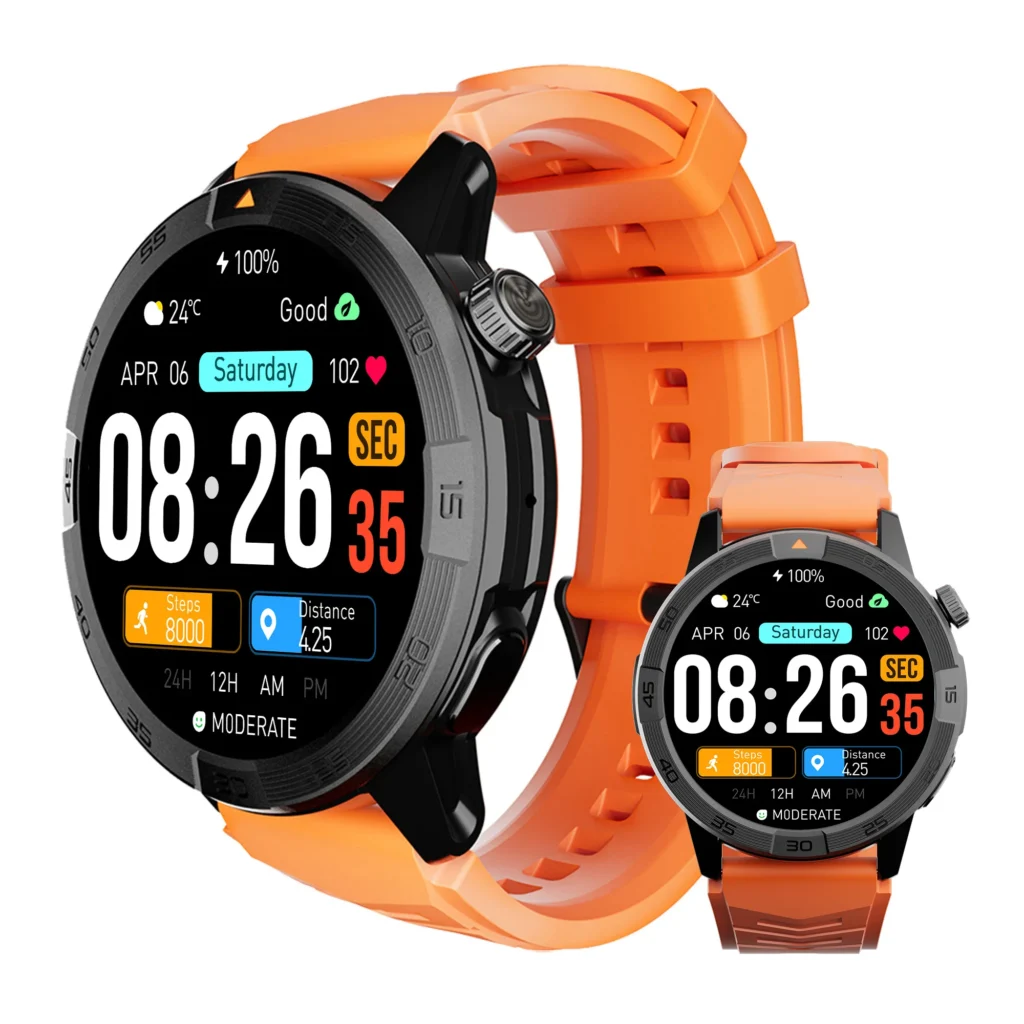
The watch may have had enough charge for the planned day. Now it needs to cover the extended work period, the trip home, and a final layer of personal availability after the payroll issue is resolved.
This does not need a complicated percentage formula. It needs an honest reset.
Ask five questions:
- How long is the confirmed extension?
- Could the issue take longer than the first estimate?
- What must remain available until the worker reaches home?
- Which active settings no longer earn battery use tonight?
- At what point would the remaining charge make the worker uncomfortable?
The goal is not to chase the highest possible battery percentage. The goal is to avoid spending the remaining reserve on notifications that no longer help the overtime task.
For some workers, charging access may be unavailable during the entire extension. That is a separate constraint. Protect a reserve when the extended shift has no practical charging break when the worker cannot depend on a top-up before getting home.
Block New Low-Priority Work From Entering the Overtime Window
Overtime can attract new work simply because the employee is still visible as active.
A routine request may arrive. Someone may send a nonurgent question. A group chat may produce a new task that has nothing to do with the payroll launch.
Without a boundary, the overtime window can expand sideways. The worker remains late not because the original issue is unresolved, but because unrelated work keeps entering.
Use an “admit or defer” rule before responding.
| New item | Does it enter the overtime window? | Action |
|---|---|---|
| Client-data issue affecting the payroll launch | Yes | Keep active |
| Supervisor escalation tied to the same launch | Possibly | Check direct relevance |
| Routine internal message | No | Defer until tomorrow |
| Nonurgent email | No | Leave unopened or mark for later |
| Priority family contact | Yes, when needed | Keep available |
| New request with no link to the launch | No | Do not create a second overtime task |
The smartwatch can be a filter here. It can help the worker notice the highest-priority signal without turning every alert into an invitation to start something new.
Separate overtime priorities from work that belongs to tomorrow so the temporary extension has a defined purpose instead of becoming an endless evening.
Set an Overtime Exit Checkpoint Before the Last Hour Arrives
An overtime trigger needs an exit trigger too.
Without one, the worker may continue operating under the narrowed profile long after the active issue has been resolved, transferred, or documented. Family availability stays restricted. Low-priority work remains blocked. The overtime setting becomes a vague state instead of a short-term response.
Set one checkpoint before the final hour arrives. It can be a time, a work milestone, or a handoff condition.
Examples:
- Review status at 7:30 p.m.
- Reassess after the client file validates
- Confirm whether the issue can transfer after the next payroll run
- End the overtime profile when a supervisor accepts the handoff
At that checkpoint, make one decision:
- Continue the overtime profile because the active issue still needs it
- End the profile because the task is resolved
- Transfer the issue and restore normal availability
- Document the next step for tomorrow, then stop
The point is not to force the work to end at a preset minute. It is to prevent the overtime state from becoming automatic and permanent.
Manage the final stretch after an extended day is already underway once the exit checkpoint is near and the worker needs to protect the final essential priorities.
Build an Omaha Overtime Trigger Card
The trigger should be easy enough to use at 4:48 p.m., not so detailed that it is abandoned during a real escalation.
A simple card can sit in the employee’s notes, task list, or personal routine:
| Trigger stage | Decision | Smartwatch action |
|---|---|---|
| Overtime signal | Is the normal end time no longer realistic? | Activate overtime setup |
| Profile contraction | Which alerts still matter tonight? | Silence low-priority notifications |
| Family handoff | Who needs a clear update? | Send one message; keep priority route open |
| Reserve check | What must remain available until home? | Remove nonessential battery use |
| Work boundary | Does a new request belong tonight? | Admit or defer |
| Exit checkpoint | Is the launch issue resolved or transferred? | Restore normal profile or continue deliberately |
For the Omaha payroll specialist, the client email is the signal. The normal profile contracts. Family receives one update. The watch keeps only the information tied to the launch, the next status check, and a priority personal route. At 7:30 p.m., the employee reassesses the client issue instead of allowing the evening to drift.
This is not a productivity trick. It is a way to make an unexpected role change visible and manageable.
Practice the Trigger Before Payroll Launch Week
A trigger works best when the worker has already made the decisions before the pressure arrives.
Practice once during a quiet week:
- Identify which work alerts are truly launch-critical
- Choose the contacts that remain available for family communication
- Select one realistic exit checkpoint reminder
- Decide what gets silenced
- Confirm that sensitive work information remains on approved work systems
- Make the activation process short enough to complete in under a minute
Avoid building a complicated system that requires many screens or settings changes. During a real client escalation, the worker needs a small number of deliberate actions, not a new project.
After one overtime event, review the result:
- Did the right work alerts come through?
- Did unrelated work stay out?
- Did family receive enough information?
- Did the reserve still cover the extended day?
- Did the exit checkpoint produce a real decision?
These answers let the worker refine the trigger without copying the same profile into every future overtime situation.
Questions People Who Work Overtime Should Ask
What should change on a smartwatch when overtime begins?
Narrow work alerts to the active issue, preserve one priority family route, reassess the remaining reserve, defer unrelated work, and set a checkpoint for ending or extending the overtime profile.
Should every work notification remain active during overtime?
No. Keep only alerts connected to the live issue or a genuine escalation. Routine messages can wait until the normal workday returns.
How should someone update family during unexpected overtime?
Send one clear message explaining that the day has extended and name a realistic next check-in point. Keep only priority contact access active after that.
Is overtime reserve planning the same as normal workday battery planning?
No. The end time, commute window, and personal availability needs have changed. The watch should stop using power for alerts that are no longer relevant.
What is an overtime exit checkpoint?
It is a time or work milestone that forces a decision: continue, end, transfer, or document the work for tomorrow.
Can a smartwatch manage payroll work directly?
No. A watch can support reminders, alert filtering, and availability choices. Sensitive payroll data and client work belong on approved work systems.
Treat 4:48 P.M. as a Real Profile Change
The payroll specialist did not simply receive another email at 4:48 p.m. The client-data issue changed the role of the evening.
A smartwatch for people who work overtime is most useful when it recognizes that change through a deliberate trigger: fewer work alerts, one family handoff, a protected reserve, a rule for new requests, and a clear exit checkpoint.
Before the next payroll-launch week, write down the exact event that activates your overtime setup. Decide what you will silence, who will receive an update, what must stay available until home, and how you will know the overtime profile can end.
After defining that trigger, check the controls that fit an overtime profile change before deciding whether the watch can support the way your workday changes when overtime begins.