
The far-right end of the rail is not the finish line. Across a scheduling desk in Norfolk, Virginia, five stops represent different relationships between an iPhone and a watch: Independent, Notification, Synchronized, Communication, and Deep Wrist Extension. The port warehouse scheduling coordinator is not searching for the most connected option among all smart watches for iPhone. She is searching for the first depth that completes her job without unnecessary burden.
She places four privacy-safe task cards at the left edge: receive a generic shift-change alert, keep an approved reminder synchronized, mark one generic task complete from the wrist, and preserve the iPhone for detailed communication and protected port information.
Smart watches for iPhone fall into five useful integration zones: independent, notification, synchronized, communication, and deeply integrated wrist extension. Choose the first zone that completes every required task while staying within your accepted app, permission, setup, phone-touch, and ownership burden.
Each card moves right only when the current zone cannot complete it. The first complete zone becomes the Minimum-Sufficient Stop.
Pin the Norfolk Requirement Cards to the Rail
The coordinator begins with required outcomes rather than advertised features. Every card records where the task starts, where its result must appear, what wrist action is required, and when returning to the iPhone remains acceptable.
Her required cards are:
- display a generic “Schedule updated” alert without exposing operational details;
- show one approved reminder from the iPhone;
- keep the reminder’s completed or pending state consistent across both devices;
- allow one generic task-status change on the wrist and reflect it on the phone;
- leave detailed messages, schedule editing, calls, and protected port information on the iPhone.
Vessel names, container identifiers, berth assignments, gate codes, customs information, staffing gaps, access credentials, security procedures, and proprietary schedules never appear on the wrist.
A buyer who has not yet decided whether integration should control the purchase can first choose which iPhone priority should control the decision. Article 345 assumes that integration depth is already the question.
Give the iPhone a Deliberate Role in the Virginia Workday
A deeper watch relationship is not automatically better if the phone already handles certain tasks safely and efficiently. The coordinator creates a Phone-Touch Budget that identifies which actions may remain on the iPhone.
The phone keeps responsibility for:
- detailed schedule changes;
- protected warehouse and port information;
- longer calls and complex messages;
- editing schedules or records;
- app administration and account changes.
The watch should remove unnecessary phone handling during seated administrative work, not replace the phone during every moment. A deliberate fallback is a successful design choice when it protects privacy, reduces wrist complexity, and keeps detailed work on the larger screen.
All checks occur while the coordinator is seated or safely stationary. She does not interact with the watch while walking warehouse aisles, crossing loading areas, climbing stairs, handling freight documents, directing vehicles, entering active dock zones, using equipment, or driving.
Zone One: Keep the Watch Mostly Independent
An Independent Watch performs local tasks such as timekeeping, alarms, timers, and other functions that do not require an active iPhone relationship. This zone can reduce app dependence, permission load, and background-connection concerns.
It is sufficient when the buyer needs a watch that happens to be worn near an iPhone but does not rely on it.
The Norfolk coordinator’s first task card immediately reveals the limit. A generic shift-change alert originates on the iPhone and must reach the wrist. The Independent zone cannot complete that requirement, so the card moves right.
This does not make an independent device inferior. It simply places it below the required depth for this particular American workplace routine.
Norfolk Notification Zone: Decide Whether Awareness Is Enough
A Notification Companion receives selected alerts from the iPhone and presents enough privacy-safe context to help the wearer decide whether the phone requires attention.
The coordinator tests the generic “Schedule updated” card. It reaches the wrist, remains readable, and reveals no sensitive details. The first requirement passes.
The approved reminder also appears, but the zone now meets its boundary. The coordinator needs the reminder’s status to remain consistent after she marks the task complete. Simply displaying the notification does not prove that the change returns to the phone.
This is Mirror-Only Surprise: the buyer expects a shared working state but receives awareness only. Notification mirroring may be exactly right for another buyer, yet it stops too early here.
After choosing a required zone, a buyer must still test whether the exact watch reaches the necessary iPhone layers. A zone describes demand, not proven product behavior.
Virginia Synchronized Zone: Require Shared State, Not More
A Synchronized Companion moves selected information or status between the iPhone and watch. It goes beyond showing an alert but does not automatically include calls, message composition, or broad phone replacement.
The coordinator places the reminder card in this zone. The reminder arrives on the wrist, the generic task is marked complete, and the intended state appears consistently on the iPhone under the verified setup.
The Data-Direction Arrow now shows two-way shared state:
- the iPhone sends the approved reminder to the watch;
- the watch returns the permitted completion state;
- the iPhone remains the detailed management device.
No stale duplicate remains, and no protected schedule content moves to the wrist. Every required task card now passes.
The coordinator places a provisional Minimum-Sufficient Stop at Synchronized Companion. For a candidate that later needs a complete functional relationship test, the next method is to verify the full partnership between the phone and watch.
Communication Companion Zone: Move Right Only for Required Wrist Actions
A Communication Companion may add actions such as identifying calls, accepting or rejecting them, speaking from the wrist, reading messages, selecting replies, composing text, or initiating communication.
Those functions can be valuable, but none belongs in the Norfolk requirement bundle. Detailed messages and calls remain on the iPhone because they may involve operational context that should not appear or be handled on the wrist.
Moving right would therefore create Depth Overbuy. The additional capability may be impressive, yet it solves no required problem for this coordinator.
Buyers who genuinely require wrist communication should use the separate method to test calling and texting as independent action paths. Article 345 asks only whether that communication depth belongs in the buyer’s target zone.
Deep Wrist Extension Zone: Justify Every Phone-Replacement Moment
The deepest zone may include broader watch applications, richer cross-device state, extensive wrist actions, greater phone independence, and more moments when a task moves from phone to watch.
No individual capability should be assumed for every product in this zone. The label describes the buyer’s desired relationship, not a universal specification.
The coordinator asks one question for every proposed increase in depth:
Which required Norfolk task becomes complete only here?
None does. The approved alerts and shared task state already pass in the Synchronized zone. Detailed work intentionally remains on the iPhone.
The far-right zone therefore adds no required outcome. It receives a Depth Overbuy Marker rather than a higher score.
Compare the Burden Shadow Under Every Zone
Every integration zone casts a possible Burden Shadow. The article records only burden supported by the exact setup rather than assuming deeper integration always creates more difficulty.
Relevant burdens may include:
- companion-app dependence;
- additional setup and account management;
- broader permission requests;
- notification administration;
- background and software dependence;
- phone-proximity conditions;
- ecosystem-switching difficulty;
- extra troubleshooting or charging demands when verified.
The correct comparison is incremental. If moving one zone deeper solves a required task, the added burden may be justified. When it adds no required result, the buyer is accepting complexity without receiving useful integration value.

A permission decision remains separate from the spectrum. After selecting a zone, the buyer can map only the iOS access required by that integration depth.
Correct the Ecosystem-Lock Misread for U.S. Buyers
Ecosystem-Lock Misread has two opposite forms. One American buyer may assume that the deepest, smoothest relationship must be best. Another may reject any ecosystem dependence even when it completes important required tasks.
Neither shortcut answers the buyer’s real question.
The coordinator instead records:
- which integrated functions are genuinely required;
- which phone or app commitment supports them;
- whether the commitment fits the expected ownership period;
- what fallback remains if the phone or ecosystem changes.
A future phone change would reopen the spectrum. It does not automatically invalidate the current Synchronized Companion fit.
Mark the Minimum-Sufficient Norfolk Integration Stop
The completed task record reads:
- Generic shift-change alert: Notification Companion
- Approved reminder: Notification Companion
- Shared reminder status: Synchronized Companion
- Generic task-status writeback: Synchronized Companion
- Detailed communication: iPhone fallback
- Phone replacement: Not required
The deepest required card controls the minimum integration depth. The coordinator does not average the zones or reward unnecessary capability.
The Minimum-Sufficient Stop is Synchronized Companion. This is where all required tasks become complete while the detailed and sensitive parts of the Norfolk job remain on the phone.
The verdict is Companion Fit — Synchronized Zone.
Verify the Exact Smart Watches for iPhone Candidate After Choosing the Zone
The spectrum defines what the buyer needs. It does not prove that a particular watch reaches that depth.
Each candidate must still provide exact evidence for:
- the buyer’s iPhone and installed software;
- the correct companion application;
- installation and pairing;
- required notification routing;
- two-way synchronized state;
- accepted permissions and settings;
- background continuity;
- current software support.
A product may advertise deep integration while failing the coordinator’s required synchronization route. Another may look simpler yet complete every required task.

Before payment, the buyer should also verify that the exact carted offer reaches the chosen integration zone. Evidence cannot be borrowed from another seller, configuration, app route, or region.
Correct Four Integration-Depth Failures
Binary Compatibility Thinking
The buyer treats “compatible” as one complete state. Correct it by naming the required zone and exact task outcomes.
Depth Overbuy
The buyer accepts additional apps, permissions, setup, or ecosystem burden for functions that solve no required problem. Move right only after a shallower zone fails.
Mirror-Only Surprise
An alert appears, but the expected status update, reply, action, or synchronization does not exist. Separate awareness from shared state and active control.
Ecosystem-Lock Misread
The buyer either praises or rejects ecosystem dependence without measuring its useful outcome. Compare the exact commitment with the required benefit and fallback route.
Questions American Buyers Ask About Smart Watches for iPhone
Is the deepest iPhone integration always best?
No. The correct depth is the first zone that completes every required task below the accepted burden ceiling.
Is notification mirroring the same as synchronization?
No. Mirroring presents an event. Synchronization shares or changes the intended state between the watch and iPhone.
Can a notification companion still be the right choice?
Yes. It earns Notification Fit when awareness is the buyer’s complete wrist requirement.
Does synchronized data prove calling or replies?
No. Communication actions require separate evidence and a deeper requirement zone.
Does successful pairing reveal the integration depth?
No. Pairing is an entry condition. It does not prove alerts, shared state, wrist actions, background continuity, or future support.
Is leaving some tasks on the iPhone a failure?
No. A deliberate phone fallback can protect privacy and prevent unnecessary wrist complexity.
Can deeply integrated smart watches for iPhone have the wrong depth?
Yes. A watch may be deeper than the buyer needs or still fail the particular task that matters.
Can a less integrated watch receive Companion Fit?
Yes. It only needs to complete the buyer’s required synchronized or communication relationship reliably.
When should the spectrum be rebuilt?
Rebuild it after a material change to the iPhone, apps, software, required tasks, privacy limits, phone fallback, or accepted ecosystem commitment.
Issue One Smart Watches for iPhone Integration Verdict
Deep Integration Fit
The buyer needs extensive watch apps, wrist actions, shared state, and documented phone-replacement moments and accepts the associated burden.
Companion Fit
A synchronized or communication companion completes every required task without requiring the deepest wrist-extension relationship. Record the exact subzone.
Notification Fit
Privacy-safe alerts and awareness complete the buyer’s full wrist requirement.
Wrong Integration Depth
The relationship stops too shallow to complete a required task or extends deeper than necessary while exceeding the accepted burden ceiling.
The Norfolk coordinator receives Companion Fit — Synchronized Zone. Independent and Notification zones stop too early. Communication and Deep Wrist Extension go farther than the job requires.
The Right Integration Depth Ends Where the Norfolk Job Is Complete
The far-right end of the rail remained available, but it never became the goal. The coordinator needed more than an independent watch and more than mirrored alerts because one generic task state had to return to the iPhone.
The Synchronized Companion zone completed every required outcome. Calls, detailed messages, schedule editing, and protected port information remained on the phone by design. Deeper wrist actions solved no additional problem and added potential burden.
This verdict belongs to one user, one iPhone, one Norfolk routine, and one current app and software state. Smart watches for iPhone should be chosen by the first complete relationship—not the deepest advertised connection.
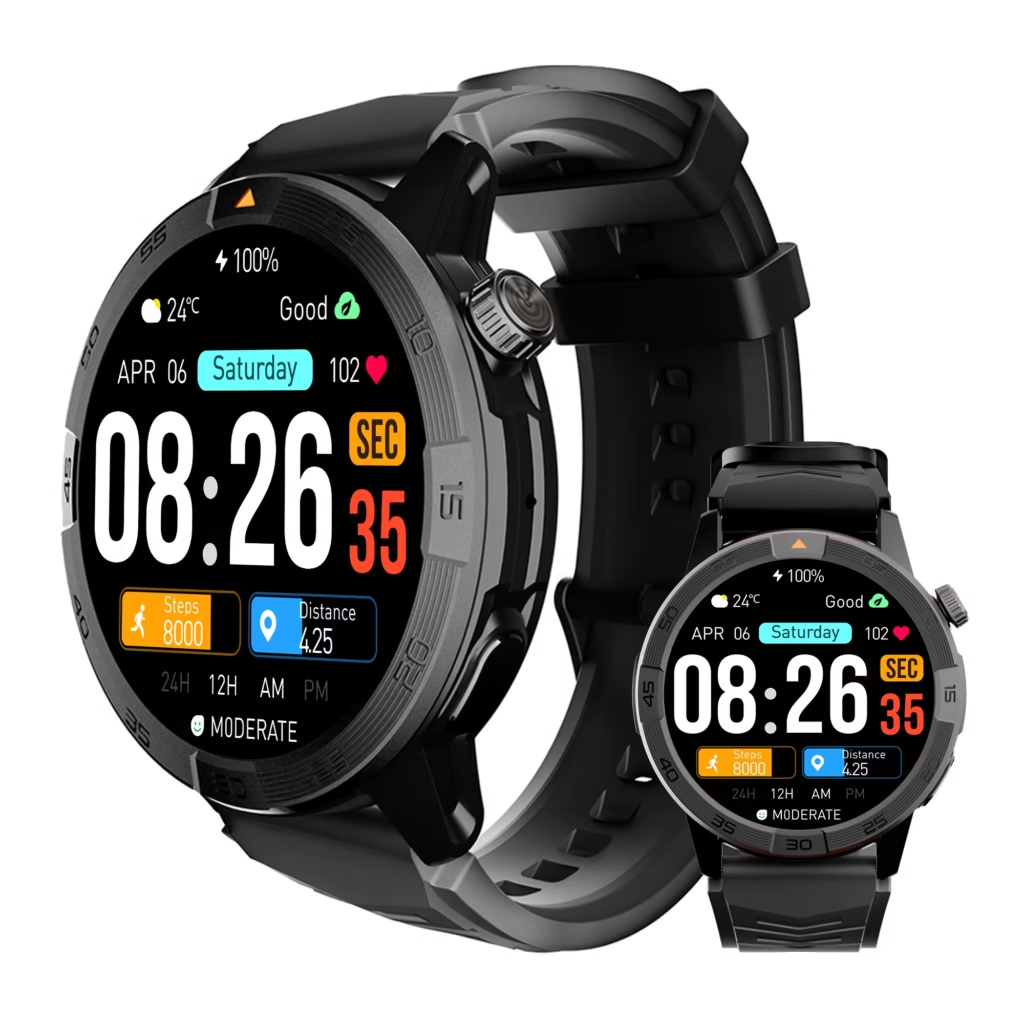
To evaluate a possible match, place this smartwatch candidate on your iPhone integration spectrum, then verify its exact notification, synchronization, app, permission, fallback, and ownership behavior without assuming that it reaches any particular zone.