
The Charleston property manager thought the final setup step was simply tapping “Allow.” Bluetooth access seemed reasonable. Then the companion app requested notifications, background activity, contacts, location, and microphone access. A supposedly simple smartwatch for iOS had turned into a privacy decision. The manager wanted urgent-maintenance alerts and approved-contractor identification, but not continuous location, broad contact access, voice features, or sensitive property information on the wrist.
A smartwatch for iOS is a permission fit when every required watch function works under the access the buyer accepts. Trace each function to Bluetooth, notifications, Focus, background activity, contacts, calendars, location, microphone, or other dependencies. Deny unnecessary access, retest the required functions, and record what becomes limited.
The manager builds an iOS Permission Dependency Map instead of approving every request. Each desired function is traced backward through its exact app route, permission, related setting, accepted scope, privacy cost, and final test result. Compatibility may explain what access can enable. Permission fit decides whether granting that access is acceptable.
Fix the Charleston Functions Before Reviewing Permissions
The property manager begins with six required functions:
- a generic urgent-maintenance alert;
- selected approved-contractor identification;
- an inspection-calendar reminder;
- alarms and timers;
- background delivery of privacy-safe notifications;
- a stable basic phone connection.
The watch must not display tenant names, unit numbers, street addresses tied to maintenance events, access codes, lockbox locations, lease details, payment status, repair descriptions, contractor pricing, or security procedures.
The manager also removes several optional functions from the decision. Geofenced property reminders, wrist calling, voice recording, detailed health information, and broad calendar synchronization are not required.
This task boundary prevents Permission Creep. An app cannot justify more access by pointing to features the manager never intended to use. The selected smartwatch for iOS must preserve the six required functions without turning optional capabilities into mandatory privacy costs.
Draw the Historic-District Privacy Boundary
The manager separates access into three categories before testing begins.
Accepted in Principle
- Bluetooth access when the documented connection requires it;
- notifications with sensitive details hidden;
- an approved work Focus route;
- a necessary background setting;
- selected contractor contacts where limited access works;
- a narrow calendar route when required.
Rejected Unless a Required Function Proves the Need
- continuous or broad location access;
- microphone access;
- Health or Fitness data;
- the complete contact list;
- unrelated calendars;
- photos, files, or other unrelated information.
Never Appropriate for the Wrist
Tenant records, door codes, alarm information, lockbox details, private repair notes, payment records, and property-security instructions remain outside the watch workflow regardless of what the app can display.
A permission request does not earn approval merely because setup becomes faster. It must connect to a required function and remain proportionate to that function.
Identify the Exact App Route for a Smartwatch for iOS
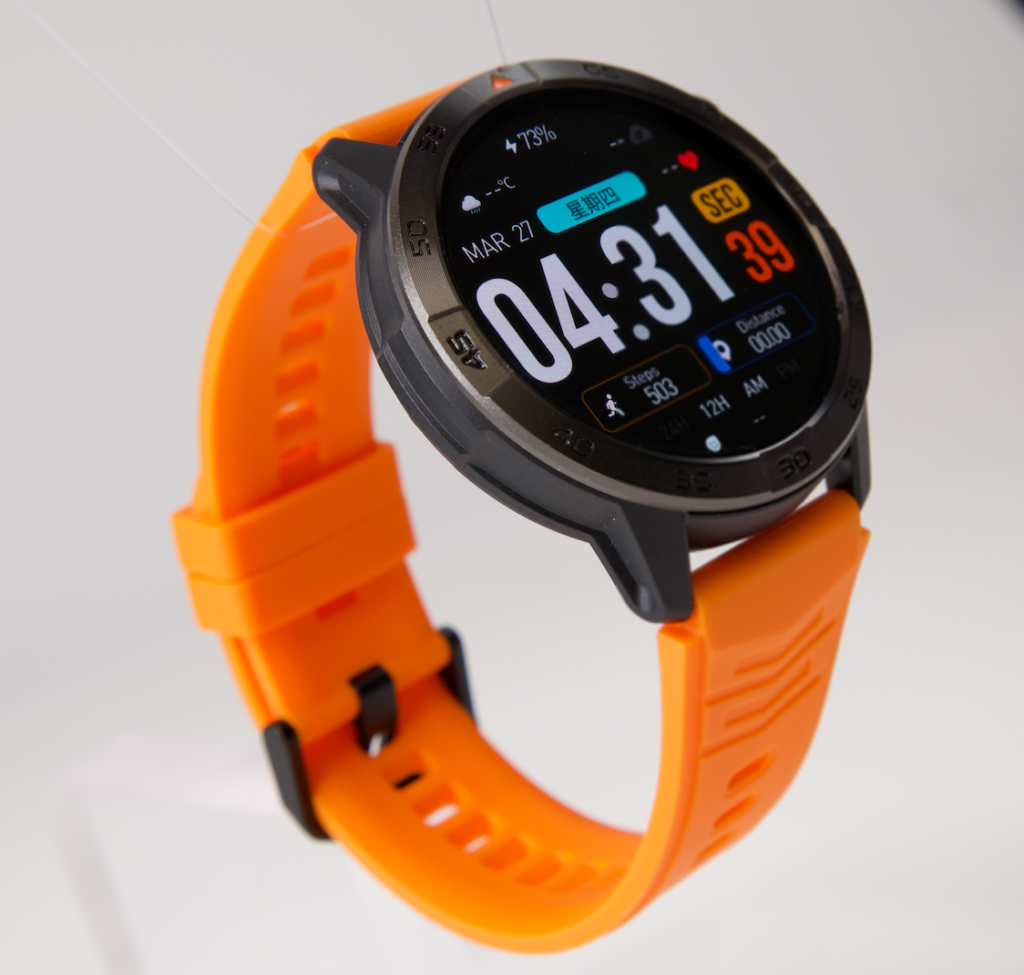
Before granting anything, the manager records the exact watch listing, companion app, identified developer, current U.S. app listing, and evidence date. A similar product image or generic setup card cannot establish the correct app route.
The buyer should first confirm that the exact watch offer identifies the correct companion app. The permission map then attaches to one exact iPhone, software, app, and settings configuration.
Each required function may come from a different source:
- the watch itself;
- the companion app;
- an existing iPhone application;
- a mirrored notification route;
- a phone-side service.
This distinction matters. A calendar reminder mirrored from an existing phone app may not need the companion app to read every calendar. Caller identification may follow a different route from wrist calling. A weather display does not automatically prove that precise location is necessary.
Trace Basic Connection Back to Bluetooth Access
The stable basic connection is the first dependency line. The exact companion-app documentation indicates whether the app requires Bluetooth access for its connection path.
The Charleston manager accepts that access because the required phone relationship depends on it. However, the permission node ends there. Bluetooth approval does not automatically approve:
- notifications;
- contacts;
- location;
- microphone access;
- calendar access;
- health information.
This prevents one reasonable request from becoming blanket consent. The manager then uses the process for testing stable pairing and reconnection under the accepted access state.
A successful connection proves only that the recorded connection route works. It does not prove that the remaining functions have the access they need.
Trace Charleston Urgent Alerts Through Notifications and Focus
The urgent-maintenance alert follows a longer dependency line:
Companion app → notification permission → preview setting → active Focus route → privacy-safe wrist display.
The manager allows notifications but limits the visible content to a generic category such as “Urgent maintenance.” The watch does not show the affected property, tenant, room, repair type, contractor, or access instructions.
Notification permission alone cannot complete the test. The active work Focus must also allow the required app or alert route. The manager sends one controlled generic alert while stationary in the office.
The alert arrives with the accepted privacy level. The function passes.
A Privacy-Function Conflict would occur if the alert worked only when the screen exposed more information than the manager accepted. In that case, technical compatibility would not be enough to produce a permission fit.
Expose the Background-Access Blind Spot
The alert must also arrive when the companion app is not visibly open. The manager leaves the active app screen normally, preserves the documented phone conditions, and repeats the generic test.
This stage examines related settings rather than treating them as one broad permission. The test may include Background App Refresh, phone proximity, network state, or another documented condition tied to the exact app.
The first background test does not pass consistently. After the required app-specific background setting is enabled, the generic alert arrives without repeated manual app opening.
The result is a conditional pass. The setting remains on the map because it supports a required function, but the condition is recorded as an ownership dependency.
This avoids Background-Access Blind Spot: approving notifications while never testing whether the app can deliver them under ordinary use. A smartwatch for iOS should not receive a background-function claim based only on an open-app demonstration.
Limit Approved-Contractor Contact Access
The manager wants selected approved-contractor identification but refuses to release the complete address book without necessity.
The dependency line asks four questions:
- Does the exact function require companion-app access to Contacts?
- Can access be limited to selected contractors?
- Does caller identification still work under that narrower scope?
- What happens when broad contact access is denied?
The manager grants access only to the selected contractor entries used in the controlled test. A generic approved-contractor call appears correctly while unrelated contacts remain outside the accepted scope.
The function passes under limited access.
This result belongs only to the tested app route and phone configuration. Another app may behave differently. If the candidate required the complete address book for one modest identification function, the manager would reject the request and mark the function limited.
Choose the Narrowest Inspection-Calendar Route
The manager needs a generic inspection reminder, not complete companion-app access to every personal and business calendar.
Two possible routes are tested:
- direct Calendar access through the companion app;
- a privacy-safe notification from the existing iPhone calendar application.
The second route provides the required reminder without giving the companion app broad calendar access. The screen shows “Inspection reminder” and nothing more.
The narrower route therefore wins. Direct calendar access is marked Not Required, while notification delivery remains approved.
This is a core rule of the iOS Permission Dependency Map: when two verified routes complete the same task, prefer the route that demands less access and creates an acceptable workload.
Reject Location and Microphone Access That Serves No Required Task
The companion app also promotes a geofenced reminder and a wrist-audio feature. Those optional functions would introduce location and microphone dependencies.
Neither belongs to the Charleston task set. The manager denies both requests.
As a result:
- the geofenced reminder is unavailable;
- the optional wrist-audio feature is unavailable;
- the six essential functions remain under review.
The denials do not make the watch generally incompatible. They deliberately reduce the available feature set to preserve the buyer’s privacy boundary.
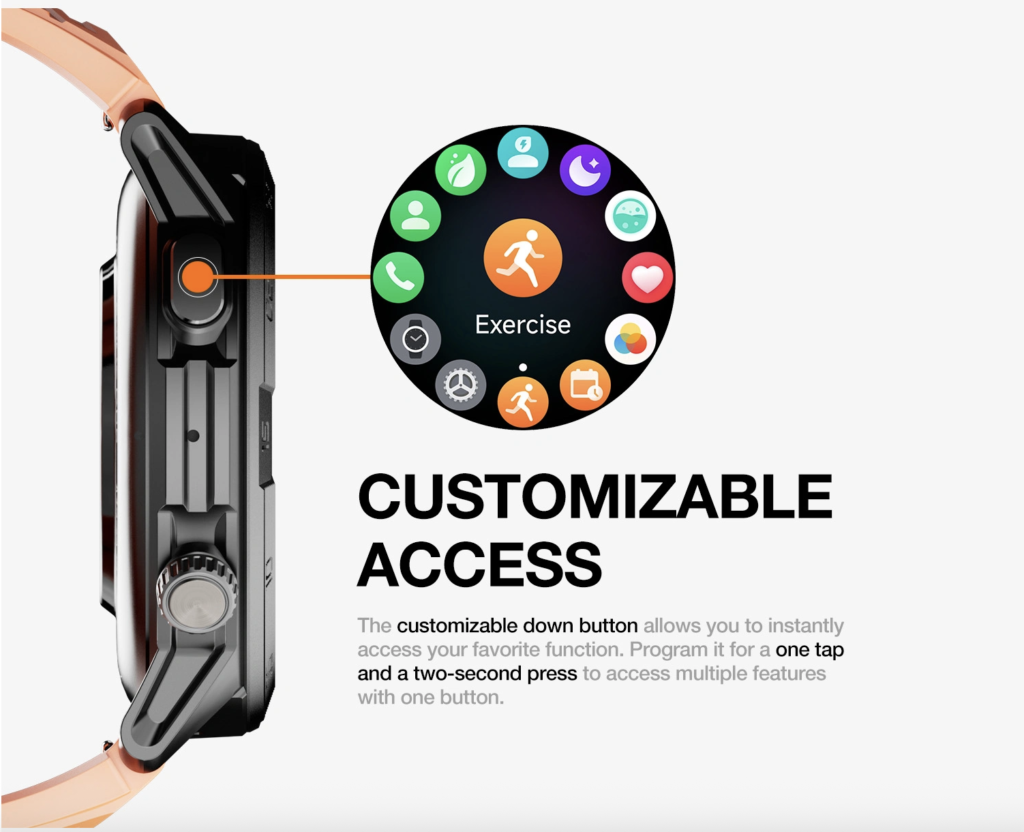
A weather icon, map screen, phone symbol, or microphone graphic would not change this decision. Images and feature labels do not prove that access is necessary for the manager’s required work.
Retest the Complete Charleston Permission Set
Individual dependency lines can pass while the combined configuration still fails. The manager therefore tests the complete accepted set together.
- Basic connection: pass with accepted Bluetooth access.
- Urgent-maintenance alert: pass with notifications, hidden detail, and the approved Focus route.
- Contractor identification: pass with selected-contact access.
- Inspection reminder: pass through the narrower notification route.
- Alarms and timers: pass without additional sensitive access.
- Background alert: pass under one recorded app-specific setting.

Location and microphone functions remain unavailable by choice. Broad contacts and full calendar access remain denied.
The resulting smartwatch for iOS configuration preserves every required Charleston function while intentionally limiting optional features.
Review App Behavior Without Turning Review Into Proof
After the permission set has been used under ordinary office conditions, the manager reviews available privacy information to see how the app has used granted access.
The review looks for:
- which approved data categories were accessed;
- whether access generally matches the recorded map;
- unexpected requests or activity that need further investigation;
- changes that should trigger another function test.
This review does not prove that the app is secure, trustworthy, necessary, or permanently well behaved. It provides supplementary evidence about the active permission set.
The purchase decision still depends on exact function results, accepted scope, current documentation, and the buyer’s privacy boundary.
Record Charleston Permission-Drift Triggers
A permission map can become outdated even when the physical watch and phone remain unchanged. Retest the map after:
- a companion-app update;
- an iOS update;
- an app reinstall;
- a phone replacement;
- a notification or Focus change;
- a selected-contact change;
- a background-setting change;
- a location-scope change;
- a repeated function failure.
This prevents Settings Drift. Yesterday’s approved map should not be treated as proof for a changed configuration.
When software changes, use the method for rechecking required functions and permissions across the documented iOS update path.
Questions That Reveal a Poor Smartwatch for iOS Permission Fit
Does every companion-app request need approval?
No. Approve access only when a required, verified function depends on it and the scope fits the buyer’s privacy boundary.
Does Bluetooth permission include notification access?
No. Connection access and notification delivery should be tested separately.
Can notifications be allowed while Focus blocks the alert?
Yes. The app’s notification setting and the active Focus route both need verification.
Does caller identification always require the complete contact list?
No universal rule applies. Test the exact route with the narrowest available scope.
Does a weather or map screen prove that location is required?
No. Identify the actual data source and test whether the required function needs location access.
Is Background App Refresh the same as a privacy permission?
No. It is a related system setting that may affect some app behaviors and should be tested separately.
Can denying an optional permission make the watch unusable?
It may remove an optional feature. The purchase question is whether every essential function remains.
Should an unused calling feature justify microphone access?
No. Microphone access should not be approved for a function the buyer has already excluded.
Does a privacy report prove the app is safe?
No. It is a review tool, not a complete security, trust, or compatibility certificate.
Issue One of Four iOS Permission Verdicts
Permission Fit applies when every required function passes, each granted permission supports a required function, and no unnecessary access remains.
Acceptable Permission Load applies when every required function passes and the buyer accepts several proportionate permissions and related settings.
Function-Limited Privacy Fit applies when all essential functions pass but optional functions are removed because the buyer rejects their access requirements.
Permission Conflict applies when an essential function needs access the buyer refuses, and no narrower verified route can preserve the task.
The Charleston manager issues Function-Limited Privacy Fit. The stable connection, generic maintenance alert, selected contractor identity, inspection reminder, timers, and background delivery all remain available. Geofencing and wrist-audio functions are removed because their location and microphone costs do not serve the required role.
With the final permission limits recorded, the manager can calculate whether the surviving functions still preserve enough usable value.
Grant Access to the Function, Not to the Feature List
The first “Allow” button looked like a routine setup step. It was actually the beginning of the purchase decision.
A smartwatch for iOS should not receive broad access merely because the companion app requests it, another buyer accepted it, or a larger feature list makes the product appear more capable. Every permission must trace to a required function, use the narrowest workable scope, and survive a controlled retest.
For the Charleston property manager, refusing Location and Microphone access does not ruin the watch. It creates a smaller, privacy-conscious function set that still completes the essential job. The verdict applies only to this watch, iPhone, app route, permission set, settings state, and evidence date.
Define the functions, challenge every access request, and place this smartwatch candidate on your iOS Permission Dependency Map before deciding which permissions its role genuinely deserves.