
A setup QR code can look like proof that an app belongs to an Android smart watch. The buyer scans it, installs the first convincing result, and only afterward asks who published it, which phones can install it, or whether the listing supports the exact watch offer.
Those are different questions. A QR destination may lead to a product page, a store listing, general instructions, or a route that has changed since the packaging was printed. Even a successful installation does not prove that the application is the correct companion for the watch in front of the buyer.
Before buying an Android smart watch, verify the exact companion app in Google Play, the developer shown on its listing, compatibility with your phone, the setup source, and a first connection to the exact watch offer. Reject any route supported only by a QR code, similar app name, or unsupported device assumption.
A wholesale-showroom account coordinator in Des Moines, Iowa, is preparing one demonstration unit for ordinary buyer conversations. He needs a defensible app route without exposing customer identities, wholesale account numbers, negotiated prices, invoices, delivery instructions, or private correspondence.
He uses a Play Store Entry Gate. The route must move backward from the QR code to the expected application identity, then forward through device eligibility, approved installation, exact-watch selection, and a first generic connection. Only that complete chain earns an app-entry verdict.
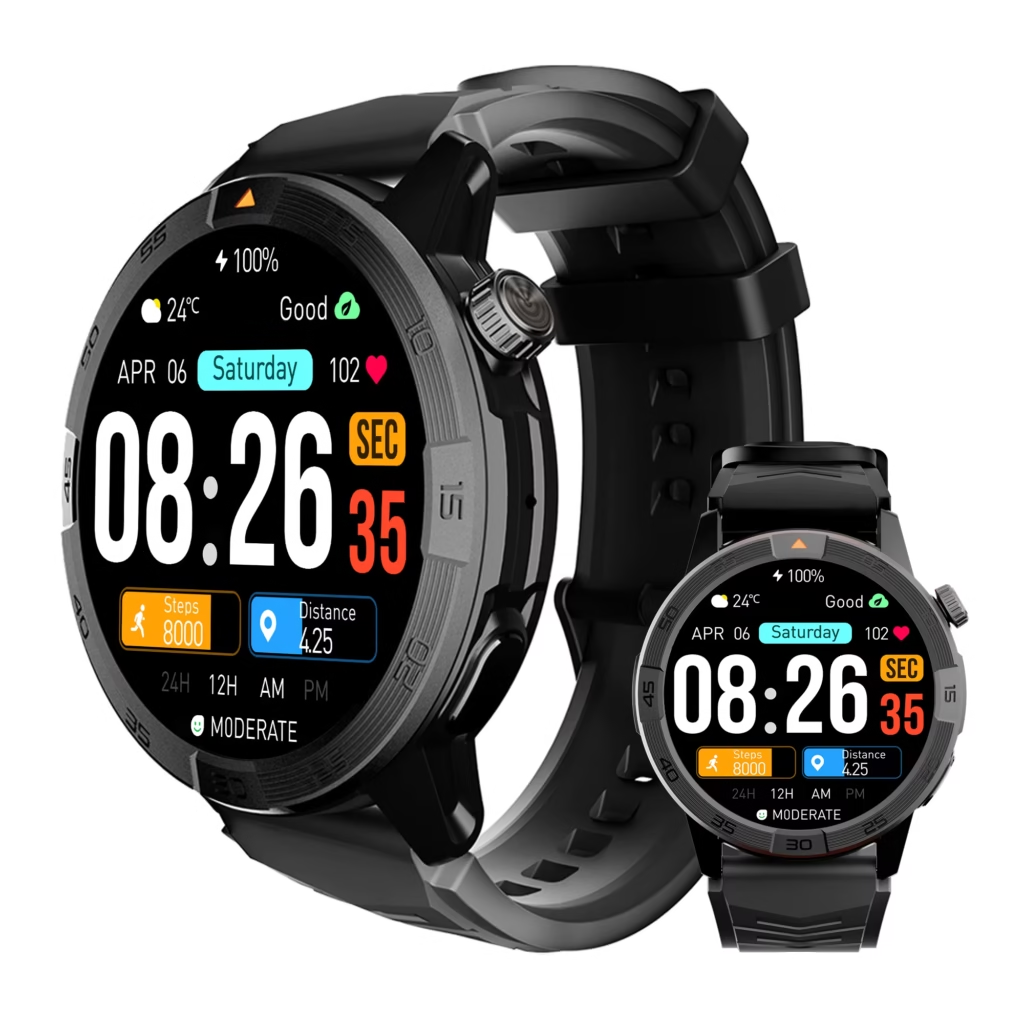
Capture the Des Moines QR Source Before Scanning
The coordinator photographs or records where the code appears without treating the code as authority. His QR Source Card notes whether it came from the package, an insert, the product page, or another setup document. It also records the exact wording beside the code, the associated offer, and the evidence date.
This prevents the QR Authority Assumption: believing that the presence of a scannable code proves that its destination is current, official, and matched to the exact Android smart watch.
The code may still lead to the correct route. The point is to preserve its origin before allowing the destination to influence the investigation. If the QR code and current setup materials later disagree, the coordinator can identify which source created the conflict.
Before following any application route, he uses the terminology guide to decode what the Android label actually claims. A listing that merely promises Android-phone compatibility does not automatically prove a particular watch operating system or application environment.
Write the Expected App Record Before Searching
Search results should not define the app after the fact. Before opening Google Play, the coordinator creates an Expected App Record from the exact offer and its current setup material.
The record contains:
- the displayed application name, when stated;
- the expected developer or support organization, when stated;
- the phone platform named by the offer;
- the documented setup sequence;
- a safe offer identifier that distinguishes the demonstration unit;
- any missing or conflicting information.
This blocks Search-Result Substitution. Without a written expectation, a similar name, familiar icon, or polished listing can quietly become “the correct app” even when the offer never points to it.
Find the Independent Google Play Record
The coordinator now searches Google Play independently instead of relying only on the QR destination. He records the application name exactly as displayed, the listed developer, the visible support route, the phone’s compatibility result, and the date of the check.
An Android smart watch does not pass this gate merely because an application with a similar title appears. The store record must align with the Expected App Record closely enough to support the same setup route.
If the application cannot be found, appears unavailable for the designated phone, or presents a different identity, the coordinator stops. He does not replace the missing route with an unrelated downloadable file or bypass device eligibility.
After app entry is established, the separate service-stack guide can verify the Android phone services required by the companion route. Permissions, background operation, account alignment, and actual delivery remain later tests.
Compare the Developer and Support Route
A developer name is one corroborating field, not a complete trust verdict. The coordinator compares the current store listing with the offer’s setup documentation, support destination, and expected publisher relationship.
He checks whether:
- the same organization or documented relationship appears across sources;
- the support destination is consistent with the setup material;
- the application description points to the relevant watch family or companion function;
- the listing contains unexplained references to unrelated devices;
- the exact Android smart watch remains identifiable within the route.
Name-Match Shortcut occurs when two similar application names are treated as proof of the same product relationship. Generic words such as watch, fit, health, or smart can appear in many unrelated listings. The complete evidence route matters more than one shared word.
Check Eligibility on the Exact Android Phone
The designated test phone must be used for the eligibility decision. A result from another employee’s phone, a web search, or a similar model cannot substitute for the exact setup.
The Device Eligibility Receipt records one of five outcomes:
- Eligible: The current store route permits installation on the designated phone.
- Conditional: Eligibility depends on a disclosed and accepted phone, account, region, or software condition.
- Ineligible: The current route does not support the designated phone.
- Unavailable: The listing cannot be accessed through the intended store route.
- Unresolved: The buyer cannot determine the current result reliably.
This defeats Family-Level Compatibility Borrowing. Two phones with similar names can still present different eligibility results. The app-entry decision belongs to the exact phone being used with the Android smart watch.
The approved app route must also fit the relationship chosen for the buyer. The Cluster 14 hub helps readers confirm that the companion route fits the intended Android watch relationship.
Match the App to the Exact Watch Offer
Phone eligibility proves that the application can enter the phone. It does not prove that the app supports the exact demonstration watch.
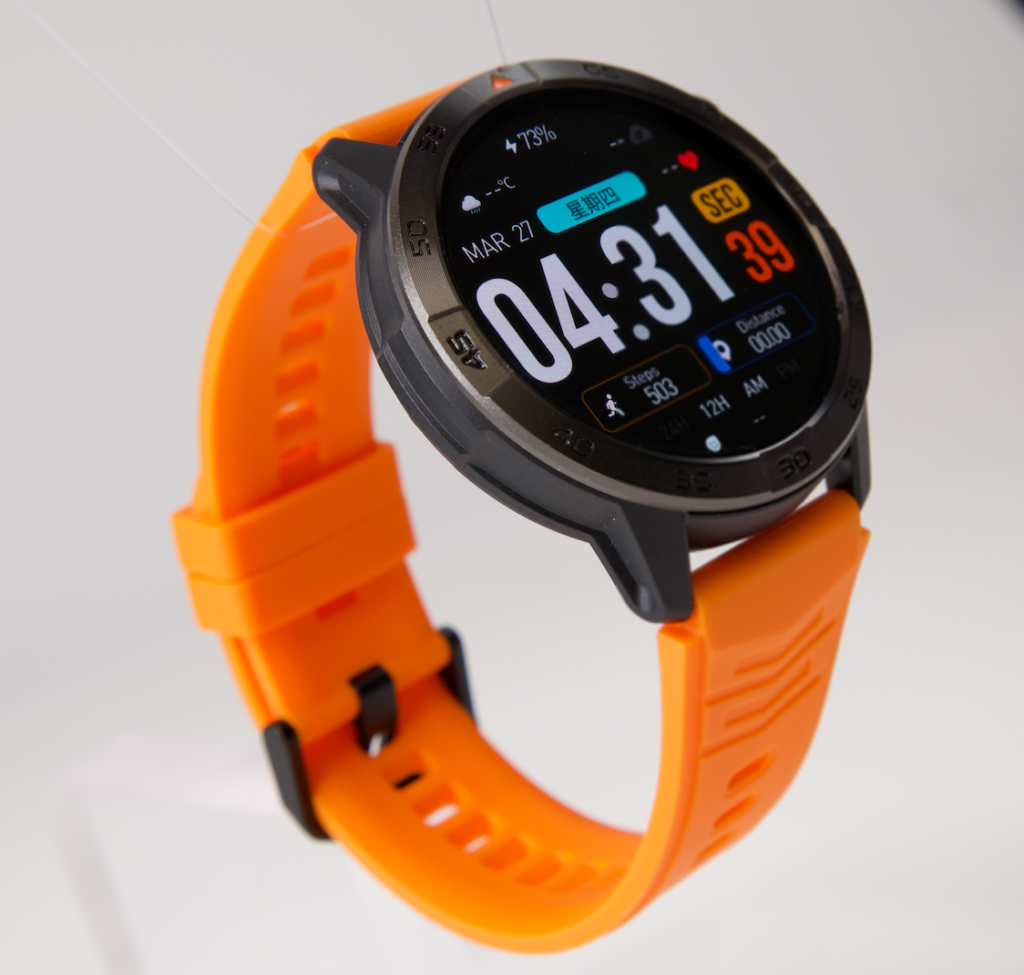
The Offer-to-App Crosscheck compares:
- the exact offer and current setup material;
- the independent Google Play record;
- the developer and support relationship;
- the watch family or selection screen shown by the app;
- the documented connection sequence.
Generic Device Catchall occurs when an application supports some watches and the buyer assumes that it supports every visually similar offer. A broad device list or generic Bluetooth search is not enough when the exact watch route remains unidentified.
The coordinator also refuses to use a successful scan as a substitute for corroboration. The QR code may be part of the evidence, but the app listing and exact-watch path must lead back to the same offer.
Install Without Overstating the Result
The coordinator installs only from the verified Google Play record. His Installation Receipt records the listing used, the designated phone, the installation date, and whether the app opens to the expected setup route.
Installation proves a narrow result: the application was available to that phone through that listing at that time. It does not prove that the watch will connect, that alerts will arrive, that records will synchronize, or that the app will remain available indefinitely.
This narrow interpretation matters because an Android smart watch can appear ready as soon as the companion application opens. The buyer still has to locate the exact watch path and complete a generic first connection.
No customer account, order history, pricing record, invoice, address, staff credential, or private showroom information is entered during this stage. The demonstration uses only a permitted generic test state.
Reach the First Exact-Watch Connection
The app-entry route now moves from the phone to the watch. The coordinator follows the documented setup path, selects the exact demonstration unit or its verified watch family, and records the first generic connection checkpoint.
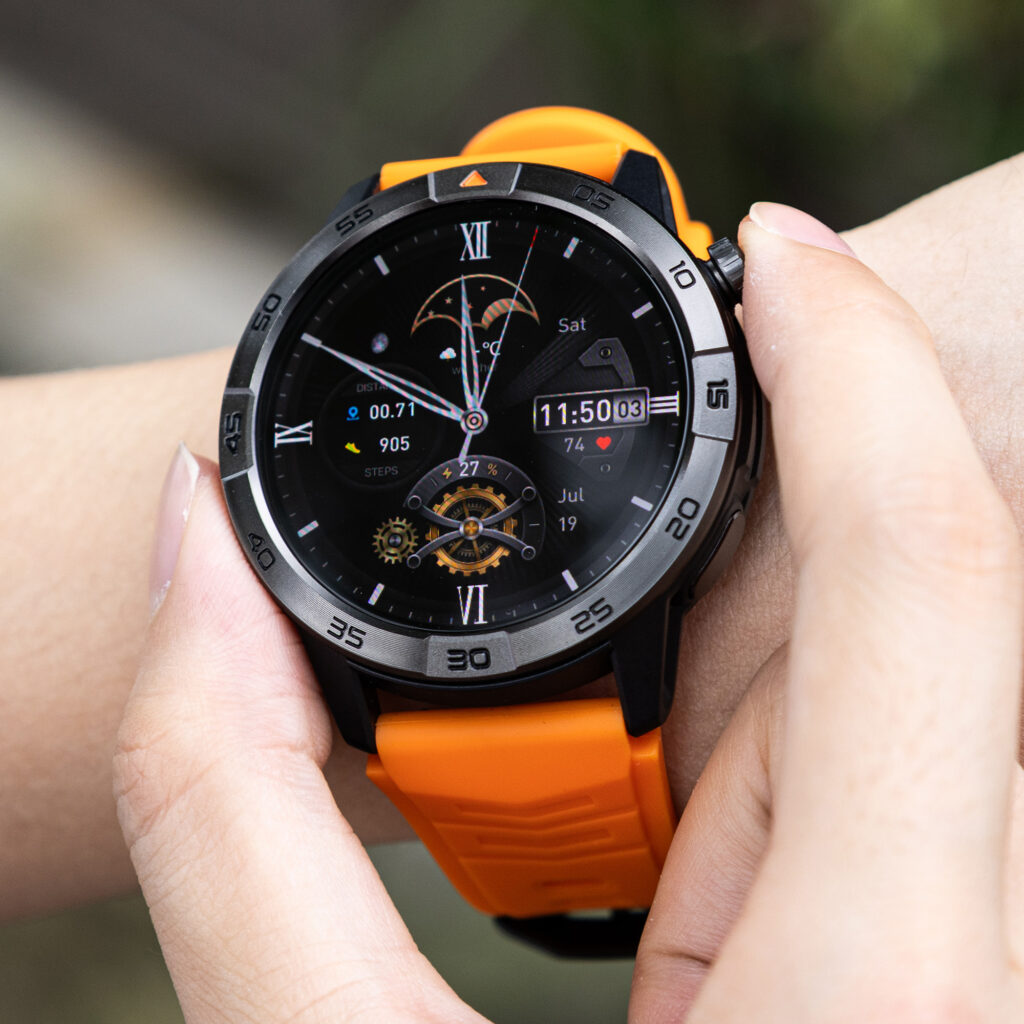
A First Connection Receipt includes:
- the app and listing used;
- the designated Android phone;
- the selected watch route;
- the observed generic connection result;
- the date and any disclosed condition.
The check occurs while the coordinator is stationary and away from active customer assistance. He does not interact with the watch while driving, crossing parking areas, using stairs, carrying merchandise, unloading displays, or handling an urgent showroom issue.
The first connection closes the entry chain, but it does not prove the complete partnership. The next stage is to test the full phone-to-watch relationship after app entry passes.
Record Listing and Route Drift
An application route can change after the first verification. The coordinator creates a Listing Drift Log so a later app name, developer record, support destination, eligibility result, or setup process is compared with the original evidence rather than accepted from memory.
He repeats the Play Store Entry Gate when:
- the package and current instructions no longer match;
- the app name or developer display changes;
- the support destination changes;
- the designated phone no longer shows eligibility;
- the exact watch selection disappears;
- a replacement phone or demonstration unit is introduced.
Keep App Entry Separate From Feature Proof
A verified companion route proves that setup can begin through one supported path. It does not prove complete notification content, replies, calling, location functions, background reliability, record transfer, sensor accuracy, or battery performance.
The coordinator labels every untested capability Not Yet Verified. This prevents first-connection success from expanding into an unsupported product endorsement.
After the route is stable, the notification guide can decide which verified Android alerts should reach the wrist. The buyer must first prove that an alert can travel through the setup, then decide whether it deserves wrist access.
An Android smart watch with the correct companion app may still be a poor fit. Conversely, a watch should not be rejected for lacking an advanced action that the buyer never required. Entry, service delivery, action depth, and overall fit remain separate decisions.
Shortcuts That Choose the Wrong Companion App
Does a QR code prove the correct application?
No. Preserve the code’s source, then corroborate its destination with the exact offer and current store record.
Does a similar app name prove an offer match?
No. Compare the developer, support route, setup documentation, and exact-watch selection.
Does Google Play availability prove compatibility with my phone?
No. Check the current eligibility result on the exact phone intended for use.
Does one supported phone prove the whole model family?
No. Do not borrow eligibility from another device or variant.
Does the developer name prove that the app is trustworthy?
No. It is one identity field in the route, not a complete quality, privacy, or security verdict.
Does installation prove the app supports the watch?
No. The exact-watch route and first connection still need confirmation.
Does a successful first connection prove every feature?
No. It proves app entry only.
Should an unavailable store listing be replaced with any downloadable file?
No. An alternative route requires its own verified source and must not be used to bypass eligibility.
Can an app name or developer record change?
Yes. Recheck the route when the current evidence differs materially from the original receipt.
Does a high rating prove the app belongs to the exact watch?
No. Popularity and exact offer identity are different questions.
When should the gate be repeated?
Repeat it after a material app, developer, phone, region, setup-source, offer, or watch-selection change.
Issue the Des Moines App Entry Verdict
The Play Store Entry Gate produces five verdicts:
- Verified App Entry: The setup source, app identity, developer record, exact-phone eligibility, offer match, installation, watch route, and first connection support the same path.
- Conditional App Entry: The path works only under a disclosed and accepted phone, region, account, software, or setup condition.
- Listing-Only App Claim: A listing exists, but its relationship to the exact offer or watch connection remains unproved.
- Mismatched App Route: The app identity, developer, source, eligibility, or watch path conflicts with the offer.
- App Route Unresolved: The buyer lacks enough evidence to distinguish the intended app from alternatives.
The Des Moines coordinator issues Verified App Entry. The recorded QR source, Expected App Record, independently located store listing, developer relationship, designated-phone eligibility, offer crosscheck, installation, exact-watch route, and first generic connection all converge.
The verdict is deliberately limited. It does not approve the watch’s notifications, calls, records, location functions, endurance, or overall value. An offer with a mismatched or unresolved route should be removed through the process for eliminating candidates that fail a nonnegotiable app requirement.
The Correct Android Watch App Must Lead Back to the Offer
The opening mistake began with scanning first and identifying later. The Des Moines review reversed that order.
The coordinator preserved the QR source, wrote the expected identity, found the independent store record, compared the developer, checked the exact phone, matched the app to the offer, installed from the approved listing, and reached one generic watch connection.
His verdict is Verified App Entry. It applies only to the recorded offer, phone, listing, setup source, watch route, and evidence date.
An Android smart watch should not enter a shortlist because a QR code opens something installable. The correct companion app must be identifiable before installation and must lead back to the exact watch after installation. Only then can service, feature, and ownership testing begin.
Use the same records to run this Android smart watch through the Play Store Entry Gate, independently verifying its QR source, app identity, developer record, phone eligibility, exact offer match, watch-selection route, and first connection before assigning a verdict.