
The phone clicks into a locker before the Rochester cleanroom door closes. That rule is clear. The watch remains on the assembly lead’s wrist, yet its status is not.
Can it enter the controlled area? Does the microphone matter if no call is made? May Bluetooth stay active? Is a vibration-only reminder acceptable? Those unanswered questions turn the search for a smartwatch for people who cannot use phone at work into a permission problem before it becomes a feature problem.
The phone staying outside does not grant the watch entry. A technically capable device has no workplace value until the employer’s written rule or an authorized confirmation allows the exact action the employee wants to perform.
The Policy-Permission Fit Test treats every desired wrist action as a separate card. Each card must pass through possession, recording, connectivity, communication, and interaction filters before usefulness is considered.
Put the Desired Wrist Action on a Permission Card
Start with the action, not the product page. Broad labels such as “Bluetooth calling,” “smart notifications,” or “voice assistant” hide several distinct policy questions.
Write the action as a verb:
- Check the time
- Feel a scheduled vibration
- Read an approved operational reminder
- View a caller’s name
- Answer a call
- Speak a short reply
Add every dependency beneath the action
A local reminder may require only the watch and a stored schedule. A caller-name preview may depend on the phone, Bluetooth, notification permissions, a companion application, and continuous connectivity. Speaking a reply may introduce a microphone, account access, and communication rules.
List every required dependency before asking whether the action is useful. This prevents the buyer from treating one approved function as permission for the whole watch.
Keep capability separate from permission
A smartwatch may technically support calls and still be unsuitable for the Rochester role because the device, microphone, connection, or interaction is not allowed. Readers evaluating the technology itself can separate technical call support from workplace permission.
Let the Possession Rule Guard the Cleanroom Door
The first filter is simple: may the wearable enter the relevant work area?
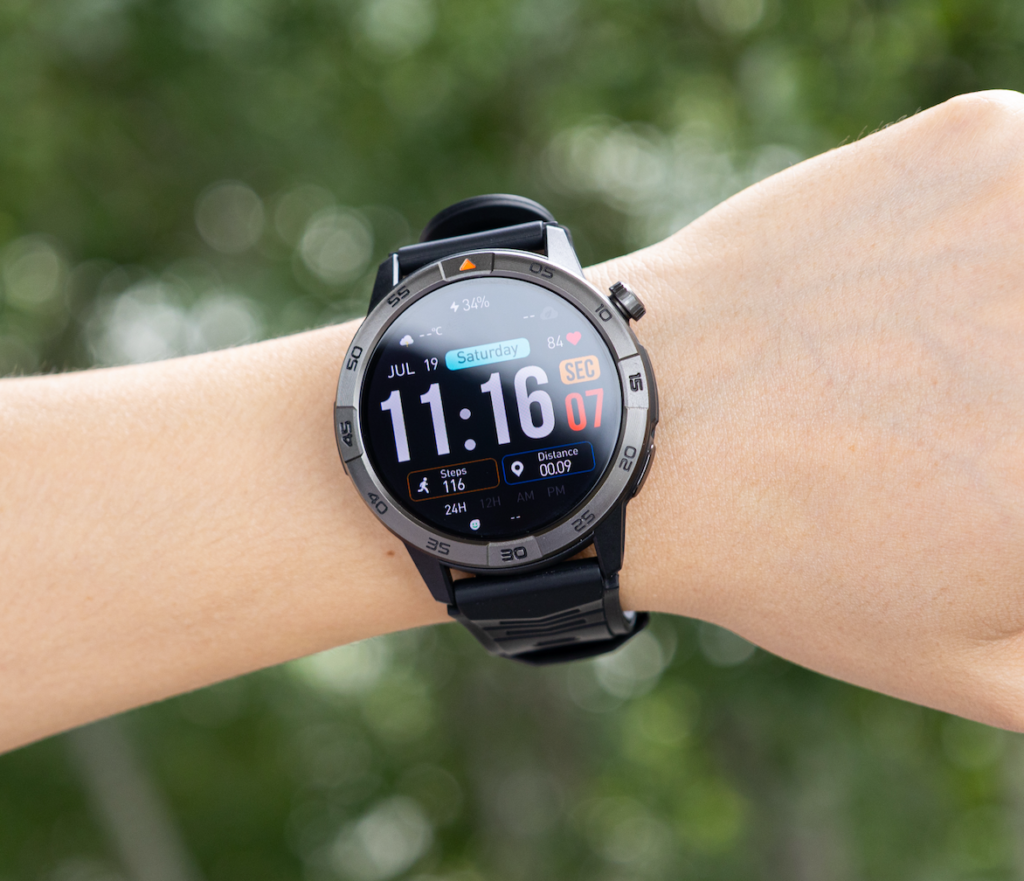
Do not search only for the word “smartwatch.” The applicable language may appear under:
- Wearable electronics
- Personal electronic devices
- Connected devices
- Jewelry
- Recording equipment
- Cleanroom apparel
- Unauthorized accessories
A policy can affect the watch without naming the product category directly.
Separate one work area from another
The rule may differ between the cleanroom, gowning area, locker area, office, break room, and designated communication space. Permission in the break room does not automatically extend through the controlled-area door.
Match each action card to the rule for the exact place where it will be used.
No entry ends the evaluation
If the wearable itself is prohibited, there is no reason to compare battery life, calling, vibration, display quality, or notification detail for that workplace purpose.
Technical advantages cannot compensate for a closed possession gate.
Route Cameras and Microphones Through Their Own Filter
Device possession and recording capability may be treated as separate issues. The employee should not interpret that distinction without confirmation.
Unused hardware may still affect permission
A buyer might reason, “I will never use the microphone.” That does not settle a policy written around recording-capable devices rather than active recording.
The same concern can apply to cameras, voice assistants, audio capture, or other sensors. The presence of the hardware may matter even when the feature stays inactive.
Disabling a feature does not rewrite the rule
Airplane mode, blocked microphone access, removed applications, or disabled Bluetooth may change the device’s behavior. Those settings do not create permission by themselves.
An approved configuration belongs in the Restricted lane only after the employer confirms the conditions. The employee should not assume that a software switch resolves a possession or recording rule.
Do not recommend concealed or unapproved use
The Policy-Permission Fit Test rejects workarounds such as hiding the watch under clothing, covering a sensor to avoid notice, muting indicators to bypass controls, or wearing the device without disclosure.
Those tactics do not create compatibility. They create a policy conflict.
Calling introduces a separate microphone question
Workplace calling may be useful in some jobs, but usefulness begins only after permission is clear. Readers considering that broader scenario can evaluate workplace calling only after microphone permission is clear.
Treat Connectivity as a Separate Permission Card
A watch may be physically allowed while its wireless functions remain restricted.
Mark every connection required by the proposed action:
- Bluetooth pairing
- Wi-Fi
- Cellular service
- NFC
- Location services
- Cloud synchronization
- A nearby phone
- A personal or work application
Offline and connected use are different proposals
A stored watch face or local timer may need no active connection. Calls, app alerts, message previews, account synchronization, and remote notifications introduce additional data paths.
That does not mean offline use is automatically allowed. It means the employee has created a different permission card for the employer to evaluate.
A phone in the locker may still be part of the system
Physical separation does not prove disconnection. Depending on the setup, the watch may continue exchanging data through Bluetooth, Wi-Fi, cellular service, or cloud synchronization.
The buyer should never treat “the phone is outside the room” as evidence that the watch is operating independently or compliantly.
Write the proposed configuration clearly
Instead of asking, “Can I wear this watch?” ask a narrower question such as:
May I wear this device in the cleanroom with Bluetooth, Wi-Fi, cellular service, microphone access, and personal notifications disabled?
The employer may still say no, but the question gives the policy owner a specific configuration to assess.
Send Communication Functions Toward the Correct Lane
Communication features should never travel through the gate as one bundle.
Compare these separate action cards:
- Feel a local scheduled vibration
- Receive a work-app alert
- Read a personal text preview
- See caller identification
- Answer a voice call
- Speak a reply
Each action involves a different combination of data, attention, hardware, and interaction.
A local reminder is not the same as a message
A vibration generated from a schedule stored on the watch may involve no incoming communication. A message preview may expose personal or operational information. A call introduces live audio and microphone use.
Personal and operational alerts may receive different treatment
An employer may distinguish among approved work reminders, emergency notifications, production alerts, personal communications, and unrelated consumer applications.
Record the confirmed distinction on the card. Do not broaden it through assumption.
Phone-check reduction begins after permission
Article 208 evaluates whether a watch can reduce unnecessary phone openings during a workday. In a restricted environment, that test starts only after the wrist action itself is allowed. Readers can apply a phone-check quota only after the wrist action is permitted.
Silence is not approval
Muting sound or vibration may reduce disruption, but it does not resolve restrictions involving device possession, data transfer, sensors, or communication.
Place Interaction Rules Above Feature Convenience
A permitted watch may still have limited interaction windows.
Possession does not guarantee continuous use
The assembly lead may be allowed to wear the watch yet restricted from:
- Raising the wrist during assembly
- Tapping controls at a workstation
- Reading personal alerts
- Answering calls
- Speaking to the device
- Using it outside designated breaks
Cleanroom and production requirements can change the result
Quality, contamination control, confidentiality, safety, and attention requirements may influence device use. The article should not assume that every Rochester cleanroom applies the same restrictions.
The employer’s policy owner determines the applicable condition.
Write conditions directly on the card
Useful conditional labels might include:
- Permitted during breaks only
- Time display only
- Local reminders only
- Wireless functions disabled under an approved configuration
- Allowed outside the controlled area
- Work alerts permitted; personal alerts prohibited
These are examples of how to record a confirmed rule, not suggested interpretations.
Route Every Card Into Its Policy Lane
The Workplace Permission Gate has three decision lanes and one holding area.
Allowed
The written policy or authorized confirmation clearly permits the action. The required device, sensor, connection, data path, and interaction are all covered.
Restricted
The action is permitted only under confirmed conditions, such as a designated area, break period, approved application, local-only mode, or specific configuration.
Only the exact confirmed conditions belong on the card.
Prohibited
The watch or action conflicts with the applicable rule. Technical capability receives no further evaluation for that workplace use.
Clarification Hold
The policy is silent, ambiguous, outdated, or interpreted differently by employees. The action stays outside every permission lane until the appropriate workplace authority provides clarification. Depending on the organization, that process may involve a supervisor, human resources, safety, security, quality, or IT.
Coworker behavior is not policy evidence
Another employee wearing a watch does not prove that the device is authorized, configured correctly, allowed in the same area, or approved for the same role.
Informal observation is weaker than a written rule or authorized confirmation.
Test One Workflow That Has Actually Cleared the Gate
Use one illustrative workflow:
A vibration-only reminder at 2:15 p.m. for a scheduled tray-count verification.
This workflow is not presented as universally acceptable in cleanrooms. It becomes testable only after the Rochester employer confirms every relevant condition.
Confirm the complete permission path
Before judging usefulness, verify that:
- The watch may be worn in the relevant area.
- A local scheduled reminder is permitted.
- Vibration is allowed.
- The reminder does not require a prohibited connection.
- Brief viewing or acknowledgment is allowed at that time.
- No camera, microphone, or communication function is involved.
Keep the workflow inside its approved scope
Permission for one local reminder does not authorize personal texts, voice calls, microphone use, app alerts, or unrelated notifications.
Evaluate usefulness only after permission is settled
Now ask practical questions:
- Is the vibration noticeable?
- Is the reminder label understandable?
- Does it appear at the correct time?
- Can the user acknowledge it under the approved rule?
- Does it create another unnecessary step?
Reject Permission Assumptions Before They Reach the Wrist
“Phones are banned, so watches must be allowed.”
A phone rule does not automatically settle wearable possession, connectivity, communication, or interaction.
“It looks like an ordinary watch.”
Appearance does not remove wireless radios, sensors, microphones, cameras, applications, or data access.
“Turning off Bluetooth solves everything.”
Disabling one connection does not resolve possession, recording hardware, cellular capability, jewelry rules, or interaction limits.
“A supervisor saw it and said nothing.”
Silence may not represent formal approval. Use the employer’s established clarification process.
“The feature helps with work, so it must be acceptable.”
Operational usefulness does not override safety, quality, confidentiality, security, or cleanroom requirements.
Issue the Policy-Permission Fit Verdict
Cleared Function Set
One or more specific wrist actions have passed every relevant filter and are explicitly permitted.
Verdict: Compare watches only for those cleared actions.
Conditional Gate Pass
The watch or action is permitted only under documented or confirmed conditions.
Verdict: Buy only when the exact device can maintain the approved configuration without relying on prohibited functions.
Gate Closed
The wearable or required action is prohibited in the relevant work area.
Verdict: Do not buy the watch for that workplace purpose.
Permission Unresolved
The rule is silent, unclear, or unsupported by authorized confirmation.
Verdict: Pause the purchase. Uncertainty is not permission.
No Useful Action Crosses
The watch may be technically allowed, but none of the buyer’s desired wrist actions are permitted or practical.
Verdict: Workplace permission exists without enough workplace value to justify the purchase.
Do not average allowed and prohibited functions
Several cleared actions cannot make one prohibited action acceptable. The buyer should compare products against the exact function set that crossed the gate.
Compare Watches Only After the Gate Clears
Build the purchase requirement from the Allowed or Restricted lane, not from the full feature list.
The watch must provide one clear local vibration reminder under the exact configuration approved for the Rochester cleanroom role.
Verify the exact dependencies
Check whether the approved action works without the phone nearby, whether prohibited radios or sensors can remain in the confirmed configuration, whether notification categories can be limited, and whether the allowed reminder can be used without opening disallowed functions.
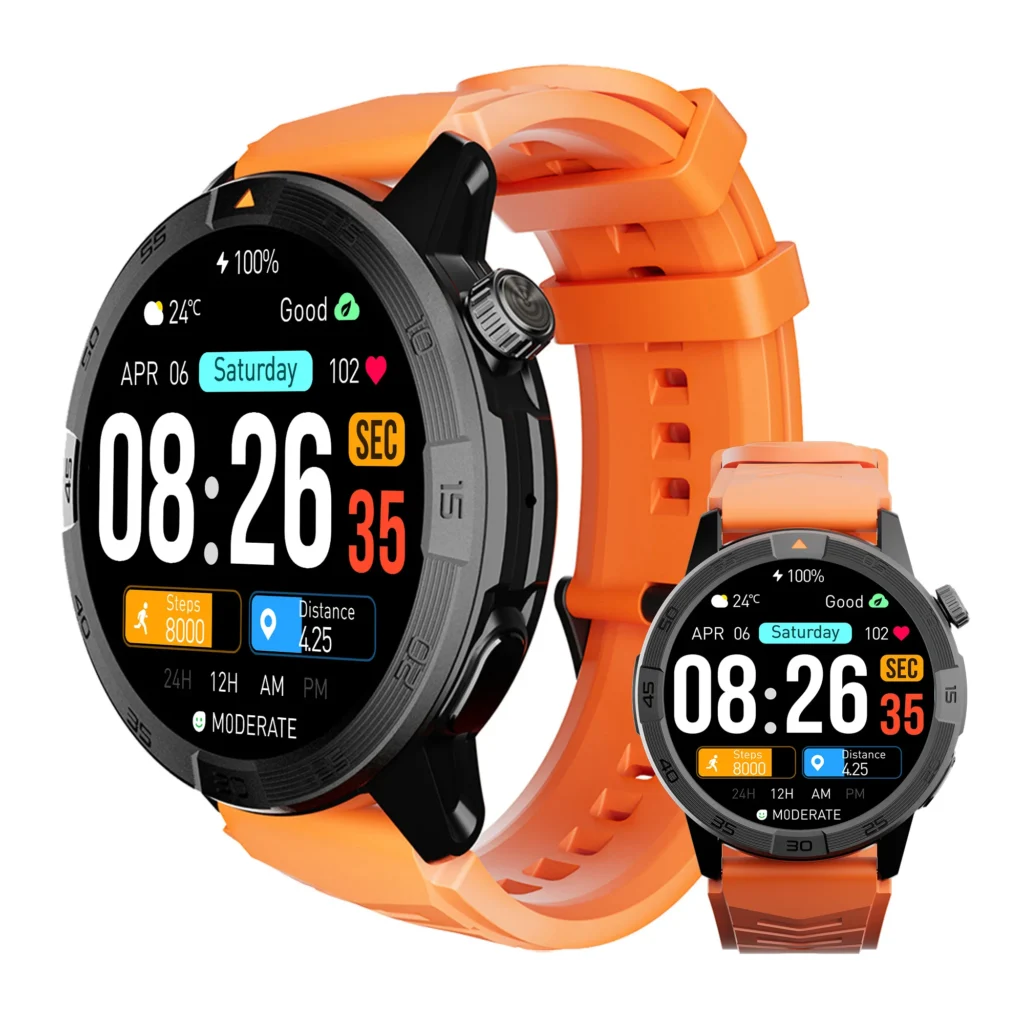
Do not pay primarily for calling, recording, cellular, or messaging features that cannot cross the gate.
Keep ordinary phone-removal convenience outside the restricted area
A smartwatch may reduce phone handling in less controlled workplaces. That broader benefit becomes relevant only after leaving the policy-restricted environment. Readers can compare ordinary phone-removal convenience after leaving the restricted area.
Questions About Smartwatches Under Workplace Phone Restrictions
If phones are prohibited, are smartwatches automatically prohibited?
No, but they are not automatically permitted either. Check the rules covering wearables, personal electronics, sensors, connectivity, communication, and interaction.
Can a smartwatch be worn only as a timepiece?
Only when the employer’s policy or authorized confirmation permits that use and configuration.
Does disabling Bluetooth make the watch acceptable?
Not necessarily. Possession, cellular capability, recording hardware, jewelry rules, and interaction limits may still apply.
What if the watch has a microphone I never use?
The policy may address the presence of recording-capable hardware, not only active use. Obtain clarification instead of assuming.
Is verbal supervisor approval enough?
Follow the employer’s established approval process. When a written rule is ambiguous, documented clarification can reduce later confusion.
Can the rules differ between the cleanroom and break area?
Yes. Employers may assign different permissions by area, task, or activity. Confirm where each action is allowed.
How is this different from a work-calling guide?
A calling guide asks whether communication features are useful. The Policy-Permission Fit Test determines whether those functions may be used at all.
The Watch Does Not Follow the Phone Through the Gate Automatically
The phone remained in the locker before the cleanroom door closed. That fact settled only the phone rule. It did not answer whether the watch could enter, connect, vibrate, display messages, use a microphone, or receive interaction during assembly work.
Each desired action needed its own card. Possession, recording, connectivity, communication, and interaction rules filtered that card. Confirmed actions entered the proper lane. Unclear actions stayed outside. Only the permitted function set reached the buying decision.
For a smartwatch for people who cannot use phone at work, permission comes before convenience. A feature has workplace value only after the employer’s confirmed rule allows the exact action and every dependency behind it.
Write down the wrist action you expect to use, identify every sensor, connection, and interaction it requires, and send that card through the confirmed workplace rule. Once the permitted function set is clear, match the approved actions to the watch’s actual dependencies and leave every unsupported assumption outside the gate.