
A customer is waiting for a wrapped purchase while a phone vibrates beneath a stack of receipts and water bottles. One hand is holding the shopping bag, the other reaches under the sales table, and the alert turns out to be a message that could have waited.
The phrase smartwatch for people who hate carrying phone does not necessarily describe someone who wants to leave the phone at home. Many buyers simply want the device nearby, connected, secure, and out of their hands until a task genuinely requires it.
For a craft-market vendor in Santa Rosa, California, that means creating a phone-in-bag routine for one six-hour Saturday shift. The phone stays beneath the sales table. Lightweight decisions happen on the wrist. Detailed, private, or business-critical tasks still return to the phone.
The goal is not complete phone independence. It is fewer unnecessary reaches.
Park the Phone for One Santa Rosa Market Shift
A phone-light routine begins with one dependable parking place.
During the Santa Rosa market shift, the vendor keeps the phone beneath the sales table instead of moving it among a pocket, tote bag, packaging box, payment area, and display shelf.
A fixed location reduces searching and makes the routine easier to test.
Choose a practical parking place
The phone should remain:
- Secure from customer access
- Protected from spills and weather
- Close enough for dependable Bluetooth behavior
- Reachable during a genuine phone-required task
- Separate from loose receipts, cash, and packaging materials
- Positioned where it will not be forgotten after closing
The best location is not necessarily the deepest part of a bag. A thick container, crowded table, nearby bodies, or other obstructions may affect how reliably the phone and watch communicate.
The vendor should test the actual setup rather than assume that any storage position will work equally well.
Confirm the connection before customers arrive
Before the market opens, check that:
- The watch and phone are connected
- Incoming-call alerts reach the wrist
- Priority notifications appear
- Short Bluetooth calls work as expected
- Both devices have enough charge for the shift
- Unnecessary notifications are already limited
This is a readiness check, not a pairing tutorial. The purpose is to begin the shift with a known connection rather than discover a problem during a customer interaction.
Define what “phone-in-bag” means
For this routine, phone-in-bag means:
- The phone remains nearby
- The watch stays connected to it
- The phone is not held during ordinary stall activity
- The vendor retrieves it only when a defined trigger appears
The phone has not been eliminated. Its role has changed from constant handheld device to parked support device.
Smartwatch for People Who Hate Carrying Phone: What the Wrist Can Finish
The watch should handle only tasks that can be completed clearly, safely, and quickly without opening the phone.
That boundary prevents the vendor from forcing complicated work onto a small screen.
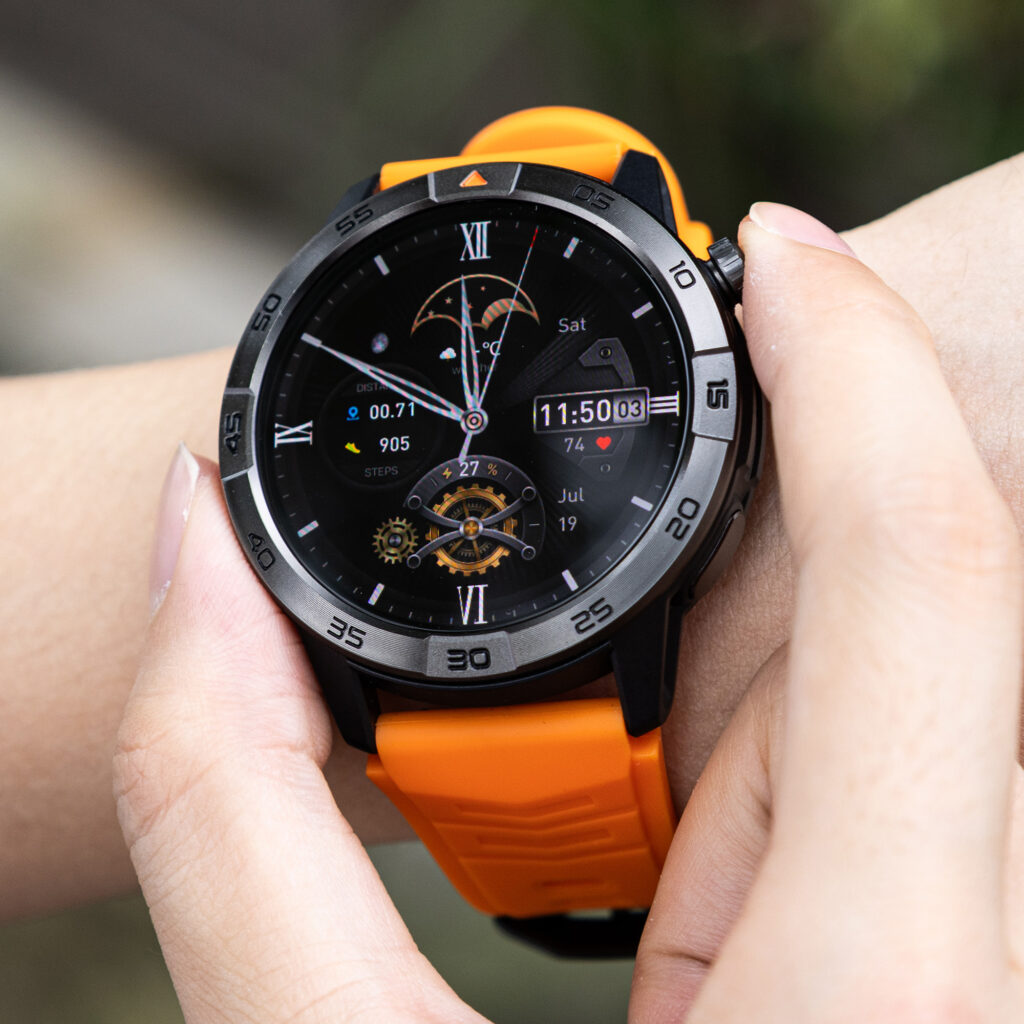
Check who is calling
Caller identification can answer the first useful question:
Does this call need attention now?
From the wrist, the vendor may decide to:
- Answer briefly
- Reject the call
- Let it continue to voicemail
- Retrieve the phone for a longer conversation
- Return the call during a quiet period
The watch does not need to complete every call to reduce phone handling. Screening alone can prevent unnecessary retrievals.
Handle brief phone-assisted calls
A short wrist conversation may work for:
- Confirming a family pickup time
- Saying a detailed callback will come later
- Asking whether the matter is urgent
- Giving one simple arrival instruction
- Confirming that the vendor is still at the market
The smartwatch uses Bluetooth calling through the paired phone. It is not an independent LTE watch, so ordinary call access depends on the nearby phone and a working connection.
The phone may remain beneath the table, but it is still part of the call pathway.
Review essential alerts
Useful wrist alerts during the shift may include:
- A family message
- A market-organizer update
- A schedule change
- An incoming-call notification
- A calendar reminder
The vendor does not need to open every app merely because an alert arrives.
The watch can help classify the interruption:
- Act now
- Retrieve the phone
- Save for the quiet period
- Ignore until after the market
Interactive replies depend on the exact watch, phone, operating system, and app. The article should not assume that full message responses are available in every setup.
Use simple everyday controls
Where supported, the watch may also provide:
- Time checks
- Alarms
- Calendar reminders
- Music controls
- Basic activity records
These small actions matter because each one can replace a separate phone reach.
Readers exploring that lighter-access pattern can see how wrist access can reduce repeated phone checks during everyday tasks.
Set Immediate Phone-Retrieval Rules at a U.S. Craft Stall
Some tasks belong on the phone.
The useful habit is retrieving it because the task requires the device—not because every vibration creates a reflex.
Retrieve the phone for detailed input
The phone should come out when the vendor must:
- Type a detailed response
- Correct an order
- Enter business information
- Review a long customer message
- Complete a form
- Use an app unavailable from the watch
A small display may show that a task exists without providing the right interface to finish it.
Retrieve it for photographs and attachments
The phone may also be necessary to:
- Photograph a product
- Review an image attachment
- Check a custom-order reference
- Open a document
- Compare a customer’s design request
- Send a clear product photo
Camera controls should not be treated as supported unless confirmed for the exact watch and phone setup.
Keep payment tasks on the approved device
The watch should not be assumed to process customer payments.
When a transaction requires a business or payment app, the vendor should use the approved phone or payment device for:
- Completing a sale
- Processing a refund
- Reviewing customer details
- Updating inventory
- Correcting an order
- Accessing transaction records
The goal is reduced handling, not moving business-critical activity onto an unsupported device.
Retrieve the phone when privacy or complexity increases
The larger device may also be more appropriate when the task includes:
- Sensitive family information
- Private customer details
- Several connected instructions
- A long conversation
- A document that must be reviewed carefully
- Audio that should not play through a wrist speaker
This rule applies across the full market routine. It is not limited to calling.
Batch Nonurgent Phone-Only Tasks During Quiet Periods
Some tasks require the phone but do not require it immediately.
That distinction is central to a successful phone-parking routine.
Recognize tasks that can wait
During the Santa Rosa shift, delayable phone tasks may include:
- Replying to a nonurgent family message
- Reading a longer email
- Reviewing a product image
- Updating an online listing
- Returning a detailed call
- Checking a low-priority app notification
The task remains valid. Only its timing changes.
Create a quiet-period review trigger
The vendor can retrieve the phone when:
- No customer is waiting
- Packaging is complete
- Payment activity has ended
- The stall is secure
- A planned break begins
This creates a deliberate review period instead of repeated phone reaches throughout the shift.
Keep the review focused
When the phone comes out, the vendor should ask:
- Which phone-only task is due now?
- Which message still needs action?
- What can remain until the market closes?
- Has anything become genuinely urgent?
- Can the phone return to its parking place afterward?
Without that final question, one planned review can turn into permanent phone handling.
Selective communication becomes easier when users organize essential communication without letting every alert interrupt the day.
Test the Real Bluetooth Boundary Around the Santa Rosa Stall
A universal Bluetooth-distance number would not describe every market setup accurately.
Connection behavior can change with:
- The phone model
- The smartwatch
- Crowds and bodies
- Tables and storage containers
- Nearby structures
- Wireless interference
- Software behavior
- The exact parking location
The vendor should test the real stall instead of relying only on a specification.
Walk through the working area
With the phone parked beneath the table, move through:
- The front customer area
- The side display
- The packaging position
- The rear storage area
- A short handoff point beside the stall
These are the places where the vendor actually works.
Test functions separately
Do not assume that one successful alert proves every connected function will work identically.
Check:
- Incoming-call alerts
- Caller identification
- Notification delivery
- Music controls
- Bluetooth call audio
- Reconnection after returning to the table
A delayed notification, unstable call, or failed reconnection may appear at a different point for each function.
Mark the first unreliable location
The vendor does not need a laboratory distance measurement.
The useful information is:
- Where alerts become delayed
- Where call audio becomes unstable
- Whether the watch reconnects automatically
- Whether one storage position works better than another
- Whether the phone needs to move when the vendor works at the stall edge
People whose routines involve frequent movement can compare communication access while moving through an active day.
Replay Every Reach for the Phone
At the end of the six-hour shift, count every physical retrieval.
Do not count notifications, wrist glances, or screen taps. Count each time the vendor reached beneath the sales table and picked up the phone.
Necessary reaches
A necessary retrieval completed a task that genuinely required the phone.
Examples include:
- Opening a business app
- Processing a payment
- Reviewing a detailed attachment
- Typing a longer response
- Handling private information
- Taking a product photograph
These reaches are part of a realistic phone-light routine.
Delayable reaches
A delayable retrieval involved a phone-only task that could have waited until the next quiet review period.
Examples may include:
- A nonurgent email
- A family message without a deadline
- A photo unrelated to the current customer
- A detailed callback that could be scheduled
- A listing update that could wait until closing
These reaches identify opportunities for better batching.
Habitual reaches
A habitual retrieval happened because:
- The phone vibrated
- The vendor felt uncertain
- The watch alert was not interpreted
- The phone was picked up automatically during a pause
- One app opened and led to unrelated checking
Habitual reaches are the clearest evidence that the parking protocol still needs work.
Change one rule for the next shift
After reviewing the retrievals, adjust only one part of the routine.
Possible changes include:
- Allowing fewer notification categories
- Making priority contacts easier to recognize
- Moving one phone-only task into the quiet-period batch
- Adjusting the parking location
- Clarifying one immediate-retrieval trigger
Changing everything at once would make the next result difficult to interpret.
Decide Whether Nearby Bluetooth Access Is Enough
The final question is not whether LTE watches are more advanced.
It is whether this vendor’s routine requires the phone to be left behind.
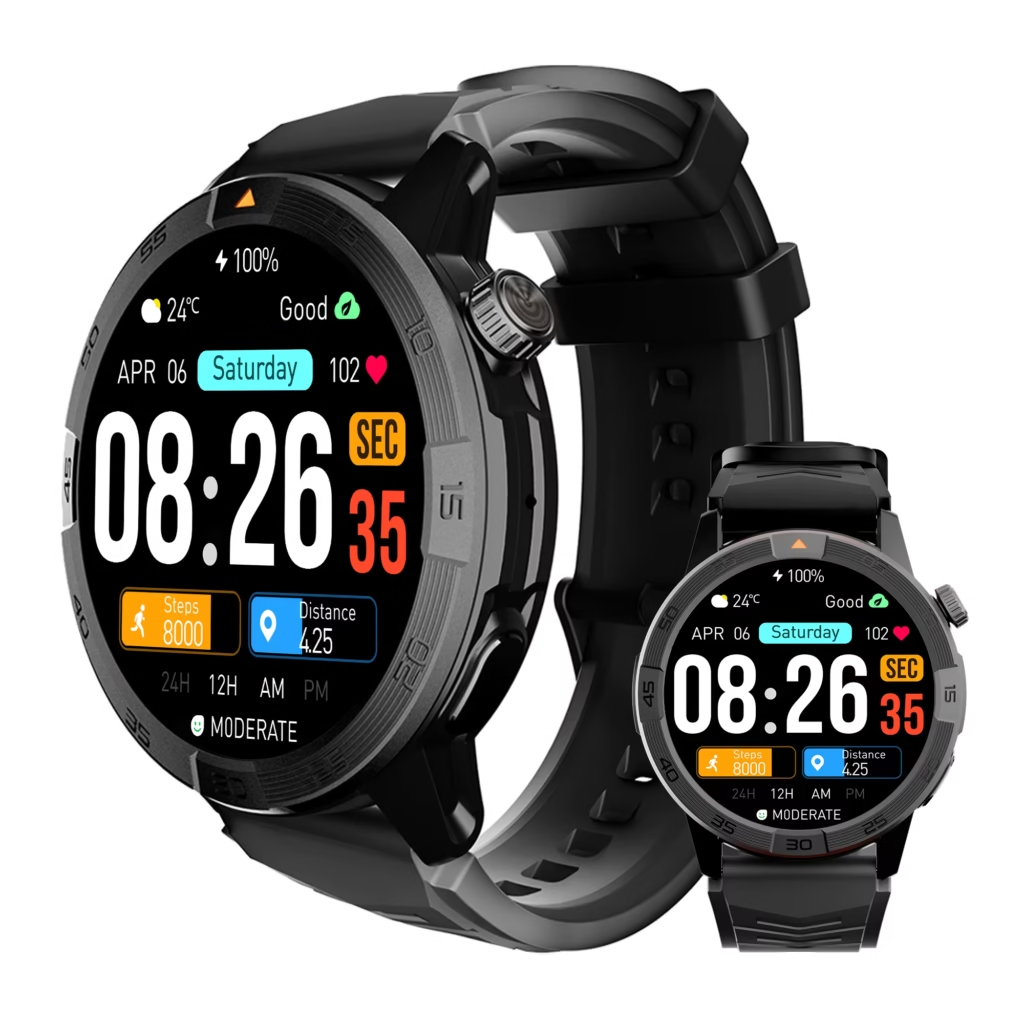
Bluetooth may be sufficient when
- The phone stays beneath the stall
- Connection remains dependable throughout the work area
- Short calls can be handled from the wrist
- Essential notifications arrive
- Detailed tasks can wait for planned phone access
- The vendor rarely leaves the stall without the phone
In that routine, phone-assisted wrist access may solve the handling problem.
LTE may matter when
Independent cellular service becomes more relevant when:
- The vendor regularly moves beyond phone range
- Connected functions are needed away from the stall
- The phone must remain locked elsewhere
- Phone-free calling is essential
- Leaving the phone behind is part of the intended lifestyle
A cellular model can also introduce different prices, carrier requirements, battery behavior, and compatibility questions.
Do not buy independence the routine does not require
The Santa Rosa vendor may discover that the phone can remain securely parked for the entire six-hour shift.
If calls, alerts, and lightweight controls remain dependable, nearby Bluetooth access may provide the desired phone-light lifestyle without requiring full phone independence.
A wider buying review can help users judge whether reduced phone handling fits the complete everyday experience.
Questions U.S. Market Vendors Ask About Phone-in-Bag Use
Can a phone remain inside a bag or beneath a table while connected?
Often, yes, when it remains within a dependable Bluetooth area. Bags, tables, crowds, interference, phone placement, and device differences can affect performance, so the actual setup should be tested.
Which tasks can usually be completed without picking up the phone?
Caller screening, short Bluetooth calls, essential alert checks, time checks, calendar cues, and music controls may be manageable from the wrist when supported.
When should a market vendor retrieve the phone immediately?
Retrieve it for payment or business apps, detailed typing, photographs, documents, private information, complex conversations, or any unsupported watch function.
Can nonurgent phone tasks be grouped into review periods?
Yes. Phone-only tasks without an immediate deadline can be handled during a quiet period instead of interrupting every customer interaction.
What happens near the edge of the Bluetooth area?
Notifications, calls, controls, or synchronization may become delayed or unreliable. Test each important function around the actual market stall.
When does an LTE smartwatch offer a meaningful advantage?
LTE becomes more useful when connected features are required while the phone is left behind or regularly outside dependable Bluetooth range.
Leave the Phone Parked Until a Rule Says Otherwise
Six-hour shift completed. Essential alerts stayed on the wrist. Detailed tasks waited for two quiet review periods. The phone came out only for payments, one product photograph, and one private family conversation.
That result represents a phone-light routine rather than complete phone replacement.
A smartwatch for people who hate carrying phone is most useful when it prevents unnecessary handling without pretending every phone task belongs on the wrist.
Run one representative market shift with the phone parked beneath the table. Complete lightweight tasks from the wrist, retrieve the phone only when a defined trigger appears, and delay every nonurgent phone-only task until a quiet review period. Then examine the smartwatch’s nearby-phone calling and notification features to decide whether they support the phone-light routine you actually want.