
0.0 seconds: wrist vibration.
2.3 seconds: the screen wakes.
4.8 seconds: the caller says “hello.”
7.1 seconds: the call shows answered.
9.0 seconds: the caller says “hello” again.
Inside that gap, smartwatch for quick call answering becomes a stopwatch problem. The green button may look large. The call may even show a connected state. Still, the answer has not helped until both sides can exchange understandable first words.
At a pet boarding reception desk in Oklahoma City, Oklahoma, those hidden seconds matter. A coordinator may need to recognize a client, avoid answering while handling a leash or gate, tap the right control, confirm the audio route, and greet the caller clearly. Quick answering is not button speed. It is alert-to-voice speed.
The Alert-to-Voice Stopwatch times the entire path: alert begins, screen becomes readable, caller gets identified, answer control is selected, audio route is confirmed, and first words are exchanged. Each checkpoint can add delay. Each delay changes the real answer-speed result.
Why Quick Call Answering in U.S. Service Desks Starts Before the Button
At many American service desks, incoming calls do not arrive in a quiet vacuum. A receptionist may hear lobby noise, guest questions, door movement, payment questions, booking requests, and background activity. In a pet boarding setting, the worker also needs to avoid call handling while managing animals, gates, crates, cleaning tools, or any task that needs full attention.
The answer button is not the start line. The start line is the first wrist alert. If the watch vibrates, but the display takes time to wake, the delay already belongs to the call path. If the caller name appears late, that time counts too. If the answer button works, but audio takes two more seconds to route, the stopwatch keeps running.
Screen-Wake Delay starts when the alert begins but the screen is not yet readable. A buyer who starts timing only after the display is awake misses the first delay in the answer path.
Safe answering still comes first. Before timing speed, the user should be stationary, permitted to answer, and clear of attention-critical work. Readers who need that prerequisite can confirm safe answering before timing the call path. Article 276 begins only after that safety boundary is satisfied.
Start the Alert-to-Voice Stopwatch at the First Wrist Alert
The stopwatch begins at the first sign that the call has reached the wrist.
That may be:
- the first vibration,
- the first audible ring,
- the first visible incoming-call notification,
- or the first call alert registered by the watch.
The timer does not begin when the user notices the call. It does not begin when the screen wakes. It does not begin when the green answer control appears. The caller may already be waiting by then.
This timing choice matters because “quick” belongs to the caller’s experience too. A call that takes nine seconds to reach usable speech may feel slow even if the final tap was instant.
The Alert Start Mark should record three things: the alert time, the required action count, and the first delay that appears. That creates a fair answer path instead of a flattering button test.
Checkpoint 1 — Screen Becomes Readable at the Oklahoma City Reception Desk
The first checkpoint asks when the display becomes useful.
A call can reach the watch before the receptionist can read the screen. The wrist may need to turn. The screen may need to wake. Lighting, sleeve position, angle, screen timeout, wet hands, or glove use can affect how quickly the call display becomes readable.
The Screen-Wake Mark is the moment when the user can actually see the incoming-call screen well enough to act. A dim display, delayed wake, or unclear caller card keeps the timer running.

In a pet boarding reception area, this test should happen only during a stationary desk moment. The worker should not test while holding a leash, guiding a pet, opening a gate, managing a crate, cleaning, handling chemicals, or moving through the facility.
The result should not rely on a product promise or one perfect demonstration. Record the seconds from alert start to readable screen several times during normal, safe reception conditions.
Checkpoint 2 — Caller Identified Before the Answer Decision
Caller identification belongs inside quick answering because many calls should not be answered blindly.
A pet boarding reception coordinator may see calls from clients, staff, vendors, unknown numbers, or routine callbacks. Some calls need quick attention. Others can wait. If the caller name or number appears late, the answering decision slows down even though the button is visible.
Caller-ID Lag happens when the call display appears, but the user cannot yet tell who is calling. The name may load late. The number may appear before the contact. The screen may be too crowded or too dim to read quickly. That delay counts.
A fair test records the time when the caller becomes readable, not merely when the call screen appears. The worker should also note whether caller identification was clear enough to decide.
Call notice and answer speed are different problems. Someone trying to avoid missing calls can separate call notice from alert-to-voice speed. Here, the call has already arrived. The question is how long the path to voice takes.
Checkpoint 3 — Answer Control Selected Without Accidental Dismissal
A large answer control helps only if the user selects it correctly.
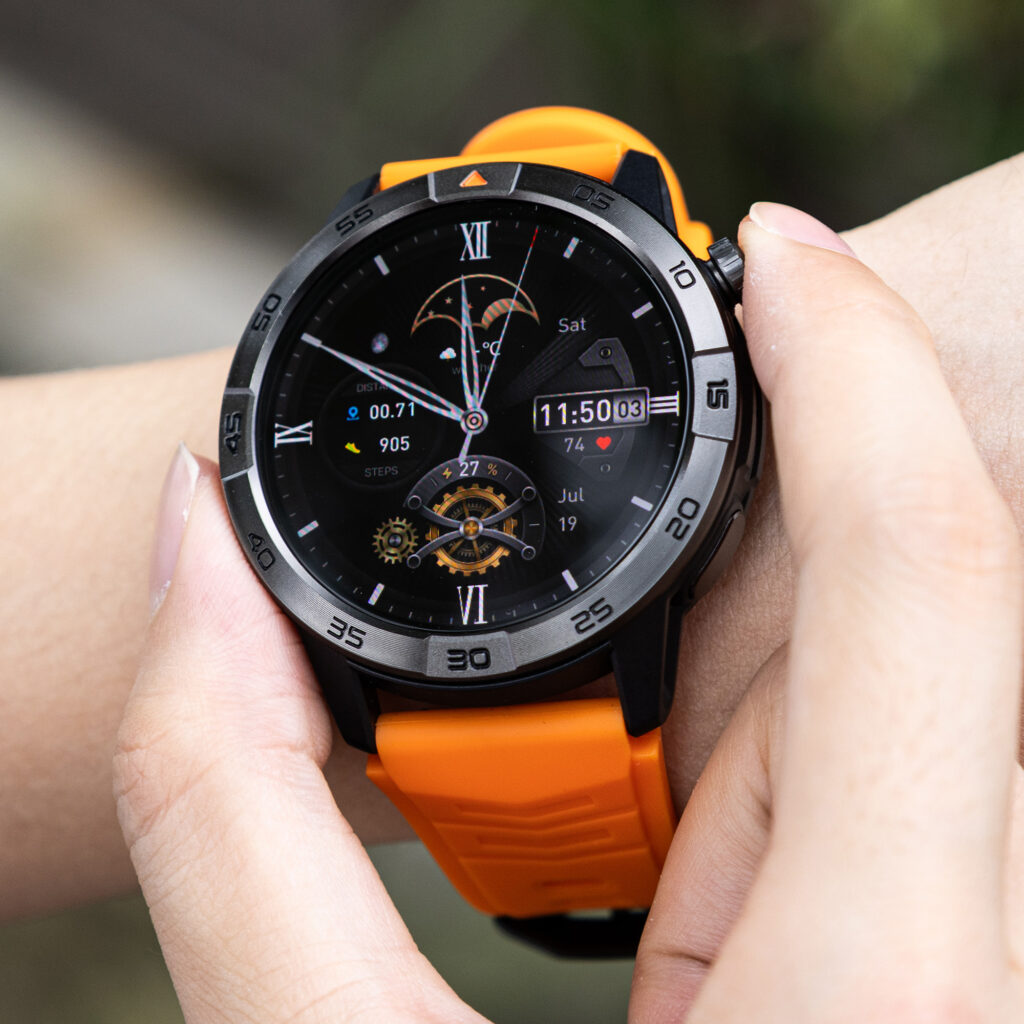
The answer step may require a tap, swipe, press, crown action, button action, or confirmation. The exact behavior depends on the watch and phone setup, so the buyer should test the actual device rather than assuming the control will behave like another model.
Accidental Dismissal occurs when the user means to answer but rejects the call, misses the control, swipes the wrong way, opens another screen, or takes extra actions to recover. One wrong gesture can erase the speed advantage.
The Required Action Count should include every action between alert and voice:
- wrist raise,
- screen tap,
- caller read,
- answer tap or swipe,
- audio confirmation,
- repeat greeting if needed,
- phone rescue if the watch path fails.
A watch does not earn a quick-answer result because the button looks simple. It earns it when the action path stays short and repeatable.
Checkpoint 4 — Audio Route Confirmed Before Speech Counts
The screen may show “answered” before speech actually works.
Audio can route to the watch, the phone, earbuds, a nearby connected device, or another active audio path depending on setup. The user may tap answer and still need a second or two to hear the caller or make the caller hear them.
Audio-Route Stall appears when the answer action succeeds but usable speech lags behind. The caller may say “hello” again. The receptionist may speak, then realize the caller did not hear it. Audio may route somewhere unexpected.
This article does not diagnose ongoing Bluetooth stability or call drops. It only counts audio routing as part of the answer-speed path. Once the call becomes active and stable enough for first speech, Article 276’s stopwatch stops. Ongoing drop tracing belongs to a different test.
The Audio-Route Confirmation should answer one practical question: can both sides hear each other through the intended device right now?
Checkpoint 5 — First Intelligible Words Exchanged
The stop point is not the answer button. It is first understandable two-way speech.
The stopwatch stops when both sides can exchange clear first words. The caller says something the user understands. The user responds with words the caller understands. Repeated greetings, dead audio, muffled speech, or delayed route changes keep the timer running.
Simple first-speech phrases can help the test stay consistent:
- “Hi, this is the front desk.”
- “I can hear you.”
- “Please repeat the name.”
- “One moment, I’m stationary.”
These phrases do not need real client details. The point is to mark when usable speech begins. If the caller has already said “hello” three times before the user can respond clearly, the quick-answer claim needs that delay in the receipt.
Build the Split-Second Answer Path
The Alert-to-Voice Stopwatch turns the call into a visible path.
| Stage | Time mark | Required action | Delay if any |
|---|---|---|---|
| Alert begins | 0.0 sec | None | Alert start |
| Screen readable | Record seconds | Wrist raise or tap if needed | Screen-Wake Delay |
| Caller identified | Record seconds | Read caller card | Caller-ID Lag |
| Answer selected | Record seconds | Tap, swipe, or press | Action count or Accidental Dismissal |
| Audio route confirmed | Record seconds | Listen and speak check | Audio-Route Stall |
| First words exchanged | Final seconds | Two-way speech | Answer path result |
The path is fast only when the whole route is fast. A fast screen cannot save a slow audio route. A large answer button cannot erase caller-ID lag. A connected icon cannot replace first clear speech.
Repeat the Stopwatch Across Normal Reception Conditions
One fast call does not prove quick answering.
Repeat the test during normal, safe, stationary reception moments. Use quiet desk time, moderate lobby noise, and ordinary booking pauses. Do not test during animal handling, guest movement, cleaning, crate work, gate movement, door control, or any task that needs full attention.
The repeated test should record:
- average alert-to-voice time,
- slowest alert-to-voice time,
- number of required actions,
- caller-ID delays,
- audio-route stalls,
- accidental dismissals,
- phone rescue events.
Answer speed also differs from emergency access. A fast ordinary answer path does not prove emergency reliability, backup planning, network independence, or urgent-call dependability. Readers comparing that safety-limited problem can separate answer speed from emergency dependency verification.
Answer-Speed Results for U.S. Pet Boarding Calls
Fast Answer Path
Use this result when the screen wakes quickly, caller ID appears clearly, the answer action stays simple, audio routes correctly, and first intelligible speech happens quickly across repeated safe desk tests.
One-Step Delay
Choose this result when one stage slows the path, but the call still reaches voice without grabbing the phone. The result should name the delay: screen wake, caller ID, answer control, or audio route.
Phone Rescue Needed
Use this result when the user must grab the phone after trying to answer, audio routes incorrectly, caller ID stays unreadable, or accidental dismissal happens often enough to make the watch path unreliable.
Quick-Answer Claim Unproven
Apply this result when timing starts late, only the button is counted, one fast call becomes the whole proof, or first intelligible speech is never measured.
Stopwatch Notes: Questions Buyers Ask Before Timing
What counts as answered?
The call counts as answered only when both sides can exchange understandable first words. A connected screen state is not enough.
Should caller identification time count?
Yes. If the user needs to know who is calling before deciding, caller ID delay belongs inside the answer path.
Can audio connect after the answer button is pressed?
Yes. Audio may route after the answer action or route somewhere unexpected, depending on the setup. The stopwatch keeps running until speech works.
Does one fast call prove the result?
No. Repeat the timing across normal, safe, stationary desk conditions. A pattern matters more than one lucky call.
Should quick answering be tested while working?
Only when stationary, safe, and permitted. Do not test while handling animals, gates, crates, doors, equipment, cleaning tools, chemicals, or guest-flow tasks.
Quick Answering Means Alert to Voice, Not Button to Button
Read the stopwatch before trusting the claim. When did the alert start? When did the screen become readable? When was the caller identified? How many actions answered the call? When did audio route correctly? When did both sides exchange clear first words?
A quick-answer feature proves itself only when the caller reaches understandable speech quickly after the first alert, not when a large button appears on the screen.
Do not time the green button. Time the caller’s first clear reply. Mark alert start, screen readability, caller ID, answer action, audio route, and first speech; then compare this watch with your alert-to-voice timer before calling the answer path quick.