
The watch vibrates three times between Tampa properties. A client sends a gate-access update, an inspector asks about tomorrow’s schedule, and a missed-call alert appears before the next turn. None of those items becomes an immediate task. A smartwatch for people always driving should make delayed processing easier, not make constant interaction feel acceptable.
The home-inspection franchise owner waits until the vehicle is lawfully parked, secured, and the driving task has ended. Only then does the queue open.
That distinction controls the entire day:
Connectivity determines what can arrive. Parking determines when it can be handled.
The article’s parked-moment system is an editorial workflow, not a built-in smartwatch mode. It assigns every call, reminder, message, and schedule update to a safe processing window before the route begins.
7:10 A.M. in Tampa — Build the Queue Before Starting the Vehicle
The first parked window begins before the first mile.
A route with several inspections can create dozens of possible wrist interruptions. Trying to decide what each vibration means while moving is already a failed setup. The better approach is to classify predictable tasks before departure.
Confirm the first Tampa appointment before the route opens
The owner reviews the first property on the paired phone and prepares only what the next leg requires:
- First appointment time
- Confirmed property address
- One arrival reminder
- Current client as a priority contact
- Watch battery level
- Phone connection
- Essential business alerts
- Nonurgent apps silenced
The watch does not need the full administrative day loaded onto it. It needs enough information to reach the next proper processing window.
Give every predictable task a processing state
Before leaving, the owner assigns common tasks:
| Task | Processing state |
|---|---|
| First appointment reminder | Before departure |
| Client gate-access message | Parked arrival |
| Next address confirmation | Parked departure |
| Routine franchise email | After route |
| Reading or replying while moving | Prohibited |
A vibration becomes less tempting when its proper handling time was decided in advance.
Close the first batch before moving
Any call must end. The phone goes away. Watch interaction stops.
Unfinished work does not follow the driver as an active task. It remains deferred until a safe parked window opens.
A Florida Property Route Begins With a Closed Queue
Once the vehicle is moving, every new item enters the queue.
The watch may vibrate. A caller name may briefly appear. A reminder may arrive. None of those events creates permission to tap, scroll, reply, dismiss, or manage a call.
Delivery is not permission
The difference is simple:
- An alert may reach the wrist
- The driver may notice that something arrived
- The task remains closed
- No interaction follows
That rule applies even when the item feels important.
A missed call can remain missed. A message can remain unread. A calendar update can wait for the next lawful stop.
Let unresolved items travel without managing them
The three alerts from the opening now sit in the queue:
- Gate-access information
- Tomorrow’s scheduling question
- Missed caller
The current route does not require all three to be handled at once. Only the access note affects the property being approached.
The rest can remain deferred.
Reduce the alerts competing with a U.S. field-service route
Repeated low-value notifications create false urgency. The owner should remove or limit:
- Promotional messages
- Routine email
- Social apps
- General franchise announcements
- Nonurgent group chats
- Repeated app summaries
- Reminders unrelated to today’s route
Business owners with crowded schedules can reduce the number of notifications competing with a route-based workday before deciding which contacts deserve immediate wrist delivery.
The safest queue is a small one.
8:05 A.M. at a Tampa Inspection Property — Parking Opens Batch One
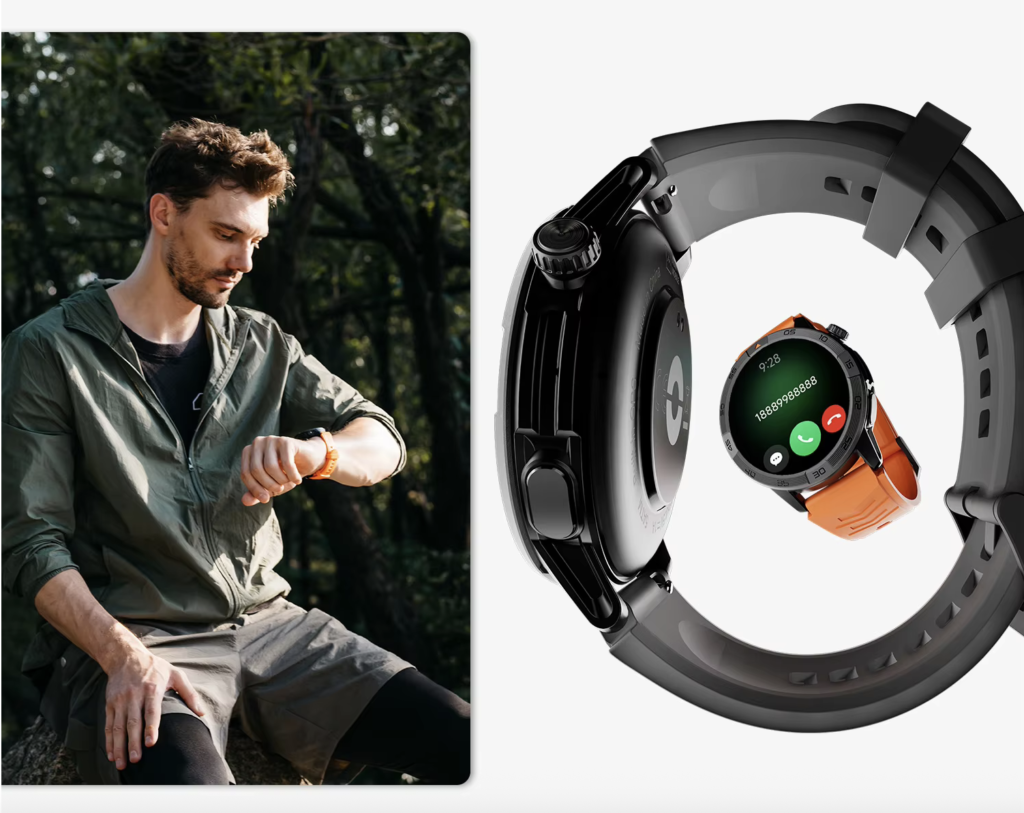
The owner reaches the first property, parks legally, secures the vehicle, and finishes the driving task.
Now the queue opens.
This first batch should deal with the property already reached, not every unfinished item from the business.
Keep current-property work at the current Tampa stop
The owner processes:
- The client’s access note
- Arrival confirmation
- Caller identification
- The current appointment time
- Any property-specific instruction
- Alerts that should be silenced before meeting the client
A detailed gate code, document, or long message moves to the phone while the vehicle remains parked.
Use three stamps to stop the batch from expanding
Each queued item receives one label.
Handle here
A short task connected to the property already reached.
Examples:
- Confirm arrival
- Read an access note
- Identify a caller
- Check an appointment time
Move to phone
A task requiring more attention, detail, privacy, or typing.
Examples:
- Return a scheduling call
- Review a long client message
- Open a document
- Change several appointments
Carry forward
A nonurgent item that belongs to another parked window.
Examples:
- Tomorrow’s inspector question
- Routine email
- A nonurgent missed call
- A general business update
This triage keeps the watch in a supporting role.
End the parked batch before entering the property
The queue does not remain open indefinitely.
The owner handles the current-property need, transfers detailed work to the phone, defers unrelated items, and begins the inspection.
A short parked window should produce a clear next action, not another layer of administration.
9:18 A.M. — The Property Visit Creates a Second Queue
The vehicle is parked, but that does not mean the owner is always available.
During a home inspection, attention may be required for:
- A client conversation
- Attic or roof access
- Electrical panels
- Equipment use
- Photographs
- Notes
- Safety observations
- Confined spaces
Alerts can continue to wait.
Not driving does not always mean available
Parking creates a possible processing window. The work task determines whether that window is appropriate.
A message should remain queued when the owner is concentrating on an inspection, handling equipment, or speaking with a client.
The smartwatch must not turn every stationary moment into an administrative moment.
Preserve a small same-day priority group
Useful priority contacts may include:
- The client at the current property
- An inspector working today’s route
- A same-day scheduling contact
- A family emergency contact
- A security alert source
Everything else can wait for parked departure or the end of the route.
Notice an alert without turning it into a task
An alert can be visible and still remain deferred.
This is especially useful when the owner understands that an important item arrived but knows the next safe processing window is only a few minutes away.
Readers studying why wrist alerts may still fail to produce a timely response can trace what happens when an important alert reaches the wrist but cannot be handled immediately.
10:02 A.M. — Parked Departure Prepares the Next Tampa Leg
The first inspection ends. The owner returns to the parked vehicle.
This batch has a different purpose from parked arrival.
Arrival closes the leg just completed. Departure prepares the next one.
Clear only what affects the next property
The parked-departure batch may include:
- Confirming the next appointment
- Reviewing the next address on the phone
- Returning one scheduling call
- Sending a delay message
- Reading a same-day inspector update
- Setting the next arrival reminder
- Checking battery and phone connection
- Clearing obsolete alerts
The next leg should begin with one prepared route, not an open collection of unfinished tasks.
Move detailed U.S. client communication to the paired phone
A smartwatch may help identify a caller or begin a short response while parked. Longer scheduling, client details, property access, and business records belong on the phone.
Phone-assisted Bluetooth calling also depends on the compatible paired phone remaining nearby and connected.
Frequent drivers should understand the nearby-phone requirement before assigning calls to a parked batch.
The watch can support the parked workflow without becoming the main office.
Close the departure batch before the vehicle moves
Before the next leg:
- End the call
- Finish the message
- Stop touching the watch
- Put the phone away
- Confirm the next reminder
- Carry unresolved items forward
The queue closes again when driving resumes.
12:40 P.M. on a U.S. Field-Service Route — The Queue Becomes Too Large
By midday, several short drives and property visits have created a backlog.
The risk now comes from volume.
A long queue can contain:
- Multiple missed-call alerts
- Several scheduling messages
- Old reminders mixed with new ones
- Routine email
- Property access notes
- Team updates
- Family notifications
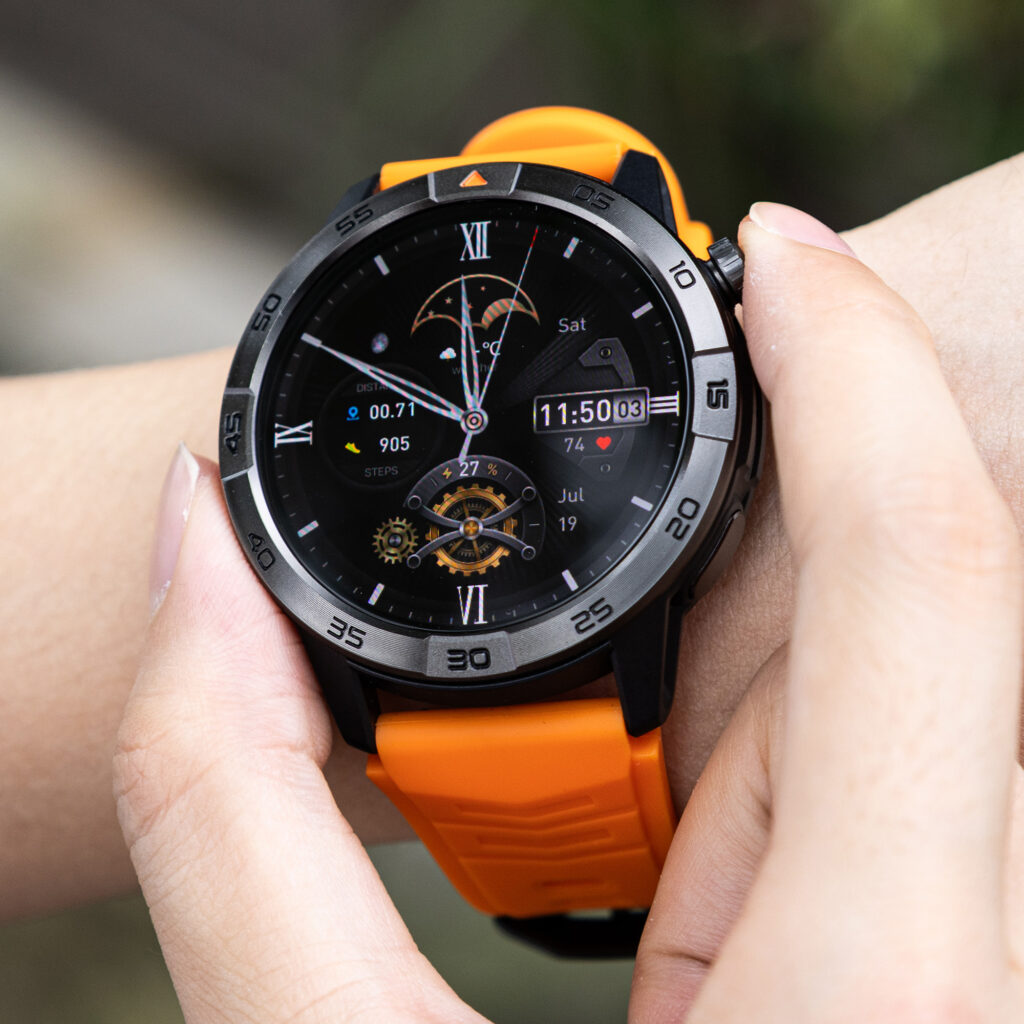
When every item remains on the wrist, priority becomes harder to recognize.
Recognize queue compression
The system is overloaded when:
- Each parked batch takes too long
- Old alerts hide current-route information
- Repeated callers appear without context
- The owner keeps clearing notifications one by one
- Tomorrow’s work competes with today’s route
- Priority contacts no longer stand out
The answer is not faster tapping.
Cut the queue instead of processing it faster
Remove or redirect:
- Routine email
- Tomorrow’s schedule
- General team discussion
- Long client messages
- App summaries
- Duplicate reminders
- Tasks better handled in business software
A watch should shorten parked processing, not create another inbox.
Use a midday Florida route reset
During one longer lawful stop:
- Clear tasks tied to the current route
- Move detailed administration to the phone
- Silence low-value sources
- Restore the priority-contact list
- Leave tomorrow’s planning for after route
The reset reduces pressure during the remaining driving legs.
The Five-State Parked-Moment Assignment
The route has now shown where each state belongs.
| State | Main purpose | Typical tasks |
|---|---|---|
| Before departure | Prepare the first leg | Battery, reminder, priority contacts |
| Parked arrival | Close the completed leg | Access note, arrival confirmation, caller ID |
| Parked departure | Prepare the next leg | Callback, next address, delay update |
| After route | Complete administration | Email, tomorrow’s schedule, charging |
| Prohibited while moving | No interaction | Reading, tapping, scrolling, replying, call management |
Every watch task needs one home.
Assign calls, reminders, and battery checks before they arrive
The owner should classify:
- Calls
- Messages
- Calendar changes
- Reminders
- Battery checks
- Connection checks
- Notification cleanup
When a task cannot be assigned to a safe processing state, it should be removed from the wrist workflow.
Keep red lights outside the parked system
A temporary stop in traffic is still part of the driving task.
The queue should not open at:
- Red lights
- Congested intersections
- Pickup lines
- Toll areas
- Stop-and-go traffic
- A shoulder used only for convenience
Processing begins only after the vehicle is lawfully and safely parked and the driving task has ended.
What Should Never Enter the Driving Queue
Some work does not belong on a smartwatch during a driving-heavy day.
Examples include:
- Long client messages
- Inspection reports
- Route research
- Contact searches
- Document review
- Detailed calendar editing
- Multi-step replies
- Business email cleanup
- Tasks requiring sustained visual attention
These should move to:
- The paired phone while parked
- A laptop after the route
- Scheduling software
- A delegated office workflow
A useful smartwatch helps the owner do less at the wrist.
Tampa Heat Makes Comfort Part of the Safety Setup
Battery and comfort support the parked system, but they do not control it.
The watch may stay on through warm vehicle interiors, air-conditioned properties, outdoor walks, attic access, and humid afternoons.
Check battery only during parked Florida route windows
Useful checkpoints are:
- Before departure
- At a midday parked stop
- Before the final leg
- After the route
Battery status should never become a reason to look at the watch while moving.
Watch for heat, sweat, and strap pressure
Tampa conditions may expose problems such as:
- Moisture beneath the band
- Skin irritation
- A strap that shifts during inspection work
- Crown or button pressure
- Friction against sleeves or gloves
- Repeated adjustment
Do not assume heat, water, or durability performance without verified product documentation.
Poor fit creates another reason to interact
A loose or uncomfortable watch can cause repeated adjustments during the day.
The safer choice is one that can remain untouched throughout every driving leg and still feel acceptable during inspection work.
4:55 P.M. in Tampa — Close the Final Queue
The last property is finished. The final drive ends.
No new route leg waits behind this batch, so deferred administration can finally be completed.
Process the work that was intentionally delayed
After the route, the owner may:
- Return routine calls
- Read nonurgent email
- Review tomorrow’s appointments
- Clear old reminders
- Adjust priority contacts
- Charge the watch
- Move business records into the correct system
- Review which alerts were unnecessary
Deferral is not neglect. It is a planned decision about timing.
Stop Tampa business alerts from following the owner into the evening
The end-of-route batch should also close the business day.
The owner can decide which business alerts should stop after the last property visit rather than carrying the full route queue into personal time.
Improve tomorrow by removing one source of noise
Ask:
- Which alert truly required same-day wrist delivery?
- Which item could have waited until after route?
- Which task consumed too much parked time?
- Which app should lose notification access?
- Which contact deserves priority tomorrow?
The system improves through subtraction.
U.S. Buying Checks for a Driving-Heavy Workday
The parked-moment workflow should be tested before the purchase becomes final.
For a U.S. buyer, check:
- Compatibility with the exact iPhone or Android phone
- Notification controls
- Priority-contact options
- Caller-name visibility
- Reminder controls
- Battery-percentage visibility
- Replacement charging accessories
- Current seller return period
- Warranty support
- Shipping and sales tax
- Companion-app requirements
Do not assume a watch supports automatic driving detection, ignition-based modes, or task queuing unless those functions are verified.
Test the watch during a real Tampa route
During the seller’s stated return period:
- Set the priority contacts
- Remove low-value alerts
- Use the five processing states
- Record parked-batch duration
- Check phone reconnection
- Monitor comfort
- Review battery only while parked
The test should answer one question:
Does the watch make parked processing shorter and clearer without creating pressure to interact while moving?
Questions Frequent Drivers Ask
Should a driver check smartwatch notifications at a red light?
No. A temporary traffic stop is still part of the driving task. Process alerts only after the vehicle is lawfully and safely parked.
What should be handled before departure?
Check battery, confirm the first appointment, set the first reminder, establish priority contacts, and silence low-value notifications.
What belongs in a parked-arrival batch?
Handle current-property information such as access instructions, arrival confirmation, caller identification, and urgent messages tied to the property already reached.
What belongs in a parked-departure batch?
Prepare the next leg by confirming the next appointment, reviewing the address on the phone, returning a scheduling call, and setting the next reminder.
Can a missed call wait until the next stop?
Yes. A missed call does not create permission to interact while the vehicle is moving.
Does Bluetooth calling work without the paired phone?
Phone-assisted Bluetooth calling normally requires a compatible paired phone nearby and connected. Do not assume independent calling unless cellular service is verified.
How can frequent drivers reduce notification pressure?
Keep only current-route alerts and priority contacts on the wrist. Move routine email, general business updates, and tomorrow’s planning to the after-route batch.
When should the task queue be cleared?
Use short parked batches during the route, then complete the final cleanup after the last driving leg.
Let the Alert Arrive and the Task Wait
The gate-access note from the opening waited until parked arrival.
The inspector’s question moved to the paired phone during a later parked batch.
The routine missed call stayed deferred until the route ended.
A smartwatch for people always driving works best when it supports deliberate delay rather than constant response.
Let the alert arrive. Let the task wait. Open the queue only after the drive ends.
Before tomorrow’s Tampa route, draw five columns: before departure, parked arrival, parked departure, after route, and prohibited while moving. Place every call, message, reminder, battery check, and calendar task into one column.
Use that assignment to check whether the watch can keep your parked-task ledger simple. When a task has no safe parked batch, remove it from the wrist instead of carrying it into the next driving leg.