
The phone stayed face down on a shelf beside a stack of paper samples. The wrist did not. Between color studies, a freelance illustrator in Santa Fe kept lifting it for previews, timers, calls, and half-finished messages.
The promise behind a smartwatch for minimal phone usage lifestyle breaks when fewer phone pickups are replaced by constant wrist checking. A smaller screen can still interrupt concentration, open incomplete tasks, and pull the user back to the phone.
The Phone-Light Day Budget starts with a stricter question: can three planned phone sessions remain enough for the day while the watch closes small actions, defers larger ones, and avoids creating off-budget pickups? The answer depends less on how many features the watch offers and more on whether each function protects the limit.
A Smaller Screen Can Still Break a Phone-Light Day
A minimal-phone lifestyle does not require total phone replacement. It does not mean leaving the phone at home, refusing every message, or turning daily life into a screen-time contest. The goal is narrower: open the phone deliberately at a limited number of planned moments instead of reacting to it throughout the day.
A smartwatch can support that pattern, but it can also undermine it. Message previews may create curiosity. A call notice may send the user to the phone for context. An app tile may invite repeated checking even when no action is needed. Fewer phone reaches can therefore coexist with more total interaction.
Physical separation is another neighboring issue. Someone who wants to separate carrying the phone less from opening it less faces a different test. The Santa Fe illustrator keeps the phone nearby because files, reference images, client portals, and longer replies still need it. The purpose is to control access, not pretend the phone has disappeared.
Voluntary limits also differ from a workplace ban. A user who must separate personal phone limits from workplace restrictions needs permission evidence first. Here, the illustrator is free to use the phone but wants fewer unscheduled openings. A narrower workday test can instead measure unnecessary phone checks inside a work routine.
Protect Three Phone Sessions Before the Watch Makes Any Claims
The Phone-Light Day Budget places three phone-use tokens at the center of the day. Each token represents one deliberate session in which several related tasks can be completed together. It is not a time limit and not a rule for every person. Three simply creates a clear test boundary.
Reference and client-intake token
The first token covers work that genuinely needs the phone’s larger screen, files, or apps. The illustrator can download approved visual references, review the current revision request, confirm which client materials are ready, and prepare the studio block before returning the phone to its shelf.
Administrative and production-review token
A second session can hold tasks that are important but not continuously urgent. Examples include checking a print-shop proof, reviewing an invoice status, confirming a shipment, or sending a file that cannot reasonably be completed from the wrist.
Personal and next-day closeout token
The final token can collect non-urgent conversations, tomorrow’s appointments, household details, and information deliberately held during the day. By grouping those tasks, the user avoids treating every incoming item as a separate reason to open the phone.
The exact timing can vary. One illustrator may use the first token before a morning studio block, while another may place it after a client call. What matters is that the sessions are planned and purposeful.
Three is not a health recommendation, a productivity standard, or a universal ideal. The test may reveal that four sessions are more realistic. An honest four-session plan is still more deliberate than a supposed three-session day that repeatedly breaks.
Make Every Watch Function Defend a Token
Once the three tokens are protected, every intended watch function becomes a claimant against them. A feature should not receive approval merely because it works. It must show how it preserves deliberate phone access.
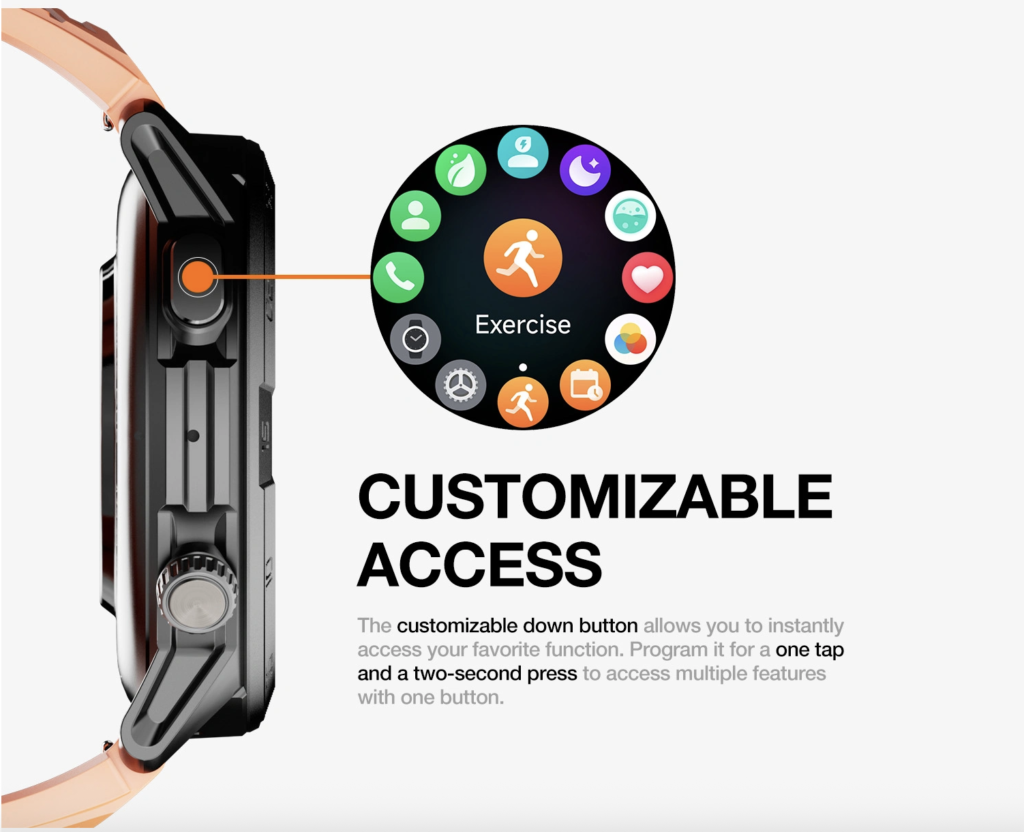
Each function belongs in one of four outcomes.
Wrist Closure
A micro-action earns Wrist Closure when it begins and ends on the watch without creating another task. Checking the time, starting a studio timer, identifying a known caller, or reading a short appointment change may qualify when the device provides enough information and the action can be completed safely.
Closure is stronger than convenience. The watch has not simply displayed something; it has prevented the need for another screen. Before caller identification earns that label, check whether a required call is actually noticed.
Planned Deferral
Some information matters without requiring immediate phone access. A print-shop notice stating that a proof is ready might be useful, but the illustrator may not need to inspect it until the administrative token.
Planned Deferral succeeds when the watch provides enough context to make a calm decision: “This belongs in the next phone session.” The full task remains open, but the timing is controlled.
Pickup Creation
A watch creates pickup debt when it starts an action and cannot finish or defer it. A truncated message, unidentified caller, incomplete calendar note, web link, sign-in request, or companion-app handoff may all cause the user to open the phone outside the budget.
The same problem appears when a watch claims to support a task but only sends the user back to the phone for the meaningful part.
Wrist Loop
The phone can remain closed while the lifestyle still fails. Repeatedly checking message previews, timer status, activity tiles, weather panels, or the notification list can turn the watch into the new default screen.
A wrist loop has no clear beginning or completion. The user looks because the watch is visible, checks again because the previous glance was incomplete, or monitors information that does not change the next action.
These four outcomes create a function contract. Before enabling a feature, ask what triggers it, whether it can close on the wrist, whether it can wait for the next token, and whether it is likely to cause a phone pickup or repeated checking.
Find the Escalation Seam Before It Creates a Pickup
The hidden weakness in many smartwatch routines is the escalation seam: the exact point where a wrist interaction hands the task back to the phone.
Consider a client preview that reads:
“The cover color is close, but adjust the upper-right…”
The message ends before the requested change appears. The watch has not completed the action, and it has not provided enough context for deliberate deferral. It has created a curiosity gap inside the studio block.
If the illustrator immediately opens the phone, that opening belongs in Pickup Creation unless the missing information truly requires immediate action. When the same truncation happens repeatedly, it is not an exception. It is a recurring design problem.
The escalation seam may also appear when:
- A reply is too detailed to complete on the watch.
- A link opens only on the phone.
- The sender cannot be identified clearly.
- A watch app requests authentication in its companion app.
- A calendar alert omits the location or necessary note.
- A disconnected watch requires troubleshooting on the phone.
A preview helps only when it closes the micro-action or provides enough information to defer the larger task. Incomplete awareness that repeatedly provokes phone use works against the budget.
Count Pickup Debt Without Hiding the Cause
The comparison needs two visible tallies:
- Protected capacity: planned phone sessions that remained sufficient.
- Created liability: unscheduled phone openings caused by watch interactions.
Do not subtract one from the other and call the remainder a success. Preserving one session does not erase an unnecessary pickup created elsewhere.
For each off-budget opening, record the triggering function, why the phone became necessary, whether the action could have waited, and whether the same failure is likely to repeat. This reveals whether the issue was an unusual event or a structural weakness.
Duration alone is also misleading. A ten-second pickup can restart a longer phone-use loop. The user may open a client message, notice another app badge, check a social feed, and remain on the phone far beyond the original purpose.
One legitimate unexpected pickup does not automatically break the budget. A recurring cause matters more. If every long message, unknown call, or companion-app request creates another phone session, pickup debt remains open.
Set a Wrist-Interaction Ceiling Beside the Phone Budget
A three-token day can look successful on paper while the user checks the watch dozens of times. That is small-screen migration, not a phone-light routine.
The wrist-interaction ceiling does not need a universal number. Instead, each watch check should have three qualities:
- A clear external trigger or required task.
- A bounded purpose.
- A defined completion point.
A timer finishing has a trigger. Identifying a caller has a purpose. Dismissing a completed reminder has an endpoint. By contrast, opening the watch face out of habit, rechecking a preview, or browsing tiles during creative difficulty has no clean boundary.
Low-value alerts can create many of these loops. A related page can filter which alerts deserve wrist access. The Phone-Light Day Budget goes further by judging calls, timers, previews, tiles, companion-app handoffs, and every other interaction that might defend or damage the access limit.
The watch does not have to be invisible. It does need to remain a tool with defined jobs rather than a constantly available object of inspection.
Stress the Budget Across One Santa Fe Studio Board
Use one board rather than an hour-by-hour diary. Place the three phone-use tokens in the center. Arrange each intended watch function around them and expose the full system to realistic pressure.
The Santa Fe illustrator’s board might include:
- A known client calling during focused work.
- A print shop sending a non-urgent proof update.
- A long revision message arriving in truncated form.
- A studio timer finishing.
- A social-engagement prompt appearing.
- The watch temporarily losing its phone connection.
- A setting that can be changed only through the companion app.
Do not replay these events as morning, afternoon, and evening steps. Inspect how each pressure interacts with the protected tokens.
Token integrity
Did the three planned sessions remain sufficient, or did watch functions repeatedly pull the phone into the gaps between them?
Wrist closure
Which small actions actually finished on the watch? Caller identification, timing, or a short acknowledgment should count only when the action closes without an immediate follow-up screen.
Deferral quality
Could the illustrator confidently leave larger tasks for the next token, or did incomplete information produce uncertainty?
Pickup debt
Which specific functions created off-budget openings, and were those openings exceptional or likely to repeat?
Wrist drift
Did the watch become a repeated focus object even when the phone remained untouched?
Dependency pressure
Did Bluetooth, synchronization, permissions, connection loss, or companion-app requirements create extra phone work?
This is an illustrative method, not a documented customer result. No pickup count, reduction percentage, productivity gain, or successful outcome should be invented for the Santa Fe illustrator.
Issue the Phone-Light Day Verdict
Three-Token Reserve Intact
The planned phone sessions remain sufficient. Small actions close or defer cleanly, off-budget pickups are absent or exceptional, and wrist checking stays bounded.
One Deliberate Expansion
The test shows that a fourth phone session is genuinely needed. It is added intentionally and given a clear purpose rather than appearing repeatedly through watch friction. A realistic four-token budget is better than a three-token target that quietly fails.
Pickup Debt Open
Watch interactions repeatedly cause unscheduled phone openings. Truncated previews, app handoffs, unidentified callers, or incomplete actions keep breaking the declared budget.
Small-Screen Migration
Phone openings decrease, but wrist checking becomes constant. The watch changes the location of interaction without making access more deliberate.
Verify the Budget on the Exact Phone-and-Watch Setup
The method must be checked on the exact phone model, operating system, watch, and companion app intended for daily use. Capabilities and handoffs can differ across combinations.
Verify:
- Caller identification and call handling.
- Message-preview length.
- Available reply methods.
- Calendar detail shown on the wrist.
- Notification and focus controls.
- Bluetooth, Wi-Fi, or cellular dependencies.
- What happens during disconnection and reconnection.
- Which settings require the companion app.
- Whether a watch action genuinely closes or still needs the phone.
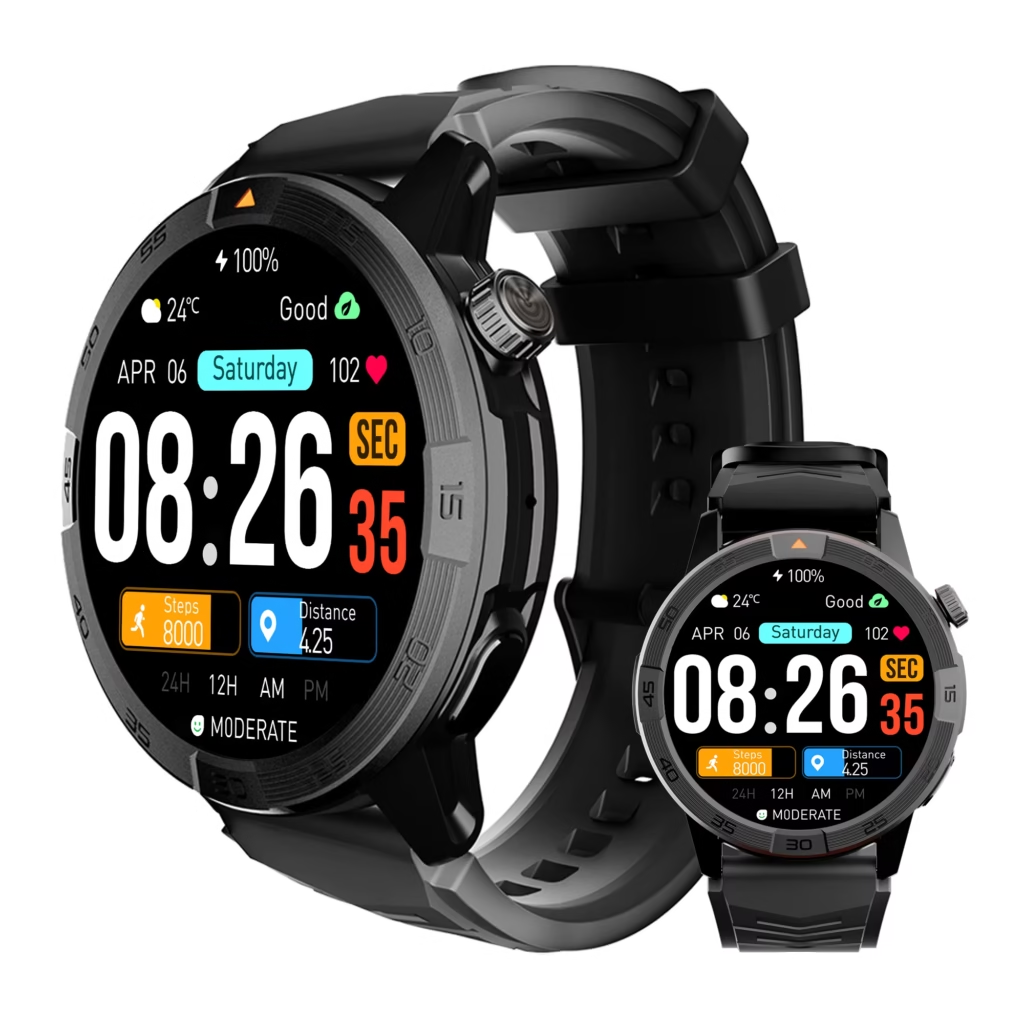
A product image does not prove that messages are complete, callers are identified, replies close the task, or the watch reduces phone use. Manufacturer-stated capabilities should be checked against the intended configuration.
U.S. buyers should also inspect current seller compatibility, support, return, and warranty terms without relying on an unverified period or policy.
Frequently Asked Questions
Does a minimal-phone lifestyle mean never using the phone?
No. The Phone-Light Day Budget preserves deliberate phone sessions instead of pursuing total replacement. The phone remains available for files, longer communication, authentication, detailed review, and tasks that do not fit the watch.
Why use three phone-use tokens?
Three creates a clear boundary for the test. It is not a universal recommendation. The user can adjust the number after identifying which planned sessions are truly necessary and which openings are being created by watch friction.
Does answering a call on the watch always preserve a phone session?
No. A call may close on the wrist, require a follow-up message, lead to a file request, or create another task. Readers who need a narrower call analysis can test which calls can genuinely move to the wrist.
What if a watch preview makes me open the phone?
Count that opening as pickup creation unless the information truly required immediate action. A preview that repeatedly creates curiosity gaps is not protecting the budget.
Is blocking notifications enough?
No. Notifications are only one source of interaction. Calls, timers, tiles, incomplete messages, activity displays, disconnected states, and companion-app handoffs can also create extra pickups or repeated wrist checks.
What happens when the watch needs the phone nearby?
A nearby phone can still support a phone-light day if it remains inside the planned access boundary. Connection dependence is not the same as interaction dependence. The important question is whether the watch requires unplanned phone use.
Three Tokens, Not Endless Glances
The phone staying on the shelf is not enough. The Santa Fe illustrator’s day becomes phone-light only when the three planned sessions remain sufficient and the watch handles small actions without opening curiosity gaps.
Preserve deliberate access. Count off-budget pickups honestly. Reject recurring escalation seams. Watch for interaction migrating from the phone to the wrist.
A smartwatch supports minimal phone use when it makes access more intentional, not merely smaller and more visible.
Make Every Function Defend the Limit
Write down the number of phone sessions allowed for the day and give each one a clear purpose. Sort every intended watch function into Wrist Closure, Planned Deferral, Pickup Creation, or Wrist Loop. Reject any setup that repeatedly creates off-budget access. After the map is complete, map the functions to your three tokens before making the final decision.