
Ring: held. Answer: held. Wrist audio: held. Then the caller’s voice jumped back to the phone inside the document bag.
A mobile notary in Wilmington, Delaware, is standing in a quiet lobby after a signing appointment when that failure occurs. The call itself remains active, but the watch is no longer carrying the conversation. For someone evaluating a smartwatch for Bluetooth call stability, that distinction matters: a call can stay connected while the wrist route still fails.
The pairing icon cannot settle the question. Bluetooth calling moves through several technical handoffs, and each one can break in a different way. The watch must stay ready while idle, receive the ring, survive the answer transition, hold two-way audio, tolerate normal phone placement, end the call cleanly, and remain ready for the next call.
The Call-Link Stability Trace records that complete lifecycle. Instead of asking whether Bluetooth “worked,” it identifies the last stable phase, the first unstable phase, the audio route before and after the change, and any recovery step the user had to perform.
The Wilmington scenario in this article is hypothetical. It does not describe a real notary, signer, title company, lender, appointment, document, property, or incident. Controlled test calls should use neutral language and must never expose private signing information.
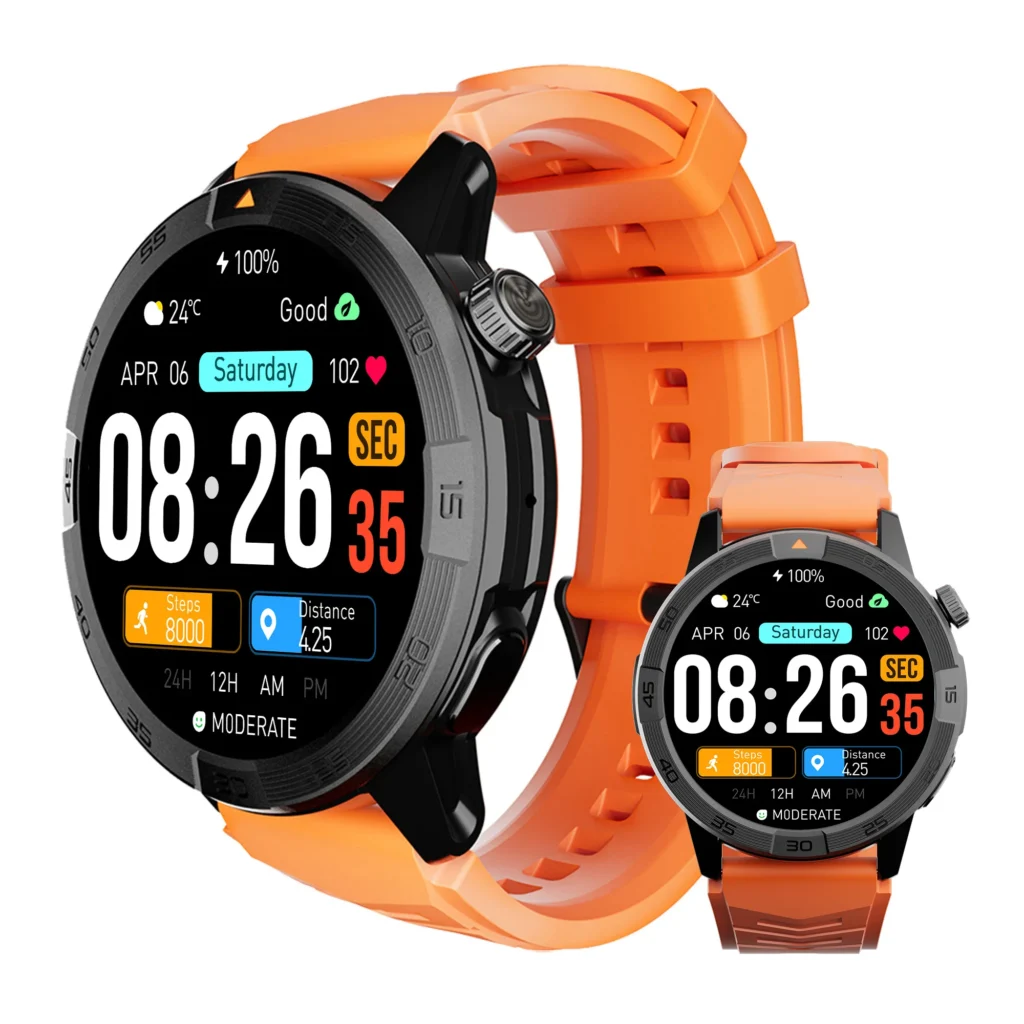
Draw the Call-Link Stability Trace Before Testing
A useful trace begins before the phone rings and continues after the call ends. Stopping the test as soon as two-way speech begins can hide route changes, end-call errors, and failures that affect the next incoming call.
Mark seven phases on one line:
- Paired and Idle: The phone and watch appear connected and ready for a call.
- Incoming Ring: The call event reaches the watch without disturbing the link.
- Answer Transition: The system moves from ringing to an active call.
- Active Two-Way Speech: The watch remains the speaker and microphone route.
- Normal Phone-Distance Change: The link survives realistic phone placement and safe movement.
- Call Ending: Both devices return to the same idle state.
- Ready for Next Call: Another call works without reconnection or reset.
Each phase receives one trace mark:
- Hold: The call link and intended audio route remain intact.
- Conditional: The phase works only under a clearly stated condition.
- Reroute: The call stays active, but audio moves away from the watch.
- Break: The call or Bluetooth call link disconnects.
- Reset Required: The user must reconnect, re-pair, restart, or repair the route.
The comparison unit is the number of call phases completed without a disconnect, unplanned audio-route switch, re-pairing step, or phone takeover. A successful connection at one moment does not count as a stable full-call link.
| Evidence | What it confirms | What remains unproven |
|---|---|---|
| Bluetooth icon appears | A connection is shown at that moment | Full call continuity |
| The watch rings | The incoming event reached the wrist | Stable answer transition |
| Wrist audio begins | The watch route opened | That the route will remain selected |
| One call completes | That single lifecycle may have passed | Repeatability and next-call readiness |
Trace Mark One: Paired and Idle in Wilmington
The paired-and-idle phase establishes the starting state. It should reflect the mobile notary’s normal work setup rather than an unusually clean configuration created only for testing.
For the continuing scenario, the smartphone sits inside the notary’s regular document bag. The watch is worn normally, the companion app remains in its usual state, and no private signing material appears in the test.
Record these conditions before the incoming call:
- Phone operating-system and watch-software state
- Companion-app status and required permissions
- Bluetooth connection indicator
- Phone placement inside the bag
- Distance between the phone and watch
- Connected earbuds, vehicle audio, or other remembered devices
- Whether another call recently ended
Pairing is the starting line, not the verdict
A pairing screen confirms that the phone and watch recognized each other at a particular moment. It may also show that some data can pass between them. Neither result proves that the call-audio route is ready for every phase that follows.
The watch may appear connected while a call permission, companion-app process, audio profile, or route selection remains unavailable. The idle phase passes only when the setup can enter an incoming call without manual repair.
Use the normal work configuration
Testing with the phone uncovered on a table may produce a clean result that does not represent a Wilmington workday. If the user normally carries the phone inside a padded document bag, that placement belongs in the trace.
A realistic baseline should still remain controlled. Remove audio devices the notary does not normally use, note the ones that stay connected, and avoid changing several conditions at once.
Trace Mark Two: Follow the Incoming Ring Handoff
The incoming ring marks the first movement from idle connection to active call behavior. Both devices may ring, only the watch may alert, or the phone may receive the event before the wrist responds.
Record:
- Which device rings first
- Whether both devices ring
- Whether the watch alert appears consistently
- Whether the call screen stays available
- Whether the Bluetooth indicator changes
- Whether another connected audio device becomes active
A successful ring proves only one phase
Reliable ringing does not establish stable Bluetooth calling. The watch can receive every incoming-call alert and still lose the call link when the wearer answers.
This boundary matters because notification delivery and call continuity solve different problems. A call that reaches the wrist has completed the ring phase; it has not yet survived the ring-to-answer handoff.
Failure mode: Ring-to-Answer Drop
A Ring-to-Answer Drop occurs when the watch receives the incoming call but the connection fails during acceptance. Possible signs include:
- The call screen disappears after the answer action
- The phone keeps ringing while the watch leaves the interface
- The call disconnects as the active state begins
- Wrist audio never opens despite an accepted command
- The user must reconnect before continuing
Do not diagnose the microphone, speaker, or call quality at this stage. The failure occurs before stable active speech begins.
Trace Mark Three: Inspect the Answer Transition
The answer transition moves the system from an incoming event to an active call. That handoff may change the phone state, watch interface, Bluetooth audio route, and other connected-device priorities at nearly the same time.
Observe the transition carefully:
- Does the answer command register?
- Does the ringing state stop on both devices?
- Does a call timer begin?
- Does the watch remain on the call screen?
- Which speaker and microphone route becomes active?
- Do earbuds or another remembered device claim the call?
Capability and continuity are not the same test
A watch must first support wrist answering before anyone can evaluate its stability. Once that capability exists, Article 279 asks a narrower question: does the route remain intact while the call changes state?
Elapsed time is not the comparison unit here. A short transition matters only when it leads to a disconnect, duplicated state, route switch, or manual recovery step. Readers focused on response speed should separately measure the alert-to-voice sequence.
Mark the route at the moment speech begins
Write down both the output and input paths. “Audio on watch” is incomplete unless the caller’s voice comes through the watch speaker and the wearer’s response uses the watch microphone.
If the call begins on the phone despite a wrist answer action, record a route dependency rather than calling the entire Bluetooth connection broken.
Trace Mark Four: Hold Active Two-Way Speech
After wrist audio opens, the call link must maintain the selected route through ordinary conversation. The user should not need to touch the phone, reopen Bluetooth settings, or recover the audio manually.
During a neutral test exchange, confirm that:
- The caller remains audible through the watch
- The wearer’s voice continues through the watch microphone
- The phone does not take over without a deliberate action
- The watch and phone display the same active-call state
- The call timer continues normally
- No reconnection prompt appears
Stability and clarity produce different findings
A call can remain perfectly connected while sounding weak or muffled. Another may sound clear for a brief period and then reroute to the phone.
The Call-Link Stability Trace records continuity. Once the route holds, a separate evaluation can evaluate clarity after the call link holds.
Microphone capture and speaker audibility also belong to their own endpoint tests. A stable route can still have weak far-end speech capture, so use a dedicated method to check what the far-end listener receives. If the caller is difficult to hear at the wrist, find the safe caller-audibility floor.
Failure mode: Audio Route Rebound
An Audio Route Rebound occurs when the call remains active but the speaker or microphone path leaves the watch unexpectedly.
The route may move to:
- The phone
- Connected earbuds
- A parked vehicle’s audio system
- Another remembered Bluetooth device
- A route-selection screen requiring manual action
Record the last phase that held, the destination route, and whether any user action preceded the switch. An automatic rebound and a deliberate route change are not the same result.
Test Normal Phone Placement During a Delaware Workday
Bluetooth call stability should reflect ordinary phone placement, not an extreme maximum-range challenge. The relevant question is whether the call survives the distance and obstruction pattern the user creates during normal work.
In the Wilmington scenario, the phone stays inside the document bag while the notary remains in a safe indoor area. A short movement across the lobby or toward a nearby counter can represent a normal distance change, provided no stairs, traffic, active signing task, or attention-critical movement is involved.
Define the movement before starting
Record:
- The phone’s starting location
- The ending distance from the phone
- The bag material and position
- Walls, counters, doors, or furniture between devices
- Nearby wireless equipment
- The side of the body carrying the phone
- Any change in wrist position or clothing coverage
There is no useful universal distance claim for every building, phone, watch, bag, body position, and radio environment. A controlled workflow test provides better evidence than assuming an advertised maximum will apply indoors.
Test the routine, not the farthest possible range
An open outdoor range result may have little value for a mobile worker whose phone stays inside a work bag in offices, hotels, homes, and municipal buildings. The trace should reproduce the placement that matters to the user.
Readers who want the phone to remain stored throughout the broader calling process can also check the complete phone-stowed call loop.
Failure mode: Pocket-Distance Fade
A Pocket-Distance Fade occurs when realistic phone placement or modest safe movement weakens the intended route.
Possible evidence includes:
- Temporary silence
- Audio breakup followed by phone takeover
- Loss of one audio direction
- Bluetooth call disconnection
- A route-selection prompt
- Manual reconnection before speech resumes
Do not label every brief speech imperfection a connection failure. The trace should mark a fade when continuity, route selection, or recovery behavior changes.
Trace Mark Six: Watch the Call-Ending Handoff
Ending a call creates another technical transition. The phone and watch must move from active conversation back to a synchronized idle state.
Observe what happens when the controlled call ends:
- Do both devices show that the call has ended?
- Do both call timers stop?
- Does the watch leave the call interface?
- Does the intended Bluetooth connection remain available?
- Does the phone release the audio route?
- Can the watch return to normal use without intervention?
A clean ending belongs to stability
A call that sounds stable but leaves the devices in different states has not completed the lifecycle cleanly. The watch may still show active controls after the phone disconnects, or the phone may keep an audio route that should have closed.
These symptoms matter because they can affect later calls even when the first conversation appeared successful.
Failure mode: End-Call Desynchronization
End-Call Desynchronization occurs when the phone and watch disagree about whether the call has ended or which route remains active.
Examples include:
- The watch still shows an active call
- The phone ends while wrist controls remain stuck
- Bluetooth calling must be toggled off and on
- The companion app must be reopened
- The next call fails to reach the wrist
- Audio remains assigned to the wrong device
Record the recovery step exactly. Restarting the watch, re-pairing, changing the route, and reopening an app are different levels of intervention.
Trace Mark Seven: Prove Readiness for the Next Call
The first call does not complete the test. A stable system should return to a call-ready idle state without requiring repair.
After a short neutral interval:
- Confirm that the watch still appears connected.
- Place a second controlled incoming call.
- Check whether the watch rings normally.
- Answer through the same intended route.
- Confirm that two-way wrist audio begins.
- Record any reset or recovery action.
The second call exposes hidden lifecycle failures
Some route and synchronization problems appear only after the first conversation closes. A setup may pass ringing, answering, and speech while leaving the call-audio state unprepared for another attempt.
That is why “one call worked” provides less information than a full trace ending in next-call readiness.
Mark readiness separately
Use one of three outcomes:
- Ready: The second call follows the same route without intervention.
- Conditionally Ready: The next call works only after a declared minor action.
- Reset Required: Reconnection, re-pairing, restart, or route repair is necessary.
Build the Wilmington Call-Link Trace Strip
The trace strip should capture the entire controlled call on one line. Avoid broad notes such as “Bluetooth was bad.” Name the phase, route change, and recovery action.
| Call phase | Expected state | What to record | Trace mark |
|---|---|---|---|
| Paired and idle | Call-ready connection | Phone placement, app state, connected audio devices | Hold, Conditional, or Break |
| Incoming ring | Call event reaches wrist | Ring behavior and connection indicator | Hold, Conditional, or Break |
| Answer transition | Active wrist call begins | Command result and starting audio route | Hold, Reroute, or Break |
| Active speech | Two-way wrist audio continues | Route changes and recovery steps | Hold, Reroute, or Break |
| Normal distance change | Call survives realistic movement | Bag placement, obstruction, silence, or takeover | Hold, Fade, or Break |
| Call ending | Both devices return to idle | Timer, interface, and route synchronization | Hold or Desynchronized |
| Next-call readiness | Second call works without repair | Any reset, re-pairing, or route correction | Ready, Conditional, or Reset Required |
Add a phase-boundary note
For every failed trial, capture:
- The last phase that passed
- The first phase that failed
- The audio route before the change
- The audio route after the change
- The recovery action
- Whether the same failure happened again
This phase boundary turns a vague connection complaint into a reproducible technical observation.
Repeat the Same Trace Before Issuing a Verdict
One successful call proves that a lifecycle completed once. One failed call provides evidence that something went wrong. Stability requires the reader to examine whether the result repeats under the same declared conditions.
A practical trial sequence might include:
- Baseline call: Normal phone placement and no unnecessary competing audio route
- Repeat call: Same conditions to check repeatability
- Distance call: One realistic phone-distance change
- Post-call check: Another call after the previous lifecycle ends
This is not a universal minimum number of tests. The purpose is to distinguish an isolated event from a phase-conditional or repeatable failure.
Does one disconnect invalidate the result?
Do not erase a single disconnect simply because later calls pass. Keep it in the trace and repeat the same phase.
The evidence may support one of several interpretations:
- An isolated anomaly
- A repeatable phase failure
- A competing audio-route event
- An environmental condition
- A setup that works only under limited conditions
The final verdict should reflect both repetition and consequence. A rare route change may still matter greatly to a user who depends on predictable work calls.
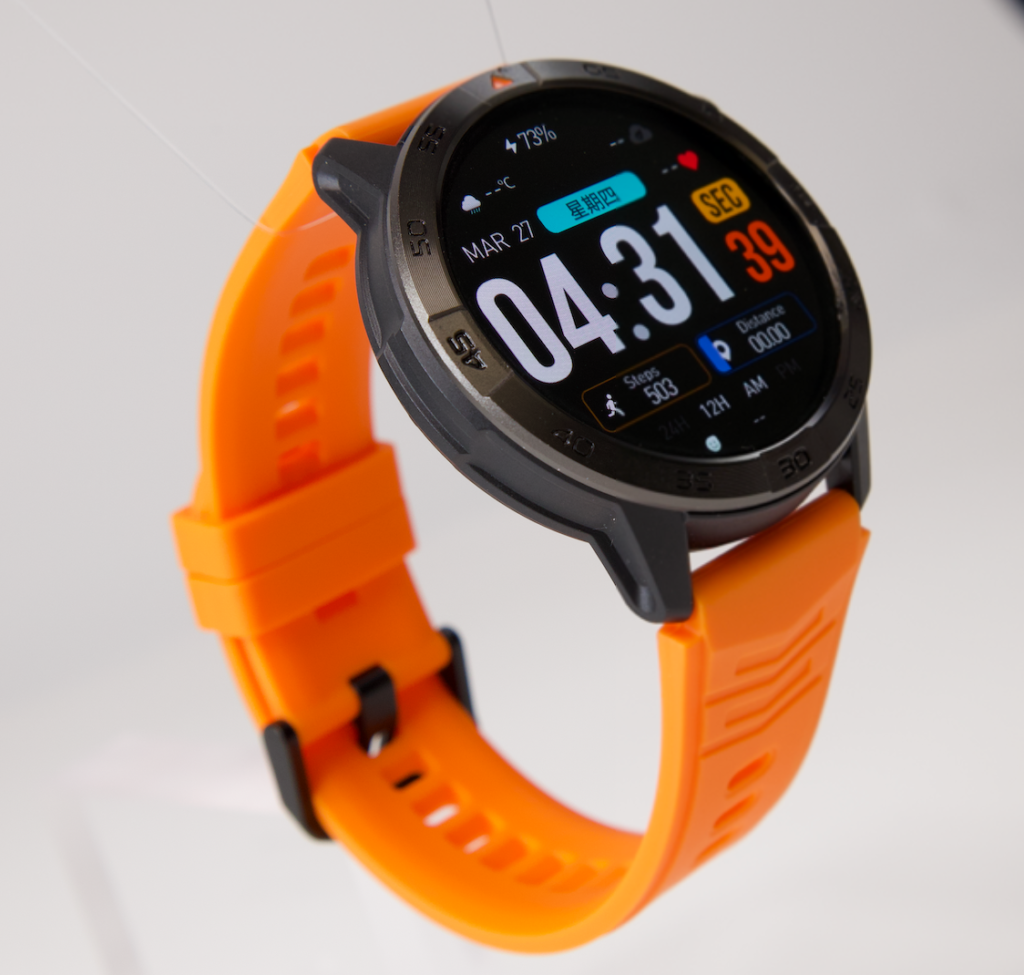
Test Competing Audio Routes in a U.S. Mobile Work Routine
American mobile workers often carry more than one Bluetooth-capable device. Earbuds, parked-vehicle audio, headsets, and remembered speakers can compete for an active call.
Establish a clean baseline before adding that complexity. Once the watch completes the full trace, repeat only the configurations the user actually relies on.
Add one competing route at a time
Possible controlled configurations include:
- Watch plus connected earbuds
- Watch after earbuds disconnect
- Watch plus parked-vehicle audio
- Watch while the phone speaker was used on the previous call
Never test or adjust call routes while driving. Vehicle-audio trials must occur while safely parked, with the vehicle secured and no attention-critical task underway.
Record route competition, not assumptions
If earbuds take over, note whether the switch happens during ringing, answering, active speech, or a distance change. A remembered device may affect only one phase.
Do not claim that every phone or watch prioritizes audio devices in the same order. Operating systems, software versions, permissions, and product design can change the behavior.
Mark the Exact Call-Link Failure Phase
| Failure mode | Trace location | Meaning |
|---|---|---|
| Ring-to-Answer Drop | Incoming ring to answer transition | The alert succeeds, but the link fails as the call becomes active |
| Audio Route Rebound | Active two-way speech | The call stays active while audio leaves the watch |
| Pocket-Distance Fade | Normal phone-distance change | Ordinary phone placement weakens or breaks the route |
| End-Call Desynchronization | Call ending to idle | The phone and watch fail to return to the same ready state |
Correct the failed handoff rather than changing the entire setup blindly. Re-pairing may not solve audio competition. Higher speaker volume cannot repair a disconnect. A successful ring says nothing about end-call synchronization.
Separate Stability From Neighboring Call Problems
The call notification appears, but wrist answering never begins
That is a capability-verification problem. Stability testing begins only after the watch can convert the incoming call into active wrist audio.
The answer path works but feels slow
That is an elapsed-time question. Use the quick-answer framework rather than counting a delay automatically as instability.
The connection holds, but speech sounds poor
A stable link can still have weak clarity, microphone capture, or speaker audibility. Those endpoint results need separate evidence.
The phone must stay stored throughout the call
That is a broader phone-stowed workflow question. The complete loop includes notification, answering, audio, and safe action without retrieving the handset.
The watch loses only priority calls
Caller importance and escalation rules belong to a different intent. Bluetooth stability should not vary based on how important the user considers the caller, though different phone settings may create separate conditions that need testing.
Issue the Call-Link Stability Verdict
Stable Full Call Link
Use this verdict when every lifecycle phase completes without a disconnect, unplanned reroute, re-pairing step, or phone takeover. The call ends cleanly, and the next incoming call works without intervention.
Phase-Conditional Stability
Choose this result when the complete lifecycle works only under a clearly declared condition. Examples might include keeping the phone in one location, disconnecting competing audio devices, or maintaining a particular app or connection state.
Limit the verdict to the tested condition. Do not describe conditional performance as universal stability.
Phone-Route Dependent
This verdict applies when calls remain connected but the phone repeatedly becomes or remains the required audio route. The Bluetooth connection may stay active, yet wrist calling does not remain independent throughout the lifecycle.
Bluetooth Call Unstable
Use this finding when repeatable disconnects, unintended route changes, end-call mismatches, or reset requirements prevent completion of the full call trace.
Call-Link Stability FAQs
Does successful pairing prove Bluetooth call stability?
No. Pairing confirms a starting connection. Stability requires the link to survive ringing, answering, active speech, normal phone-distance changes, call termination, and readiness for the next call.
Can audio move to the phone without disconnecting the call?
Yes. The call can remain active while the selected speaker or microphone route changes. Record that outcome as a reroute or phone takeover rather than a full call drop.
How should phone distance be tested?
Use the distance, phone placement, bag, obstructions, and safe movement pattern that belong to the user’s real routine. A maximum open-space range test may not represent indoor work conditions.
Should the phone be tested inside a pocket or work bag?
Yes, when that is its normal location. Record the bag material, phone position, body side, nearby barriers, and movement rather than assuming every storage location produces the same result.
Does one disconnected call mean the watch is unstable?
One disconnect belongs in the evidence, but it may not prove a repeatable defect. Repeat the same phase under the same declared conditions and report whether the failure returns.
Why can the next call fail after the first call ends?
The phone and watch may not have returned to the same idle state, or the audio route may remain assigned incorrectly. Next-call readiness needs its own trace mark for that reason.
Can connected earbuds take over a smartwatch call?
They may become a competing audio route, depending on the phone, watch, operating system, settings, and connection state. Establish a clean baseline, then add the earbuds during a separate controlled test.
Does stable Bluetooth calling prove clear sound?
No. Stability measures continuity and route retention. Speech clarity, microphone capture, speaker audibility, and noise performance require separate tests.
Can normal walking be part of the stability test?
Only controlled, safe, permitted movement in a suitable area. Do not interact with the watch while driving, crossing traffic, using stairs, carrying sensitive materials, or performing attention-critical work.
Should parked-vehicle audio be included?
Include it only when the user normally connects the phone to that system. Run the test while safely parked and add the vehicle route only after the watch passes a clean baseline trace.
Finish the Trace Before Trusting the Pairing Icon
A stable Wilmington call should complete one uninterrupted line: paired, rang, answered, held wrist audio, survived normal phone placement, ended cleanly, and accepted the next call.
The Bluetooth symbol represents only the beginning of that line. Trace every handoff, mark the first unstable phase, and record any route correction or reset before issuing a verdict. Once the full lifecycle is defined, compare this watch with your call-link trace.