
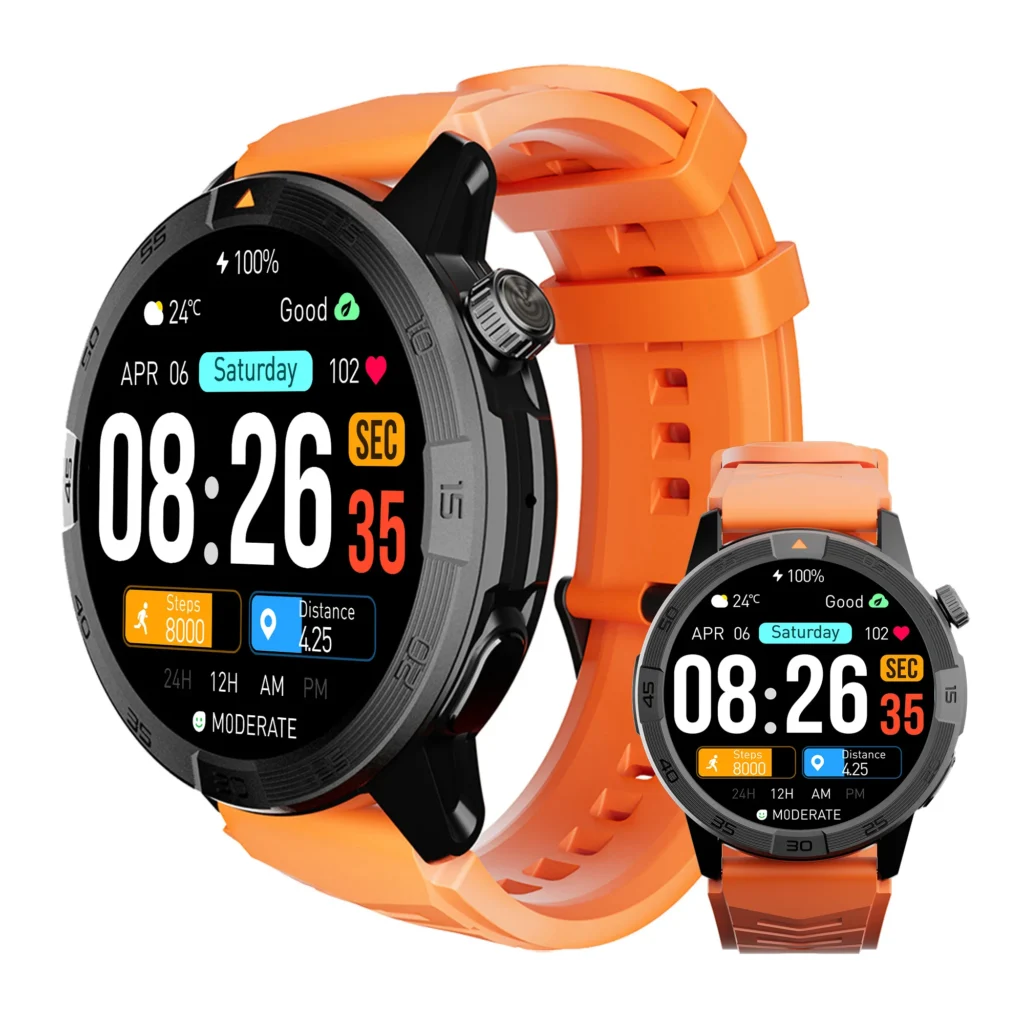
Do not decide whether a watch fits by studying a promotional wrist photograph.
A gallery-events coordinator in Santa Fe, New Mexico, began with something more useful: paper. She copied each candidate’s documented case outline at actual size, marked the controls, added a temporary band strip, and placed the templates on the wrist where she intended to wear the watch.
The first footprint extended beyond her usable wrist surface. Another looked acceptable until the control-side edge approached the base of her hand. Only the remaining templates advanced to an actual wear test.
A paper model cannot prove comfort, but it can prevent an obvious mismatch from entering a full workday. The right Android watch for women must fit the individual buyer’s wrist, sleeves, movements, control habits, and removal preferences—not an anonymous model in an advertisement.
The All-Day Wrist Fit Envelope turns those requirements into a practical buying test.
Define Fit for This Buyer, Not All Women
There is no single case size, band length, wrist shape, or wearing preference shared by every woman. A useful comparison begins with the buyer rather than a gender-based assumption.
The Santa Fe coordinator wrote a short fit charter before evaluating three anonymous candidates. She recorded:
- Her preferred wearing wrist.
- The hand she would use for touchscreen and button control.
- The blazer, cardigan, and light-jacket cuffs used during gallery events.
- Her laptop, mouse, guest-list, and check-in positions.
- The alerts she needed to open and dismiss.
- The ordinary movement permitted during the test.
- Her preference to remove the watch before sleeping.
- The discomfort signals that would stop testing.
Readers still building a general shortlist can begin with the broader Android smartwatch decision process. Physical comfort should then become its own elimination gate.
Confirm Android Eligibility Before Testing the Wrist Fit
A physically comfortable watch has little value when its required application cannot operate on the buyer’s phone. The coordinator therefore treated Android eligibility as an entry requirement rather than part of the comfort score.
She checked the companion-app route, phone environment, required permissions, notification behavior, and account setup before spending a full day on wear testing. The exact Android environment certificate provides the deeper procedure for that step.
She also reviewed what the product’s Android compatibility wording actually promised. A broad label did not substitute for confirming the required app and phone setup.
Build the Santa Fe Paper Fit Template
The coordinator used dimensions from each candidate’s documented specifications rather than estimating size from photographs.
For every contender, the paper screen represented:
- The complete case footprint.
- The lug or band-attachment area.
- The crown and side-button position.
- The approximate band exit path.
- The documented closure range.
She checked the print scale with a ruler before cutting. A resized browser image, catalog screenshot, or unverified third-party outline would have weakened the screen.
The template’s purpose was limited. It could reveal obvious overhang, poor control clearance, or an awkward band path. It could not reproduce case thickness, weight, band flexibility, clasp pressure, surface heat, or long-term comfort.
Check the Buyer’s Usable Wrist Surface
The paper cases were centered where the coordinator normally wears a watch. She then moved her wrist gently through neutral, flexed, and extended positions.
Candidate A extended beyond the stable surface available to the case. Its attachment points also appeared likely to pull the temporary band outward before it wrapped around the wrist.
That result did not create a universal rule about case diameter. Another person’s wrist shape or preferred wearing position could produce a different outcome.
Candidate A result: Physical Fit Rejected — Case Footprint Exceeds the Buyer’s Usable Wrist Surface.
Because the mismatch was already clear, the coordinator did not continue into an unnecessary extended wear test.
Verify the Actual Band Range
The remaining candidates required a real try-on. Paper could not show whether the band material would curve smoothly, whether the buckle would sit at a pressure point, or whether the loose tail would remain controlled.
For each actual band, she inspected:
- Whether the closure fell inside a useful adjustment range.
- How much room remained for loosening or tightening.
- Where the buckle or clasp rested.
- Whether the loose end stayed inside its keeper.
- Whether the band pulled unevenly from the case.
- Whether replacement or alternate bands were necessary for the test.
A band that merely closes has not necessarily achieved a good fit. A closure at the extreme end of its range can leave little adjustment room for ordinary changes in comfort.
Establish a Stable Neutral Position
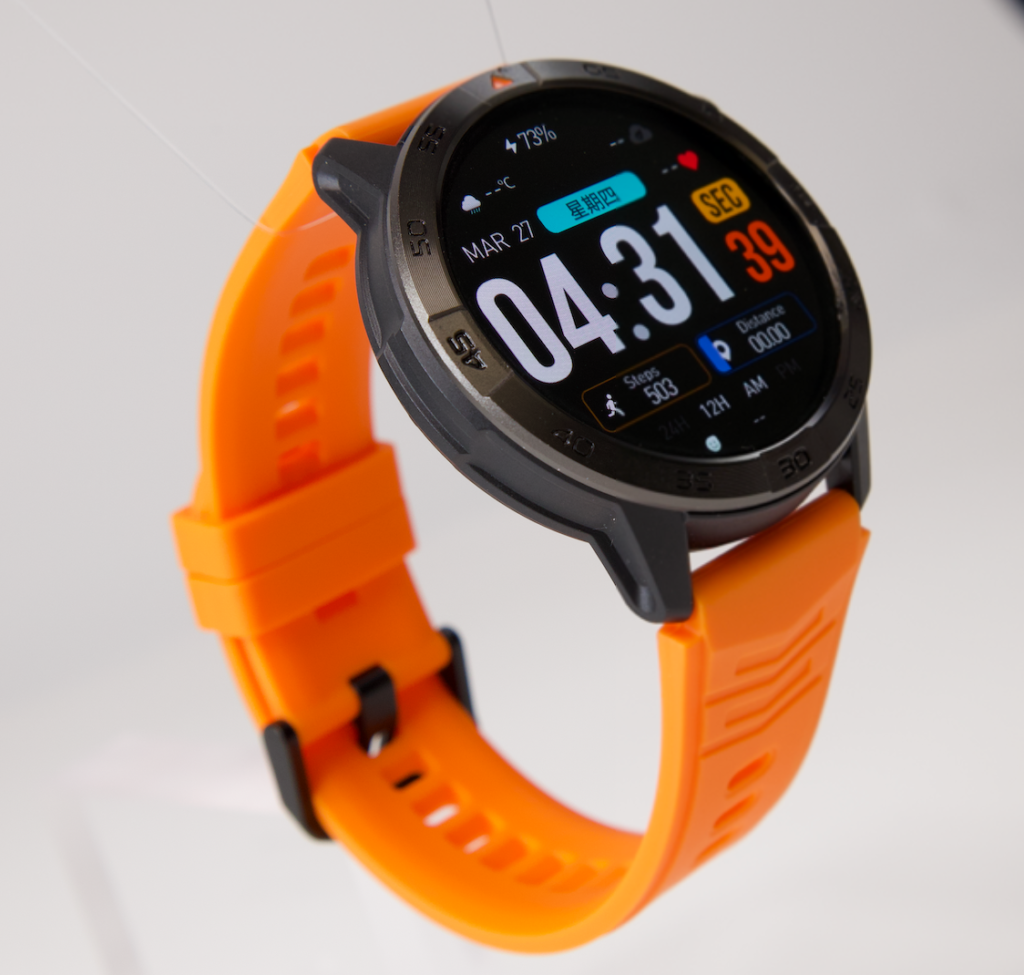
The watch needed to remain centered during normal wrist movement without excessive tightening. The coordinator began with a comfortably secure position and recorded the starting adjustment.
She then moved her arm naturally, turned her palm, flexed her fingers, and returned to a neutral desk position. A small amount of natural movement did not automatically fail the watch. Repeated rotation, sliding over the wrist bone, or loss of control alignment did.
Tightening could not be used indefinitely to compensate for a poor case-and-band relationship. If stopping rotation introduced persistent pressure, the candidate would fail rather than receive credit for staying in place.
Map Pressure During Gallery Desk Work
The Santa Fe workday began with laptop preparation, guest-list review, vendor messages, and event check-in planning.
Candidate B initially looked secure. After a sustained desk block, however, the lower case edge created a noticeable pressure point when the coordinator rested her forearm. The clasp also became more noticeable during keyboard and mouse use.
She recorded the location and task instead of trying to diagnose a medical cause:
- Lower case edge during forearm contact.
- Clasp area during mouse movement.
- Band tension after the watch rotated.
- Relief after the band was loosened.
Persistent discomfort, numbness, burning, tingling, unusual heat, or restricted movement would end the test immediately. A buying comparison does not require enduring symptoms to complete a scorecard.
Test Wrist Extension and Crown Contact
Next, the coordinator extended her wrist as she would while reaching toward a keyboard, opening a door, or positioning a check-in tablet.
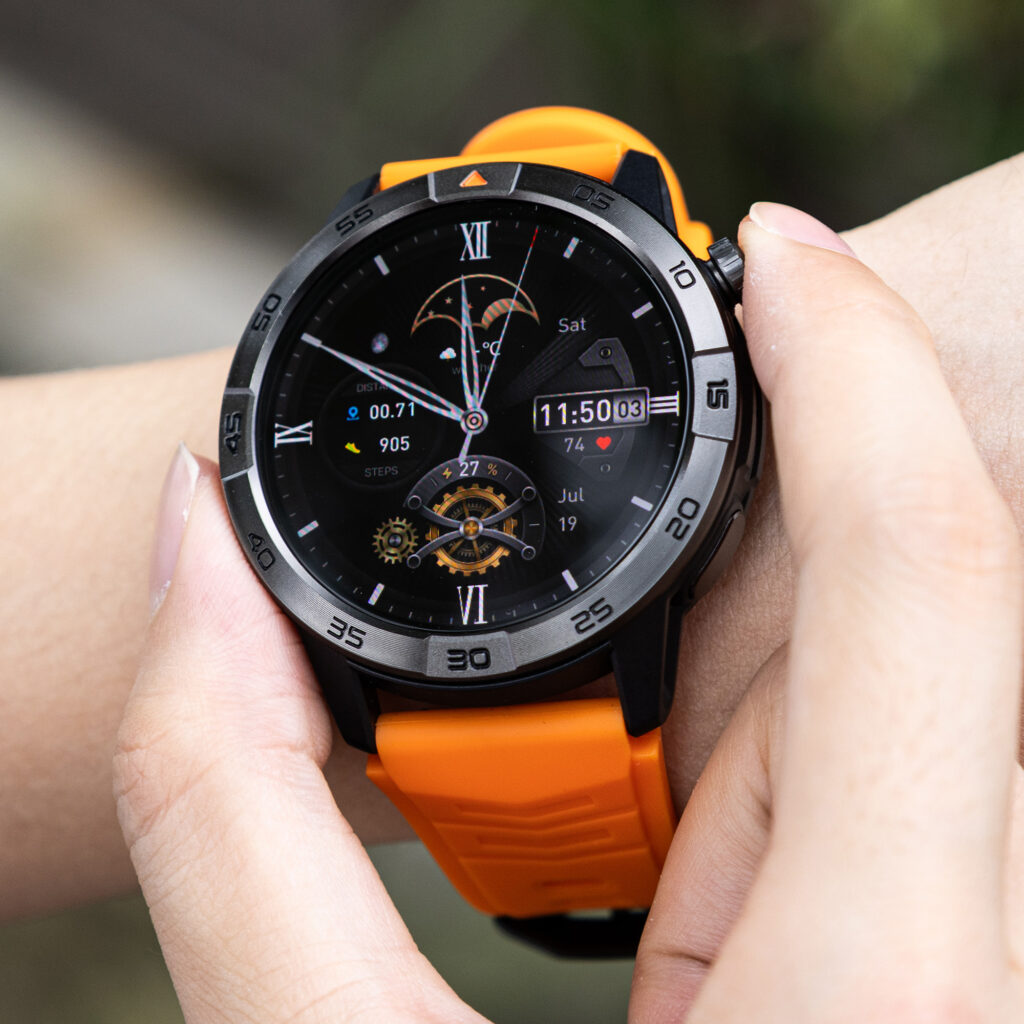
Candidate B’s control-side edge approached the base of her hand. In a deeper but still ordinary extension, the crown area made contact. Rotating the case away from the hand reduced contact but moved the display out of its preferred position.
Changing the wearing orientation could be tested when the watch and buyer support that arrangement. It should not be assumed to solve every fit problem, especially when it makes buttons harder to reach or moves a pressure point elsewhere.
Run the Santa Fe Sleeve Passage Test
Gallery-event clothing became part of the fit envelope because the coordinator regularly moved between desk preparation and visitor-facing work.
She tested each remaining watch with the actual cuffs she expected to wear. The sleeve was raised and lowered naturally rather than stretched around the case.
Candidate B caught against one jacket cuff. The fabric bunched above the case, then pushed the watch slightly toward the hand when pulled down. That contact also increased the chance of unintended pressure near the controls.
Sleeve interference was not treated as a fashion judgment. It was a mechanical fit issue involving case thickness, cuff clearance, movement, and control contact.
Verify Stationary One-Handed Control
The coordinator needed to manage a simple event notification without removing or repositioning the watch. She defined the required sequence before testing:
- Wake the display.
- Open a generic event alert.
- Read the complete message.
- Select “Seen.”
- Dismiss the alert.
- Return to the watch face.
She remained stationary for every control check.
Candidate B rotated slightly when she tapped near the display edge. Reaching the final control required holding and repositioning the case with the opposite hand before continuing.
The software action itself may have been available, but the physical fit made it unreliable for this buyer. Readers can use the essential app-action test to verify the digital workflow separately.
Add Permitted Gallery Movement
The movement block reproduced ordinary event coordination without turning the test into an exercise or safety challenge.
The coordinator walked through the gallery, moved her arms naturally, handled lightweight paperwork, and changed between standing and seated positions. She did not interact with the watch while moving, carry artwork as part of the test, climb equipment, or create a simulated emergency.
After each block, she stopped before checking case position.
Candidate B had rotated again. Tightening reduced movement but restored the lower-edge pressure point and made wrist extension less comfortable.
Candidate B result: Physical Fit Rejected — Repeated Adjustment, Pressure, Crown Contact, Sleeve Interference, and Control Repositioning.
This pattern belonged to physical fit, not general Android ownership friction. Broader recurring problems can be evaluated through the Android friction budget.
Carry Candidate C Through the Full Event Day
The final contender stayed within the paper footprint and closed near the middle of its useful band range.
During the Santa Fe workday:
- The case remained centered without excessive tightening.
- No persistent edge or clasp pressure appeared during desk work.
- Ordinary wrist extension did not force the controls into the hand.
- The tested cuffs passed over the case without catching.
- The generic event alert could be opened and dismissed while stationary.
- Permitted movement did not cause repeated rotation.
- The band tail remained controlled.
The coordinator recorded one brief adjustment after first fastening the watch in the morning. Because the position remained stable afterward, that ordinary setup correction did not trigger the Repeated-Adjustment Flag.
Honor the Buyer’s Overnight Preference
The coordinator did not plan to sleep in the watch. Her fit envelope therefore included easy evening removal and consistent reattachment the next morning—not overnight comfort.
Candidate C could be removed without struggling with the closure and returned to the recorded adjustment without repeated trial and error.
A buyer planning extended or overnight wear would need another test involving her own removal schedule, comfort limits, and Android continuity requirements. The overnight Android background-recovery cycle addresses whether the connected route survives a long charging interval, but it does not prove sleep comfort.
Likewise, physical fit should pass before spending time on the connected-service battery ranking.
Close the All-Day Wrist Fit Envelope
| Candidate | Paper footprint | Band stability | Pressure | Sleeve clearance | One-hand control | Result |
|---|---|---|---|---|---|---|
| A | Overhang | Not tested | Not tested | Not tested | Not tested | Rejected at paper screen |
| B | Cleared | Repeated rotation | Persistent point after tightening | Cuff caught | Required repositioning | Rejected |
| C | Cleared | Stable | No persistent issue | Passed | Passed while stationary | Approved |
These anonymous results illustrate one buyer’s decision method. They do not establish a universal fit ranking or describe public product specifications.
Correct Twelve Android Watch Fit Mistakes
A Promotional Wrist Photo Proves Fit
Correction: Use verified dimensions and the buyer’s own wrist.
Every Woman Needs a Small Watch
Correction: Test the individual buyer instead of assuming wrist size.
Case Diameter Tells the Whole Story
Correction: Include case length, thickness, lugs, controls, and band path.
A Paper Template Proves Comfort
Correction: Use it only to screen obvious footprint problems.
Tightening Always Fixes Rotation
Correction: Reject a setup that needs uncomfortable compression to remain stable.
A Closed Band Is a Good Band Fit
Correction: Inspect adjustment margin, clasp position, and band-tail control.
A Brief Try-On Proves All-Day Comfort
Correction: Include the buyer’s real desk positions, sleeves, controls, and movement.
Desk Comfort Guarantees Movement Comfort
Correction: Add ordinary wrist and arm movement, then recheck position while stationary.
Sleeve Contact Is Only About Style
Correction: Record catching, bunching, pressure, and accidental control contact.
Repeated Two-Handed Repositioning Is Normal
Correction: Flag it when one-handed control belongs to the buyer’s requirements.
Every Buyer Must Wear the Watch Overnight
Correction: Honor the buyer’s actual removal or wear preference.
Discomfort Should Be Ignored Until the Test Ends
Correction: Loosen or remove the watch and stop when discomfort persists.
Protect Santa Fe Gallery Information
The coordinator used generic alerts rather than artist names, guest lists, buyer details, sale records, access codes, private schedules, or internal communications.
Any screenshots or notes used for the fit test should remain free of confidential gallery and customer information.
Keep Every Control Check Stationary
No notification was read while walking through the gallery. The coordinator stopped before touching the screen and avoided watch interaction while carrying artwork, signs, ladders, boxes, or event equipment.
Driving, crossing parking areas, and responding to active safety problems remained outside the test.
Questions U.S. Buyers Ask About Watch Fit
Is there one best watch size for women?
No. Wrist shape, usable surface, case design, band path, controls, sleeves, and personal preference all affect the result.
Can a paper template prove comfort?
No. It can screen an obvious footprint mismatch, but only actual wear reveals pressure, rotation, thickness, and control reach.
Should a smartwatch move on the wrist?
Minor natural movement may occur. Repeated rotation or sliding that disrupts comfort or control should enter the fit verdict.
Can I tighten the band to stop rotation?
Try a comfortably secure adjustment. Do not treat excessive tightness as a repair for a poor case or band relationship.
Why does the crown touch my hand?
The case position, control location, wrist movement, wearing orientation, and band stability may all contribute. Test the complete relationship rather than one dimension.
Can another band rescue a failed candidate?
Possibly, when the case itself fits and the replacement band resolves the documented problem. Repeat the complete envelope before issuing a conditional fit.
Must I wear the watch overnight?
No. Apply your actual preference. A buyer who removes it should test removal and repeatable reattachment instead.
When should I stop the wear test?
Stop when the watch causes persistent discomfort, unusual heat, restricted movement, numbness, tingling, burning, or another concerning reaction.
Issue the Santa Fe Fit Verdict
The All-Day Wrist Fit Envelope supports four outcomes:
- Buyer-Specific All-Day Fit: The watch clears every required physical checkpoint.
- Conditional Fit With Band Change: The case fits, but approval depends on a verified alternate band.
- Fit Cycle Incomplete: Required sleeves, controls, movement, or wear periods remain untested.
- Physical Fit Rejected: Overhang, pressure, rotation, interference, or repeated repositioning exceeds the buyer’s limit.
The Santa Fe verdict is:
Buyer-Specific All-Day Fit Approved — Candidate C Clears Every Santa Fe Fit Check
Candidate A failed before try-on because its footprint exceeded the buyer’s usable wrist surface. Candidate B advanced beyond paper but failed during real wear. Candidate C remained stable, comfortable, sleeve-compatible, and controllable through the complete event-day envelope.
The Right Android Watch Must Fit the Actual Day
The paper template did not choose the winner. It prevented an obvious mismatch from wasting the buyer’s time.
Actual wear revealed what promotional photographs could not: one candidate rotated, created pressure when tightened, contacted the hand, caught a cuff, and required repeated repositioning. The final contender survived desk work, sleeve movement, stationary controls, ordinary gallery movement, and the buyer’s evening removal routine.
The result applies to one gallery-events coordinator, one wrist and wearing side, one band configuration, one group of sleeves, one control sequence, one Santa Fe workday, and one overnight preference.
The right Android watch for women is not automatically the smallest watch or the one that looks best in an advertisement. It is the candidate that remains comfortable, stable, and controllable on the individual buyer’s wrist.
To evaluate a possible option, place this candidate smartwatch through the same All-Day Wrist Fit Envelope. Independently verify its dimensions, Android eligibility, actual band range, case clearance, pressure points, sleeve interaction, control reach, movement stability, and removal preference before deciding that it fits.