
At a Santa Barbara gallery opening, the registrar wore the watch that disappeared into the room: restrained hands, a quiet dial, and no bright screen competing with the exhibition. The next workday, “Condition report ready” reached the phone, but the wrist offered only an unexplained vibration. It had looked right during the opening and behaved wrong when the job mattered. That failure changes how a ready-to-buy shopper should compare a women’s watch smartwatch.
Three formats now compete for the purchase. Candidate A protects the most traditional appearance but communicates too little. A hybrid Candidate B adds a restrained digital window with enough task meaning, while full-screen Candidate C delivers greater depth than this buyer intends to use.
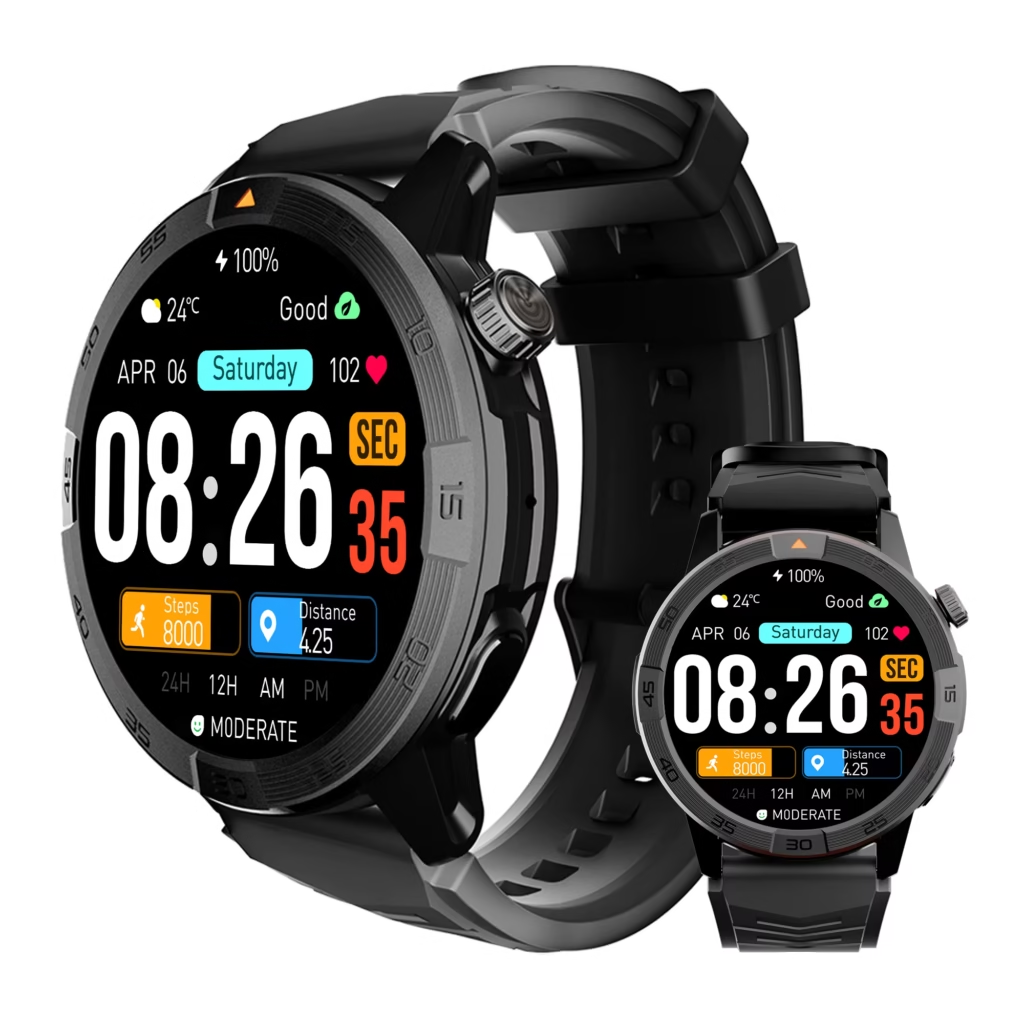
Which Women’s Watch Smartwatch Format Should You Buy?
Choose a women’s watch smartwatch by setting two limits before checkout. First, decide how much visible screen presence you will accept. Next, define the minimum notification detail the watch must show.
- Inspect how much of the dial becomes a visible screen.
- Test the physical and touch controls you would actually use.
- Send the exact required alert: “Condition report ready.”
- Record the charger, charging confirmation, and planned charging location.
- Decide which details and actions must remain on the phone.
Buy the format that clears your digital minimum without crossing your traditional-appearance limit. For the Santa Barbara registrar, Candidate B is the only option that satisfies both conditions.
Set Your Traditional-Appearance Ceiling Before Comparing Features
A ready-to-buy shopper should define the maximum visible technology she will accept before product-page features begin influencing the decision. For this registrar, analog time must remain visually primary during gallery openings, and no active display should dominate the wrist when the watch is at rest.
The traditional ceiling does not require the device to imitate a mechanical watch perfectly. Instead, it creates a practical boundary: digital information may appear when needed, but it should recede after the alert is acknowledged.
Candidate A stays comfortably below that ceiling. The hybrid option also passes because its restrained digital area does not replace the overall traditional presentation. Candidate C crosses the line when its full display becomes the main visual element during an alert.
Set the Minimum Digital Detail You Are Paying For
The registrar does not need the complete condition report on her wrist. Artwork identity, ownership, value, location, detailed observations, communication, and record changes all stay on the phone or computer.
However, an unexplained vibration is too little. The reserved wrist job requires one readable phrase:
Condition report ready
That short summary tells the buyer why the phone deserves attention without exposing restricted information. The single-role buying method helps keep the watch limited to awareness rather than expanding it into a record-management device.
Candidate A: Buy Traditional-First Only When an Indicator Is Enough
Best for: A shopper who values the lowest possible screen presence and accepts checking the phone whenever the watch signals.
Main buying advantage: Candidate A looks closest to a conventional timepiece. Its hands and dial remain visually dominant, and technology does not take over the presentation during the opening.
Main compromise: When “Condition report ready” arrives, the device produces only a generic vibration, hand movement, or indicator. Nothing on the wrist distinguishes that event from another permitted alert.
Who should skip it: Buyers who need to understand why the phone deserves attention before reaching for it should remove this format from the shortlist.
Verify before buying:
- the exact meaning of each vibration or indicator;
- whether different notification sources can be distinguished;
- the physical control sequence;
- the required phone application;
- the exact power or charging method.
Purchase verdict: Skip for the Reserved Registrar Role.
Candidate A wins the appearance comparison but loses the paid-for task. Buying it would repeat the opening mistake: choosing the watch that looks right while accepting behavior that remains too vague.
Candidate B: Buy Hybrid for Traditional Presence With Useful Context
Best for: A shopper who wants analog-style presentation but still needs one readable task summary.
Main buying advantage: Candidate B keeps traditional hands visually primary while using a small digital area for the reserved alert. “Condition report ready” appears clearly enough to guide the buyer toward the phone without displaying the report itself.
Main compromise: A restrained screen offers less space than a full display. Readability, text movement, control access, and notification duration must therefore be checked on the exact candidate rather than assumed from the word “hybrid.”
Who should skip it: Buyers who want full messages, application menus, maps, typing, replies, or deeper wrist actions should choose another format.
Verify before buying:
- the complete neutral phrase fits or scrolls clearly;
- the alert can be acknowledged with a short physical-control sequence;
- analog hands do not make the digital text difficult to read;
- the exact phone route delivers the approved source;
- the charger and planned charging location fit the routine;
- the full report stays on the phone.
Purchase verdict: Buy-Ready Hybrid Format.
This candidate clears the digital floor without crossing the traditional ceiling. It gives the registrar enough information to make a buying difference while avoiding interaction depth she does not intend to use.
Candidate C: Buy Full Screen Only When You Need Deeper Wrist Interaction
Best for: A shopper who wants longer message previews, richer applications, touch navigation, or additional wrist actions.
Main buying advantage: Candidate C supplies the most visible information. The buyer can see more than “Condition report ready,” navigate through a larger interface, and potentially handle tasks beyond simple awareness.
Main compromise: The full display becomes a major visual part of the watch when active. Touch menus and expanded notification options also invite more wrist interaction than the Santa Barbara role requires.
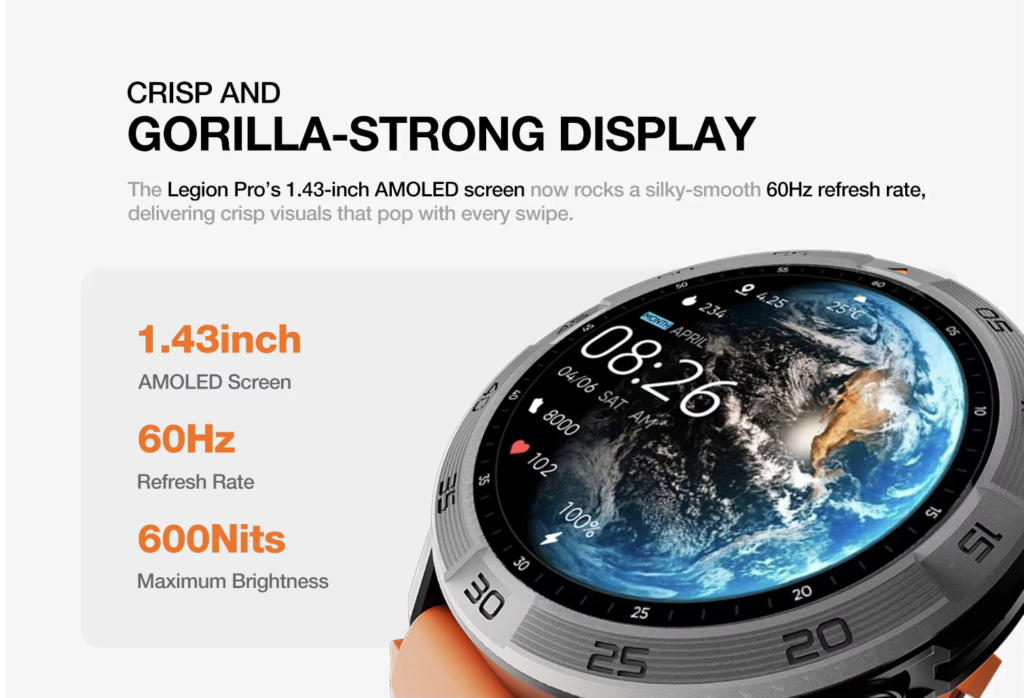
Who should skip it: Buyers seeking restrained awareness with phone-owned detail should not pay for additional screen depth merely because it appears more advanced.
Verify before buying:
- the idle appearance with the display inactive;
- brightness and visible screen presence during an alert;
- which notification actions appear;
- whether private details can be hidden;
- the exact charging routine;
- which functions still require the phone.
Purchase verdict: Choose Only When Deeper Wrist Actions Are Worth the Added Screen Presence.
Candidate C is not a worse format. It is simply more watch than this limited registrar role needs.
Compare Traditional, Hybrid, and Full-Screen Formats
| Purchase factor | Traditional-first | Hybrid | Full-screen |
|---|---|---|---|
| Visible screen presence | Lowest | Restrained | Highest |
| Primary controls | Minimal physical controls | Physical controls plus limited display | Touch interface plus physical controls |
| “Condition report ready” | Meaning unclear | Readable short summary | Readable with more potential detail |
| Charging decision | Verify exact candidate | Verify exact candidate | Verify exact candidate |
| Phone reliance | Phone needed to interpret alert | Phone holds full report and actions | Some detail may move to the wrist |
| Registrar verdict | Skip | Buy-ready format | Choose only for deeper interaction |
The comparison does not reward the format with the most features. Instead, it identifies the least intrusive option that still completes the intended purchase job.
Check Exact Phone Fit Before Trusting the Format
A perfect hybrid layout is still the wrong purchase when its required application, permissions, or notification route do not work with the buyer’s phone. Before checkout, complete the exact phone-to-watch compatibility test.
For Candidate B, the route must begin with the approved phone source and end with “Condition report ready” on the small display. One demonstration on a seller’s device does not approve another phone environment.
Five Deal-Breakers That Should Stop the Purchase
1. The Alert Remains an Unexplained Signal
A vibration or icon cannot satisfy this buyer when it provides no reason to check the phone.
2. The Active Display Crosses the Traditional Ceiling
Reject the format when its visible screen conflicts with the presentation the buyer intends to maintain.
3. The Required Phrase Is Difficult to Read
A small display fails when text is clipped, too brief, or dependent on an awkward control sequence.
4. Charging Remains Unresolved
Do not infer runtime or charging convenience from the words traditional, hybrid, or full-screen. Verify the exact equipment and routine.
5. Private Detail Moves Onto the Wrist
The format fails the role when it exposes artwork, ownership, value, location, or condition information.
What to Verify Before Checkout
Product-page appearance should lead to questions rather than automatic approval. Use the smartwatch listing decoder to check:
- whether the dial contains analog hands, a hidden display, a small digital window, or a full screen;
- how notification text appears;
- which buttons, crowns, taps, or swipes control the display;
- the required phone and companion application;
- the included charging equipment;
- documented notification and privacy options;
- the seller’s current return terms.
Do not accept phrases such as classic design, smart notifications, or long battery life as complete buying evidence. Each claim must connect to the Santa Barbara use case.
Test the Format During the Available Return Window
When the seller provides a return opportunity, use it to verify the primary purchase decision before exploring secondary features. Follow this order:
- Wear the watch normally and inspect its idle appearance.
- Remain stationary and send “Condition report ready.”
- Check the active screen presence.
- Read the alert without opening private detail.
- Acknowledge it using the intended control.
- Confirm the full report remains on the phone.
- Place the watch on its supplied charger.
- Repeat the notification after an ordinary reconnect.
A first-week readiness check can show whether the selected behavior survives normal setup, charging, and permission changes.
Check Physical Fit After the Format Passes
Candidate B’s interaction format does not prove that its case, crown, lugs, band, or controls fit the registrar’s wrist arrangement. Buyers who wear bracelets or structured sleeves should complete the jewelry-and-cuff interference test.
Inspect control access, cuff passage, bracelet migration, and desk contact while stationary. A hybrid display that communicates perfectly can still be the wrong purchase when its physical design creates daily conflict.
Carry the Winning Format Into the Full Buying Shortlist
Format approval creates a qualified direction, not a final product winner. The buyer should continue through the women’s five-gate buying shortlist to confirm phone fit, physical fit, role, privacy, and charging.
When several hybrid candidates remain, use the role-distinct finalist comparison to remove repeated options. Every surviving watch needs a separate buying reason rather than a slightly different dial.
Check Charging and Ownership Before Final Approval
A traditional appearance does not guarantee low ownership work. Companion applications, account requirements, charging equipment, replacement accessories, permissions, and recovery steps can still create friction.

Use a low-maintenance ownership review to measure recurring work. Shoppers concerned about present application, account, charger, and fallback dependencies can also apply the useful-life evidence check.
Questions Ready-to-Buy Shoppers Ask
Is a Hybrid Smartwatch Just a Traditional Watch With Notifications?
Not necessarily. The exact display, controls, notification depth, charging route, and phone dependence must be tested on the candidate being considered.
How Much Text Should a Hybrid Display Show?
Enough to identify the buyer’s reserved task without exposing private detail. For this registrar, “Condition report ready” is sufficient.
Is Full Screen Always the Better Purchase?
No. A full screen is valuable when deeper reading or interaction solves a real buyer problem. Extra capability alone does not justify the format.
Does Traditional Appearance Prove Longer Battery Life?
No. Compare the documented charging equipment and observed routine for the exact candidate.
Can a Hybrid Work Without a Phone?
Do not assume independence. Record which setup, notification, detail, account, and recovery actions require the phone.
Should Appearance Be Compared Before Compatibility?
No. Confirm the exact phone route first, then compare formats that can perform the required task.
What Should Stay on the Phone?
The complete condition report, artwork information, edits, communication, and record-management actions remain on the authoritative device.
Why Does Candidate B Win This Comparison?
It supplies enough notification meaning without introducing more visible technology or wrist interaction than the registrar wants.
Buy the Format That Clears Both Limits
The opening watch succeeded only as part of the registrar’s appearance. Once “Condition report ready” became an unexplained vibration, its traditional presentation could no longer justify the purchase.
Candidate C solves the information problem but adds more screen presence and interaction than this narrow role requires. Between those extremes, Candidate B preserves analog-style presentation while displaying the exact neutral summary that tells the buyer when to check the phone.
The final format decision is:
Hybrid-Interaction Fit — Traditional Appearance With the Required Digital Depth.
This verdict applies to one Santa Barbara registrar, one gallery-opening preference, one neutral alert, one phone-owned report, and one recorded charging routine. It does not approve every hybrid watch, establish universal preferences for women, or prove final product suitability.
The right purchase is not the watch with the least or most technology. It is the least intrusive format that still performs the job the buyer intends to buy it for.
Before purchasing this smartwatch product candidate, treat its format, notification depth, phone reliance, and charging behavior as unverified and apply the complete Traditional-to-Smart Continuum.