
At 7:10 on a Monday morning in Madison, Wisconsin, a community-college academic advisor places a newly charged smart watch beside a phone. The watch is ready to turn on. The advisor is not yet ready to wear it.
A companion app needs to be identified. Permission requests will appear. Notifications could begin arriving before the advisor decides which ones belong on the wrist. The strap has not been tested through a full advising day, no charging location has been chosen, and private student information could appear in a preview if the settings are left unchanged.
The first week should not become an uncontrolled tour of every available function. It should test whether one intended role can survive setup, comfort, charging, privacy, and daily use. The First-Wear Readiness Path prepares those seven days before first-time ownership turns into first-week abandonment.
Why a First Smart Watch Needs a Readiness Plan in the United States
Buying a smart watch from a U.S. seller is only the beginning of the ownership decision. Compatibility, companion-app access, notification behavior, charging requirements, comfort, and return terms may all affect whether the device remains useful after the excitement of delivery fades.
The Madison advisor has already selected one narrow role: screen routine appointment reminders and office alerts during safe, stationary moments. The watch does not need to manage advising sessions, replace the phone, display private student records, or activate every available feature.
That one-role boundary matters. Readers who have not yet identified a specific purpose should first define the single wrist job that the first week must support. Without it, every setup request appears equally important.
Readiness means more than successful pairing. The advisor must know which functions are required, which permissions support them, where charging will happen, what information must remain private, and when the keep-or-return verdict will be made.
Before Checkout, Verify the Madison Advisor’s Phone and App Path
The first checkpoint happens before purchase. The advisor should confirm whether the current phone and operating system support the intended alert-screening role.
The readiness check should answer:
- What companion app is required?
- Can it be obtained through the phone’s official app source?
- Does setup require a separate account?
- Can the advisor access the necessary email address and password?
- Is notification support documented for the current phone?
- Which desired functions remain unverified?
This section is not a pairing tutorial. Menu names and setup sequences differ among products, phones, operating systems, and app versions. Current official instructions should control the actual procedure.
The advisor also needs the right category, not merely a compatible product. Before moving forward, it helps to confirm that the selected watch category matches the intended operating style. A phone-first device may demand more interaction than the advisor wants, while a simplified notification watch may fit the role more naturally.
When the app path, account access, or required phone support remains uncertain, the first smart watch already carries a risk of Setup Shock.
Build the First-Week Kit Before the Package Arrives
The advisor needs an ownership kit, not a collection of extra accessories. Its purpose is to remove avoidable decisions from the first morning.
The kit should contain:
- the compatible phone;
- access to the companion-app account;
- current product instructions;
- a chosen charging location;
- a saved copy of the current U.S. seller terms;
- a safe place for packaging and included items;
- a written first-week function limit;
- and a scheduled Day Seven review.
The Madison advisor chooses an evening charging point at home. Leaving the charger at the college could create a forgotten-cable problem or remove the watch during the work period it is supposed to support.
The written function limit is equally important:
During the first week, the smart watch will be tested only for selected appointment reminders, office alerts, comfort, charging fit, privacy, and safe stationary use.
Everything else waits.
Day One: Connect Only What the Wrist Role Requires
On the first day, the advisor should establish the minimum connection needed for the intended role. A permission request is not proof that every form of access should be granted.
The device may request access related to:
- Bluetooth or nearby-device connections;
- notifications;
- background operation;
- contacts or calls;
- location;
- activity information;
- or other optional services.
The advisor should understand why a permission is needed before accepting it. Appointment and selected office alerts may require notification access. That does not automatically justify enabling contacts, calls, location, or unrelated data categories.
Exact permission labels vary, so the current product and phone documentation must guide the process. The goal is not to create the widest possible connection. It is to create the narrowest reliable path for the advisor’s chosen role.
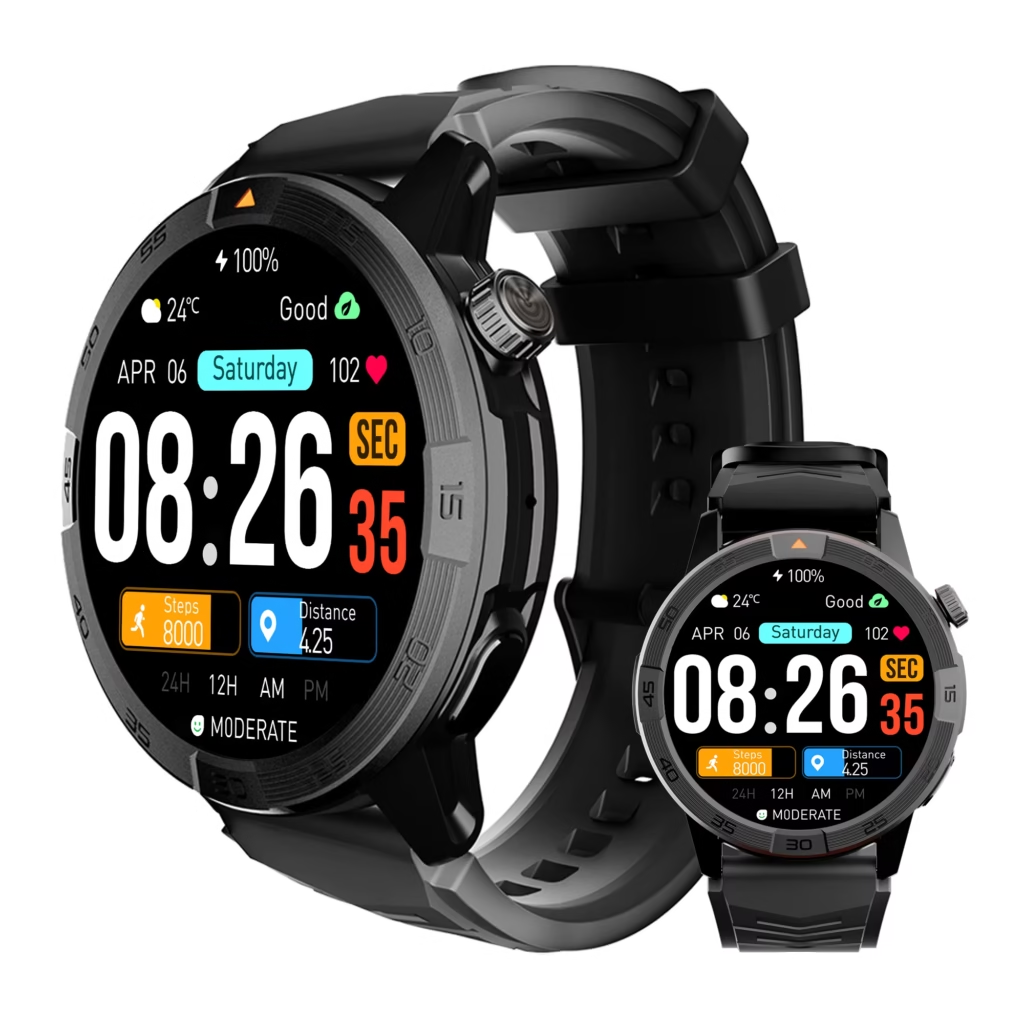
Granting broad access without linking each permission to a real need creates Permission Blindness. A controlled first day protects privacy and keeps later troubleshooting manageable.
Day Two: Filter Notifications for a U.S. Campus Workday
A first smart watch can become irritating within hours if it reproduces every interruption from the phone. The advisor needs a smaller wrist stream, not a second copy of the full notification panel.
Use three categories:
Allow
Selected appointment reminders and essential office alerts that help the advisor decide whether the phone needs attention.
Phone Only
Private messages, detailed calendar information, student-related communication, and anything requiring a full response.
Off During Week One
Promotions, news, entertainment, social apps, shopping updates, and unrelated services.
The advisor tests allowed notifications while seated at the desk. Appointment reminders should be useful without exposing a student’s name, advising reason, or sensitive scheduling context. Private material remains on the phone or computer.
A successful filter produces fewer wrist interruptions than phone interruptions. When every alert appears on both devices, the advisor faces a Notification Avalanche rather than a convenience gain.
Day Three: Add Call Permissions Only When the Role Needs Them
Calling should not become an automatic first-week requirement. The advisor’s initial role concerns routine alerts, so call access remains optional unless a specific need appears.
Before enabling anything related to calls, the advisor should decide:
- Is an incoming-call alert enough?
- Is caller identification required?
- Must the watch offer answer control?
- Is usable two-way wrist audio necessary?
- Will safe and private call windows exist?
- Must the phone remain nearby?
These are separate capabilities. A listing that mentions calling may not establish that the entire path works as expected. The advisor can separate incoming-call alerts from complete answering capability before granting broader call permissions.
Because the first-week role does not require wrist conversations, the advisor may keep call access off. This protects the original test from expanding into a second problem.
Day Four: Test Wrist Fit Through an American Advising Schedule
A smart watch that feels acceptable for ten minutes may become uncomfortable across a full U.S. campus workday. The advisor needs a wear test tied to the actual routine.
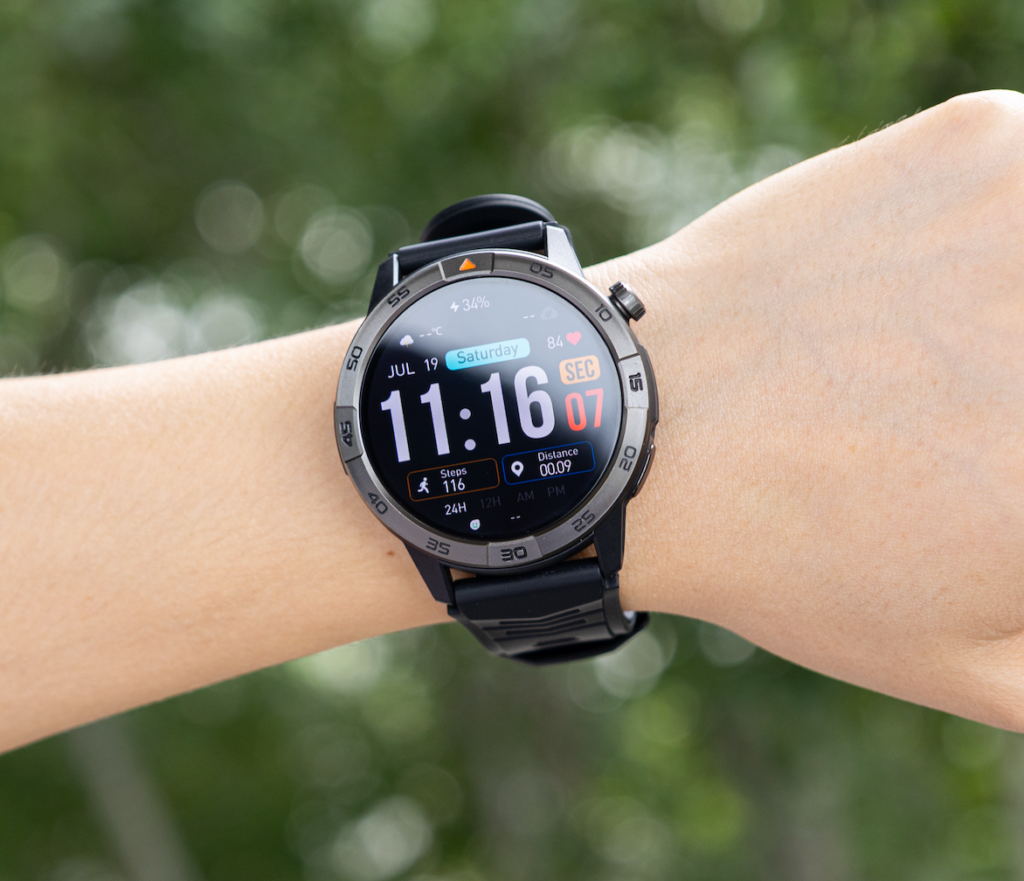
The Madison schedule includes:
- morning computer work;
- a seated advising appointment;
- a department meeting;
- a safe walk between buildings;
- afternoon desk work;
- and evening removal.
During those blocks, the advisor records:
- sliding or excessive tightness;
- pressure from the case or clasp;
- sleeve interference;
- heat or moisture under the band;
- screen visibility;
- and whether the device becomes distracting during private conversations.
The watch should remain secure without demanding constant adjustment. Persistent irritation or significant discomfort should end the wear test rather than be ignored. Consumer wear guidance should not be treated as medical advice.
Day Four passes only when the smart watch remains comfortable and unobtrusive during the exact role it must support.
Day Five: Choose a Charging Home Base for the Madison Routine
Charging should become a repeatable ownership action rather than a daily search for the cable. The advisor has already selected one evening charging point at home; Day Five tests whether that choice protects the next workday.
The advisor asks:
- Is the charger easy to find?
- Will the cable remain at the chosen location?
- Does charging remove the watch during advising hours?
- Can the device begin the next morning ready for the alert-screening role?
- Would a second charging location solve a real problem or create more cable dependence?
No universal runtime or charging duration should be assumed. Actual performance depends on the product, settings, connection activity, display behavior, alerts, calling, tracking, and declared battery mode.
The purpose of Day Five is not to prove an advertising claim. It is to determine whether the charging relationship fits the advisor’s routine. Readers with the same concern can compare the charging plan with the desired maintenance level.
Day Six: Protect Private Information Across a U.S. Campus
A technically functional smart watch can still fail in an American educational workplace if it exposes information that should remain private.
The advisor checks whether wrist previews display:
- student names;
- appointment subjects;
- private message text;
- identification details;
- financial-aid references;
- advising notes;
- or sensitive scheduling information.
Depending on the device, the advisor may need to shorten previews, hide content, require a screen lock, restrict specific apps, or leave private notifications on the phone. Exact controls require current documentation.
Safety also forms part of Day Six. The advisor must not interact with the watch while driving, cycling, crossing campus streets, using stairs, carrying files or equipment, or moving through congested hallways. A vibration may be noticed during movement, but the alert should wait until the advisor is safely stationary.
Privacy and safety are not optional refinements. Either one can veto continued ownership when the assigned role cannot be performed responsibly.
Day Seven: Finish the Test Before the U.S. Seller Deadline
The Day Seven review should happen before the confirmed return deadline, not after the watch has already been abandoned in a drawer.
The advisor evaluates only the limited first-week set:
- phone compatibility;
- companion-app access;
- required permissions;
- notification filtering;
- call permissions if they became necessary;
- wrist comfort;
- charging fit;
- privacy controls;
- and safe stationary use.
Optional apps, advanced activity modes, extra watch faces, and unrelated features should not distract from the verdict.
The advisor also confirms the current seller requirements:
- the actual return deadline;
- the required product condition;
- packaging expectations;
- included-item requirements;
- and the available return method.
There is no universal U.S. return period. The terms attached to the actual purchase control the decision.
Completing the review on time prevents First-Week Abandonment from becoming an unplanned keep.
Diagnose Four Breaks in the First-Wear Readiness Path
Setup Shock
The advisor discovers unexpected app, account, compatibility, or connection requirements only after delivery.
Repair: Return to the phone-and-app checkpoint and verify every required dependency.
Permission Blindness
Broad access is granted without knowing which permission supports the wrist role.
Repair: Reduce access to the smallest set needed for selected alerts.
Notification Avalanche
The smart watch recreates the phone’s full interruption stream.
Repair: Rebuild the Allow, Phone Only, and Off During Week One categories.
First-Week Abandonment
The watch is removed because charging, comfort, privacy, or feature overload was never stabilized.
Repair: Restore the limited function set and issue a verdict before the return deadline.
Issue the First-Wear Readiness Verdict
First-Wear Ready
The advisor can receive selected alerts, wear the watch comfortably, charge it predictably, protect private information, and use it safely.
Next action: Continue ownership and introduce optional functions one at a time.
Guided Setup Needed
The intended role appears suitable, but app access, permissions, or notification configuration requires reliable assistance.
Next action: Obtain help while the return option remains available.
Limited Starter Fit
The watch works only when the configuration remains narrow.
Next action: Preserve the limited setup instead of forcing broader use. A reader who prefers that outcome may also reduce the device to a simpler ownership pattern.
Delay the Purchase
Compatibility, privacy, charging, comfort, app access, or setup requirements remain unresolved.
Next action: Delay checkout or use the confirmed return process rather than hoping the problems disappear.
Questions a First-Time U.S. Smart Watch Owner Should Resolve
Should the smart watch be fully charged before the first day?
Follow the current product instructions. The practical goal is to have enough power to complete the planned setup and wear test without an avoidable interruption.
Should every requested permission be allowed?
No. The advisor should understand which permission supports the selected alert-screening role before granting it.
How many notifications should be enabled during the first week?
Only the appointment reminders and office alerts required to test the intended role. Everything else should remain on the phone or stay off temporarily.
What should be tested during the return period?
Compatibility, required functions, notification behavior, comfort, charging fit, privacy controls, safe use, and the ownership burden created by the watch.
What happens when the watch becomes uncomfortable?
Adjust the fit according to current product guidance. Stop the wear test when irritation or persistent discomfort appears rather than forcing continued use.
When should optional features be added?
Only after the core role works reliably and the Day Seven verdict supports continued ownership.
The First Week Decides Whether the Smart Watch Becomes a Habit
The Monday-morning device beside the advisor’s phone no longer represents an uncontrolled list of permissions, alerts, and unexplored features. It now has one job and a seven-day test.
Pairing alone does not create ownership readiness. The first smart watch must fit the advisor’s phone, notification limits, wrist, charging routine, privacy obligations, and safe-use boundaries. More enabled functions would not improve this decision; they would make the original problem harder to judge.
By Day Seven, the Madison advisor must choose First-Wear Ready, Guided Setup Needed, Limited Starter Fit, or Delay the Purchase. Making that decision before the seller deadline gives the watch a fair test without allowing first-week confusion to become a long-term burden.
Compare the available device with the prepared checkpoints and test this watch against your seven-day readiness path before expanding beyond the one role your first week is meant to prove.