
One blue Bluetooth symbol appears beside Candidate A, and its companion application reports that the watch is connected. The Las Vegas convention-registration operations manager assumes his Android smartwatch with Bluetooth calling is ready. Reality arrives with the first test call: the watch shows the caller, accepts the Answer command, and then leaves every spoken word on Phone A.
The visible connection was real, but it did not prove the complete call route. Caller awareness and control had reached Candidate A; the speaker and microphone path had not. Before registration opens, the manager replaces the one-symbol assumption with an Android Dual-Bluetooth Handshake that gives the companion-data link and call-audio link separate evidence receipts.
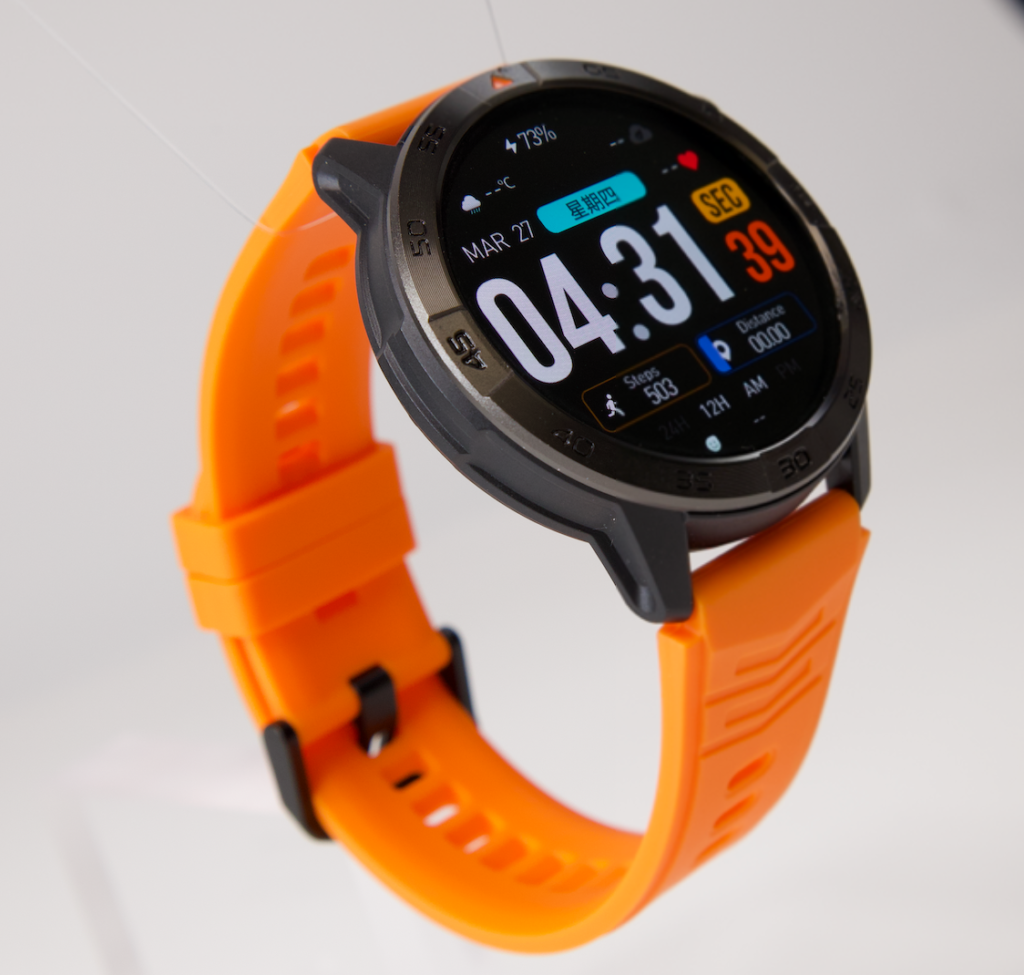
How to Verify an Android Smartwatch With Bluetooth Calling
Bluetooth calling is verified only when the companion route and active call-audio route both work in the exact Android environment. A caller label or Answer button may reach the watch even when the conversation remains on the phone.
- Record the exact Android phone, watch, companion application, permissions, and paired-device states.
- Identify the logical companion-data link.
- Identify the phone-call audio route used by the exact setup.
- Place one privacy-safe incoming call.
- Test caller awareness, controls, speaker output, and microphone return separately.
- End the conversation and inspect both connection states.
- Interrupt the call-audio route, restore it, and repeat the complete call cycle.
Buyers who have not narrowed the wider Android market should begin with a broader Android smartwatch selection process. The dual-link test starts only after one candidate and one exact phone environment have entered the shortlist.
Why One Bluetooth Symbol Fails the Las Vegas Call Test
Candidate A’s opening result contains three successful actions. The incoming alert appears, the neutral caller is identified, and the Answer command reaches Phone A. None of those actions proves that incoming speech will leave the watch speaker or that the watch microphone will return the manager’s voice.
The first Connection Receipt therefore reads:
| Required function | Opening result | Status |
|---|---|---|
| Companion application connection | Candidate A appears connected | Observed |
| Caller awareness | Neutral caller appears on the watch | Observed |
| Answer control | Command reaches Phone A | Observed |
| Watch speaker path | Speech remains on Phone A | Failed |
| Watch microphone return | Not reached | Unverified |
This partial success shows why buyers should separate incoming-call notifications from actual answering. Candidate A can report and control the call without completing a wrist-based conversation.
Lock the Convention-Registration Calling Standard
The manager defines the requirement before changing another setting. Candidate A must display a privacy-safe caller label, accept the incoming call, play speech through its own speaker, return one neutral phrase through its microphone, and end the session from the wrist. Phone A stays nearby but untouched once the call begins.
All checks occur at a quiet back-office desk before attendees arrive. No badge numbers, payment details, confirmation codes, schedules, hotel information, access credentials, or actual registration calls enter the test. The neutral caller uses only two phrases: “Audio check one” and “Return check two.”
Phone proximity is an explicit condition, not a hidden limitation. A buyer expecting a different arrangement should first determine whether the required calling method can work without the phone nearby. This test does not investigate cellular, Wi-Fi, or independent watch calling.
Map the Exact Android Connections Before Registration Opens
The manager removes earbuds, vehicle systems, portable speakers, and other Bluetooth audio devices from the clean baseline. Competing destinations could take the conversation and make Candidate A appear unreliable for the wrong reason.
Next, he records the complete environment:
| Environment field | Required record |
|---|---|
| Phone | Phone A and current Android software |
| Watch | Candidate A and current watch software |
| Companion route | Application name, version, and displayed watch identity |
| Bluetooth state | Paired entries and enabled calling controls |
| Permissions | Nearby-device, call, contact, and other required permissions |
| Proximity | Phone A remains on the same back-office desk |
| Competing audio | None connected during the baseline |
| Test record | Date, initial state, interruption, and recovery steps |
Before the call-specific test begins, the buyer should certify the exact Android phone setup. That prerequisite records the phone, permissions, services, application state, and other conditions that could alter the result.
The manager also needs to verify the correct companion application. A similarly named application or generic Bluetooth pairing cannot establish that Candidate A has entered its intended data-and-control route.
Identify the Companion-Data Link
The first logical link handles the relationship between Candidate A and its companion environment. Its exact implementation may differ by product, so the manager does not assume that it will appear under a universal label or as a separate Bluetooth entry.
Buyer-relevant evidence includes the correct watch identity in the application, a current connection state, delivery of the neutral caller label, and successful transfer of the Answer command. Together, those observations confirm that information and control can travel between Candidate A and Phone A during this session.
No speaker or microphone credit is awarded here. Companion communication may be fully active while the voice route remains assigned to the handset.
Identify the Call-Audio Link
The second logical link carries the active phone conversation. Depending on the exact Android setup, its evidence may appear as a Phone calls or Call audio control, a separate calling entry, a documented pairing step, a Bluetooth profile state, or an in-call audio destination.
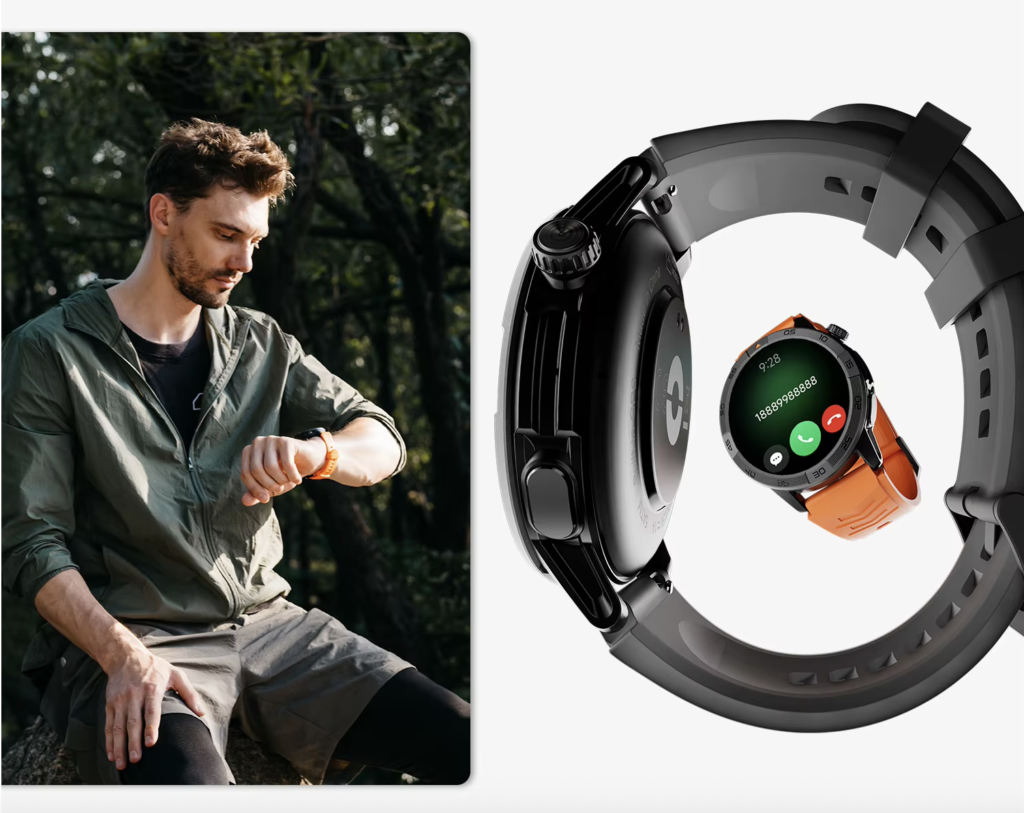
A broader explanation of how Bluetooth calling works on a smartwatch can establish the basic phone-connected concept. The Las Vegas test goes further by requiring proof that Candidate A owns the active speaker and microphone route.
Physical hardware is another prerequisite. Buyers can separately confirm the required speaker-and-microphone design, but visible openings cannot prove that Android sends a call through them.
In Candidate A’s exact setup, the manager finds that the companion connection is active while the documented phone-call audio control is not. Enabling that route produces a second receipt:
- Companion/Data Link: connected.
- Call-Audio Link: enabled for Candidate A.
- Phone A: retained as the nearby call source.
- Other Bluetooth audio devices: disconnected.
Run the First Complete Las Vegas Call
The neutral caller places another incoming call while the manager remains seated. Candidate A rings and displays the saved test label. After confirming that no private registration information appears, the manager presses Answer once.
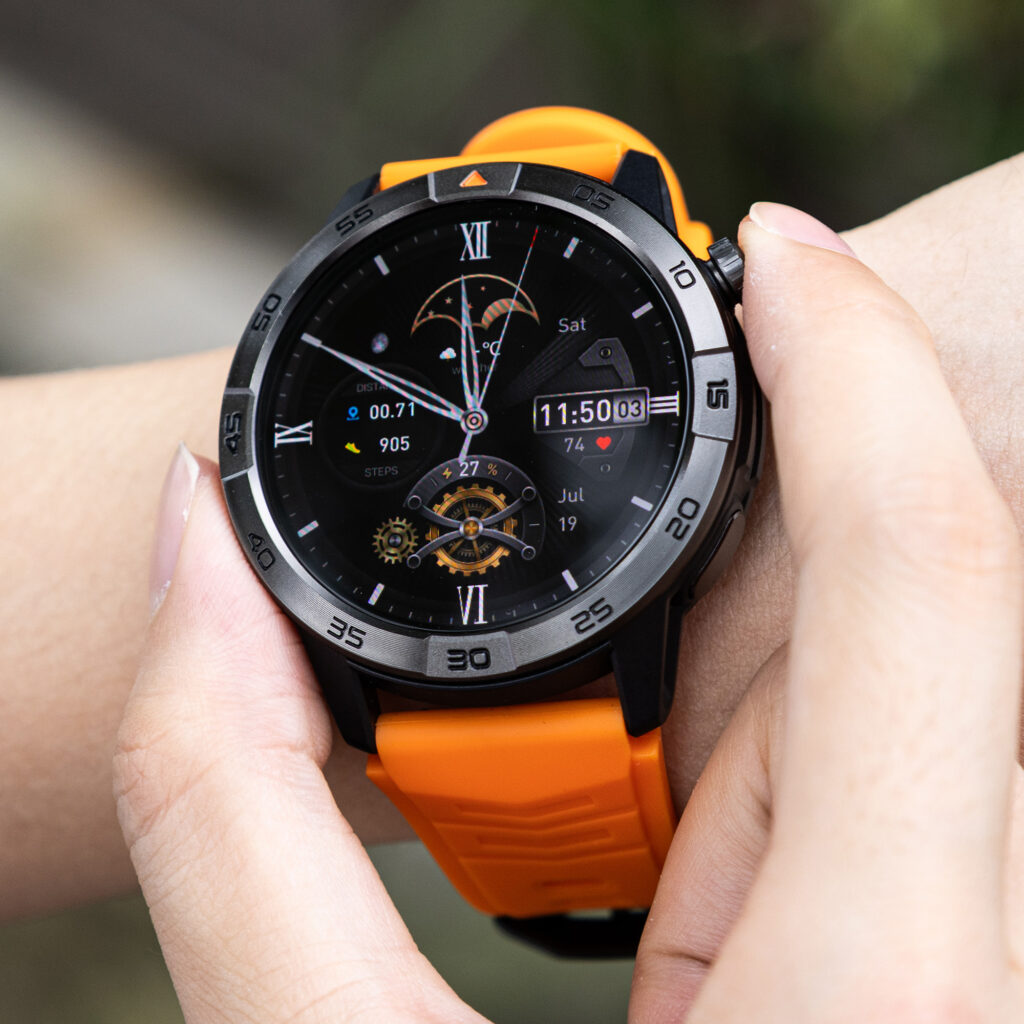
Phone A shows an active call, but the manager does not touch it. The Connection Receipt records the alert, caller identification, accepted command, and current audio destination as separate events. A call-control success cannot borrow evidence from the speaker test that follows.
Follow Incoming Speech to Candidate A’s Speaker
Once the call is active, the neutral caller says, “Audio check one.” The manager hears the phrase from Candidate A while Phone A remains on the desk and silent as an audio destination.
That observation passes the speaker-path gate. It does not prove loudness, clarity, noise reduction, or performance in a crowded convention hall. The back-office room is intentionally quiet because the article is tracing the connection, not scoring acoustic quality.
Ringing alone would not have passed this gate. Candidate A must carry the caller’s spoken audio after acceptance.
Trace the Microphone Return to the Test Caller
The manager replies, “Return check two,” without leaning toward Phone A or touching its microphone area. From the separate permitted location, the caller repeats the wording correctly.
Now the return path has its own evidence. Candidate A’s speaker could have worked while its microphone failed, so the article never merges these two directions into one generic “call completed” mark.
The caller’s confirmation proves only that one neutral phrase traveled through the active route. It does not establish microphone quality, background-noise handling, volume consistency, or performance across multiple environments.
End the Call From Candidate A
After both audio directions pass, the manager selects End on the watch. He checks Phone A before assuming that the conversation closed. The active-call screen disappears on the handset, and the neutral caller confirms disconnection.
Returning to a watch face would not have been sufficient evidence by itself. Candidate A receives the ending receipt only because both sides of the call show that the session actually stopped.
Inspect Both Links After Hang-Up
The manager immediately records what remains connected:
| Post-call state | Companion/Data Link | Call-Audio Link |
|---|---|---|
| Immediately after ending | Connected | Available |
| After a short stationary wait | Stable | Available |
| Caller-awareness readiness | Observed | Not sufficient alone |
| Next-call readiness | Control path retained | Requires recovery check |
This brief inspection does not prove days of reliability. Its purpose is to prevent the first successful call from hiding a profile or audio route that disappears immediately after hang-up.
Break One Link Without Erasing the Other
While still seated, the manager deliberately disables Candidate A’s documented call-audio route. He leaves the companion application, watch association, and surrounding Android setup unchanged.
The application continues to report Candidate A, and the general companion relationship remains available. Call audio, however, no longer selects the watch. That controlled split supplies the clearest evidence that the two required functions can diverge in this exact setup.
One generic connection symbol could not communicate this distinction. The two-column receipt can.
Restore Both Links at the Back-Office Desk
The manager follows the documented audio-link restoration step once. He does not factory-reset Candidate A, delete its companion account, reinstall the application, or rebuild the full phone setup.
After the call-audio control returns, both receipt columns show readiness. Broader failures caused by restarts, application closure, or ordinary range loss belong in a separate Android reconnection recovery drill. Article 375 isolates only the two calling functions.
One manual correction remains within this buyer’s declared limit. Repeated repair would require an Android support-burden assessment, because a calling feature that continually needs rebuilding may fail ownership even when it eventually works.
Complete the Dual-Link Recovery Call
The neutral caller places one final call after restoration. Candidate A displays the caller, accepts the session, sends incoming speech to its speaker, returns the manager’s phrase through its microphone, and ends the conversation from the wrist.
Both logical links remain available after hang-up. The recovery call therefore closes the complete handshake rather than merely restoring a Bluetooth icon.
One recovered conversation proves one controlled cycle. Buyers who need repeated evidence should next test Bluetooth call stability across additional sessions instead of stretching this result into a long-term reliability claim.
Compare the Four Bluetooth-Calling Outcomes
| Outcome | Companion link | Call-audio link | Buyer experience | Verdict |
|---|---|---|---|---|
| Bluetooth symbol only | Unresolved | Unresolved | Connected-looking interface | No calling proof |
| Companion control only | Pass | Fail | Caller alert and controls, with speech on Phone A | Control-only fit |
| Audio without stable companion control | Missing or unstable | Pass | Voice path without dependable watch awareness or controls | Incomplete fit |
| Dual-link handshake | Pass | Pass | Awareness, controls, two-way wrist speech, ending, and recovery | Calling fit |
Candidate A began in the second row. Caller awareness and control worked, but the conversation stayed on Phone A. After the documented audio-link correction and recovery cycle, it reached the final row.
Issue the Las Vegas Bluetooth-Calling Verdict
The complete record shows that Candidate A’s companion route was active from the beginning. Its first call-audio path was missing, even though the watch displayed the caller and registered the Answer command.
Once the documented audio route was enabled, incoming speech reached Candidate A’s speaker and the caller received the manager’s microphone return. The watch ended the conversation, the manager separated the two logical links deliberately, and one accepted manual reconnection restored the entire cycle.
The buyer-specific result is:
Conditional Dual-Link Calling Fit — Candidate A Completes the Las Vegas Call Cycle After One Documented Audio-Link Reconnect.
This verdict applies only to Candidate A, Phone A, the recorded companion application, current software, documented permissions, nearby-phone condition, clean audio environment, test caller, and test date. It does not prove call quality, convention-floor performance, maximum range, battery endurance, independent calling, emergency reliability, texting, or third-party application calls.
Technical success also does not guarantee that the feature deserves a place in every routine. After both links pass, a buyer can separately decide whether Bluetooth calling is useful for the intended daily tasks.
Correct Seven Bluetooth-Calling Mistakes
1. Treating One Bluetooth Symbol as Complete Proof
A generic connection indicator may not identify the companion function, call-audio route, or active destination. Test each required function directly.
2. Treating Caller Awareness as Wrist Audio
An incoming alert can reach the watch while every spoken word remains on the phone.
3. Treating the Answer Button as Two-Way Speech
Accepting a call proves that a control command worked. Speaker output and microphone return still need independent receipts.
4. Using Music to Prove Phone-Call Audio
Media playback does not necessarily use the same route as a phone conversation. Place a controlled call and identify its active destination.
5. Ignoring Other Bluetooth Audio Devices
Earbuds, vehicle systems, and portable speakers can compete for the call route. Remove them from the clean baseline.
6. Checking Only the Speaker
Hearing the caller proves one direction. The neutral caller must also confirm speech returning through Candidate A’s microphone.
7. Stopping After the First Successful Conversation
End the call, inspect both states, break one logical link, restore it, and repeat the complete route before issuing the verdict.
Questions U.S. Buyers Ask About Bluetooth-Calling Watches
Why Can a Watch Show a Caller While Audio Stays on the Phone?
The companion or control function may be active while the required call-audio route is missing, disabled, or assigned to another destination.
Will Every Android Phone Show Two Smartwatch Entries?
No universal layout should be expected. One setup may show a single paired device with several controls, while another may expose a separate calling entry or manage part of the process through its companion application.
Does Music Playing Through the Watch Prove Calls Will Use It?
No. Media playback cannot replace a controlled phone-call test with the active speaker and microphone destinations identified.
Does an Answer Control Prove the Watch Microphone Works?
No. Call acceptance and microphone return are different actions. The test caller must confirm a neutral phrase spoken through the intended route.
Can Bluetooth Calling Work When the Phone Is Far Away?
Only under the exact supported conditions. This article verifies a nearby-phone Bluetooth route and does not establish cellular, Wi-Fi, or standalone calling.
Should Earbuds Stay Connected During the Test?
Not during the clean baseline. Competing audio devices can obscure which speaker and microphone own the conversation.
Does One Recovered Call Prove Reliable Calling?
No. It proves one documented interruption-and-recovery cycle. Repeated stability, range, noise handling, and long-term behavior require further testing.
Verify Both Links Before Trusting the Calling Symbol
The single Bluetooth symbol from the opening hid two required functions. Candidate A could display the neutral caller and accept the call before it had a working wrist-audio route. Only the separate companion and call-audio receipts exposed the missing link.
After one documented correction, the watch completed the entire Las Vegas call cycle: awareness, acceptance, incoming speech, microphone return, ending, selective interruption, restoration, and recovery. That result supports a conditional dual-link fit for this exact environment—not a universal calling, quality, range, or independence claim.
The reliable buying decision comes from the completed handshake, not the visual confidence of one connection icon.
Before considering this smartwatch product candidate, treat its Bluetooth-calling presentation as unverified and test the companion link, call-audio link, speaker path, microphone return, ending, and recovery independently.