
At 3:45 a.m., an early-morning radio producer in Manchester, New Hampshire, wakes to a wrist alarm and checks the watch before getting out of bed. The display stayed dark for most of the previous seven hours, yet the battery is unexpectedly low.
A useful smartwatch battery drains overnight fix does not begin by switching off every sleep feature. It begins by comparing two similar nights: one ordinary night with the normal setup and one controlled night with only the strongest suspected cause changed.
That comparison can show whether the loss is connected to sleep tracking, nighttime notifications, movement-triggered screen wakes, synchronization, or repeated attempts to reconnect with the paired phone.
The objective is not to diagnose the watch’s entire battery life. It is to find what happened between bedtime and wake-up while preserving the wrist alarm and the overnight features the producer actually values.
Build the Manchester Bedtime-to-Wake Battery Record
Before changing a setting, the producer needs a clear record of the overnight loss.
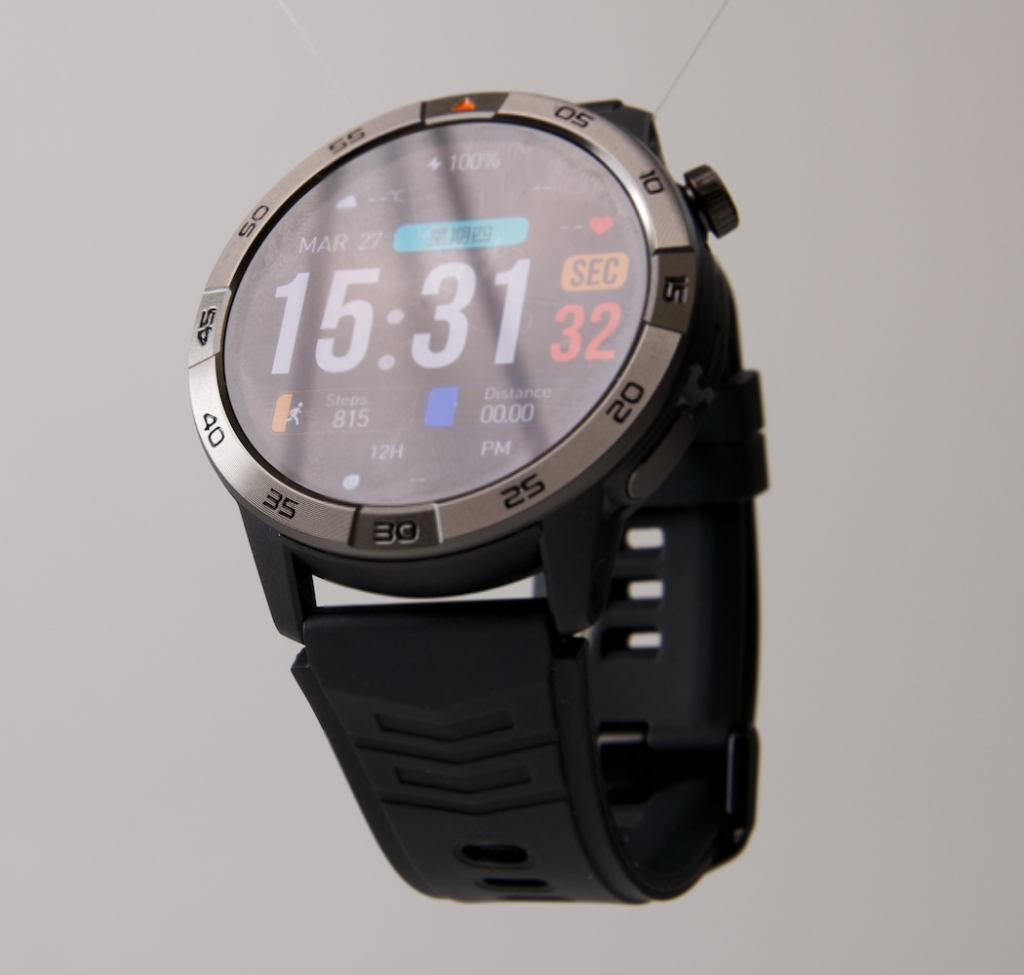
A statement such as “the battery dropped a lot” is difficult to compare. Two nights become useful only when their starting conditions and results are documented in the same way.
Record:
- Bedtime
- Battery percentage at bedtime
- Scheduled alarm time
- Actual wake-up time
- Battery percentage after waking
- Total number of hours the watch was worn
- Whether the alarm worked normally
The basic calculation is:
Bedtime battery percentage − wake-up battery percentage = overnight battery loss
The number should not immediately be labeled normal or abnormal. Smartwatch platforms, enabled sensors, sleep duration, connection behavior, and notification volume differ.
The first result becomes a personal comparison point.
Keep the Two Starting Conditions Similar
The ordinary night and controlled night should begin under comparable conditions.
Try to keep these factors stable:
- Similar bedtime
- Similar wake-up time
- Similar starting battery level
- The same wrist alarm
- The same wrist and wearing position
- Similar phone charging behavior
- No unrelated watch changes between nights
The tests do not need laboratory precision. They need to be similar enough that one changed overnight variable remains the most important difference.
| Overnight detail | Ordinary night | Controlled night |
|---|---|---|
| Bedtime | ||
| Starting charge | ||
| Wake-up time | ||
| Ending charge | ||
| Hours worn | ||
| Total overnight loss |
The producer can compare the overnight result with a dependable everyday battery baseline without assuming that every user or watch should lose the same percentage during sleep.
List Only the Features Active During Sleep in New Hampshire
The overnight suspect list should include only functions that could operate after bedtime.
GPS use during an afternoon walk, daytime calls, and repeated screen checks during work do not belong in this test. The investigation starts when the producer goes to bed and ends at the wrist alarm.
Record Sleep and Overnight Sensor Activity
Depending on the watch, the overnight setup may include:
- Sleep-duration tracking
- Movement tracking
- Heart-rate trends
- Wrist detection
- Periodic wellness measurements
- Background processing of overnight records
These features can remain active while the display appears dark.
A black screen therefore does not prove that the watch is idle. It may still be collecting, processing, storing, or preparing information.
The data should be treated as general wellness information rather than medical diagnosis.
Protect the Wrist Alarm
The Manchester producer relies on the alarm before an early broadcast.
Keep it enabled during both nights unless there is direct evidence that the alarm itself is behaving incorrectly. Removing the feature the user depends on would create an unrealistic test.
The alarm may briefly use vibration, sound, processing, and the screen at the scheduled time, but that short event is different from unexplained activity continuing throughout the night.
Record Nighttime Notifications
Check whether the watch received:
- Text messages
- Calls
- Email alerts
- Calendar reminders
- Group-chat activity
- App notifications
- Promotional or low-priority alerts
Each alert may activate several parts of the watch, including vibration, Bluetooth, the processor, and a notification preview.
One or two alerts may have little practical effect. A repeated stream of overnight notifications can create a different sleep state.
Note Display-Wake Behavior
The screen may activate through:
- Raise-to-wake
- Wrist movement
- Touch
- Button contact
- Notification previews
- Always-on display behavior
A sleeping user may not remember these activations.
Turning over, moving an arm, or adjusting bedding can sometimes create more wake events than expected. This makes display behavior a reasonable suspect when the screen seems active during the night.
Check Whether the Paired Phone Stayed Within Range Overnight
Bluetooth connection behavior can continue while the owner sleeps.
The producer should record where the paired phone remained during the ordinary night.
Possible locations include:
- On the bedside table
- Across the bedroom
- Inside a drawer
- In another room
- Downstairs on a charger
- Turned off
- In a location separated by several walls
Look for an Unstable Overnight Connection
When the phone moves outside dependable range, the watch may attempt to:
- Find the paired phone
- Restore Bluetooth
- Resume companion-app communication
- Synchronize delayed information
- Reconnect after the phone changes power state
The exact behavior varies by platform, but phone placement is still worth recording.
A stable bedside connection and an unstable connection from another floor are not equivalent overnight conditions.
Keep This Test Separate From Pairing Troubleshooting
Do not rebuild the complete Bluetooth setup during the first two-night test.
The relevant question is narrower:
Did the phone remain in a stable location, or could the watch have spent part of the night losing and restoring its connection?
Owners who need the watch ready before an early shift can review how dependable battery reserve supports hours beyond the planned schedule while keeping this investigation focused on the sleep period.
Rank the Five Most Likely Overnight Suspects
Randomly switching off several features may reduce battery use, but it will not reveal which change mattered.
Rank the overnight suspects before running the controlled night.
Suspect 1: Frequent Sensor Sampling
Sleep and wellness features may collect information at intervals throughout the night.
This becomes a stronger suspect when:
- Several overnight measurements are enabled
- The watch performs more detailed tracking than before
- The owner recently activated an optional overnight feature
- The sleep record involves several simultaneous measurements
Do not assume that sleep tracking is automatically the problem. It is one candidate among several.
Suspect 2: Movement-Triggered Screen Wakes
This becomes more plausible when:
- Raise-to-wake remains enabled
- The user moves frequently
- The display is bright when it activates
- The watch face contains active visual elements
- The producer notices light from the watch during the night
Suspect 3: Nighttime Notifications
Notifications move higher on the list when the morning shows:
- Several unread alerts
- Group-chat activity
- Repeated emails
- App reminders
- Missed-call notifications
The strongest test may be blocking only a group of low-priority overnight alerts while preserving the alarm and essential communication.
Suspect 4: Connection Searching
Phone-range behavior becomes a leading suspect when:
- The phone charges outside the bedroom
- Bluetooth frequently disconnects
- The watch shows a disconnected symbol in the morning
- Delayed notifications arrive after waking
- Moving the phone closer improves reliability
Suspect 5: Nighttime Synchronization
The watch or companion app may exchange stored information during the night.
This becomes more plausible when:
- A large amount of data appears to synchronize in the morning
- The companion app recently changed behavior
- An update or data transfer occurred
- Overnight records are processed or uploaded while the user sleeps
Choose One Leading Suspect
The producer should now select the suspect with the strongest evidence.
Do not choose the feature that is easiest to disable unless the evidence also supports it.
The goal is a useful diagnosis, not the lowest possible battery consumption.
Run Night One as the Ordinary Manchester Sleep State
Night one should reflect the normal overnight routine.
Do not optimize it.
Keep:
- The usual sleep tracking
- The normal wrist alarm
- The typical phone location
- The ordinary notification settings
- The regular display behavior
- The normal wellness settings
This night establishes what the watch currently does without intervention.
Record the Morning Evidence
At 3:45 a.m., before changing anything else, record:
- Ending battery percentage
- Whether the alarm worked
- Overnight notifications
- Connection status
- Whether sleep records appeared complete
- Whether the display seemed to activate unexpectedly
- Total overnight loss
| Ordinary-night factor | Result |
|---|---|
| Starting charge | |
| Sleep tracking active | |
| Phone location | |
| Notifications received | |
| Movement wakes suspected | |
| Alarm worked | |
| Ending charge | |
| Total loss |
Night one is the ordinary state, not automatically the defective state.
It is the reference condition against which the controlled night will be judged.
Run Night Two With One Controlled Change
The second night should change only the strongest suspected overnight cause.
Everything else should remain as similar as practical.
Keep the Rest of the Sleep State Stable
Avoid changing:
- The alarm
- Several sensor settings
- Notification rules and phone location together
- Bedtime by several hours
- Wearing position
- Starting charge dramatically
- Multiple display behaviors
If several variables change, a better result will not reveal which change produced it.
Choose One Evidence-Based Change
Possible controlled changes include:
- Move the paired phone to a stable bedside location
- Block one category of nonessential overnight notifications
- Turn off raise-to-wake for one night
- Change one optional overnight sensor setting
- Prevent one known nighttime synchronization event, when supported
The producer should preserve the alarm and, when possible, basic sleep records.
Protect High-Value Overnight Features
A user who wears the watch for sleep records should not begin by disabling all sleep tracking.
A better order is:
- Test a likely low-value source of activity.
- Preserve the wrist alarm.
- Preserve the most important sleep function.
- Change one optional behavior.
- Compare the two mornings.
Record the Controlled Morning
Use the same format as night one.
| Controlled-night factor | Result |
|---|---|
| Variable changed | |
| Starting charge | |
| Other settings unchanged | |
| Alarm worked | |
| Sleep record available | |
| Ending charge | |
| Total loss | |
| Difference from night one |
Smartwatch Battery Drains Overnight Fix: Compare the Two Manchester Nights
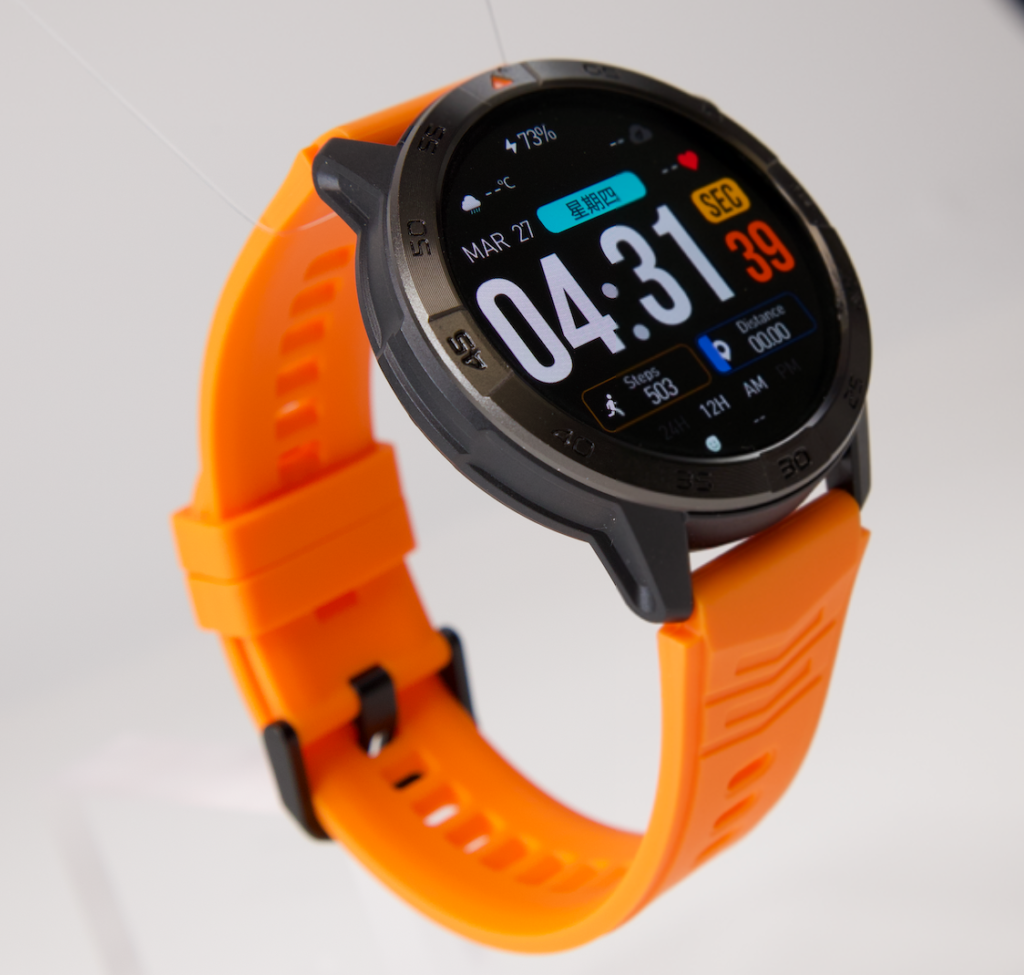
The two-night comparison is the center of the diagnosis.
Calculate:
Ordinary-night loss − controlled-night loss = improvement after the change
What a Meaningful Improvement Suggests
The tested cause becomes more credible when:
- The controlled night loses clearly less battery
- The alarm still works
- Important overnight records remain available
- No unrelated variables changed
- A repeat test produces a similar result
For example, if bringing the phone to the bedside produces a repeatable improvement, unstable connection behavior becomes more plausible than sleep tracking.
If blocking low-priority alerts improves both controlled nights, notification activity becomes a stronger explanation.
What Little or No Improvement Means
When both nights produce similar loss:
- The tested suspect may not be the primary cause
- Another overnight variable should be tested
- The first setting should return to normal before the next test
- The producer should avoid stacking a second change onto the first
A failed test is still useful. It removes one likely explanation from the top of the list.
Do Not Overinterpret a Tiny Difference
Small night-to-night variation can occur because of:
- Different sleep duration
- Different notification volume
- Slightly different starting conditions
- Normal reporting variation
- Different movement patterns
A clear, repeatable difference is more valuable than one small percentage change.
| Comparison item | Ordinary night | Controlled night |
|---|---|---|
| Starting charge | ||
| Hours worn | ||
| Notifications | ||
| Phone connection | ||
| Sleep tracking | ||
| Alarm result | ||
| Ending charge | ||
| Overnight loss |
Restore Overnight Features One at a Time
A successful controlled night does not mean every removed feature should remain disabled.
The producer should restore valuable functions gradually.
Keep the Wrist Alarm Protected
The wrist alarm serves a specific job: waking the producer before the broadcast.
It should remain part of the stable overnight setup.
A battery-saving change that makes the alarm unreliable does not solve the real user problem.
Restore the Most Valuable Sleep Feature First
A practical restoration order might be:
- Wrist alarm
- Basic sleep tracking
- Essential notifications
- Preferred wellness measurement
- Movement-based screen wake
- Optional synchronization
The exact order should follow the owner’s priorities rather than a universal list.
Watch for the Overnight Loss to Return
After restoring one feature, compare another similar night.
When battery loss rises again immediately and repeatably, the restored feature—or its interaction with another service—deserves attention.
The producer can compare a lower-maintenance charging routine with frequent overnight top-ups after establishing which sleep features are worth keeping active.
Build a Personal Overnight Baseline Before the Next Broadcast Week
The best overnight benchmark is personal and repeatable.
It should be built from nights with similar:
- Sleep duration
- Starting charge
- Alarm time
- Phone location
- Notification volume
- Sensor settings
- Display behavior
Repeat the Successful Controlled State
One improved night is a clue.
Two or three similar results provide stronger evidence.
The producer should repeat the controlled condition before making a permanent conclusion, especially when the first difference was modest.
Keep the Overnight Baseline Separate From Daytime Runtime
The sleep-state baseline should not be used to explain:
- A GPS-heavy afternoon
- A call-heavy work shift
- A long workout
- Frequent daytime screen use
- Broad battery aging
The overnight record begins at bedtime and ends after waking.
| Overnight baseline item | Established result |
|---|---|
| Typical sleep duration | |
| Normal bedtime charge | |
| Normal morning charge | |
| Essential overnight features | |
| Phone location | |
| Expected overnight loss |
A stable baseline makes future changes easier to notice.
When the Two-Night Test Does Not Explain the Drain
The overnight test has limits.
A broader investigation may be needed when controlled nights continue to produce severe or unpredictable loss.
Escalate When the Sleep-State Result Remains Unusual
Additional support may be appropriate when:
- The watch becomes noticeably warm while resting
- It shuts down before the wrist alarm
- Similar nights produce sharply different results
- Battery loss remains substantial after testing the strongest suspects
- The level drops rapidly without alerts or active tracking
- The watch no longer matches its earlier overnight baseline
Consider Battery Age Without Diagnosing It Here
Rechargeable batteries can hold less usable energy as they age.
Battery age becomes more plausible when the same overnight setup now performs consistently worse than it did earlier in ownership.
This article does not confirm battery aging. It shows when the two-night sleep-state test is no longer enough.
Keep the Next Investigation Separate
A broader process may examine:
- Battery condition
- Recent software changes
- Hardware faults
- Full-day behavior
- Companion-app problems
Those topics should not be mixed into this overnight-only test.
Questions About Overnight Smartwatch Battery Loss
How Much Overnight Battery Drain Is Normal?
There is no universal percentage. Overnight loss depends on the watch, sleep duration, enabled sensors, notification activity, display behavior, and connection state. Comparable nights create the most useful personal benchmark.
Does Sleep Tracking Consume Power?
Yes. Sleep tracking may involve motion sensing, heart-rate trends, background processing, storage, and synchronization. The practical effect varies by platform and enabled features.
Can Movement Activate the Display During Sleep?
Yes. Raise-to-wake or movement-based activation may illuminate the display when the wearer turns or moves an arm. The owner may not remember those brief activations in the morning.
Can Connection Searching Continue All Night?
A watch may attempt to restore a lost Bluetooth or companion-app connection. The exact frequency and behavior depend on the device and software platform.
Should Battery Saver Be Used During Sleep?
Only after confirming what the mode changes. Some battery-saving modes may limit sleep records, sensors, notifications, or alarm behavior. The wrist alarm should be tested before the mode is trusted overnight.
Should Sleep Tracking Be Disabled First?
Not automatically. Users who value sleep records should test the strongest evidence-based suspect first rather than removing every useful overnight feature.
Compare One Ordinary Night With One Controlled Night
A useful smartwatch battery drains overnight fix is a comparison, not a mass shutdown of features.
The Manchester producer records the charge at bedtime and wake-up, lists only the functions active during sleep, and checks notifications, sensor activity, movement wakes, synchronization, and phone placement.
Night one preserves the ordinary setup. Night two changes only the strongest suspected cause. The difference between the two mornings shows whether that cause deserves further attention.
Valuable functions are then restored one at a time until the producer has a stable combination of wrist alarm, sleep records, connection behavior, and acceptable overnight battery loss.
An owner who needs stronger reserve from bedtime through an early shift can inspect a smartwatch positioned around long battery life, sleep records, alarms, calling, and GPS while recognizing that actual overnight endurance depends on enabled features and connection behavior.
Compare one ordinary night with one controlled night. Change only the strongest suspected overnight cause, then let the difference between the two mornings guide the next step.