
7:42 A.M. — Platform: A supervisor’s message reaches the wrist.
7:46 A.M. — Tunnel: The connection disappears.
7:51 A.M. — Transfer: Service returns, but the crowd leaves no attention for reading.
8:03 A.M. — Laboratory entrance: Six delayed notifications arrive together.
That sequence—not the number of apps on the watch—defines the real test for a smartwatch for commuting professionals. A biotech laboratory analyst traveling into Cambridge does not move through one continuous connected environment. Signal, phone access, available attention, and workplace permissions change several times before the shift begins.
The commute needs more than an all-day notification setting. Each stage requires its own rule for what appears now, what waits, and what remains blocked.
Issue a Signal Manifest Before Changing Any Settings
Start by treating the commute as a series of operating states rather than one route.
For the laboratory analyst, the morning may contain five stages:
| Commute stage | Main condition |
|---|---|
| Station platform | Connected with moderate attention available |
| Subway tunnel | Temporarily disconnected |
| Crowded transfer | Connected but attention-limited |
| Laboratory entrance | Workplace restrictions begin |
| Post-entry review | Delayed alerts are sorted and assigned |
The precise connection behavior will depend on the phone, carrier, transit environment, watch, app, and local network conditions. The plan should not assume uninterrupted service.
Instead, it should answer one question at every stage:
What should happen to this alert under these conditions?
Separate signal from attention
Connectivity and attention are not the same resource.
On the platform, the analyst may have enough time and stability to review a short message. During the transfer, the phone and watch might reconnect perfectly while the commuter is moving through stairs, doors, signs, and other passengers.
That second state is not disconnected.
It is connected but attention-limited.
A well-designed commute profile recognizes that some alerts should wait even when the watch is technically capable of showing them.
Separate connection from phone access
A paired phone may be:
- Inside a backpack
- Buried under laboratory clothing
- Difficult to reach in a crowded carriage
- Accessible only before controlled entry
- Required to remain stored in part of the workplace
The wrist can reduce unnecessary phone handling, but it does not remove every dependency. Calling, message syncing, app data, and other connected functions may still rely on the nearby phone.
Before assigning responsibilities to the watch, verify which functions still depend on the nearby phone.
Manifest Entry One — Connected and Available on the Platform
The station platform is the most flexible part of the route.
The analyst may have:
- A stable phone connection
- Several minutes before boarding
- Moderate attention
- Easy access to the phone
- Enough space to review one short alert
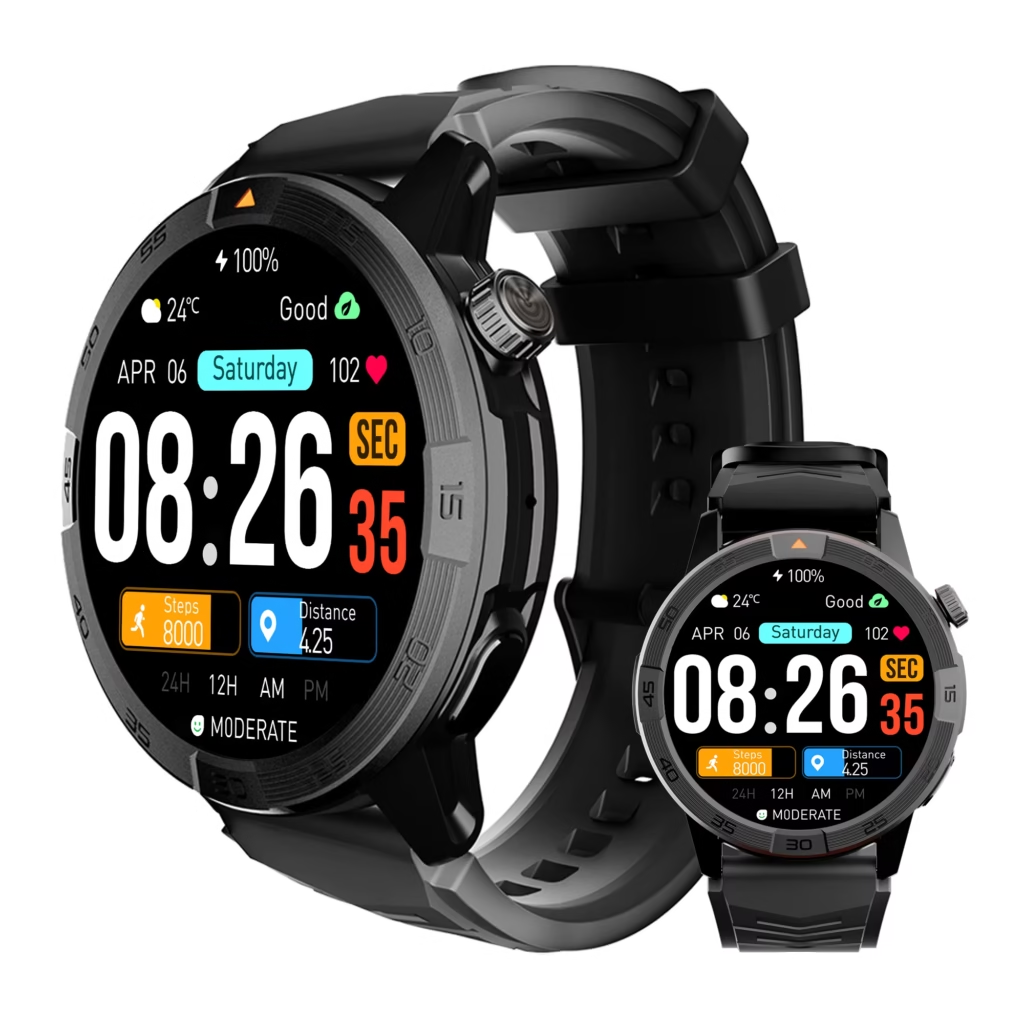
That does not mean every notification deserves immediate delivery.
Allow alerts that can change the route or first work action
Immediate platform alerts may include:
- Service disruption
- Platform or departure change
- Meeting cancellation
- Laboratory access update
- Direct message from the immediate supervisor
- Urgent family contact
- A time-sensitive change affecting arrival
Each one can alter where the commuter goes, when the analyst arrives, or what must happen first at work.
Delay information that creates no current decision
Routine email, general team chat, promotional notifications, social updates, and reports requiring detailed reading can wait.
The platform is a preparation point, not a substitute for the morning inbox.
Use a simple permission test:
Can this information change my route, arrival time, or first work task?
When the answer is no, place it in the delayed queue.
Use the wrist for sorting, not full processing
The watch may provide enough information to identify:
- Sender
- Alert category
- Meeting change
- Missed call
- Short preview
- Priority contact
Move to the phone when the task requires:
- Opening an attachment
- Reading a long message
- Editing a calendar event
- Signing into a secure system
- Writing a careful response
- Reviewing sensitive work details
The phone remains the better tool for complex work, even when the first alert appeared on the wrist.
Manifest Entry Two — Temporarily Disconnected in the Tunnel
The train enters the tunnel and fresh data stops arriving.
This interruption should be expected rather than treated as a device failure.
Decide what remains useful without a new connection
Depending on the exact watch and configuration, locally available functions may include:
- Time
- Alarms
- Previously loaded reminders
- Some stored information
- Local watch tools
- Previously recorded activity data
Do not assume that calls, messages, maps, or live app information will continue without verifying the product and paired-phone setup.
Stop the connection-checking loop
A temporary signal loss can create a repetitive habit:
- Check the watch
- Check the phone
- Reopen the app
- Wait a few seconds
- Check again
That loop adds no useful information inside the tunnel.
The manifest should contain a prewritten rule:
During the disconnected segment, do not chase the connection.
The analyst continues the route and waits for the next designated review point.
Give delayed alerts a destination
Missing notifications need somewhere to go after service returns.
Possible destinations include:
- The next stationary platform
- A quieter transfer point
- The laboratory entrance before device restrictions begin
- An approved review period after entry
Without a destination, reconnection gives every delayed message an opportunity to interrupt at once.
Distinguish “delayed” from “guaranteed to replay”
A message that does not reach the watch in the tunnel may arrive later, sync through the phone, remain in the original app, or require manual review.
Delivery behavior varies.
Important information should still be checked in its original source when needed. The manifest manages expected behavior; it does not promise perfect replay.
Manifest Entry Three — Connected but Attention-Limited During the Transfer
Signal returns during the most demanding stage of the commute.
The analyst may be:
- Leaving a train
- Following directional signs
- Watching platform edges
- Moving through a crowd
- Using stairs or escalators
- Checking the next departure
- Protecting a work bag and personal belongings
Connection is available. Attention is not.
Reduce immediate delivery to high-consequence alerts
Only a narrow set of notifications should demand attention during movement:
- Immediate route change
- Cancellation affecting arrival
- Urgent supervisor instruction
- Critical family contact
- Safety-related alert
Routine messages should remain delayed until the commuter reaches a stable standing point.
Treat vibration as a category signal
A vibration may communicate that a priority category has produced an alert.
It should not automatically lead to a screen check.
The analyst can recognize that something important arrived and review the content once movement ends. This is especially useful when the route includes stairs, tight platforms, or crowded passageways.
Control the reconnection burst
When service returns, several items may appear together:
- Team messages
- Calendar changes
- Missed calls
- App notifications
- Transit updates
Giving every alert the same vibration or screen priority defeats the state plan.
Professionals with crowded communication streams can separate urgent schedule changes from routine messages before deciding which categories may interrupt a transfer.
Write the transfer rule in one sentence
Keep the rule simple:
While moving through the transfer, only route-changing or truly urgent alerts may ask for immediate attention.
A sentence like this is easier to follow than a complex list of exceptions.

Manifest Entry Four — Workplace-Restricted at Laboratory Entry
The commute changes again before the analyst reaches the workbench.
At a controlled laboratory entrance, the relevant question is no longer only whether the watch is connected. Workplace rules may affect:
- Whether a smartwatch can be worn
- Whether a personal phone must remain stored
- Whether Bluetooth devices are permitted
- Whether message previews may display
- Whether personal calls are appropriate
- Whether the watch must be removed in specific rooms
- Whether hygiene or contamination procedures affect wear
Policies can differ between employers, buildings, departments, and controlled areas.
Confirm the actual laboratory rule
Before relying on the watch inside the workplace, the analyst should verify:
- Device-wear policy
- Phone-storage requirements
- Bluetooth restrictions
- Information-security rules
- Cleanroom or protective-equipment procedures
- Notification-preview permissions
- Approved emergency-contact methods
These checks belong inside the transit plan because the operating state changes at the workplace boundary.
Block content that should not cross the entrance
Potentially blocked categories include:
- Social notifications
- Promotional messages
- Nonurgent personal calls
- Detailed message previews
- Unapproved workplace content
- General app alerts
- Messages unrelated to the immediate shift
The goal is not simply to reduce interruption. It is to keep device behavior consistent with the work environment.
Keep only policy-approved information visible
Depending on the laboratory’s rules, the analyst may be able to retain:
- Time
- Approved alarms
- Neutral shift reminders
- Emergency-contact signals
- Calendar cues without detailed previews
Nothing should be assumed universally permitted.
A related workday guide can help readers coordinate the handoff between transit and the workday, while this signal manifest remains focused on what changes before and during entry.
Process the Reconnection Batch Before Restricted Access Begins
The laboratory entrance may be the first place where all four conditions align:
- Signal has returned
- The commuter is stationary
- Attention is available
- The phone is still accessible
That makes it the correct place for a controlled batch review.
Sort alerts into three destinations
| Destination | Meaning |
|---|---|
| Review now | Changes immediate arrival or the first work action |
| Hold for later | Relevant but not urgent |
| Keep blocked | Has no value during the work period |
This prevents a returning notification burst from controlling the first minutes of the shift.
Group alerts by function before opening them
Instead of reading notifications in arrival order, sort them into categories:
- Transit
- Supervisor
- Calendar
- Family
- General work communication
- Personal apps
The newest message is not automatically the most important one.
Remove alerts that have expired
Some notifications lose their value once the commuter reaches Cambridge.
Examples include:
- A platform change already completed
- A delay that no longer affects arrival
- A boarding reminder
- A transfer warning for a segment already passed
Expired transit information should not compete with work preparation.
Move detailed tasks to the correct device
Use the phone when the alert requires:
- Secure login
- Attachment review
- Written response
- Calendar editing
- Detailed reading
- Workplace documentation
The watch should help decide whether the phone is needed, not create a reason to open it for every message.
Professionals trying to reduce automatic phone retrieval can decide when direct phone access is actually necessary.
Build the Four-State Transit Control Card
The completed manifest should fit on one page.
| Operating state | Show immediately | Delay | Block | Review point |
|---|---|---|---|---|
| Connected and available | Route changes, urgent supervisor or family contact | Routine work messages | Promotions and social noise | Platform before boarding |
| Temporarily disconnected | Local watch functions only | Connected messages and updates | Repeated connection checks | Next stable stationary point |
| Connected but attention-limited | Route-critical or emergency signals | Email, chat, missed calls | Nonessential vibration and previews | Safe standing area after movement |
| Workplace-restricted | Only policy-approved alerts | Messages allowed during a later period | Disallowed content and previews | Approved break or post-shift |
The analyst should adapt the card to the real watch, paired phone, transit route, carrier, apps, and workplace rules.
The purpose is predictability—not perfect connectivity.
Run One Cambridge Commute as a State Test
Test the manifest on one representative workday.
Do not score the watch by the total number of notifications delivered. Score the route by whether alerts followed their assigned state rules.
Record five observations at each stage
Note:
- Whether the connection was stable
- Whether the phone was accessible
- How much attention was available
- Which alerts appeared
- Where delayed messages returned
A simple test record may look like this:
| Stage | Expected behavior | Actual result |
|---|---|---|
| Platform | Route alerts only | Routine email also appeared |
| Tunnel | No connection checking | Rule followed |
| Transfer | Priority vibration only | Three routine alerts vibrated |
| Lab entrance | Batch review | Delayed messages sorted successfully |
| Restricted area | Approved alerts only | Preview text remained visible |
Name each failure precisely
Possible failure types include:
- Nonurgent alert appeared immediately
- Priority alert remained hidden
- Reconnection produced a notification burst
- Delayed information never surfaced on the watch
- Restricted content stayed visible
- The commuter opened the phone during an attention-limited stage
- The phone-watch connection behaved differently than expected
A precise failure is easier to correct than a general conclusion that the settings “did not work.”
Revise one state at a time
Possible corrections include:
- Narrowing priority contacts on the platform
- Stopping manual connection checks in the tunnel
- Reducing vibration categories during the transfer
- Hiding previews before laboratory entry
- Creating a two-minute batch review at the workplace door
One targeted revision makes the next test easier to interpret.
Questions Commuting Professionals Ask
Will every notification arrive after the train leaves the tunnel?
Not necessarily. Delivery depends on the watch, phone, app, connection, and network conditions. Important information should still be checked in its original app when necessary.
Is a connected smartwatch always useful during a crowded transfer?
No. A connection can be available while the commuter’s attention is occupied. Only route-changing or urgent alerts should demand immediate review during movement.
Can smartwatch calls work underground?
Call performance depends on network coverage, the paired-phone connection, the watch’s capabilities, and the transit environment. Reliable underground calling should not be assumed.
Should every delayed alert appear immediately after reconnection?
No. Routine communication can wait until a stationary review point. Reconnection should not give every delayed message equal priority.
Can a smartwatch be worn in a biotechnology laboratory?
Workplace rules vary. The analyst should confirm device, Bluetooth, information-security, hygiene, contamination-control, and protective-equipment policies.
What remains available during a disconnected segment?
Time, alarms, and some locally stored functions may remain available, depending on the device. Connected features require separate verification.
Are four automatic profiles required?
No. The four states can be implemented through scheduled modes, notification permissions, app settings, or manual rules. The exact method depends on the watch and phone.
Assign the Route Before the Next Alert Arrives
Write the four operating states in commute order:
Connected and available
Temporarily disconnected
Connected but attention-limited
Workplace-restricted
Under each one, assign:
- One alert that may appear now
- One alert that must wait
- One alert that remains blocked
The right smartwatch for commuting professionals should support those distinctions even when the connection weakens, attention shifts, or workplace access changes.
Trace tomorrow’s route from the platform to the laboratory entrance, assign each notification category to its proper state, and check whether the watch can support the transit rules you plan to enforce.
The setup is working when a returning signal restores information without giving every delayed message permission to interrupt.