
The phone stays mounted in both scenes.
In the first, a heavy-equipment transport truck is moving outside Cheyenne. A dispatch alert reaches the watch, but the driver does not read, tap, dismiss, answer, or reply. In the second, the truck is fully secured at an approved staging area, movement has ended, and the same alert can be handled without touching the phone.
That contrast defines the real value of a smartwatch for truck drivers with no phone handling. The benefit does not begin while the truck is moving. It begins only after the cab-to-stop boundary opens and one non-urgent parked task can be completed from the wrist while the mounted phone remains untouched.
“No phone needed” should never be read as permission to use a watch during vehicle movement. The phone may still supply the connection, application, notification, and call service. This article tests only whether one approved parked task can move to the wrist without creating any moving-cab interaction.
Seal the Moving Cab Before Evaluating the Watch
Start by drawing a red boundary around every period of vehicle operation. The red state includes highway travel, local streets, yard movement, loading-area maneuvering, backing, gate queues, turns, merges, and any other moment when the driver is responsible for controlling the truck.
Inside that boundary, both devices are interaction-free.
- No watch reading
- No watch tapping or scrolling
- No call handling
- No notification dismissal
- No mounted-phone operation
- No voice reply or message review
- No “quick check” for battery, caller identity, or dispatch details
This rule prevents a common logic error. Reducing phone touches does not make wrist interaction acceptable during movement. A watch can be physically closer than a mounted phone and still demand attention, interpretation, and control.
Let the alert wait
A notification arriving in the red state does not need an immediate response. The alert can remain pending until the driver reaches an approved parked location.
That delay is not a product failure. For the non-urgent task used in this article, waiting is part of the correct workflow. The watch is judged on what it can complete after the boundary opens, not on how quickly it interrupts the driver.
Give no credit for a moving glance
Do not count a caller name, partial message, vibration, or visible icon as useful completion inside the moving cab. The red panel earns zero interaction and zero feature credit.
Readers who need a wider view of everyday trucking use can separate broad truck-driver convenience from this parked-only handling rule. This page evaluates one boundary, not the full workday.
Open the Parked Panel Only After the Truck Is Secured
The green state begins only when the truck is fully parked in an appropriate location and the driving task has ended. Slowing down, pausing, or waiting in traffic does not open the panel.
For this Cheyenne scenario, use an approved staging area where the driver can secure the vehicle, release attention from traffic and maneuvering, and complete a short task before departure.
A temporary stop is not the same as a parked task
Keep the panel closed while the driver is:
- Waiting at a traffic signal
- Sitting in congestion
- Creeping through a facility yard
- Queued at a gate
- Paused before a turn
- Stopped briefly on an active roadway
- Preparing to back or pull forward
In each case, the driver remains responsible for the vehicle and surrounding conditions. The watch task can wait.
The shoulder is not a convenience station
Do not build the workflow around pulling over merely to clear routine notifications. Roadside conditions, emergency needs, company procedures, and applicable rules can differ. The article uses a planned, appropriate staging location rather than a casual roadside stop.
The entire task must fit inside the green state
The watch interaction cannot begin while parked and continue after the vehicle starts moving. Reading, acknowledging, closing the screen, and returning attention to the transport task must all happen before departure.
Freeze One Non-Urgent Cheyenne Dispatch Task
Keep the test narrow. Use one dispatch update:
Unloading appointment moved to 2:40 p.m. Acknowledge at the next approved stop.
This message works because it is short, relevant, non-urgent, and safe to defer. It has one detail to understand and one completion action.
Define the finish before testing
The parked task succeeds only when the driver can:
- Confirm that the update came from the expected dispatch source.
- Read the changed unloading time.
- Acknowledge the update through the supported watch path.
- Leave the mounted phone untouched.
- Close the watch interaction completely.
- Resume movement only after the task has ended.
A vibration is not completion. Neither is a preview that shows “New message” without the changed time. The task must move from alert to understanding to acknowledgment.
Keep complex dispatch work off the wrist
This test does not ask the watch to handle route planning, permit review, load documents, detailed cargo instructions, navigation changes, long written replies, or urgent decisions.
Those tasks require more context and should remain on an appropriate device while the driver is safely parked. Expanding the test would blur the article’s one intent: avoiding one physical phone touch for one suitable parked action.
Verify the actual alert path
The result may depend on the paired phone, Bluetooth or another supported connection, notification permissions, the dispatch application, the watch operating system, and employer-approved device use.
Do not assume that every smartwatch can acknowledge every application alert. If the watch can only display the notification, record that limitation rather than inventing a reply function.
Keep the Phone Mounted While the Watch Handles the Parked Task
The phrase “no phone needed” often hides two different ideas:
- The driver does not physically handle the phone.
- The watch works independently without the phone.
This article measures only the first.
The mounted phone may still provide cellular service, application access, notification delivery, contact data, authentication, or Bluetooth connectivity. The watch earns value when the driver can complete the selected parked task without touching that phone.
Count the first required phone touch
The transfer fails when the driver must use the phone to:
- Open the full dispatch message
- Confirm the sender
- Read the new appointment time
- Type or send the acknowledgment
- Recover a disconnected watch
- Clear an application error
- Finish a task the watch started
The watch may still provide awareness, but it has not removed phone handling for the reserved action.
A preview is not a complete transfer
Suppose the watch displays “Dispatch sent a message” while the details remain on the phone. The driver still needs the mounted device to understand and close the task.
That result is useful as an alert, but it should not be described as “no phone needed.” Precise wording protects the buyer from assuming more independence than the system provides.
For ordinary work situations outside a truck boundary, readers can compare general phone-removal convenience with this parked-only test.
Use a Boundary Switch, Not a Driving Feature Test
The watch is never evaluated inside the moving panel. The only test surface is the approved parked state.
That distinction keeps the article from becoming a list of supposedly convenient driving features. It also prevents several successful stops from being used to excuse one moving interaction.
The red state cannot earn partial credit
Do not record faster response, reduced phone handling, hands-free convenience, or time saved when the driver interacts with either device during movement.
Terms such as “brief,” “minimal,” “one tap,” or “quick glance” do not change the verdict. The boundary has been crossed.
The green state must support the full action
At the approved stop, ask five questions:
- Is the dispatch source identifiable?
- Is the new time fully readable?
- Can acknowledgment be completed from the watch?
- Does the phone remain mounted and untouched?
- Is the task closed before the truck moves?
Only five yes answers create a complete parked transfer.
Keep calling outside this article
A phone call introduces caller urgency, conversation length, audio quality, microphone performance, and the risk of carrying a conversation into departure. Those variables belong to separate coverage.
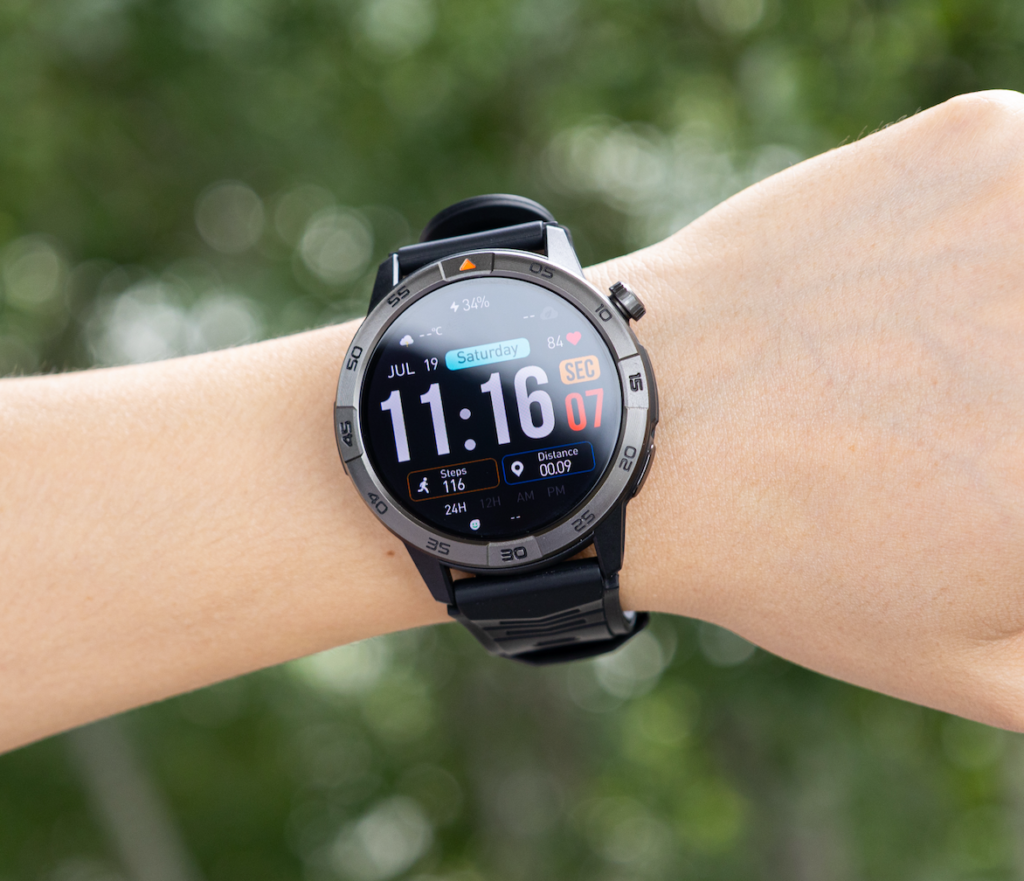
Use the neighboring page to keep driving-call questions outside this parked alert boundary. Article 216 remains focused on one non-urgent written update.
Close the Green Panel Before Movement Restarts
Completing the acknowledgment is not the final step. The driver must also return the watch to a neutral state before operating the truck again.
End every visible interaction
Before departure:
- The message is closed.
- No reply field remains open.
- No call is active.
- No menu requires another tap.
- The wrist is no longer raised for reading.
- Attention has returned to the vehicle and surroundings.
This prevents an unfinished parked task from leaking into movement.
Keep incomplete work parked
If the watch cannot finish the acknowledgment, the driver can use the mounted phone while remaining appropriately parked and where permitted, or defer the task to another suitable stop.
The wrong response is to start moving while trying to finish the watch interaction.
Movement resets the switch to red
As soon as vehicle operation resumes, both the phone and watch return to the closed state. No additional value is counted until another approved parked opportunity begins.
Article 212 organizes several communication duties across planned stops. Readers with that broader need can use the parked-stop method when multiple tasks must be organized together. The present test keeps one alert inside one binary boundary.
Count Only Phone Touches Avoided at Approved Stops
The exclusive comparison unit is simple:
Phone touches avoided during approved parked tasks, with zero watch interaction during movement.
One complete transfer equals one avoided phone touch
The watch earns one useful transfer when the dispatch update is fully understood and acknowledged in the green state, the phone remains untouched, and no device interaction occurs during movement.
This measurement is intentionally narrow. It does not claim that the watch replaces the phone, improves driving safety, or handles every dispatch need.
Passive delivery does not count
Do not count:
- A vibration felt during movement
- A sender name seen without the message
- A partial preview
- A missed-call notice
- An alert dismissed without understanding it
- A task completed later on the phone
The watch must close the selected action while parked.
Do not average safety boundaries
Ten successful parked tasks cannot compensate for one moving-cab interaction. The zero-interaction rule is a condition of the test, not one factor in a score.
Issue the Cab-to-Stop Boundary Verdict
Green-State Transfer
The unloading-time update is read and acknowledged at an approved parked stop. The phone stays mounted, the task closes before departure, and no watch or phone interaction occurs during movement.
Verdict: One parked phone touch is avoided without crossing the cab-to-stop boundary.
Parked Preview Only
The watch identifies the sender or shows part of the update, but the full detail or acknowledgment requires the phone.
Verdict: The watch provides parked awareness but does not fully transfer the task.
Mounted-Phone Required
The watch cannot display or complete the selected action. The driver must use the phone while remaining appropriately parked.
Verdict: No phone handling is removed for this task.
Red-Line Rejection
Any reading, tapping, replying, calling, or other device interaction occurs while the truck is moving, maneuvering, or outside the approved parked state.
Verdict: The workflow is rejected regardless of convenience.
Turn the Wyoming Boundary Into a U.S. Buying Rule
The watch must complete one non-urgent task at an approved parked stop while the phone remains mounted, and the planned workflow must require zero device interaction during movement.
Compare candidates under identical conditions
Keep the following fixed:
- The same Cheyenne transport driver
- The same mounted phone
- The same dispatch application
- The same unloading-time update
- The same approved staging condition
- The same acknowledgment requirement
- The same zero-interaction red state
Changing the task or stop condition between watches weakens the comparison.
Verify exact dependencies
Before purchase, check the specific watch and phone combination for notification detail, acknowledgment support, application permissions, Bluetooth or cellular requirements, connection recovery, and employer-approved use.
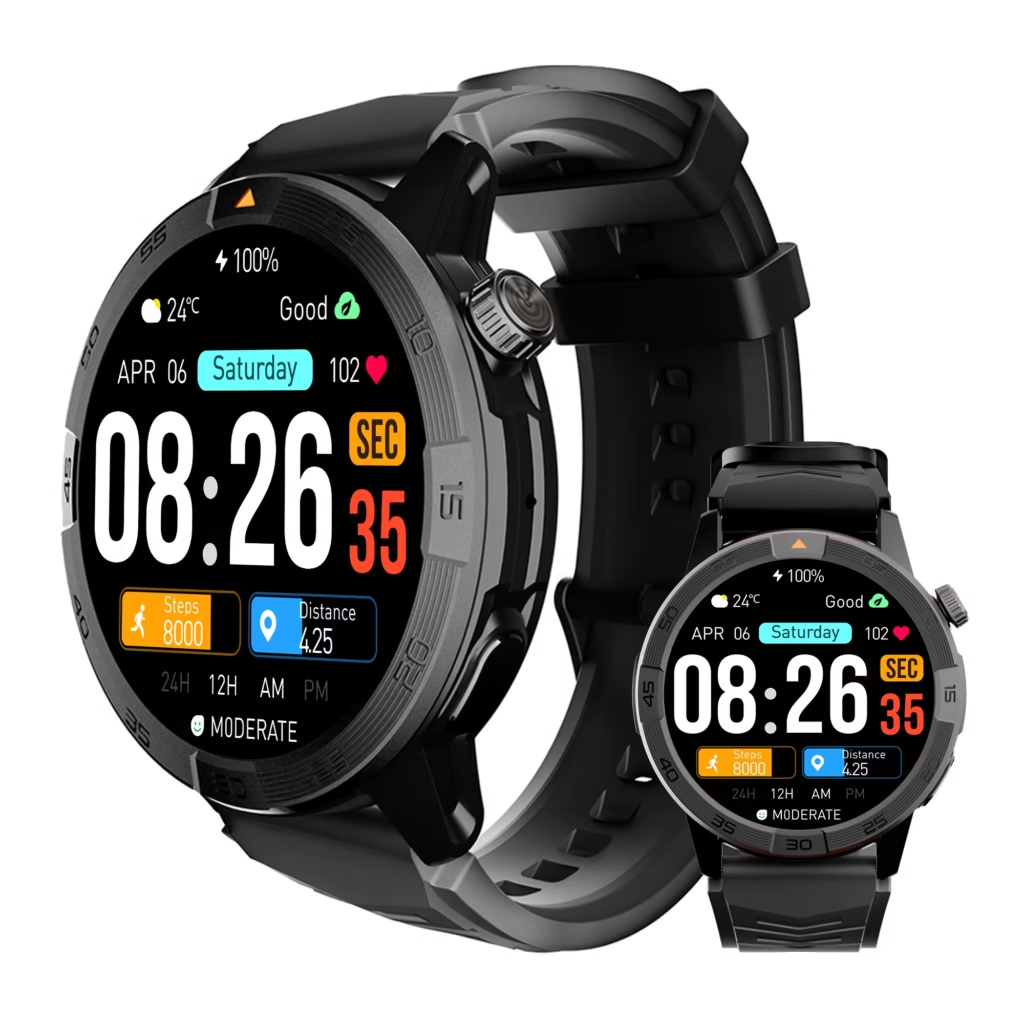
Marketing phrases such as “hands-free” or “phone-free” do not define when an interaction is appropriate. Applicable laws, employer rules, road conditions, vehicle procedures, and cargo requirements remain controlling.
Run the test without driving
The entire evaluation can be performed while stationary. Treat movement as a locked red panel and test the green task only after the vehicle is secured.
There is no reason to experiment with watch interaction while the truck is moving.
Questions About Truck Smartwatches and Parked-Only Use
Does “no phone needed” mean the watch works independently?
No. The mounted phone may still provide the connection, application, notifications, authentication, or call service. This test measures physical phone touches avoided during one parked task.
Can a driver read the watch while the truck is moving?
This article allows no watch or phone interaction during movement. Drivers must also follow applicable laws, employer policies, and operating procedures.
Does waiting at a traffic light count as parked?
No. A traffic signal, queue, congestion delay, or temporary roadway stop remains inside the closed red state.
What task should be tested first?
Use one short, non-urgent action that can wait for an approved stop. Article 216 reserves a dispatch update moving an unloading appointment to 2:40 p.m.
Does seeing the alert count as avoiding a phone touch?
No. The driver must understand the complete update and finish the supported acknowledgment from the watch while parked.
What happens when the watch cannot finish the task?
Use the mounted phone only while remaining appropriately parked and where permitted, or defer the action to another suitable stop.
How is this different from a long-distance driver communication page?
A long-distance communication method organizes several duties across planned stops. The Cab-to-Stop Boundary evaluates one parked task under a strict red/green interaction rule.
The Phone Stayed Mounted in Both Scenes
Nothing about the phone’s position changed between the moving and parked scenes. The watch did not become appropriate merely because it sat on the wrist.
The operating state made the difference. Movement sealed both devices behind a red boundary. A fully secured, approved stop opened one green task. The driver could then read the changed unloading time, acknowledge it where supported, close the interaction, and restart only after attention returned to the transport work.
For a smartwatch for truck drivers with no phone handling, value should be measured only at safe, approved stops. One completed parked task may remove one phone touch. No moving-cab interaction is part of the benefit.
Mount the phone, choose one non-urgent dispatch task, and place a hard red line around every period of vehicle movement. At an approved parked stop, trace the alert path through the green panel and count the watch only when the task closes before the truck moves again.