
What disappeared between 4:42 p.m. and 6:08 p.m. when the smartwatch battery went dark?
A remote home-health scheduler in Corpus Christi, Texas, can review a delayed message on the phone after the watch is charged. The reminder that never appeared at the required time is different. It cannot be recovered in the same way.
Understanding why smartwatch battery life matters begins with examining what disappears during the hours when the watch cannot record, alert, remind, or display information. The problem is not only the inconvenience of finding a charger. It is the break in continuity between the moment a function is needed and the moment the watch becomes available again.
A smartwatch should remain a convenience tool, not the only place where an employer stores an assignment or an urgent work instruction. Still, when a user depends on wrist reminders, communication alerts, alarms, or daily records, an empty battery creates a real operating gap.
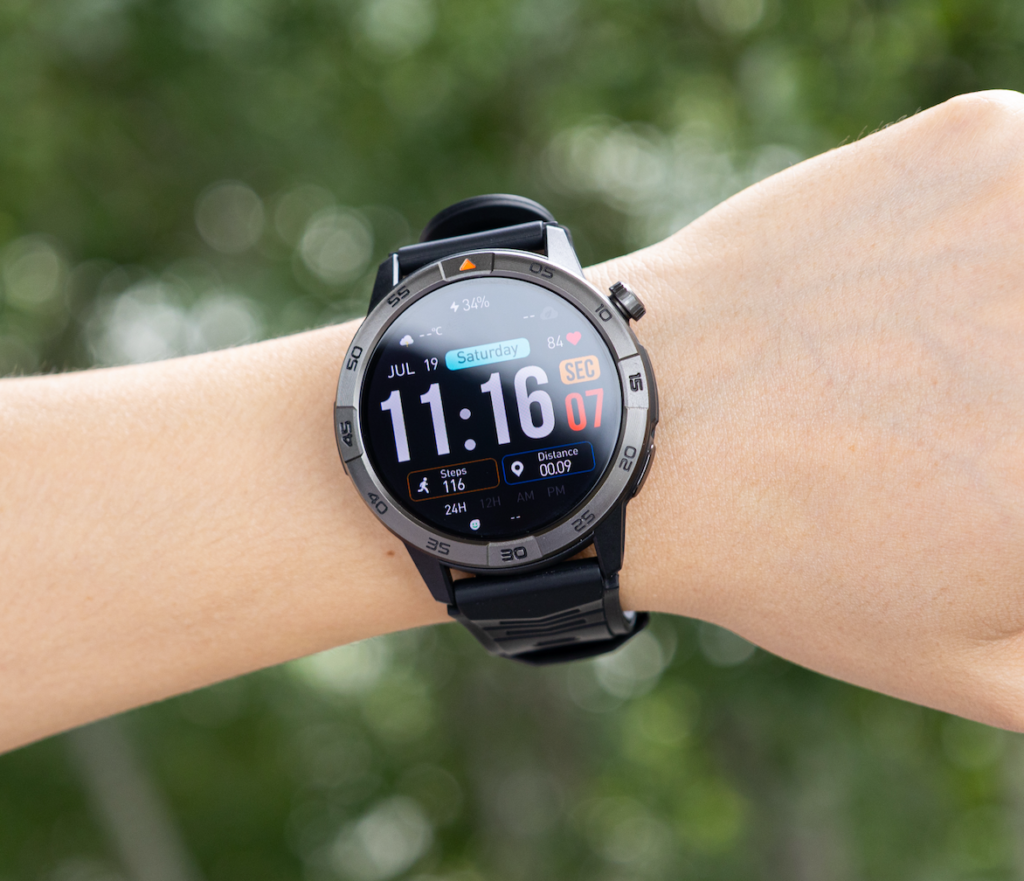
Open the Corpus Christi Battery Blackout
The scheduler expects the normal remote workday to end shortly after 5 p.m. At 4:42, however, the smartwatch shuts down.
A caregiver assignment changes unexpectedly. The schedule now extends into the evening, and the user needs a time-sensitive reminder to confirm that the revised coverage has been accepted.
The watch does not return to service until 6:08.
That 86-minute period is the blackout interval.
The purpose of analyzing it is not to diagnose why the battery died. Battery aging, screen settings, GPS use, software behavior, and charging hardware belong to separate troubleshooting questions. This article examines the consequences of the unavailable period.
Record what the watch was expected to provide
During the blackout, the scheduler expected wrist access to several everyday functions:
- A caregiver-coverage confirmation reminder
- Incoming communication alerts
- Calendar visibility
- Quick time checks
- A walking record during a short break
- An evening alarm later in the routine
Only one function is protected in this article: the coverage-confirmation reminder. The other functions show how a battery gap can affect the wider routine without creating several competing problems.
Planned charging and accidental downtime are different
Planned charging happens when the user intentionally removes the watch during a period when no important function is expected.
Accidental downtime begins when the watch becomes unavailable before the required operating window ends.
That distinction matters. The scheduler did not choose to give up the reminder period. The battery gap arrived while the workday was changing.
Why Smartwatch Battery Life Matters During a Continuity Gap
Battery life is often discussed as a measure of convenience: fewer charging sessions, less cable handling, and less time spent near an outlet.
Continuity measures something more practical.
It asks whether the watch remains available for the entire period when a specific function is expected.
A watch can provide excellent service for most of the day and still fail the user during one important interval. If the reminder is needed at 5:30 but the battery dies at 4:42, the earlier hours do not repair the gap.
The key question is not simply, “How long did the watch last?”
It is, “Did it remain available through the complete operating window?”
Issue a Continuity-Loss Receipt
A continuity-loss receipt lists what disappeared during the blackout and whether it can be recovered later.
For the Corpus Christi scheduler, the receipt might look like this:
| Expected function | What happened during the gap | Recoverable later? | Extra work created |
|---|---|---|---|
| Coverage-confirmation reminder | Never appeared | No | Deadline had to be reconstructed manually |
| Incoming message alert | Not shown on wrist | Yes | Message reviewed later on the phone |
| Walking record | Interval not captured | Not accurately | Daily activity record remained incomplete |
| Calendar visibility | Unavailable on wrist | Yes | Calendar opened on the computer |
| Time check | Unavailable on wrist | Yes, through another device | Phone or computer had to be checked |
The receipt is not a battery diary. It does not track percentages throughout the day or compare several weeks.
One interruption is enough to reveal the practical consequence.
Count the absence, not the final percentage
Whether the watch shut down at 3%, 2%, or 1% is less important than what became unavailable.
A useful receipt answers four questions:
- Which function disappeared?
- Did the underlying information still exist elsewhere?
- Could the event be reconstructed later?
- What additional work followed?
This keeps the analysis focused on continuity rather than battery statistics.
Separate Recoverable Interruptions From Permanent Loss
Some smartwatch interruptions are inconvenient but recoverable. Others are permanently missing.
The difference determines how much the battery gap matters.
Recoverable interruptions
An interruption is recoverable when the information continues to exist on another device or service.
During the same remote workday:
- A message can be opened later on the phone.
- A calendar appointment remains available on the computer.
- A missed call may remain in the phone’s call history.
- A delayed notification may appear after the watch reconnects.
Recovery does not mean the gap caused no inconvenience. The user may still spend extra time checking another device or reconstructing the sequence.
The information, however, still exists.
Permanent losses
A loss is permanent when the watch never captured or delivered the event at the required time.
Examples include:
- A reminder that never appeared
- An alarm that could not sound
- An activity interval that was never recorded
- A wrist alert that was unavailable during the decision window
Charging the watch later cannot recreate the original reminder at the moment it was needed.
Likewise, a missing consumer activity record may remain incomplete. That should be described as a gap in personal tracking, not as a medical consequence or clinical failure.
Trace the Extra Work After the Watch Returns
The disruption does not end when the charging screen appears.
Once the watch returns to service, the scheduler must determine what happened between 4:42 and 6:08.
That reconstruction may require:
- Reviewing phone notifications
- Opening the employer’s scheduling system
- Checking whether the confirmation deadline passed
- Contacting the caregiver
- Updating the assignment record
- Comparing the missed period with remaining evening tasks
The battery gap has now created downstream work.
Look for duplicated device checks
A smartwatch often reduces the need to open a phone or computer for every small update.
When it becomes unavailable, those checks return.
The Corpus Christi scheduler may move repeatedly between:
- Phone
- Laptop
- Calendar
- Messaging platform
- Written notes
The missing wrist layer makes the routine more fragmented.
Measure correction time instead of irritation
“Annoying” is too vague to describe the effect.
A clearer review records:
- Time spent reconstructing the gap
- Number of additional device checks
- Whether a confirmation was delayed
- Which actions had to be repeated
- Whether another person needed follow-up
This turns a charging complaint into a visible continuity cost.
Remote workers whose days frequently extend beyond the expected endpoint can also see how battery coverage changes when a workday runs longer than planned.
Build an Overrun Buffer for a U.S. Remote Workday
A planned schedule is not always the final schedule.
Remote workers in the United States may encounter delayed replies, added meetings, customer changes, or tasks that continue into the evening. In this article, the only overrun is the unexpected caregiver-assignment change.
The scheduler needs enough battery for the normal day plus one realistic extension.
Define the normal operating window
Start with four times:
- When the watch first becomes necessary
- When the workday is expected to end
- When the final protected function may occur
- When dependable charging becomes available
The operating window may extend beyond formal work hours.
For this user, the reminder must remain available after the original end of the workday because the assignment change is not complete until coverage is confirmed.
Add one realistic extension
The buffer should reflect a situation that actually occurs in the user’s routine.
It may cover:
- A delayed assignment response
- One late confirmation period
- The transition from work into the evening
- The final reminder or alarm window
There is no universal number of extra hours that fits every remote worker.
The correct buffer is the one that protects the function when the day expands in a predictable way.
Reserve is not wasted battery
Unused capacity can look unnecessary when the schedule runs normally.
During an overrun, that reserve becomes operating power.
It keeps the watch available for:
- A late reminder
- An added communication alert
- A delayed task
- The final evening function
Reserve matters because real schedules do not always end on time.
Choose the One Function That Cannot Disappear
The scheduler now names one protected function:
The caregiver-coverage confirmation reminder
That choice establishes the minimum continuity requirement.
Other features still matter, but they do not control the final battery decision.
Give the protected function a full window
The user should record:
- When the reminder first becomes relevant
- The deadline it supports
- How long the watch must remain available afterward
- When another dependable system can take over
The watch needs to cover the entire interval.
Reaching the beginning of the reminder window is not enough if the battery may die before the confirmation deadline.
Keep secondary functions in their proper role
Communication alerts, walking records, calendar access, time checks, and an evening alarm help demonstrate the broader effect of the blackout.
They should not compete with the primary decision.
One protected function defines the minimum operating window. Secondary functions explain what else improves when the watch remains available.
Define the Minimum Continuity Window
The minimum continuity window follows this sequence:
Start of required availability → normal workday → realistic extension → protected reminder → dependable charging opportunity
This is more useful than choosing a universal battery percentage.
Compare the window with observed use
The scheduler should compare the required window with the watch’s actual routine, including:
- Normal charging frequency
- Display activity
- Notifications
- Bluetooth calls
- Overnight wear
- Workday extensions
A standby claim alone cannot prove that the watch will protect the full window.
Standby time is not functional continuity
A watch may remain powered for a long time under light-use conditions. Active features can change that result.
Real-world demand may include:
- Frequent alerts
- Repeated screen wake-ups
- Bluetooth calling
- Activity tracking
- Overnight use
- GPS or navigation
The relevant question is whether the watch remains available while those functions are used in the expected way.
Readers can distinguish charging annoyance from a true availability gap when evaluating whether fewer charging sessions would materially improve the routine.
Test one realistic extended day
A controlled test can follow the normal routine:
- Begin with the usual morning charge.
- Keep the regular notification and display settings.
- Continue through the planned workday.
- Add one realistic schedule extension.
- Confirm that the protected reminder remains available.
- Record the remaining charge at the next dependable charging opportunity.
Do not disable several useful features merely to manufacture a better result.
The test should represent the routine the watch is expected to support.
Choose a Departure Threshold From the Function
A generic rule such as “never leave home below 50%” ignores differences in use.
The scheduler needs a function-based threshold.
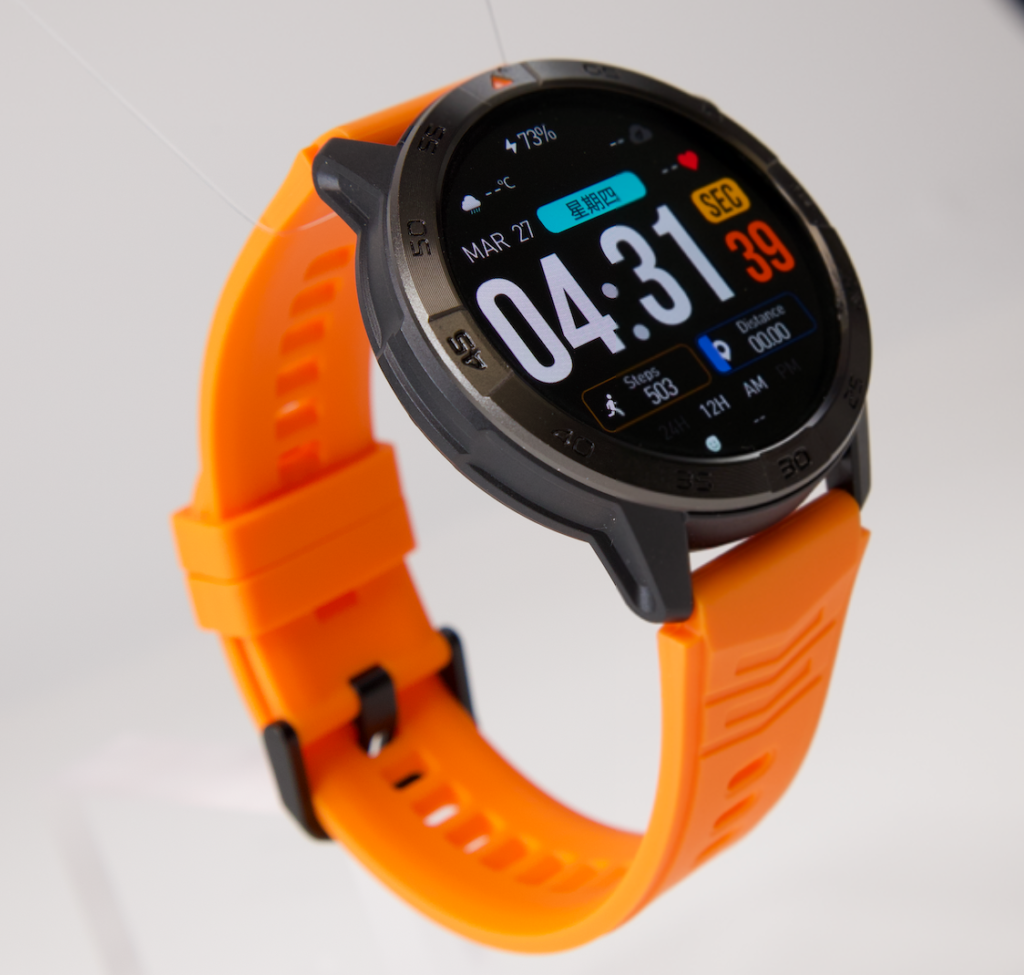
Before moving away from the charger, ask whether the remaining battery is likely to cover:
- The normal workload
- Expected notifications
- One realistic extension
- The protected reminder
- The next dependable charging opportunity
The answer should come from observed use, not from a universal percentage.
Recharge when the protected window becomes uncertain
A charging session is justified when the watch may not remain available through the function that cannot disappear.
That is different from charging simply because the battery number looks low.
The employer’s official scheduling and communication systems should remain primary. The smartwatch provides convenient reminders and wrist access, but it should not become the only location for a time-sensitive assignment.
Questions U.S. Remote Workers Ask About Battery Continuity
Can missing smartwatch tracking data be restored later?
Some information may sync after the watch reconnects, but an interval that was never recorded generally cannot be reconstructed with the same accuracy.
Which smartwatch interruptions are permanent?
A reminder that never appeared, an alarm that could not sound, or an activity interval that was never captured may remain permanently absent.
Why does battery reserve matter when the planned day changes?
Reserve helps the watch remain available through an unexpected extension. It protects the user’s essential function after the normal schedule has ended.
Is standby time enough to measure continuity?
No. Standby conditions may not reflect the effect of notifications, display use, calling, tracking, or other active features used during the real workday.
Which function should determine the minimum battery window?
Choose the one function whose absence would create the greatest practical disruption in the specific routine.
How should remote workers plan for an unexpected schedule extension?
Add a realistic overrun buffer between the normal end of work and the next dependable charging opportunity.
Close the Receipt With One Protected Window
Blackout interval: 86 minutes
Recoverable items: messages and calendar access
Permanent loss: one time-sensitive reminder
Protected window next time: morning start through evening confirmation
That receipt explains why smartwatch battery life matters. The value is not simply the percentage that remains. It is the continuity that does not disappear.
Name the one function that cannot vanish from your routine, define its full operating window, and add enough buffer for one realistic schedule extension. Once that requirement is clear, review the smartwatch’s long-use battery and daily reminder features to judge whether they fit the way your remote workday actually unfolds.