
6:35 p.m.: At a Cincinnati riverfront fundraiser, a nonprofit-development coordinator stops beside the check-in table before reading an event alert on her wrist.
12:40 p.m.: Earlier, during a personal lunch, she wants fewer visible interruptions and no donor or campaign information appearing openly.
8:15 a.m.: Earlier still, she works at a laptop with a blazer cuff near the watch and a bracelet positioned beside it.
What requirement remains constant in all three moments?
It is not the watch color, an activity badge, or a particular office appearance. The candidate must remain useful, comfortable, private, readable, and appropriate as the buyer moves between professional, personal, and active settings.
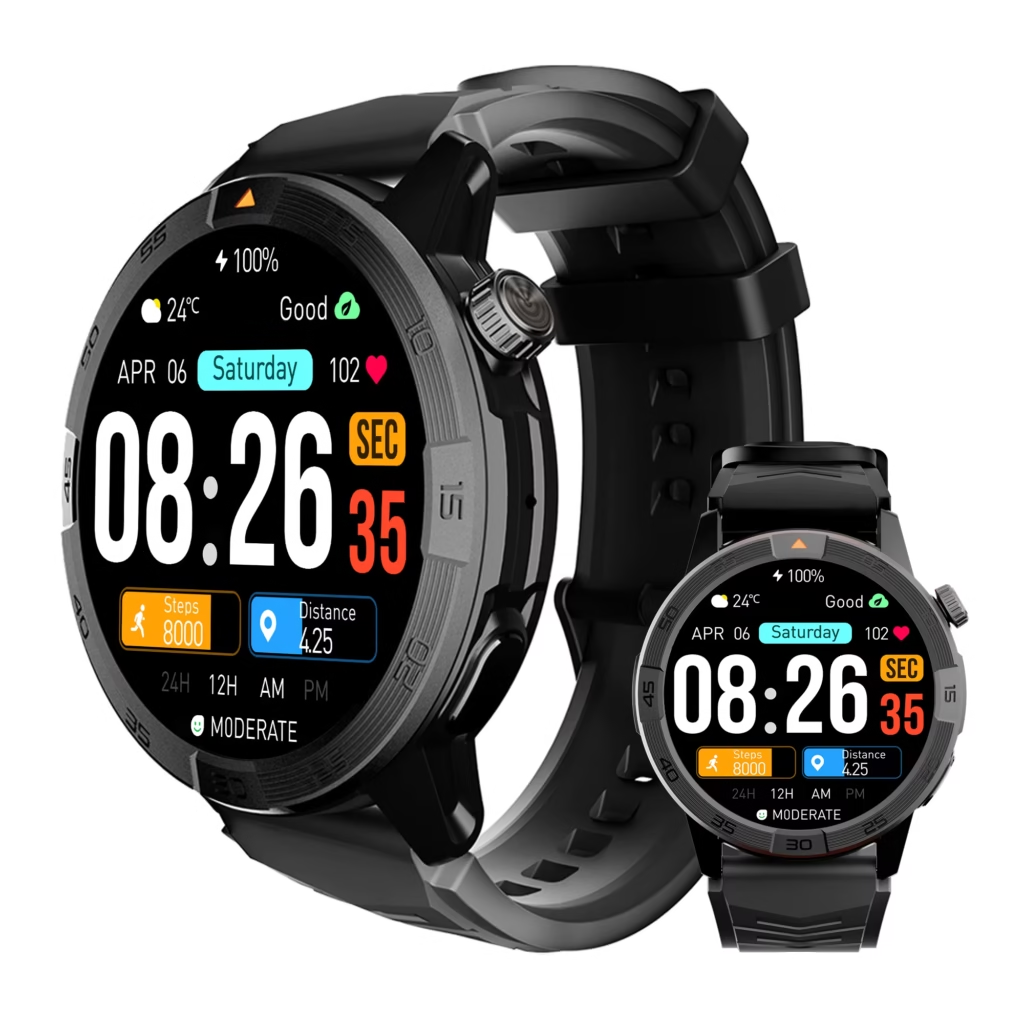
Women’s smart watches for Android should earn a lifestyle verdict across the buyer’s connected day—not from one promotional office photograph or one activity screen. The One-Watch Context Transition Strip tests whether one candidate can preserve the same essential outcome without requiring repeated repair or reconfiguration.
Define One-Watch Continuity
One-watch continuity does not mean that the watch must look or behave identically in every setting. A planned notification adjustment may be reasonable when it preserves the buyer’s essential function without rebuilding the setup.
For the Cincinnati coordinator, continuity required:
- One generic operational alert reaching the wrist.
- The full message remaining readable while she was stationary.
- An approved “Seen” response reaching its destination.
- No private nonprofit information appearing in the visible preview.
- Stable comfort through sleeves, accessories, desk work, and permitted movement.
- No re-pairing, permission repair, or repeated app reopening.
Readers beginning a broader search can use the Android smartwatch decision process before applying this full-day continuity test.
Start With the Selected Wearability Profile
The buyer had already selected a compact-readable profile because she needed short-alert visibility, moderate physical presence, and sufficient stationary control space.
The Women’s Wearability Profile Gallery explains how to choose among low-profile, compact-readable, large-control, and activity-first categories.
Article 371 does not reopen that category decision. One candidate from the selected profile now has to prove that it works across the buyer’s actual day.
Confirm Exact Wrist Fit Before the Cincinnati Test
A context test cannot rescue a watch that already rotates, catches clothing, presses against the hand, or requires repeated repositioning.
Before the connected day began, the candidate passed the All-Day Wrist Fit Envelope. The buyer had already checked:
- Case and lug clearance.
- Band range and clasp position.
- Desk pressure.
- Crown contact during wrist extension.
- Blazer-cuff interaction.
- Stationary one-handed control.
That fit approval applied only to this buyer’s wrist, band adjustment, clothing, and control routine.
Certify the Android Route
The coordinator next verified the exact phone-and-watch environment. The companion application recognized the watch, the required permissions were present, the generic test alert arrived, and “Seen” reached the intended record.
The exact Android environment certificate provides the complete setup method. The buyer also used the essential app-action test to confirm that the required response worked before any context transitions occurred.
Compatibility opened the test. It did not prove that the watch would remain private or practical throughout the day.
Write the Cincinnati Connected-Day Card
The coordinator documented three contexts before testing:
| Context | Primary need | Physical condition | Interaction rule |
|---|---|---|---|
| Morning nonprofit office | Professional discretion | Blazer cuff, bracelet, laptop work | Respond only while stationary |
| Midday personal lunch | Reduced interruption and privacy | Same wrist and band setting | One planned quiet-notification state |
| Evening riverfront event | Visibility and stable movement | Light walking and check-in work | Stop before reading or responding |
The card prevented the buyer from changing her standards after seeing the results.
Keep One Alert Constant Across Every Setting
The same generic message appeared in all three contexts:
“Event entrance changed to Door C.”
The wording contained no donor name, giving history, payment information, guest identity, campaign target, or access credential.
Every successful checkpoint required:
- The alert to reach the wrist.
- The initial preview to satisfy the context’s privacy rule.
- The complete text to remain readable while stationary.
- The “Seen” response to reach the approved destination.
- The watch to remain comfortable and correctly positioned.
Changing the alert between settings would have weakened the comparison.
Set Three Privacy Rules
Professional context
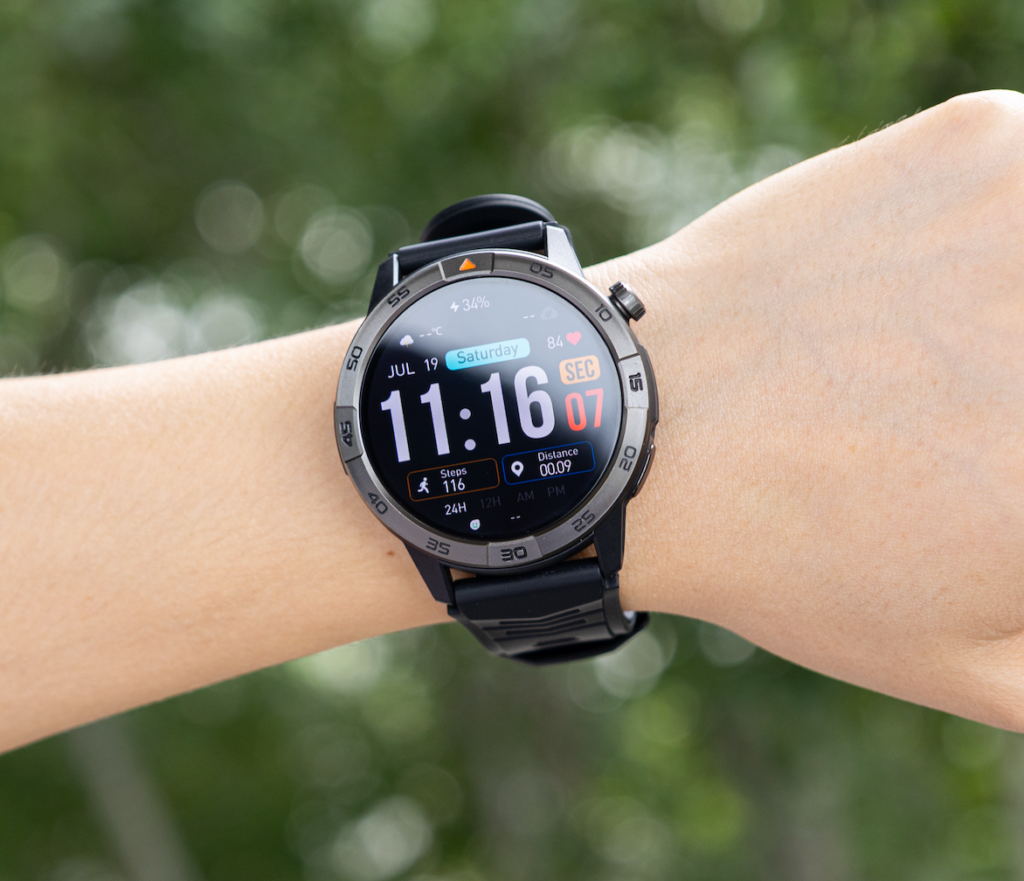
A generic operational preview could appear, but donor, campaign, financial, board, or guest information could not.
Personal context
The buyer wanted fewer visible interruptions during lunch. Essential operational communication still had to remain available.
Active event context
The generic alert could arrive, but the coordinator would not read or answer it while walking or handling event materials.
These were buyer-defined standards, not universal rules for women, workplaces, nonprofits, or public events.
Freeze Text and Control Requirements
The buyer kept one text setting, wearing side, band position, and response sequence throughout the test.
The required stationary interaction remained:
- Wake the display.
- Open the alert.
- Read “Event entrance changed to Door C.”
- Select “Seen.”
- Dismiss the item.
- Return to the watch face.
A context could not receive an easier substitute task merely because the candidate struggled there.
Test the Morning Nonprofit Office
At 8:15 a.m., the coordinator began with laptop scheduling, donor-meeting preparation, and internal event logistics.
The watch remained beneath the blazer cuff without repeated catching. The bracelet stayed beside the band without pressing against the case or covering the display.
When the generic alert arrived, its initial preview exposed no private information. The buyer stopped typing, raised her wrist, read the complete message, selected “Seen,” and returned to work.
No band correction, screen-setting change, or companion-app intervention was necessary.
Professional context result: Pass — Function, Comfort, Privacy, and Stationary Control Preserved.
Check Sleeves and Accessories Without Stereotypes
Accessories entered the test only because this buyer actually wore one. The article does not assume that all women wear bracelets or that every professional setting requires a blazer.
The coordinator checked for:
- Cuff catching.
- Pressure between bracelet and watch.
- Display obstruction.
- Accidental crown or button contact.
- Repeated case rotation.
The morning arrangement stayed inside the previously approved fit boundary.
Verify Professional Notification Discretion
The first visible state mattered as much as the expanded notification. A short preview could still reveal sensitive information if the real application used donor names, amounts, private event notes, or campaign details.
For this test, the generic preview remained acceptable. The coordinator expanded it only while stationary and confirmed that no prohibited data appeared.
The result did not prove that every notification from every application would be private. Each required app needs its own preview inspection.
Record the Personal-Time Transition
Before the midday lunch, the buyer activated one planned quiet-notification state. The change reduced unnecessary interruption without altering pairing, permissions, app recognition, or the required alert route.
The transition count became:
Planned context change 1 — Quiet-notification state activated.
A planned adjustment could pass. Reactive repair could not.
Test Cincinnati’s Midday Personal Context
At 12:40 p.m., the coordinator kept the watch on the same wrist and at the same band setting.
The generic entrance-change alert still arrived under the quiet routine. It did not reveal donor or campaign information, and the watch did not require the phone application to be reopened.
After pausing the conversation, the buyer checked the watch while seated, read the complete message, and sent “Seen.”
The watch preserved essential function without creating the level of interruption she wanted to avoid during personal time.
Personal context result: Pass With Planned Notification Routine.
Reject a Transition That Requires Repair
The context strip would stop if any transition required:
- Re-pairing the watch.
- Rebuilding permissions.
- Reopening the companion app to restore delivery.
- Repeatedly changing filters to rescue alerts.
- Restarting either device.
- Repeated band or case repositioning.
Those events would indicate a connection or ownership problem rather than a normal context change.
A broken route belongs in the Android reconnection recovery drill. Repeated low-level adjustments can be measured through the Android ownership-friction budget.
Prepare the Evening Event State
Before the riverfront fundraiser, the coordinator restored the documented event-notification condition.
The second planned change entered the strip:
Planned context change 2 — Event notification state restored.
A stationary pre-event alert confirmed that delivery and “Seen” still worked. No unrelated setting changed.
Add Permitted Riverfront Movement
The evening block included normal walking between the check-in table, volunteer station, and event entrance. It did not include a simulated workout, running, or interaction while moving.
The watch remained stable through the permitted movement. Its case did not rotate repeatedly, and the sleeve change did not create a new pressure point.
When an alert arrived, the coordinator continued to a safe stopping point before checking it.
Test Outdoor Visibility Only While Stationary
After stopping near the check-in table, the buyer woke the display and read the entrance-change message at her selected text setting.
The screen remained usable for the required short alert in the tested outdoor condition. She selected “Seen” and confirmed the response destination.
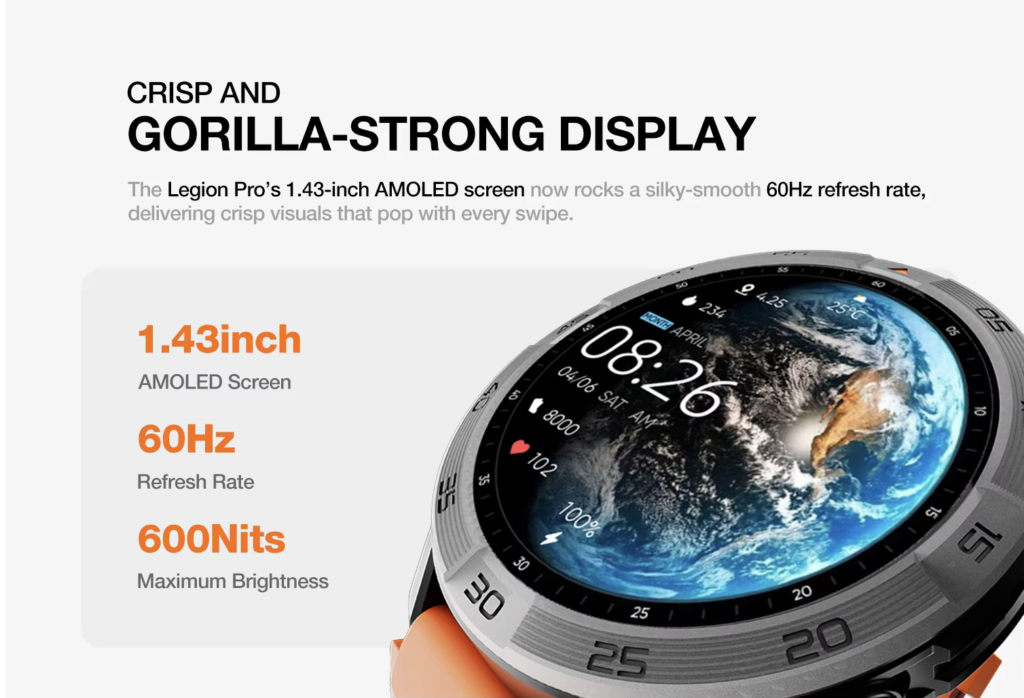
The result did not establish a brightness specification or universal sunlight performance. It proved only that the required task worked under this documented Cincinnati checkpoint.
Active event result: Pass — Stable Wear, Stationary Visibility, and Required Response Preserved.
Inspect Full-Day Comfort Continuity
The final physical review compared the watch’s morning and evening positions.
The coordinator found:
- No repeated rotation.
- No persistent cuff pressure.
- No unresolved bracelet interference.
- No crown contact created by the later sleeve position.
- No repeated tightening.
- No concerning discomfort.
A comfortable morning does not guarantee evening comfort. Full-day approval required a second inspection.
Inspect Privacy Continuity
Every visible preview was reviewed against the context rules.
No donor name, giving record, payment detail, board information, campaign target, guest list, access code, credential, or private schedule appeared during the example.
The watch carried only the generic operational phrase needed for the test. Detailed nonprofit records remained inside approved phone and computer systems.
Count the Cincinnati Transition Burden
| Transition | Planned change | Repair required | Essential function | Result |
|---|---|---|---|---|
| Office to lunch | Quiet-notification state | No | Preserved | Pass |
| Lunch to event | Restore event state | No | Preserved | Pass |
| Event movement to stationary check | None | No | Preserved | Pass |
The two scheduled changes formed one planned notification routine. Neither transition required repair.
Close the One-Watch Context Strip
| Context | Function | Comfort | Privacy | Appearance preference | Stationary control |
|---|---|---|---|---|---|
| Professional | Pass | Pass | Pass | Pass | Pass |
| Personal | Pass | Pass | Pass | Pass | Pass |
| Active event | Pass | Pass | Pass | Pass | Pass |
These anonymous results demonstrate the method. They are not public product specifications or proof that the candidate suits every user.
Correct Twelve Context-Continuity Mistakes
One Office Test Proves Lifestyle Fit
Correction: Test every setting that materially changes privacy, clothing, movement, or interaction.
Professional Appearance Is Universal
Correction: Let the individual buyer define acceptable physical presence.
Every Woman Wants Discreet Notifications
Correction: Record the buyer’s own interruption preference.
Notification Muting May Hide Essential Alerts
Correction: Retest the required alert after each planned change.
A Settings Repair Is a Normal Transition
Correction: Separate scheduled adjustments from reactive reconstruction.
Morning Comfort Guarantees Evening Comfort
Correction: Inspect case position and pressure again at the end of the day.
Outdoor Visibility Can Be Tested While Walking
Correction: Stop safely before reading or responding.
Accessories Never Affect the Watch
Correction: Test only the accessories the buyer actually uses.
A Generic Preview Proves Every App Is Private
Correction: Inspect each required application’s visible preview separately.
Activity Context Requires Fitness Metrics
Correction: Test only the movement and control requirements in the buyer’s routine.
One Watch Must Behave Identically Everywhere
Correction: Allow low-burden planned changes that preserve essential function.
Battery Percentage Proves Full-Day Continuity
Correction: Verify alerts, privacy, comfort, visibility, and controls independently.
Protect Cincinnati Nonprofit Information
Public test notes should exclude donor names, giving history, payment information, campaign goals, board records, event access codes, guest lists, credentials, private schedules, and internal links.
Use generic phrases and keep detailed operational records inside approved systems.
Keep Every Ohio Watch Check Stationary
No alert was read while walking through the venue. The coordinator stopped before touching the screen and avoided watch interaction while driving, crossing parking areas, carrying signs, moving registration equipment, or responding to an active safety problem.
Questions U.S. Buyers Ask About One-Watch Use
Can one watch work for professional and active settings?
Yes, when the same essential function, comfort limit, privacy rule, and stationary-control requirement pass in both contexts.
What should remain constant?
Keep the required alert, response action, text setting, wearing position, and acceptance rules stable.
Is one planned notification change acceptable?
It can be, when the change is documented, quick, repeatable, and preserves the required alert.
When does a context change become burdensome?
It becomes a problem when pairing, permissions, app recognition, filters, or physical positioning require repeated repair.
Should sleeves and accessories enter the test?
Yes, when the buyer actually uses them in a relevant context.
Does exact fit prove lifestyle continuity?
No. Exact fit is a prerequisite; privacy, interruption, visibility, and transition burden still need testing.
Does a daytime pass prove overnight continuity?
No. Extended wear requires the separate Android background-recovery cycle.
How should battery life be checked afterward?
Use the connected-service battery ranking with the required apps and alerts still active.
Issue the Cincinnati Context Verdict
The One-Watch Context Transition Strip supports four outcomes:
- One-Watch Context Fit: Every context passes without a special routine.
- Conditional One-Watch Context Fit: A planned, low-burden routine preserves all required outcomes.
- Context Strip Incomplete: One or more important settings remain untested.
- One-Watch Continuity Rejected: Function, privacy, comfort, safety, or transition burden fails.
The Cincinnati verdict is:
Conditional One-Watch Context Fit — Three Cincinnati Settings Pass With One Planned Notification Routine
The candidate preserved the same alert and response through office work, personal lunch, and the evening event. Two scheduled notification-state changes formed one repeatable routine, and no reactive repair occurred.
One Watch Must Respect Every Part of the Day
The three opening moments appeared disconnected because they demanded different levels of discretion, visibility, movement, and interruption.
One requirement connected them: the watch had to preserve essential function without exposing private information, creating physical conflict, or requiring reconstruction at every transition.
The Cincinnati candidate passed with one documented notification routine. That result applies to one nonprofit-development coordinator, one Android environment, one anonymous watch, one generic alert, three settings, one privacy standard, and one evidence day.
Useful women’s smart watches for Android are not defined by one office look or one activity screen. The right candidate must respect every part of the individual buyer’s connected day.
To evaluate a possible option, place this candidate smartwatch through the same One-Watch Context Transition Strip. Independently verify its Android route, exact fit, notification previews, planned settings changes, stationary controls, comfort, privacy, and transition burden before approving it for full-day use.