
A Milwaukee recreational rowing-club coordinator nearly approved a fitness watch after seeing a polished phone summary labeled “20-minute steady row.” The card looked complete, so she assumed the wrist device had recorded the session. It had not: the phone started the activity, created the original entry, and sent progress back to the watch. That buyer mistake changes how U.S. shoppers should identify the best fitness watch women’s buyers can verify before checkout.
A finished dashboard can show duration, completion, and attractive charts without revealing which device created the record. Before paying, the coordinator must trace one privacy-safe session backward from its final destination to the original Start action.
The direct answer: The best fitness watch women’s buyers can verify starts, records, and saves a workout on the watch before phone synchronization. Disconnect the phone, start “20-minute steady row” from the wrist, confirm the local result after the equipment stops, reconnect once, and verify that one destination entry identifies the watch as its source.
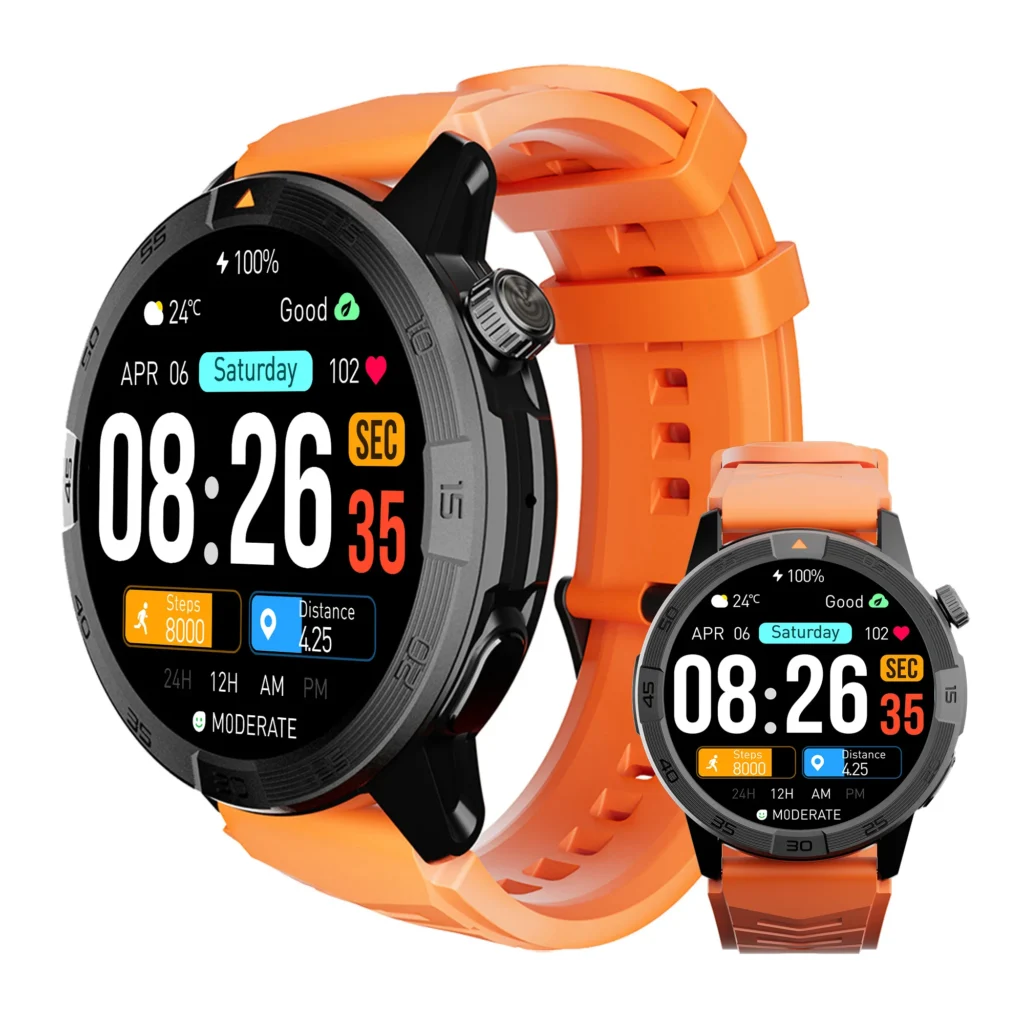
What U.S. Buyers Must Prove Before Calling a Fitness Watch “Best”
For this purchase, a watch wins only when five links remain traceable:
- Start: The buyer begins the session on the watch.
- Recording source: The wrist device creates the live activity record.
- Local result: The completed entry exists on the watch before reconnection.
- Synchronization: One deliberate sync moves the existing record outward.
- Final destination: One history entry preserves a clear source identity.
This test does not rank heart-rate, calorie, pace, distance, or stroke-rate accuracy. It answers a narrower buying question: did the watch own the session before the phone received it?
Begin With the Finished Workout and Work Backward
The Workout Record Authority Chain starts where most product demonstrations end. Open the final “20-minute steady row” entry and record its destination application, source label, import marker, sync time, and duplicate count. Then move backward through the transfer, the local result, the creating device, and the original Start control.
Working in reverse prevents a glossy phone screen from becoming false checkout evidence. A watch can display an activity that began on the handset, receive a record created by rowing equipment, or hold its own locally saved session. Those three routes may look similar after synchronization, but they support different purchase verdicts.
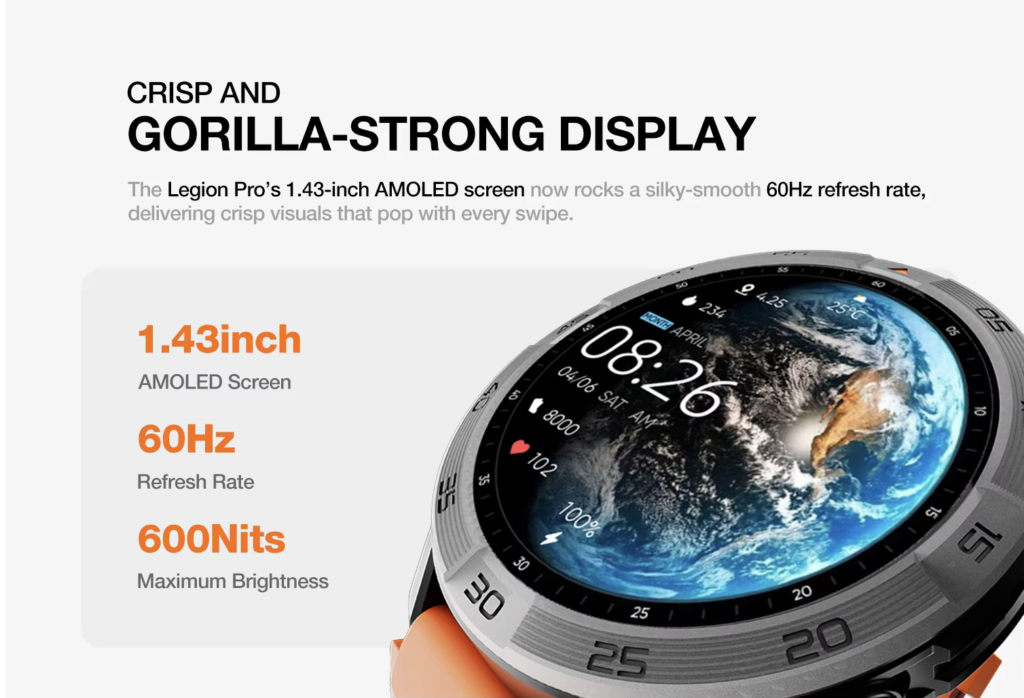
The First Break Appears at the Start Button
Candidate A fails before the steady row begins. The coordinator presses Start in the phone application, places the handset beside the machine, and sees progress mirrored on the wrist. When the session ends, the phone already owns the original entry.
Start device: Phone
Watch role: Remote display
Independent local result before phone involvement: Not established
Buying decision: Reject as the recording source
This candidate may still be useful for an American buyer who intentionally wants phone-owned recording. It cannot win a purchase whose nonnegotiable requirement is watch-owned creation. Selecting a fitness-first category also does not settle this source question; the five-type smartwatch comparison should lead into this record audit, not replace it.
A Rowing-Equipment Import Creates Different Proof
Candidate C reaches the final dashboard through another valid route. The rowing equipment or its associated application creates “20-minute steady row,” sends the result to a connected log, and later shares it with the chosen fitness history. The wrist device can display that imported entry without having recorded the original session.
Nothing is inherently wrong with equipment-owned logging. A Milwaukee buyer who wants the machine to remain authoritative may prefer it. For this article’s reserved requirement, however, the creating source sits outside the watch.
Start device: Equipment or equipment-linked application
Original recorder: Equipment system
Watch role: Downstream viewer
Buying decision: Reject for watch ownership; consider only for an equipment-owned workflow
Why Candidate B Must Survive Without the Phone
Candidate B earns further testing by breaking the connection before the session. The coordinator disables the intended watch-to-phone route, leaves the handset safely away from the rowing machine, and starts “20-minute steady row” on the wrist.
No watch controls are used during movement. After twenty minutes, she stops fully, secures the handle, and ends the session while stationary. The watch must then show a completed local entry before any reconnection occurs.
This offline break separates recording from synchronization. A missing phone transfer may reveal a sync problem later, but it cannot erase clear proof that the session already exists on the wrist device.
Run the Milwaukee Workout-Authority Test
- Use the exact watch, phone, account, and fitness application intended for ownership.
- Remove club-member data and keep only the neutral session label.
- Record the initial connection state, then disconnect the phone.
- Start “20-minute steady row” from the watch before touching the rowing handle.
- Complete the session without operating the watch.
- Stop the machine, secure the handle, and remain stationary.
- End the workout from the wrist.
- Open watch history and confirm the local completed entry.
- Leave and reopen that history while the phone remains disconnected.
- Reconnect once and observe the transfer.
The receipt needs only duration, completion status, source device, local-save confirmation, sync result, and final destination. Do not capture another member’s name, biometrics, performance ranking, account details, or precise club location.
One Clean Sync Should Produce One Intended Record
After Candidate B proves local storage, reconnect the exact phone once. Watch what moves rather than repeatedly forcing updates across several services.
- One correct entry: Continue when the destination identifies the watch and preserves the expected session.
- No destination entry: Investigate synchronization while protecting the local proof; do not immediately blame recording.
- Two entries: Defer purchase approval until the duplicate route is identified.
- Missing or contradictory source: Do not buy yet.
- Manual recreation required: Treat the final card as a new phone-owned entry, not proof of clean watch synchronization.
The exact phone route still matters after local recording succeeds. Use the phone, application, permission, and reconnect test to document the outward transfer without confusing destination with origin.
Where U.S. Fitness Dashboards Can Blur Authority
American users often connect a watch application, a phone health dashboard, rowing equipment, and an additional training log. The same session can therefore appear in more than one place or arrive through more than one source route.
For “20-minute steady row,” choose one authoritative destination before testing. Temporarily pause unrelated imports when the platform allows it, perform one controlled sync, and inspect the source information afterward. A combined dashboard is convenient for ownership, but it should not hide which device earned the purchase verdict.
A Polished Dashboard Is Not Checkout Evidence
| Listing phrase | What it does not prove | Evidence required before buying |
|---|---|---|
| Tracks workouts | Which device creates the session | Start and finish with the phone disconnected |
| Syncs with your phone | The direction of transfer | Local watch entry followed by one outward sync |
| Stores activity | Whether the completed record exists locally | Reopen watch history before reconnection |
| Supports rowing | Whether the watch or equipment owns the result | Source receipt from Start to destination |
| Detailed summaries | Whether the entry is original, mirrored, or imported | Source label and duplicate check |
U.S. product pages may describe useful capabilities without explaining this chain. Apply the smartwatch listing decoder before treating broad tracking or synchronization language as a reason to pay.
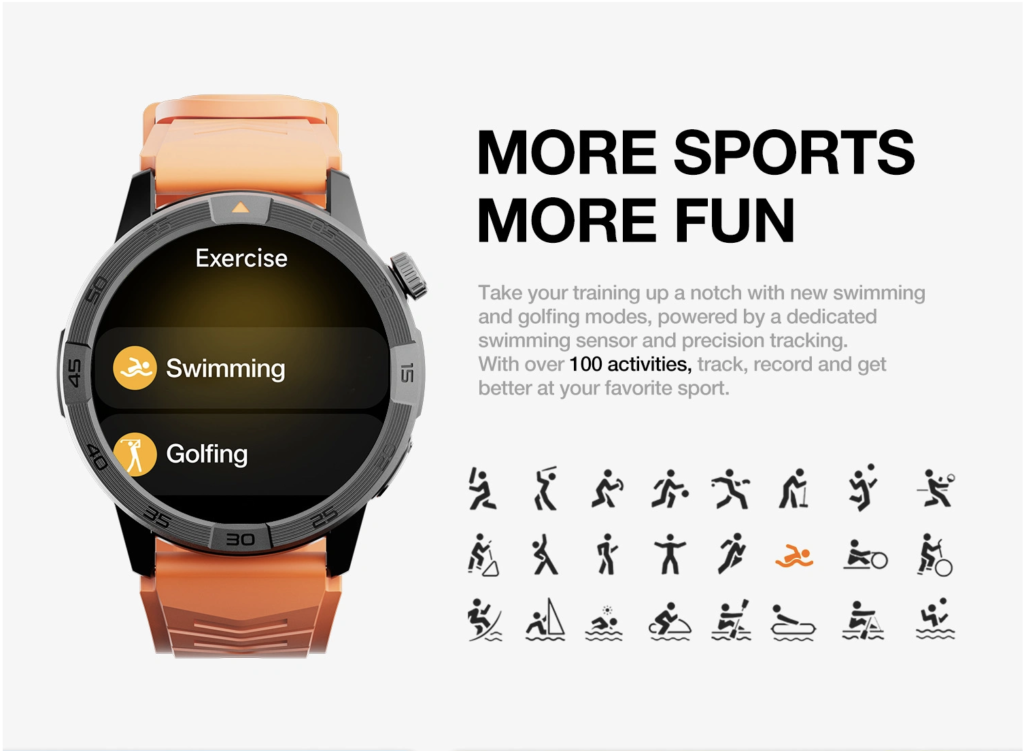
Privacy-Safe Testing for American Rowing Clubs
The coordinator should test only her own neutral session. Keep member rosters, names, heart-rate data, body measurements, calorie estimates, performance comparisons, and account identifiers outside the article record.
Store the Workout Source Receipt privately and record only what the purchase requires: where Start occurred, whether a local result existed, what synchronized, and where the final entry landed. This is a conservative privacy practice, not legal advice for every U.S. club or fitness platform.
Three Routes, One Commercial Decision
| Authority link | Phone-originated mirror | Watch-owned Candidate B | Equipment-originated import |
|---|---|---|---|
| Start | Phone | Watch | Equipment or linked application |
| Creating source | Phone | Watch | Equipment system |
| Local watch result before sync | Not independently established | Confirmed | Downstream copy only |
| Transfer | Phone outward or phone-to-watch display | Watch to chosen phone destination | Equipment system outward |
| Final record | Phone-owned | Watch-sourced | Imported |
| Purchase outcome | Reject for this requirement | Advance | Use only when equipment authority is intended |
Candidate B is not selected for having the largest feature list. It advances because the session exists on the watch before synchronization and remains traceable after the transfer.
What Candidate B Still Has Not Proved
The authority chain verifies origin, storage, synchronization, and destination for one test. It does not establish physiological accuracy, comfort, case fit, strap fit, charging suitability, software longevity, subscription value, seller return eligibility, or performance on another phone.
Carry the surviving candidate through the complete women’s buying shortlist. Then inspect application, account, accessory, and support dependencies with the current useful-life evidence review.
U.S. Checkout Checks After Record Authority Passes
Before payment, require evidence for local workout history, the exact phone environment, source visibility, export controls, duplicate management, included charging equipment, optional account or subscription requirements, and the seller’s current return terms.
A polished demonstration should also be repeatable. The smartwatch quality-evidence test helps separate reproducible behavior from attractive presentation, while the monthly-upkeep review exposes recurring services or accessories that the initial purchase price may not reveal.
During the available testing period, repeat the authority chain after setup, charging, and an ordinary reconnect. Use the first-week readiness process to confirm that the watch still creates one local record and sends one intended destination copy.
Milwaukee Buyer Questions Before Payment
Does a Workout Shown on the Watch Mean the Watch Recorded It?
No. It may be mirrored from the phone or imported from another source. Record the Start device and confirm a local entry before sync.
Can the Phone Be the Final Destination Without Being the Source?
Yes. Candidate B can create the session locally and later send it to the phone as the chosen history destination.
Does Offline Recording Prove the Metrics Are Accurate?
No. The test proves origin and storage only. Metric accuracy requires separate evidence.
What Should the Buyer Do When Synchronization Fails?
Protect the local watch entry first, document the connection state, and troubleshoot the transfer separately. Do not recreate the workout manually and call that proof.
Is an Equipment-Imported Rowing Record Invalid?
No. It can be useful and authoritative for an equipment-centered workflow. It simply fails this buyer’s watch-owned requirement.
Why Check for Duplicate Entries?
A second record can indicate that more than one application or source route exported the same session. Resolve that path before approving the purchase.
Should Automatic Workout Detection Pass the Start Link?
Only when the buyer explicitly accepts automatic detection and the watch clearly identifies itself as the creating source. This coordinator reserves a deliberate wrist start.
What Makes Candidate B Buy-Ready?
It starts on the watch, survives locally without the phone, synchronizes once, and appears once with a traceable watch source. Broader buying gates must still pass.
Can This Verdict Transfer to Another Phone?
No. A different phone, application version, account, permission set, or destination requires a new authority-chain test.
Does This Identify the Best Fitness Watch for Every Woman?
No. It verifies one record requirement for one Milwaukee buyer without making assumptions about women generally.
Choose the Watch That Owns the Session Before Sync
The polished summary from the opening did not become stronger evidence because it looked complete. Candidate A displayed a phone-owned session, while Candidate C delivered a useful record created by rowing equipment or its linked application.
Candidate B followed a different route. “20-minute steady row” began on the wrist, remained available in local history while the phone stayed disconnected, and moved once to the chosen destination after reconnection. The final history preserved one intended entry with a traceable watch source.
Workout-Record Authority Verified — Candidate B Owns the Session Before Phone Sync.
This verdict applies to one Milwaukee coordinator, one indoor rowing session, one disconnected-phone test, and one chosen destination. It does not prove metric accuracy, approve every fitness watch, or transfer to another phone, application, or buyer without retesting.
The best candidate is not the one with the most polished dashboard. It is the one that proves where the session began, where it lived before sync, and where its authoritative copy ended.
Before purchasing this smartwatch product candidate, treat its workout source, local storage, synchronization route, and final data destination as unverified and apply the complete Workout Record Authority Chain.