
A return starts at a receiving dock in Indianapolis, pauses at an inspection table, then travels through several aisles before it reaches its next destination. For a returns-processing specialist, those are not interchangeable moments. Each one requires a different level of attention, hand use, movement, and access to work systems.
That is why a smartwatch for warehouse jobs convenience should not be judged by how many features it has. The better question is: Which function helps in this specific place without interrupting the work?
A short reminder may be useful at the inspection table. The same alert can be distracting while stock is being moved through an aisle. A supervisor message may be worth screening during an approved pause at receiving, but the full response may belong at the desk with the proper system open.
The practical goal is not to put the whole warehouse workflow on a wrist. It is to give each watch function one appropriate place to help—and to keep it quiet everywhere else.
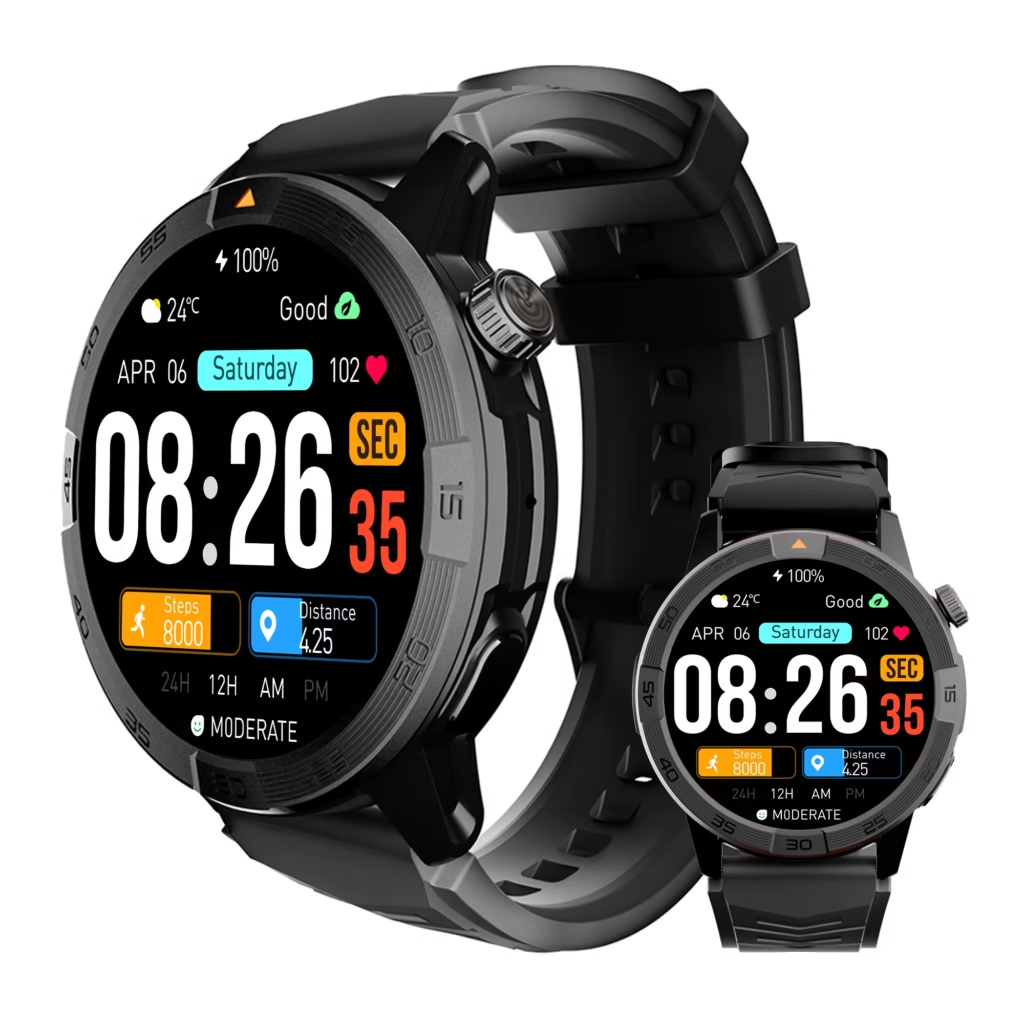
Why Smartwatch for Warehouse Jobs Convenience Depends on the Zone
Warehouse work is not one continuous activity. A returns-processing specialist may scan intake items, assess product condition, move stock, review deferred messages, and resolve exceptions with a supervisor. The right watch behavior changes with every stage.
Use three simple labels when deciding what stays active:
- Watch-sufficient: A quick glance or simple acknowledgment is enough during an approved pause.
- Move elsewhere: The alert matters, but the next action belongs on a scanner, terminal, phone, or desk.
- Blocked interaction: The task or location is not appropriate for watch use at all.
This prevents the common “everything on” setup. When every app, message, and reminder reaches the wrist, the watch becomes another source of interruption. Convenience comes from controlled awareness, not constant access.
For U.S. warehouse workers, employer procedures, site rules, and task safety always come before any notification setting. A watch should support the workflow, never compete with it.
Receiving at an Indianapolis Dock: Screen, Do Not Solve
Receiving is where a returned item enters the process. The worker may be scanning labels, placing stock, organizing intake, and coordinating the next handoff. Attention is already divided between the item, the work area, and nearby activity.
The watch has a narrow but useful role here. During an approved pause, it can help with:
- Checking the time before a scheduled handoff
- Seeing a filtered supervisor alert
- Noticing a reminder that can be handled later
- Confirming that a nonurgent message can wait
That is enough. Receiving is not the place to open detailed messages, search for order information, write a reply, or investigate an exception. Those tasks need the right device and the right amount of attention.
A cleaner system assigns each device a job. The scanner handles item identification. The terminal holds records. The phone supports fuller communication. The watch provides brief awareness. Separate scanner, terminal, and watch alerts by job so the same issue does not create four competing alerts.
At the Inspection Table, Use the Watch as a Decision Cue
The inspection table creates a different kind of pause. The item is stable, the employee can assess condition, and there may be a moment to decide what happens next.
This is a better place for a short wrist prompt. A calendar reminder may signal an upcoming handoff. A priority message may tell the specialist that a supervisor needs an update after the current item is reviewed. A simple notification can point to the next action without demanding that the whole task be completed on the watch.
The watch should still act as a doorway, not the workspace itself.
Product details, return status, photos, documentation, order history, and approval requests need a scanner, terminal, or phone. Those tasks often require more context than a small screen can provide.
The useful question is not, “Can I see this on the watch?” It is, “Can I act on this accurately at this point in the process?” Know when a quick wrist check should become a phone task before allowing more alerts into the workflow.
Keep Reshelving Aisles Quiet and Task-Focused
Reshelving is the zone where a smartwatch can become least convenient. The worker is moving through aisles, placing stock, checking locations, and staying aware of other people, carts, equipment, and physical surroundings.
At this stage, quiet is often the feature that matters most.
A watch may still provide:
- Time awareness
- One tightly filtered urgent alert route
- A reminder that can wait until the worker reaches a safe stopping point
Everything else should be deferred.
An alert that requires a reply should not pull the employee into a conversation in the aisle. A message that needs a search, phone call, or record lookup should wait for a more suitable location. Personal notifications that do not affect the current work should not interrupt stock placement.
This is where many users make the setup too complicated. They buy a watch to reduce repeated phone checks, then activate every alert. The result is more vibration and more distraction, not less.
Keep only the work alerts that remove real daily friction and let the rest wait.
Do not interact with the watch while lifting, carrying, climbing, scanning, operating equipment, or moving through active warehouse traffic. The best setting is sometimes silence.
Break Areas and Supervisor Desks Are for Higher-Context Work
The break area is where deferred information can be reviewed. A worker can check a nonurgent notification, decide whether it requires a phone response, or clear a reminder that is no longer relevant.
That does not mean turning every break into a second shift of message management. The point is to sort what needs attention from what does not.
The supervisor desk is where full resolution should happen. It is the right place for return exceptions, detailed instructions, records, approvals, longer messages, and any discussion that needs context.
A watch can prompt the worker to begin a task, but it should not replace the desk, terminal, or phone when those tools are necessary.
Bluetooth calling should remain a secondary feature in this workflow. Treat it as a phone-assisted option for approved pauses, not as a reason to answer every call from every warehouse zone. Privacy, noise, paired-phone availability, and workplace policy still matter. Set sensible limits for watch calls in shared warehouse spaces before deciding where that feature belongs.
Block the Interactions That Do Not Belong on the Wrist
A useful movement-zone map includes no-watch moments.
Do not use the watch for detailed messages while carrying stock, operating equipment, scanning items, climbing, or moving through active dock and aisle traffic. Avoid reading sensitive information in public work areas. Do not force a complex request into a small screen because the alert happened to appear there.
Some tasks belong on the phone. Others belong on the scanner, terminal, or supervisor desk. That is not a limitation of the watch. It is a sign that the workflow is using the correct tool for the task.
A smartwatch can reduce unnecessary phone retrieval. It cannot replace documentation, inventory lookup, approvals, private conversations, or multi-step operational decisions.
Leave full work tasks on the phone when a wrist check is not enough and keep the watch focused on short, useful awareness.
Build the Five-Zone Convenience Map for a U.S. Warehouse Shift
Map the actual route of a returned item before changing any settings.
| Warehouse zone | Main task demand | Best smartwatch role | Better tool or location |
|---|---|---|---|
| Receiving | Intake, scanning, stock movement | Essential alert screening during an approved pause | Scanner, terminal, supervisor desk |
| Inspection | Stable evaluation and routing | Short reminder or priority prompt | Terminal, phone, inspection records |
| Reshelving | Movement and placement | Time and tightly filtered alerts | Safe stop, break area, desk |
| Break area | Deferred review | Review nonurgent notifications | Phone for detailed follow-up |
| Supervisor desk | Exception resolution | Prompt to begin a task | Terminal, phone, supervisor workflow |
Use the map to give every function one home.
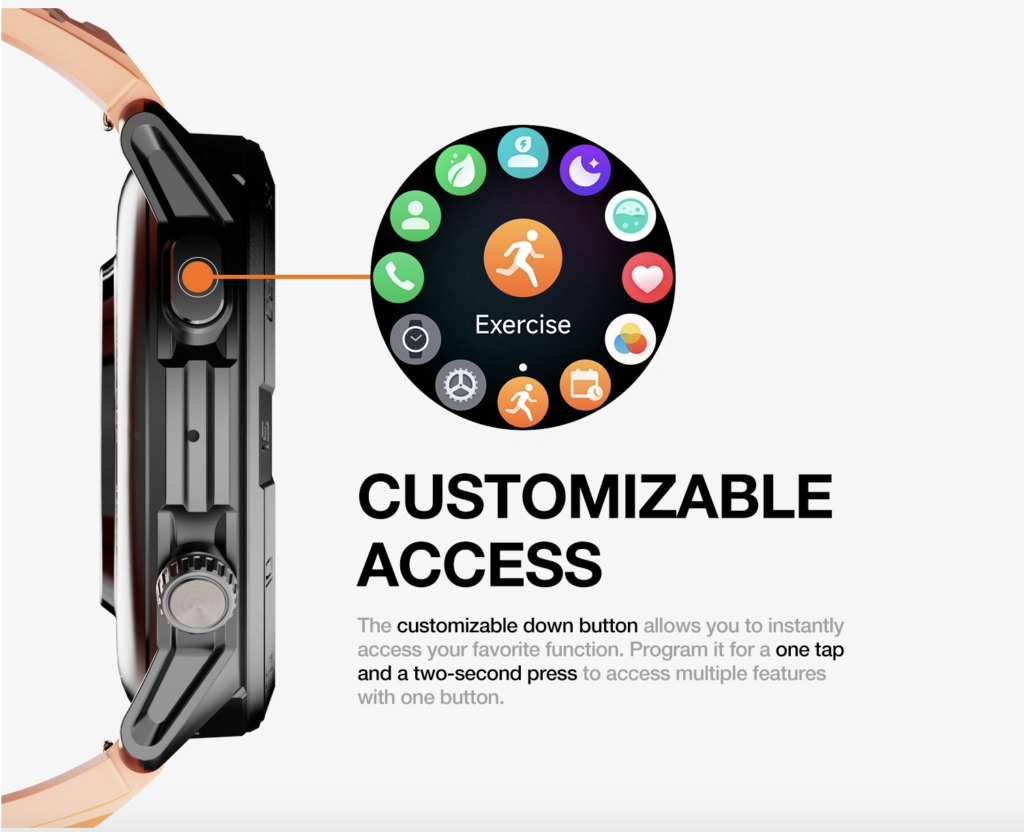
A calendar reminder may belong at the inspection table. A personal message may wait for the break area. A supervisor alert may be screened at receiving and then resolved at the desk. A nonessential app notification may not deserve a place in the workday at all.
This is a better rule than “keep notifications on.” The rule becomes: every alert must earn its interruption.
Buying Considerations for U.S. Warehouse Employees
A long feature list does not automatically create warehouse convenience. Before buying or setting up a smartwatch, ask:
- Can the wearer see essential information quickly during an approved pause?
- Can notifications be narrowed to a small number of work-relevant alerts?
- Is the watch comfortable for the full movement pattern of the shift?
- Does it work with the phone the employee already uses?
- Can detailed work remain on the scanner, terminal, phone, or desk?
- Can the watch be ignored without creating a workflow problem?
Price may matter to U.S. workers shopping under a defined budget, but a lower-cost option still needs to fit the actual work zones. Compare low-cost warehouse options against the demands of every work area instead of choosing from a feature list alone.
Battery is also a supporting consideration. The watch needs enough availability for the expected work window, but longer runtime cannot fix poor notification control or a poorly designed workflow. Check the all-shift availability needed for a warehouse routine after deciding which functions truly need to stay active.
Give Every Watch Function One Approved Home
The return that started at the Indianapolis dock did not need the same watch behavior at every stage.
At receiving, the watch filtered information. At inspection, it provided a short decision cue. In the reshelving aisle, it stepped back. In the break area, it allowed deferred review. At the supervisor desk, it pointed toward a full-resolution task.
That is the real standard for a smartwatch for warehouse jobs convenience. The best setup is not the one that places every alert on the wrist. It is the one that assigns each feature to the zone where it adds genuine value and removes it from the places where it does not.
List your receiving, inspection, reshelving, break, and desk moments. Then assign every watch function to one approved zone. Mute, defer, or remove anything that has no clear place in the workflow.
After you finish that map, see which workday controls support your zone-specific routine and assess whether the notification, alarm, calendar, display, Bluetooth-calling, and battery features fit the way your warehouse shift actually moves.
Warehouse Questions Before Changing Watch Settings
Which smartwatch features help most at a receiving dock?
Time checks, filtered priority alerts, and simple reminders can help during approved pauses. Item records, exception details, and long messages should remain on the correct warehouse device.
Should every warehouse notification appear on the watch?
No. Each alert should have one assigned device and one suitable work zone. Duplicate notifications across a phone, scanner, terminal, and watch can create more noise than value.
Can a smartwatch replace a scanner or warehouse terminal?
No. It can provide quick awareness, but scanners and terminals remain better for item lookup, documentation, data entry, and detailed operational records.
When should a warehouse worker avoid interacting with a smartwatch?
Avoid interaction while lifting, carrying, scanning, operating equipment, climbing, or moving through active warehouse traffic. Follow site rules and use the watch only during safe, approved pauses.
Does battery life matter for warehouse convenience?
Yes, because the device needs to remain available across the planned work window. It is still secondary to notification control, comfort, visibility, and safe workflow fit.
Where should detailed warehouse messages be handled?
Use a supervisor desk, terminal, phone, approved workstation, or break area where the employee has the right tools, privacy, and time to respond properly.
Give Every Watch Function One Approved Home
The return began at the Indianapolis dock, paused at the inspection table, and ended in the reshelving aisle. The watch did not need to behave the same way at each point.
At receiving, it could filter a useful alert. At inspection, it could provide a short prompt. During reshelving, it needed to stay quiet. In the break area, it could support deferred review. At the supervisor desk, it could direct the worker toward a full decision using the proper system.
That is what warehouse convenience should mean. A smartwatch should not ask for attention everywhere. It should have a clear job in each location and step back when the work requires both hands, full focus, or another device.
Before your next shift, write down your five movement zones: receiving, inspection, reshelving, break area, and supervisor desk. Then assign every smartwatch function to one place where it genuinely helps. Mute, defer, or remove the functions that do not have a safe and useful home.
Once your zone map is complete, check the feature controls that match a warehouse workflow to see whether its notifications, alarms, calendar tools, display, and phone-connected calling features suit the way your shift moves.