
Sunday, 6:12 p.m. The retired accountant in Pittsburgh expects a brief family call before dinner, but the watch takes over the conversation. It failed to charge overnight, duplicate alerts have returned, and an account prompt now blocks an update. The search for the best smartwatch for seniors suddenly becomes less about visible features and more about who must keep those features working.
The buyer places a paper ledger beside the phone and draws two columns: Buyer Action and Family Helper A Action. Two more columns follow for recurrence and privacy. This Shared Support Burden Ledger will track Candidate A, Candidate B, and Candidate C through one ownership week. A candidate passes only when routine control stays with the buyer and assistance remains planned, limited, and consent-based.
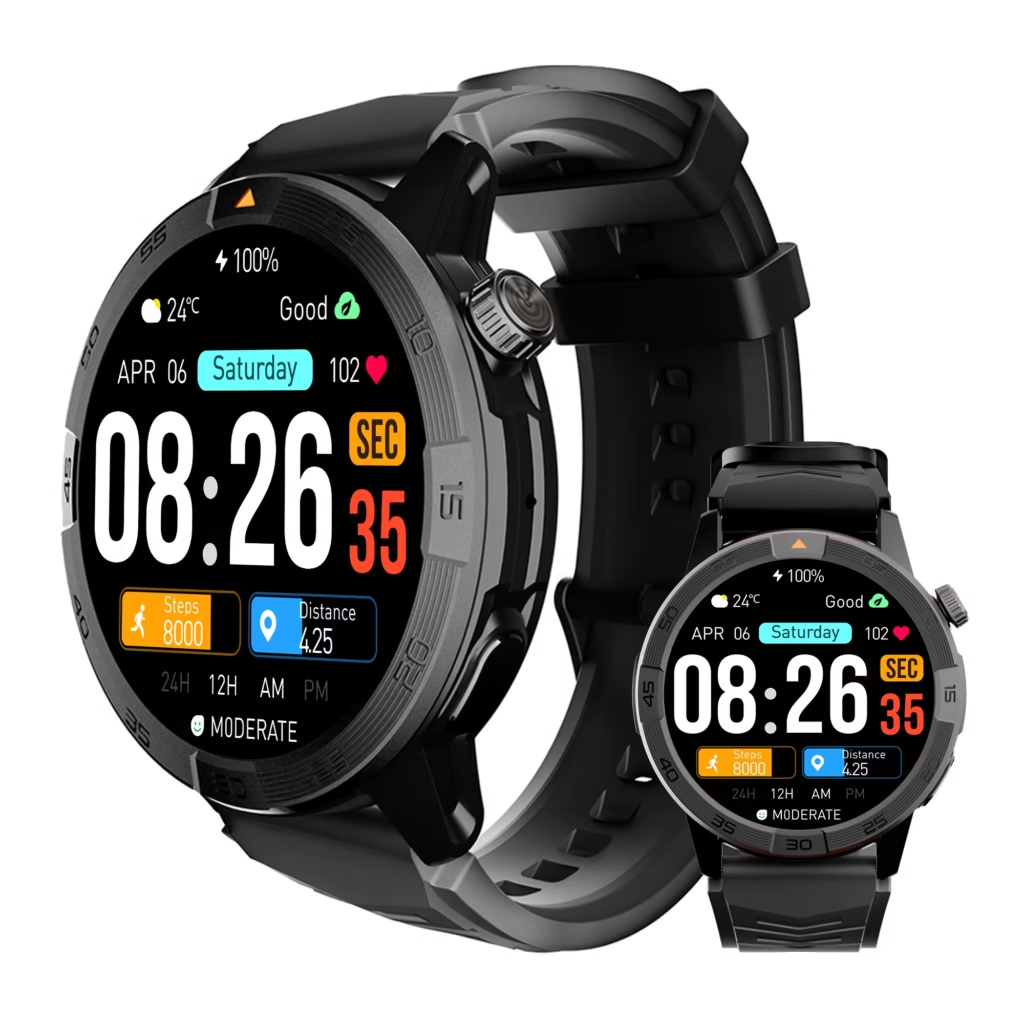
How to Choose the Best Smartwatch for Seniors by Helper Work
A low-burden smartwatch does not eliminate every request for assistance. It keeps ordinary ownership with the buyer and sends only deliberately delegated tasks to a helper. The retired accountant therefore records who performs each setup, charging, notification, account, update, and troubleshooting action.
- Record who completes the initial setup.
- Track every charging correction.
- Count notification changes and repeated fixes.
- Identify the account owner and recovery boundary.
- Record who starts and verifies ordinary updates.
- Separate buyer recovery from helper troubleshooting.
- Reject recurring unplanned intervention.
Before measuring maintenance, the owner should first define the senior buyer’s limited daily-support tasks. Article 376 determines what the watch must do; this ledger determines who must keep that system operational.
Why the Pittsburgh Sunday Call Changes the Buying Standard
The three opening problems belong to different technical categories. Charging concerns placement and power. Duplicate alerts involve settings or synchronization. The account prompt concerns administration. Yet all three create the same human result: Family Helper A must pause an ordinary call and investigate.
A watch may look calm during a demonstration while depending on a phone application, account, permissions, charger, connection, update process, and recovery route. The buyer must judge the complete ownership system rather than the screen alone.
Marketing phrases such as “easy setup” or “simple controls” need evidence. A useful first step is to translate listing claims into actions the buyer can test. Every unsupported promise stays unresolved until the exact phone-and-watch environment confirms it.
Set the Retired Accountant’s Weekly Helper Limit
The Pittsburgh buyer and Family Helper A agree on the boundary before testing candidates. During the launch week, the buyer accepts no more than two planned helper interventions. The process cannot require an unexpected in-person visit, transfer of a password, or repeated repair of the same problem.
After setup, the normal-week ceiling becomes one planned Sunday review at most. Charging, required alerts, basic operation, and routine checks remain buyer-owned. Another household could choose a different limit; this threshold belongs only to the continuing example.
Occasional support does not reduce independence. The helper may explain a documented step, but the retired accountant keeps the devices, accounts, permissions, and final decisions.
Build the Shared Support Burden Ledger
Each ownership action receives one row. The ledger avoids artificial scores and records the form of work instead.
| Ledger field | What to record |
|---|---|
| Trigger | Setup, failed charge, alert change, account prompt, update, or lost connection |
| Required outcome | The exact state that must be completed or restored |
| Action owner | Buyer, Family Helper A, shared, official support, or unresolved |
| Timing | Planned, unplanned, delayed, or repeated |
| Location | Buyer-only, remote guidance, or in-person intervention |
| Privacy exposure | None, visible notification detail, account identifier, or credential request |
| Recurrence | One-time, occasional, likely recurring, or already repeated |
| Receipt | Final state, verifier, and whether the buyer can repeat the action |
A repeated notification repair receives a new row because it consumes help again. The ledger also distinguishes a scheduled setup review from an unexpected account problem. One credential-risk action can fail the boundary.
Record Every Setup Action Before Monday
The buyer tests the same setup categories for each anonymous candidate: phone preparation, companion-application installation, pairing, permissions, account sign-in, selected alerts, and a neutral watch face. The exact handset must already pass a phone-first compatibility check; otherwise, incompatibility could be misclassified as helper burden.
Candidate A appears polished after Family Helper A completes several screens, repairs a permission conflict, and adjusts duplicate alerts. The demonstration succeeds, but the helper owns too much of the route. Candidate C initially looks quieter, yet an account requirement appears late and adds a second support action.
Candidate B needs one planned review. The buyer confirms the paired identity, selects the neutral alert, and retains account control. Family Helper A verifies completion without taking over.
Once a finalist survives this ledger, a broader first-week readiness check can test the complete onboarding experience. Article 377 remains focused on who performs the work.
Assign Charging Work to One Owner
Charging receives its own audit because advertised endurance cannot show who notices a failed charge. The buyer uses one charger, one wall outlet, and one marked surface throughout the Pittsburgh week.
With Candidate A, the watch rests on the charger but does not confirm power. Family Helper A identifies the placement issue during an unplanned call. Candidate C charges without assistance, although that success cannot offset its account dependence.
Candidate B gives a visible confirmation each evening. The retired accountant checks the state and resumes use the next morning without helper correction.
Readers who need a wider upkeep decision can separately evaluate a low-maintenance smartwatch routine. This section measures charging ownership, not a claimed number of days.
Measure Notification Work, Not Notification Count
The test uses one neutral calendar alert. Required notifications remain on, unrelated applications stay off, and no private financial or personal content appears on the wrist.
Candidate A delivers the calendar prompt, but duplicate alerts return after a settings change. Family Helper A must inspect both the phone and companion controls, creating repeated work. Candidate C also reaches the watch, yet its notification state changes after the account issue and requires another helper correction.
Candidate B retains the chosen rule throughout the week. The buyer acknowledges the alert, verifies the final state on the phone, and leaves unwanted applications blocked. A large number of notification options earns no extra credit; stable ownership does.
Keep the Account With the Pittsburgh Buyer
The buyer remains the account owner. Family Helper A may explain where a setting appears, but passwords, recovery codes, and private identifiers do not enter the paper ledger or the helper’s possession.
Candidate C fails this boundary when its normal administration repeatedly returns to an account state the buyer cannot resolve through the documented path. The problem is not that assistance exists. It is that recurring access work becomes a hidden requirement.
Candidate A also raises a privacy concern because several corrections expose more notification and account detail than the support person needs. Candidate B keeps recovery options under the buyer’s control and allows the helper to verify completion without receiving credentials.
Human labor can become a recurring ownership cost even when no fee appears. A monthly smartwatch upkeep review can examine other recurring demands separately.
Treat Updates as Ownership Work
The week includes one ordinary update check, not a manufactured major upgrade. The ledger records who notices the update, confirms the required connection and power state, starts the process, and verifies completion.
Candidate A again needs Family Helper A to interpret the prompt and restore one changed setting. For Candidate C, the unresolved account state sends the helper to documentation. By contrast, Candidate B lets the buyer complete the normal check and confirm that the required alert remains intact.
The receipt proves only this software state, phone environment, and test date.
Separate a Restart From a Full Reset
Not every fault deserves the same response. The Pittsburgh ledger uses a controlled escalation order: inspect the connection, check the phone and watch states, restart the affected device, consult official instructions, contact official support, and consider a reset only when justified.
Candidate B shows one temporary connection warning. The buyer follows the documented restart path and restores the expected state without help.
Candidate A repeats an earlier alert problem after its restart, while Candidate C returns to the account prompt. Neither device earns recovery credit merely because someone eventually fixes it. A full reset would count as a high-burden escalation because it can require rebuilding the setup.
Close Each Candidate’s Seven-Day Ledger
| Weekly category | Candidate A | Candidate B | Candidate C |
|---|---|---|---|
| Setup support | Several helper-led actions | One planned review | Two helper actions |
| Charging correction | Unplanned helper action | Buyer-owned | Buyer-owned |
| Notification management | Repeated helper work | Buyer-owned | Helper correction |
| Account administration | Helper exposure risk | Buyer-owned | Recurring dependence |
| Update check | Helper intervention | Buyer-owned | Helper research |
| Basic troubleshooting | Repeated issue | Buyer recovery | Unplanned support |
| In-person visit | Possible escalation | None | None during test |
| Credential transfer | Risk appears | None | Risk appears |
| Closing result | Above limit | Below limit | Above limit |
Although Candidate A performs many visible functions, recurring notification, charging, update, and setup work transfers ownership to Family Helper A. Beneath Candidate C’s quiet daily operation, its account route creates hidden administrative dependence. Candidate B avoids both problems by keeping routine ownership with the retired accountant.
Candidate B requires one planned review and no unplanned repair. The buyer handles charging, alerts, the update check, and one basic restart. Account ownership and recovery remain inside the agreed privacy boundary.

Why Candidate B Creates the Best Shared-Support Fit
The ledger rewards a repeatable ownership arrangement, not the fewest features. Necessary paths remain understandable, and the helper contributes without becoming the administrator.
The buyer-specific verdict is:
Shared-Support Fit — Candidate B Stays Below the Pittsburgh Weekly Helper Limit.
This conclusion applies only to the exact buyer, Family Helper A agreement, handset, companion environment, account state, software, charger, settings, and seven-day test. Another senior buyer may want more help, less help, or a different division of responsibility.
Why a Long Feature List Can Increase Helper Work
Each additional function may add a permission, application, account, notification source, update, or recovery path. Feature-rich watches are not inherently difficult, but every dependency must justify its ownership work.
A visually simple interface can still hide complex administration on the phone. Conversely, a capable watch may remain low-burden when the buyer understands and controls its required paths. Readers seeking a narrower feature goal can use a buyer-controlled simplicity framework without assuming that fewer features always mean easier ownership.
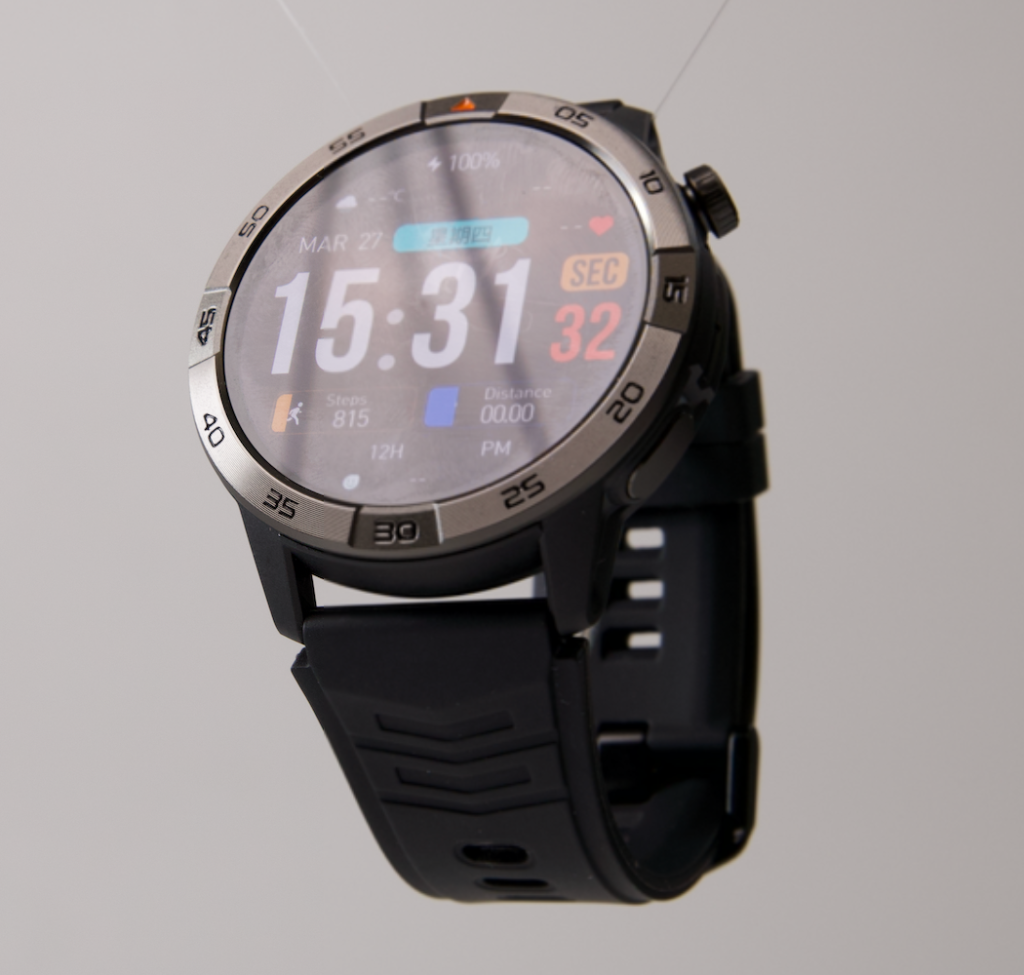
Correct Seven Senior-Smartwatch Support Mistakes
1. Treating Initial Setup as the Only Support Work
Charging, alerts, accounts, updates, and reconnection can create later interventions. Audit a complete week.
2. Assuming Family Help Is Unlimited
The buyer and helper should agree on timing, scope, privacy, and escalation before selecting a candidate.
3. Giving the Helper Account Ownership by Default
Planned assistance does not require casual password transfer or permanent account control.
4. Using Battery Claims as a Maintenance Verdict
Observe who places the watch, confirms charging, notices failure, and corrects it.
5. Counting a Repeated Repair as One Problem
Every recurrence consumes additional time and belongs in a separate ledger row.
6. Calling a Simple Screen a Simple System
The phone, application, account, charger, update route, and documentation also shape ownership.
7. Treating a Full Reset as Routine Troubleshooting
A reset can create major setup work. Use a controlled escalation path and official instructions.
Questions Buyers Ask About Family Helper Work
Does Accepting Setup Help Reduce Independence?
No. A buyer can deliberately delegate one planned action while retaining ownership, privacy, and final control.
How Much Helper Work Is Acceptable?
There is no universal number. The buyer and helper should set a realistic limit based on their preferences and availability.
Should a Family Member Know the Account Password?
Not by default. Use a secure buyer-controlled recovery arrangement and avoid recording secrets in the support ledger.
Does Long Battery Life Mean Less Helper Work?
Not necessarily. Charging alignment, notification settings, accounts, updates, and connections may create separate maintenance.
Can Remote Help Replace an In-Person Visit?
Sometimes, provided it remains voluntary, privacy-safe, and possible without unsafe credential sharing.
Is a Factory Reset a Normal Weekly Action?
No. Treat it as a high-burden escalation that may erase settings and require setup again.
Does the Lowest Helper Burden Identify the Best Watch for Every Senior?
No. It establishes fit only for the exact buyer, required tasks, helper agreement, technology environment, and test period.
Close the Pittsburgh Ledger on Sunday
One week later, Sunday reaches 6:12 p.m. again. The watch is charged, the neutral calendar alert remains correct, and no account prompt interrupts the family call. Family Helper A joins one planned review instead of opening three unrelated repairs.
Candidate A worked, but it repeatedly transferred maintenance. Behind Candidate C’s quiet routine sat concealed account administration. Candidate B kept ordinary charging, notifications, updates, and basic recovery with the retired accountant while staying below the agreed helper ceiling.
The ledger does not prove universal ease, future software behavior, medical performance, emergency reliability, or suitability for another household. It proves only this Pittsburgh ownership boundary during one week.
The strongest support arrangement is not one in which a helper can fix everything. It is one in which ordinary ownership rarely needs fixing.
Before considering this smartwatch product candidate, treat its support burden as unverified and audit setup, charging, notifications, accounts, updates, troubleshooting, recurrence, and privacy across one week.