
One misplaced fingertip removes the familiar clock face. Seated at a Sacramento dining table, the retired community-theater volunteer now sees an unfamiliar information screen where the time should be. A product can call itself the best smart watch for seniors, yet that label means little if one ordinary mistake sends the buyer into random tapping, live support, or a complete rebuild.
The volunteer pauses instead. Beside the watch lies a five-line Recovery Cue Sheet modeled on a theater cue card: restore the face, return home, unmute the alert, confirm charging, and reconnect the phone. Each one must return to the expected state through a clear path, and no candidate may borrow help from a family member or use a factory reset to pass.

How to Test the Best Smart Watch for Seniors After a Mistake
A recoverable smartwatch gives its buyer a recognizable route back after an ordinary error. Initial simplicity is not enough; the selected face, required alert, charging state, and phone connection must remain restorable.
- Restore the selected clock face after a wrong touch.
- Leave an unfamiliar screen and return to the expected home state.
- Re-enable one required alert after a reversible mute change.
- Correct a failed charging attempt and confirm that power has started.
- Reconnect the exact phone after one controlled interruption.
Readers who have not yet defined what the watch must do should first set the buyer’s ordinary daily-support tasks. Article 378 starts after those tasks have a known baseline and asks whether the buyer can restore them independently.
Why One Wrong Tap Starts the Sacramento Recovery Drill
The missing face does not mean the watch has failed. It means the interface has moved away from the buyer’s expected starting point. Pressing several unfamiliar controls could hide the original action, so the volunteer records three facts before doing anything else: the previous face, the current screen, and the last known touch.
A theater cue works because its operator knows the starting state, the next action, and the expected result. The Recovery Cue Sheet applies the same discipline without turning the watch into stage equipment. Each line names a destination rather than pretending one platform-specific gesture works on every device.
Marketing descriptions such as “easy navigation” need direct proof. A buyer can translate interface claims into testable recovery actions instead of accepting a clean product image or familiar icon as evidence.
Record the Expected State Before Creating an Error
Before the first drill, the Sacramento volunteer creates a written baseline. The same conditions return before every later test, which prevents one mistake from contaminating the next result.
| Baseline item | Expected state | Verification |
|---|---|---|
| Clock face | Reserved neutral time face | Visible and selected |
| Reminder | “Supply check at 1:30” | Active on the authoritative device |
| Alert state | Required signal enabled | Neutral test received |
| Charging state | Not charging before the drill | No power confirmation shown |
| Phone link | Exact phone connected | Neutral linked action completed |
Record the phone, companion application, software, charger, connection state, and test date. Complete an exact phone-and-watch compatibility check first so a platform mismatch does not look like poor recovery.
Build the Five-Line Recovery Cue Sheet
Every cue follows the same sequence: identify what changed, perform one documented correction, verify the restored function, and repeat the route once. The cue sheet may remain beside the watch, but no live helper participates.
| Cue | Destination | Evidence of recovery |
|---|---|---|
| Face Cue | Reserved clock face | The same face remains selected twice |
| Home Cue | Expected home state | The buyer exits a safe unfamiliar screen |
| Alert Cue | Required sound restored | The neutral supply-check alert arrives correctly |
| Power Cue | Valid charging state | A clear power confirmation persists |
| Connection Cue | Exact phone link restored | One neutral linked action works again |
Physical access remains a prerequisite rather than the article’s main decision. Candidates with unsuitable control placement or case geometry should already have left the shortlist through a basic fit-elimination process.
Drill One: Restore the Selected Clock Face
The first controlled error changes only the selected face through the candidate’s documented interface. Candidate A makes the active selection visible and gives the volunteer one repeatable return route. Two successful restores produce the Face Cue receipt.
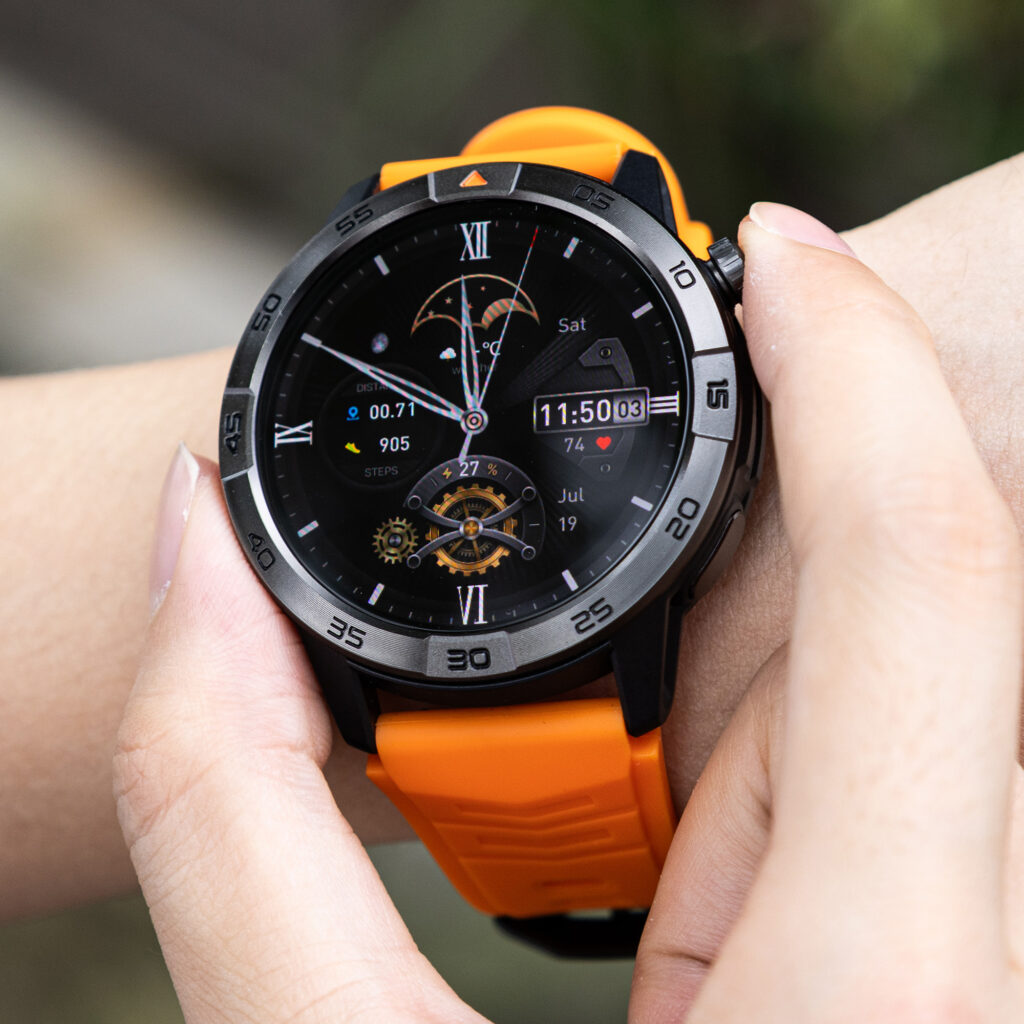
With Candidate B, the desired face reappears, although the buyer cannot confidently verify whether it remains the active selection. Candidate C eventually returns to the correct display after passing through unrelated editing screens. Both devices reach a familiar image, but only Candidate A proves a short, repeatable correction.
A large time display does not decide this drill. The buyer must recognize and restore the selected state without changing unrelated settings.
Drill Two: Return From an Unfamiliar Screen
Next, the volunteer opens one safe information screen while seated. No private message, account page, or destructive setting enters the test.
One stable control returns Candidate A to the expected face on both attempts. Candidate B sends the user through a small menu loop because the apparent back action changes meaning between screens. On Candidate C, an ordinary navigation mistake leads to a restart before the home state returns.
A documented restart does not automatically fail a watch, but requiring one for routine navigation raises the recovery level. Candidate A stays within the ordinary Home Cue.
Drill Three: Restore the Sacramento Supply-Check Alert
The alert drill changes one reversible mute state. The neutral reminder contains no cast name, schedule detail, access code, or private conversation: “Supply check at 1:30.”
Candidate A shows a recognizable mute indicator. After reversing that state, the buyer receives the expected sound and confirms the reminder’s status on the authoritative phone. Candidate B displays the reminder silently, yet the interface does not reveal whether the mute originated on the watch, the phone, or the companion application.
Several settings changes restore Candidate C’s sound, but they also enable unrelated alerts. When an unclear mute path reaches another person, it becomes work measured in the senior family-helper burden ledger; this drill asks only whether the buyer can reverse it alone.
Drill Four: Correct a Failed Charging Attempt
The volunteer creates a safe non-charging state by placing each candidate incorrectly on its own documented charger while keeping the power source available. The error tests recognition and correction, not battery endurance.
Candidate A shows no charging confirmation until the buyer adjusts its position. A clear power state then appears and remains visible through a brief stationary check. Candidate B also passes after the volunteer corrects the charger placement.
Candidate C presents an ambiguous animation that disappears before the buyer can confirm continued charging. Repeating the placement eventually works, but the first attempt cannot receive a pass merely because a battery icon flashed. The Power Cue requires persistent evidence on the exact device.
Drill Five: Reconnect the Exact Phone
Both devices remain on the dining table while the buyer interrupts one documented local connection. The test does not involve walking out of range, changing accounts, deleting applications, or pairing another phone.
After recognizing the disconnected state, the volunteer checks Candidate A and the exact handset, restores the required setting, and confirms one neutral linked action. The same route succeeds on the repeat attempt.
Candidate B reconnects only after phone-side repair that the cue sheet does not make independently repeatable. Candidate C points toward unpairing before the ordinary checks have resolved the interruption. Because rebuilding the relationship exceeds the drill’s ceiling, neither candidate earns the Connection Cue.
Readers using an Android environment can run a broader Android watch reconnection drill after this platform-neutral test. Article 378 limits its evidence to one controlled local interruption.
Separate Home, Restart, Unpairing, and Reset
Recovery actions do not carry equal weight. The Sacramento cue sheet uses an escalation ladder so an eventual fix cannot hide disproportionate work.
| Level | Action | Drill status |
|---|---|---|
| 1 | Use a stable Home or Back path | Ordinary recovery |
| 2 | Reverse one documented setting | Ordinary recovery |
| 3 | Check charger or connection state | Ordinary recovery |
| 4 | Perform a normal documented restart | Escalation recorded |
| 5 | Request live or official support | Independent recovery unverified |
| 6 | Unpair and rebuild the setup | Recovery ceiling failed |
| 7 | Factory-reset the watch | Recovery ceiling failed |
The drill never creates an error that requires a reset. It rejects a candidate when an ordinary mistake cannot be reversed below that boundary. Broader upkeep belongs in a separate smartwatch maintenance assessment.
Compare the Three Sacramento Recovery Cue Sheets
| Recovery drill | Candidate A | Candidate B | Candidate C |
|---|---|---|---|
| Restore selected face | Pass twice | Result uncertain | Long route |
| Return home | Pass | Menu loop | Restart required |
| Restore alert | Pass | Mute source unclear | Unrelated alerts enabled |
| Correct charging | Pass | Pass | First result ambiguous |
| Reconnect exact phone | Pass twice | Phone-side repair | Unpairing path appears |
| Live help | None | Needed for complete recovery | Needed |
| Reset or rebuild | None | None during test | Recovery route exceeds ceiling |
| Final result | Recoverable Daily-Use Fit | Daily recovery incomplete | Recovery ceiling failed |
Candidate B looks restrained during normal operation, but hidden states make recovery uncertain. Candidate C offers several capable controls while escalating ordinary errors too quickly. By contrast, Candidate A returns every tested function to its documented baseline and repeats each critical route without live assistance.
Issue the Recoverable Daily-Use Verdict
The completed cue sheet gives Candidate A five separate receipts: the selected face returns, the unfamiliar screen closes, the required alert sounds, charging receives persistent confirmation, and the exact phone link completes a neutral action again.
The buyer-specific result is:
Recoverable Daily-Use Fit — All Critical Mistakes Reversed Without Resetting the Watch.
This verdict applies only to the retired Sacramento volunteer, exact phone, current software, selected face, neutral reminder, charger, connection state, and test session. It does not prove universal ease, future behavior, emergency reliability, medical performance, or recovery from every fault.
Completed receipts also provide stronger buying evidence than a broad quality label. Readers can use a quality-evidence framework to keep observed behavior separate from marketing claims.
Why a Simple Screen Can Still Be Hard to Recover
Daily appearance and recovery design are different. A quiet home screen may hide mute controls inside the phone, make selection states difficult to recognize, or send connection repair through several systems.
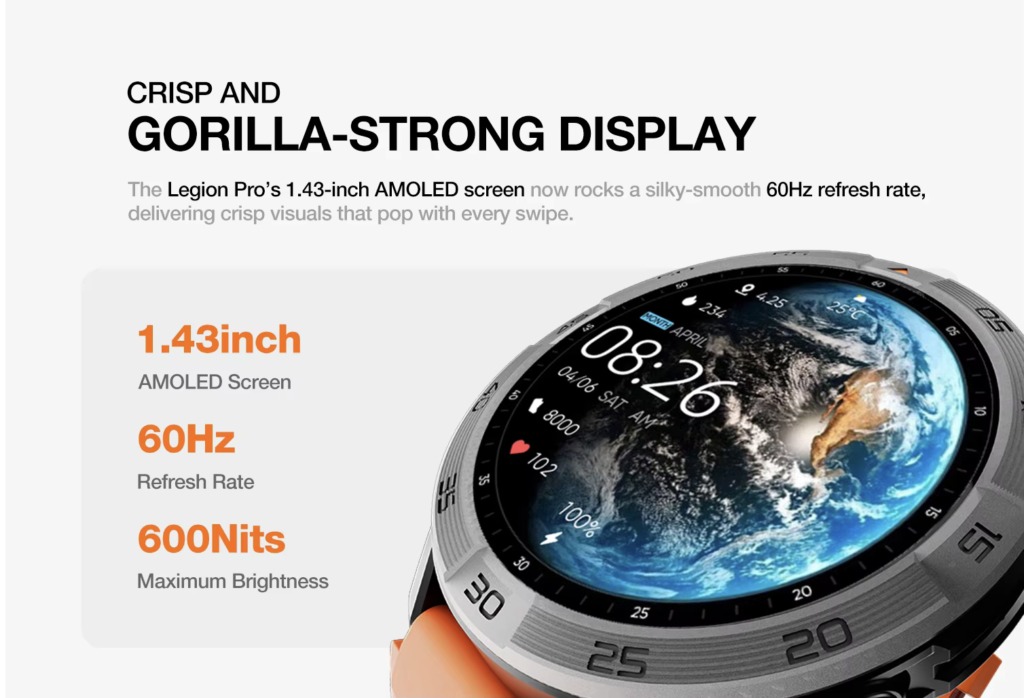
A more capable interface is not automatically difficult. Consistent controls, visible state indicators, clear charging confirmation, and proportionate escalation can support recovery.
No universal combination of buttons, gestures, screen size, or menu depth earns the senior label. The person performing the drill decides whether the path is clear and repeatable.
Correct Seven Senior Smartwatch Recovery Mistakes
1. Assuming a Familiar Screen Proves Easy Recovery
The buyer must restore that screen after a controlled change and verify that it remains selected.
2. Pressing Several Controls Before Recording the Error
Write down the changed state and last known action before attempting a correction.
3. Testing Multiple Mistakes at Once
Change one variable, restore the baseline, and only then begin the next drill.
4. Accepting an Icon Without Functional Proof
A sound, charging symbol, or connection indicator must lead to the expected real action.
5. Treating Restart and Reset as Equivalent
Record ordinary restart as an escalation. Reject reset-dependent recovery under this method.
6. Letting a Helper Complete an Independence Test
A helper’s success proves eventual repair, not buyer-owned recovery.
7. Applying One Buyer’s Result to Every Senior
Another person may prefer different cues, controls, boundaries, or support arrangements.
Questions Buyers Ask About Smartwatch Mistakes
Does Using a Written Recovery Cue Mean the Watch Is Difficult?
No. A short cue may make an occasional path more repeatable while preserving buyer control.
Should Buyers Intentionally Create Serious Faults?
No. Use only documented, reversible changes that do not endanger data, accounts, or device operation.
Is a Restart an Automatic Failure?
No, but record why it was required. Routine navigation should not demand disproportionate escalation.
Does Returning to the Clock Face Prove Complete Recovery?
No. The alert, charging state, or phone connection may still remain incorrect.
Should a Family Member Run the Drill?
Not when independent recovery is the buying decision. The buyer should perform each correction.
Is Unpairing the Same as Reconnecting?
No. This method treats a rebuild as beyond ordinary connection recovery.
Does the Drill Test Emergency or Medical Reliability?
No. It covers five ordinary, non-medical daily-use mistakes only.
Return to the Expected Sacramento Screen
The five-line cue sheet remains beside the watch, but the missing face from the opening no longer creates uncertainty. Candidate A returns to the selected clock display, preserves the neutral supply-check reminder, confirms charging, and reconnects the exact phone through documented paths.
Normal use did not have to remain perfect. Instead, the buyer proved that five ordinary mistakes could be identified, reversed, verified, and repeated without live rescue or a complete rebuild.
The result belongs only to this Sacramento test environment. Its value comes from a clear route back, not from an assumption that every older adult wants the same interface.
Before considering this smartwatch product candidate, treat its recovery behavior as unverified and run the Face, Home, Alert, Power, and Connection cues without assigning it Candidate A’s verdict.